Dynamically replace content within templates using CE.SDK’s placeholder and variable systems. Find placeholder blocks by name, update text using variables, and swap images programmatically.
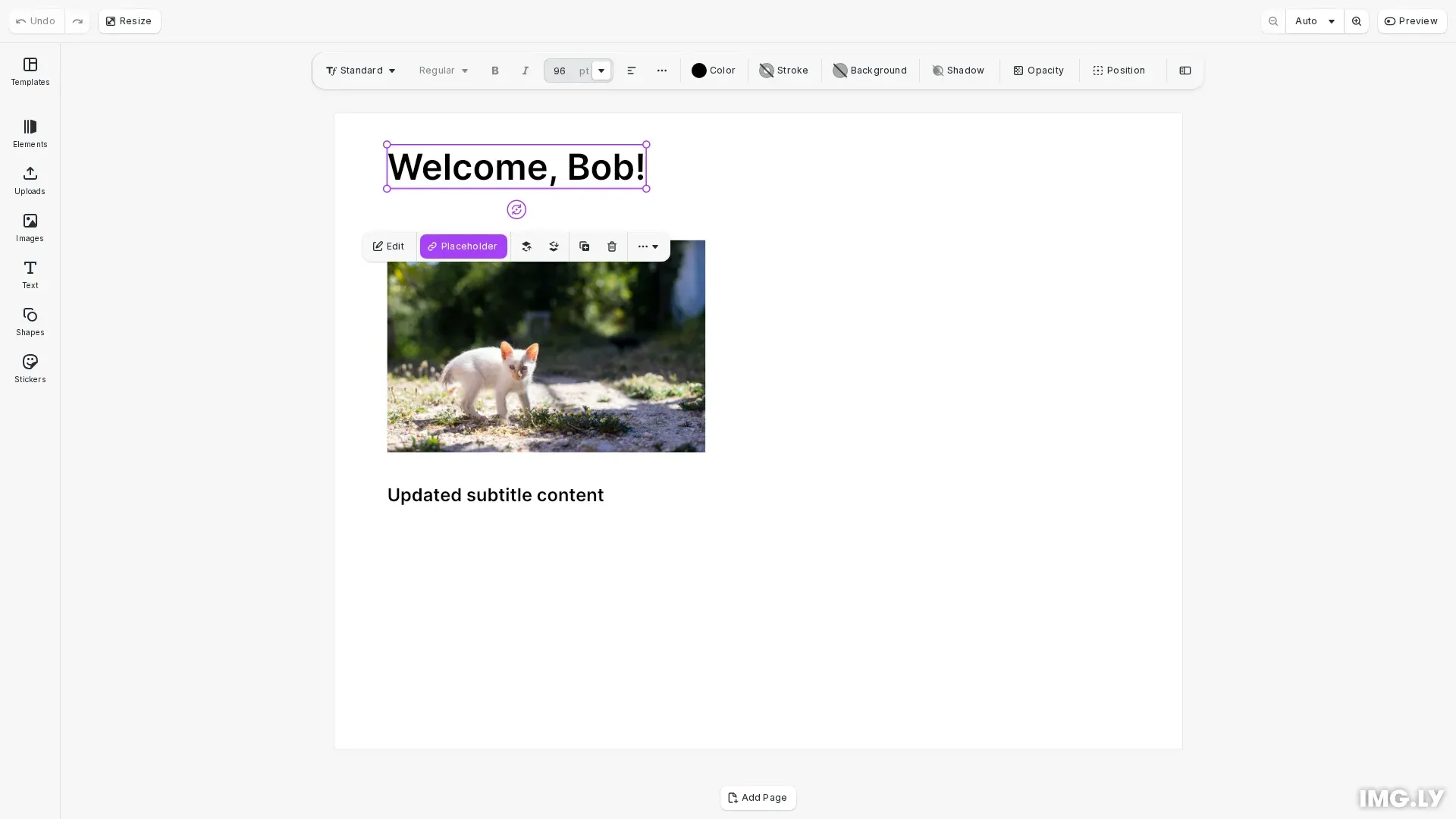
Template content replacement enables dynamic designs by swapping placeholder content programmatically. Templates contain blocks marked as placeholders that can be located by name or discovered in bulk for batch processing. Text replacement uses the variable system with {{variableName}} syntax, while images are updated by modifying fill properties.
This guide covers how to find placeholder blocks, replace text using variables, swap image content, and build data-driven template workflows.
Finding Placeholder Blocks#
Locate replaceable content using block discovery APIs. Use engine.block.findByName() to find specific blocks when you know the placeholder name.
// Create a text block with a name for later retrievalconst headerText = engine.block.create('text');engine.block.setName(headerText, 'header-text');engine.block.replaceText(headerText, 'Welcome, {{userName}}!');engine.block.setTextFontSize(headerText, 96);engine.block.setWidthMode(headerText, 'Auto');engine.block.setHeightMode(headerText, 'Auto');engine.block.appendChild(page, headerText);engine.block.setPositionX(headerText, 50);engine.block.setPositionY(headerText, 30);
// Find the block by its nameconst [foundHeader] = engine.block.findByName('header-text');console.log('Found header block:', foundHeader);
Discover All Placeholders#
Use engine.block.findAllPlaceholders() to discover all placeholder blocks in a template for iterating through them programmatically.
// Enable placeholder behavior on blocksengine.block.setPlaceholderEnabled(headerText, true);
// Create an image placeholderconst imageBlock = await engine.block.addImage(  'https://img.ly/static/ubq_samples/sample_1.jpg',  { size: { width: 300, height: 200 } });engine.block.appendChild(page, imageBlock);engine.block.setPositionX(imageBlock, 50);engine.block.setPositionY(imageBlock, 120);engine.block.setName(imageBlock, 'product-image');engine.block.setPlaceholderEnabled(imageBlock, true);
// Find all placeholder blocks in the sceneconst placeholders = engine.block.findAllPlaceholders();console.log('Found placeholders:', placeholders.length);
Query Placeholder State#
Verify blocks support replacement with engine.block.isPlaceholderEnabled() and engine.block.supportsPlaceholderBehavior() before attempting content updates.
// Check if a block supports placeholder behaviorconst supportsPlaceholder =  engine.block.supportsPlaceholderBehavior(imageBlock);console.log('Supports placeholder behavior:', supportsPlaceholder);
// Check if placeholder is enabledconst isPlaceholderEnabled = engine.block.isPlaceholderEnabled(imageBlock);console.log('Placeholder enabled:', isPlaceholderEnabled);
Text Variable Replacement#
Replace text content dynamically using CE.SDK’s variable system. Text blocks containing {{variableName}} syntax automatically update when you set variable values with engine.variable.setString().
// Set text variables to replace {{variableName}} placeholdersengine.variable.setString('userName', 'Alex');
// The text block now displays "Welcome, Alex!"console.log('Variable set, text updated automatically');
Managing Variables#
List all variables with engine.variable.findAll(), retrieve current values using engine.variable.getString(), and update variables as needed.
// List all variables in the sceneconst allVariables = engine.variable.findAll();console.log('All variables:', allVariables);
// Get a variable valueconst userName = engine.variable.getString('userName');console.log('Current userName:', userName);
// Update the variableengine.variable.setString('userName', 'Jordan');
Replacing Image Content#
Update image placeholders by modifying the fill’s image URI. First get the fill block using engine.block.getFill(), then set the new image source with engine.block.setString() on the 'fill/image/imageFileURI' property.
// Replace image content by updating the fill's image URIconst [productImage] = engine.block.findByName('product-image');const fill = engine.block.getFill(productImage);engine.block.setString( fill, 'fill/image/imageFileURI', 'https://img.ly/static/ubq_samples/sample_2.jpg');console.log('Image replaced');Direct Text Replacement#
Replace text content directly without variables using engine.block.replaceText(). This method replaces all text in a block when you need precise control without the variable system.
// Create another text block for direct replacementconst subtitleText = engine.block.create('text');engine.block.setName(subtitleText, 'subtitle');engine.block.replaceText(subtitleText, 'Original subtitle text');engine.block.setTextFontSize(subtitleText, 48);engine.block.setWidthMode(subtitleText, 'Auto');engine.block.setHeightMode(subtitleText, 'Auto');engine.block.appendChild(page, subtitleText);engine.block.setPositionX(subtitleText, 50);engine.block.setPositionY(subtitleText, 350);
// Replace text directly without using variablesconst [subtitle] = engine.block.findByName('subtitle');engine.block.replaceText(subtitle, 'Updated subtitle content');console.log('Text replaced directly');
Data-Driven Template Workflows#
Build automated template population by iterating through data records. Load the template once, then loop through your data, updating variables and placeholders for each record before exporting.
// Demonstrate data-driven template workflow patternconst dataRecords = [  { name: 'Alice', title: 'Designer' },  { name: 'Bob', title: 'Developer' }];
// Process each record (in practice, you'd export between iterations)for (const record of dataRecords) { engine.variable.setString('userName', record.name); console.log(`Processed record for: ${record.name}`); // In a real workflow, you would export here: // const blob = await engine.block.export(page, { mimeType: 'image/png' });}Troubleshooting#
Block Not Found by Name#
Verify the exact name string matches what’s set in the template. Names are case-sensitive. Use engine.block.getName() to inspect existing block names.
Variable Not Replacing Text#
Ensure the variable syntax {{variableName}} in the text block matches the key used in engine.variable.setString() exactly, including casing.
Image Not Updating#
Confirm the block has an image fill by checking engine.block.getFill() returns a valid fill block. Verify the URI is accessible and properly formatted.
Placeholder State Queries Return False#
Not all blocks support placeholder behavior. Use engine.block.supportsPlaceholderBehavior() to check compatibility before querying enabled state.
API Reference#
| Method | Description |
|---|---|
block.findByName(name) | Find blocks by name identifier |
block.getName(block) | Get the name of a block |
block.findAllPlaceholders() | Discover all placeholder blocks in scene |
block.isPlaceholderEnabled(block) | Check if placeholder functionality is enabled |
block.supportsPlaceholderBehavior(block) | Verify block supports placeholder behavior |
block.getFill(block) | Get fill block from a graphic block |
block.setString(block, property, value) | Set string properties like image URIs |
block.replaceText(block, text) | Replace text content directly |
variable.setString(name, value) | Set text variable value for dynamic replacement |
variable.getString(name) | Get current variable value |
variable.findAll() | List all variable names in scene |