Import Lottie .json files and dotLottie .lottie archives as editable blocks, change their slots through variables and read their markers.
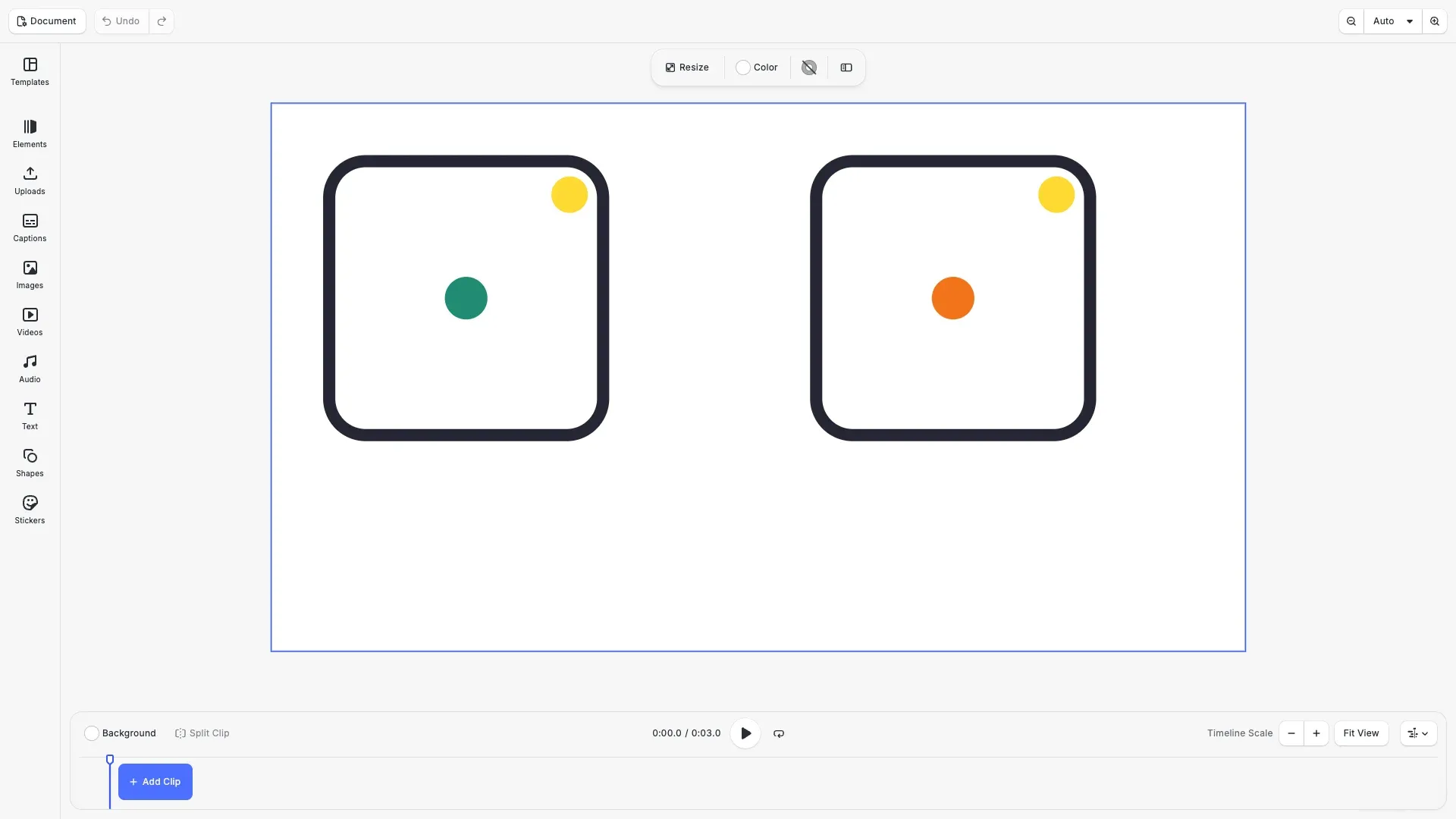
Lottie is a JSON format for vector animation. The @imgly/lottie-importer package imports each layer of a Lottie file as blocks inside one group on a page. Shape, text, solid, image and precomp layers become native blocks that keep their animation, so users can select and edit them like any other block. Audio layers become audio blocks. A layer that uses a feature without a native match still plays back, as described below. The editor’s upload places a Lottie .json file as one video block. To get editable layers, use the importer.
This guide covers how to install the importer, how to import a .json file, how to read the import report, how to change slots and read markers, how to import a .lottie archive from a URL, and how to save a scene that holds fallback layers.
Installation#
Install the @imgly/lottie-importer package alongside CE.SDK:
npm install @imgly/lottie-importer @cesdk/cesdk-js@1.85.0The importer runs in the browser and in Node.js. It creates the blocks through the public engine API, so it works with the engine of the editor and with a headless @cesdk/engine. Importing a dotLottie .lottie archive needs Safari 16.4 or newer. A .json file imports in every supported browser.
Setting Up the Scene#
The import adds its group to the current page, or to the page that you pass as options.page, so a scene with a page must exist first. The example uses the video editor configuration, which shows the timeline to play the animation. The import sets the scene frame rate to the Lottie frame rate, at most 240 frames per second, and extends a shorter page to the duration of the animation.
await cesdk.addPlugin(new VideoEditorConfig());
// Add asset source pluginsawait cesdk.addPlugin(new BlurAssetSource());await cesdk.addPlugin(new CaptionPresetsAssetSource());await cesdk.addPlugin(new ImageColorsAssetSource());await cesdk.addPlugin(new ColorPaletteAssetSource());await cesdk.addPlugin(new CropPresetsAssetSource());await cesdk.addPlugin(  new UploadAssetSources({    include: [      'ly.img.image.upload',      'ly.img.video.upload',      'ly.img.audio.upload'    ]  }));await cesdk.addPlugin(  new DemoAssetSources({    include: [      'ly.img.templates.video.*',      'ly.img.image.*',      'ly.img.audio.*',      'ly.img.video.*'    ]  }));await cesdk.addPlugin(new EffectsAssetSource());await cesdk.addPlugin(new FiltersAssetSource());await cesdk.addPlugin(  new PagePresetsAssetSource({    include: ['ly.img.page.presets.video.*']  }));await cesdk.addPlugin(new StickerAssetSource());await cesdk.addPlugin(new TextAssetSource());await cesdk.addPlugin(new TextComponentAssetSource());await cesdk.addPlugin(new TypefaceAssetSource());await cesdk.addPlugin(new VectorShapeAssetSource());
// The import adds its blocks to the current page.await cesdk.actions.run('scene.create', {  layout: 'DepthStack',  page: { width: 1280, height: 720, unit: 'Pixel' }});const engine = cesdk.engine;
Importing a Lottie JSON File#
LottieImporter.fromJSON(engine, json) takes the text of a Lottie .json file. It returns a promise of a LottieImportResult: the group in block, the layers that fell back in fallbackLayers, and the slots in slots. Each block in the group carries the name of its Lottie layer. When a layer can move outside the composition, the group also holds a block named “Composition clip” that clips the group to the composition.
// fromJSON() takes the text of a Lottie .json file.const jsonUrl = new URL('./badge.json', window.location.href).href;const json = await (await fetch(jsonUrl)).text();const badge = await LottieImporter.fromJSON(engine, json);
// The group holds one block per layer, named after the layer.const layerNames = engine.block  .getChildren(badge.block)  .map((child) => engine.block.getName(child));console.log('Imported layers:', layerNames);
The top-left corner of the Lottie composition sits on the page origin. One Lottie pixel becomes one pixel in the scene’s design unit. The promise resolves after the importer has read the metrics of the fonts that text layers use.
Layers That Fall Back to a Video Fill#
A layer with a feature that has no native block equivalent becomes a graphic block. Its video fill plays a Lottie document that holds only that layer, so the layer still animates but users cannot edit its content. fallbackLayers lists these layers from top to bottom with their layerIndex, name and reason.
// Layers without a native mapping play back from a video fill.for (const layer of badge.fallbackLayers) { console.log( `Layer ${layer.layerIndex} "${layer.name}" falls back: ${layer.reason}` );}The example file has a 3D layer named “Sparkle”, so the import reports it with the reason 3D layer. Other reasons name an unsupported effect, a layer style or a blend mode without a match. Precomps that nest deeper than 16 levels fall back as one block. One import maps at most 10,000 layers, painted shapes and displacement maps, and creates at most 262,144 path vertices. A shape layer or a precomp that would pass a limit falls back, and its reason names the limit.
Changing Slots Through Variables#
A Lottie slot is a value that a file marks for replacement with a slot id (sid). The import turns each color, number, image and text slot into a variable named after the slot id. A color slot becomes a color variable, a number slot a number variable, an image slot an image variable and a text slot a text variable. Path and gradient slots get no variable, and their reason says why. A 2D value becomes the two number variables <id>/x and <id>/y.
// Each slot becomes a variable named after the slot id.for (const slot of badge.slots) { console.log( `Slot "${slot.id}" -> variables [${slot.variables.join(', ')}]`, slot.reason );}const brandSlot = badge.slots.find((slot) => slot.id === 'brand');const brandVariable = brandSlot?.variables[0];if (brandVariable !== undefined) { // Setting the variable recolors every fill that uses the slot. engine.variable.setColor(brandVariable, { r: 0.13, g: 0.55, b: 0.45, a: 1 });}Each entry in slots holds the slot id, the names of its variables and a reason. The reason is empty when every property that uses the slot follows the variable. When a variable with the slot id already exists, the import picks the first free name: <id> (2), <id> (3) and so on. Always read the name from variables instead of assuming the slot id.
An opacity variable holds the block opacity from 0 to 1. The other number variables hold the Lottie value. An animated slot keeps its keyframes, and they override the value that the variable sets.
Reading Markers#
The import adds the Lottie markers to the scene. engine.scene.getMarkers() returns each marker with its name, its time in seconds from the start of the composition, and its duration in seconds.
// Lottie markers become scene markers, in seconds.for (const marker of engine.scene.getMarkers()) { console.log( `Marker "${marker.name}" at ${marker.time}s for ${marker.duration}s` );}The import skips a marker that starts before the composition. Each import appends its markers to the scene, so importing a second file adds its markers after the existing ones.
Importing From a URL and dotLottie Archives#
LottieImporter.fromURL(engine, url) fetches a .json or .lottie file and imports it. The content decides the format, not the file extension. The URL must be absolute, so the example resolves the file against the page URL.
The importer inflates the compressed entries of a .lottie archive with the browser’s DecompressionStream('deflate-raw'). Safari supports it from version 16.4. In Safari 15.6 to 16.3, the import of such an archive rejects with a DotLottieError whose code is invalid.
// fromURL() fetches a .json or .lottie file from an absolute URL.const dotLottieUrl = new URL('./badge.lottie', window.location.href).href;const archive = await LottieImporter.fromURL(engine, dotLottieUrl);console.log('Imported animation:', archive.animationId);console.log('Ignored archive entries:', archive.ignoredArchiveEntries);A .lottie archive can hold several animations. The import picks the animation that the manifest names as initial (dotLottie v2) or active (dotLottie v1), else the first animation. animationId holds the id of that animation. ignoredArchiveEntries lists the archive entries that the import did not use, such as themes, state machines and other animations. Images and fonts inside the archive become data: URIs.
When you already hold the file’s bytes, for example from a file picker, pass them to LottieImporter.fromFile(engine, data). It reads zip data as a .lottie archive and anything else as .json text. A .json file that you load from a URL imports as if you passed its text, so relative image paths in it do not resolve against the URL.
Positioning the Imported Group#
The group is a regular block. Move, scale or rename it with the block API. The example moves the second badge next to the first one.
// The imported group is a regular block. Move it next to the first one.engine.block.setPositionX( archive.block, engine.block.getPositionX(archive.block) + 640);Saving the Scene#
A fallback layer plays its Lottie document from a data: URI. engine.scene.saveToString() does not accept data: URIs by default, so add 'data' to allowedResourceSchemes when the scene holds fallback layers. Without it, the save fails with SCENE.DISALLOWED_SCHEMES, or calls onDisallowedResourceScheme for each data: URI when you pass that callback.
// Fallback layers play Lottie documents from data: URIs. saveToString()// keeps them only when 'data' is in the allowed resource schemes.const sceneString = await engine.scene.saveToString({ allowedResourceSchemes: [ 'blob', 'bundle', 'data', 'file', 'http', 'https', 'opfs' ]});console.log('Saved scene string:', sceneString.length, 'characters');engine.scene.saveToArchive() needs no option: the archive bundles every resource, including the documents of fallback layers.
Importing Versus a Lottie Video Fill#
You can still set a .json or .lottie URL as the fill/video/fileURI of a video fill. That plays the whole animation as one block, and users cannot edit its layers. The Lottie Fills guide shows how, and how the fill loads the images and fonts that the Lottie references. The fill draws the values of the animation’s slots. Like the importer, it ignores the themes of a .lottie archive. An image slot draws only when it embeds its image as a base64 data:image/ URI. The fill ignores the slots when the animation is larger than 32 MiB. For a .lottie archive, that size includes the images in the archive. The importer creates editable blocks and uses the same video fill only for the layers that fall back.
Troubleshooting#
The importer rejects with a LottieImportError when it cannot import the file. Its message names the reason.
- The text is not valid JSON: the message says so. Pass the text of the file, not a URL.
- The file is not a valid Lottie: the file needs positive
w,handfr, anopgreater thanipand at least one visible layer. Width and height must not exceed 65,536, JSON must not nest deeper than 128 levels, and precomps must not nest deeper than 64 levels or reference themselves. - The archive is not a valid dotLottie: the importer rejects with a
DotLottieError, aLottieImportErrorwith acode.invalidnames the reason, for example a missingmanifest.json.too-many-entriesmeans more than 1,024 entries,too-largemore than 128 MiB uncompressed, andunsafe-pathan entry name with an absolute path or a..segment. A manifest above 1 MiB, an animation JSON above 32 MiB, or an entry above 1 MiB that decompresses to more than 100 times its size is alsoinvalid. - The file is too large: a file with more than 10,000 layers, or whose fallback documents need more than 128 MiB, rejects with a
LottieImportError. Split the animation into smaller files. - The URL is relative or cannot be fetched:
fromURL()rejects with anError. Resolve the URL first. - The scene has no page: the importer rejects with an
Error. Create a page first, or passoptions.page. - Saving to a string fails with
SCENE.DISALLOWED_SCHEMES: the scene holds thedata:URIs of fallback layers. Add'data'toallowedResourceSchemes, or save an archive. - A fallback layer draws without an image or font: a fallback layer loads only
http,httpsandbundlereferences. Itsreasonends with the images and fonts it draws without. - A Lottie video fill does not load: a
.lottiefile that you set as a video fill obeys the same archive limits. A broken archive puts the fill in the error state, andengine.block.forceLoadAVResource()rejects withSCENE.LOTTIE_ARCHIVE_INVALID,SCENE.LOTTIE_ARCHIVE_TOO_MANY_ENTRIES,SCENE.LOTTIE_ARCHIVE_TOO_LARGEorSCENE.LOTTIE_ARCHIVE_UNSAFE_PATH.
API Reference#
| Method | Description |
|---|---|
LottieImporter.fromJSON(engine, json, options?) |
Import the text of a Lottie .json file as a group of blocks |
LottieImporter.fromFile(engine, data, options?) |
Import the bytes of a .json file or a .lottie archive |
LottieImporter.fromURL(engine, url, options?) |
Fetch and import a .json or .lottie file from an absolute URL |
options.page |
The page that receives the group. Defaults to the current page |
engine.block.getChildren() |
List the blocks inside the imported group |
engine.block.getName() |
Read the layer name of an imported block |
engine.block.getPositionX() |
Read the position of the imported group |
engine.block.setPositionX() |
Move the imported group |
engine.variable.setColor() |
Change a color slot |
engine.scene.getMarkers() |
Read the markers that the import added |
engine.scene.saveToString({ allowedResourceSchemes }) |
Save the scene to a string; include 'data' for fallback layers |
Next Steps#
- Keyframes — edit the keyframes of the imported blocks.
- Text Variables — learn how variables drive block properties.
- Timeline Editor — play and arrange the animation on the timeline.
- File Format Support — see which other formats CE.SDK imports.
- Import From Remote Source — load other media from a URL.