Set up CE.SDK with license keys, asset base URLs, user IDs, and runtime configuration options to match your application requirements.
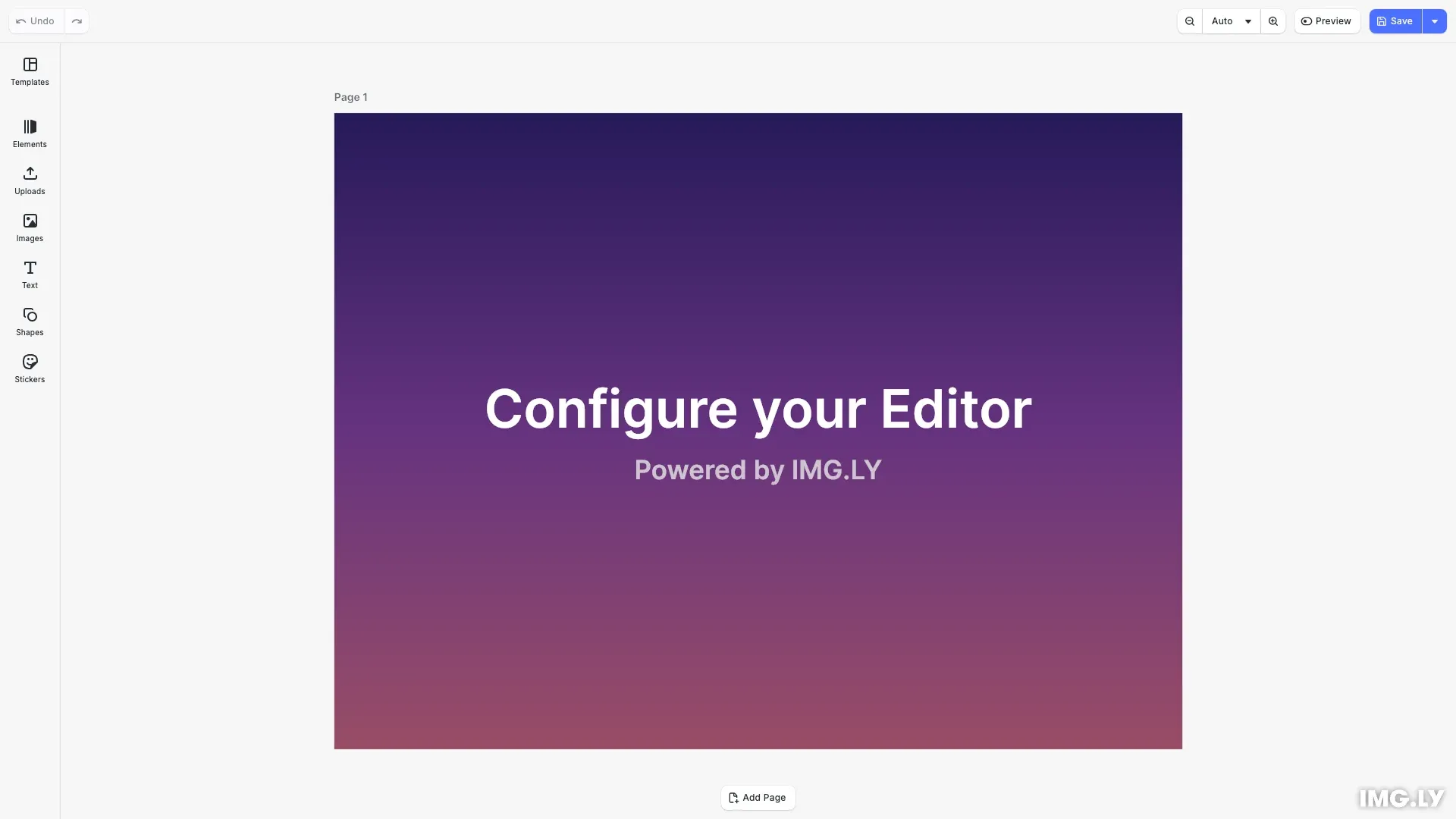
CreativeEditorSDK.create() initializes the full CE.SDK editor with UI components. The configuration object controls license validation, asset loading, user tracking, and UI behavior.
Required Configuration#
The license property is the only required configuration. All other properties have sensible defaults.
| Property | Type | Purpose |
|---|---|---|
license | string | License key to remove export watermarks |
The license key validates your CE.SDK subscription and removes watermarks from exports. Get a free trial license at https://img.ly/forms/free-trial.
Optional Configuration#
These properties customize engine behavior and are all optional.
Engine Properties#
| Property | Type | Purpose |
|---|---|---|
baseURL | string | Location of core engine assets (WASM, data files) |
userId | string | User identifier for MAU tracking |
logger | function | Custom logging function |
role | 'Creator' | 'Adopter' | 'Viewer' | 'Presenter' | User role for feature access |
featureFlags | object | Experimental feature toggles |
Editor Properties#
| Property | Type | Purpose |
|---|---|---|
devMode | boolean | Enable developer diagnostics |
a11y | object | Accessibility settings |
ui | object | User interface customization |
Configuration Properties#
License Key#
The license key validates your CE.SDK subscription and removes watermarks from exports. Without a valid license, exports include a watermark.
// License key removes watermarks from exports// Get a free trial at https://img.ly/forms/free-trial// license: 'YOUR_CESDK_LICENSE_KEY',User ID#
Provide a unique user identifier for accurate Monthly Active User (MAU) tracking. This helps count users correctly when the same person accesses your application from multiple devices.
// User ID for accurate MAU tracking across devicesuserId: 'guides-user',Custom Logger#
Replace the default console logging with a custom logger function. The logger receives a message string and an optional log level ('Info', 'Warning', or 'Error').
// Custom logger for debugging and monitoringlogger: (message: string, level?: string) => { console.log(`[CE.SDK ${level ?? 'Info'}] ${message}`);},Developer Mode#
Enable developer mode to get additional diagnostics and debugging information in the console.
// Enable developer mode for diagnosticsdevMode: false,Accessibility Settings#
Configure accessibility options like heading hierarchy for screen readers. The headingsHierarchyStart property sets which heading level (1-6) the editor should start from.
// Accessibility settingsa11y: { headingsHierarchyStart: 1 as const},Asset Base URL#
The baseURL property specifies the location of core engine assets, including WASM files, data files, and JavaScript workers. By default, these load from the IMG.LY CDN. For production deployments, host these assets yourself by copying the assets folder from node_modules/@cesdk/engine/assets to your server.
Content assets like stickers and filters are loaded separately via asset source plugins (imported from @cesdk/cesdk-js/plugins), each of which accepts its own baseURL option defaulting to https://cdn.img.ly/assets/v4.
// Location of core engine assets (WASM, data files)// Default: IMG.LY CDN. For production, host assets yourself.// baseURL: 'https://your-cdn.com/cesdk-assets/',Initialization#
Pass the configuration object to CreativeEditorSDK.create() along with a container element selector.
CreativeEditorSDK.create('#cesdk_container', config) .then(async (cesdk: CreativeEditorSDK) => {Runtime Configuration#
After initialization, use dedicated APIs to modify settings dynamically.
Internationalization#
Locale#
Change the UI language using cesdk.i18n.setLocale().
cesdk.i18n.setLocale('en');const currentLocale = cesdk.i18n.getLocale();console.log('Current locale:', currentLocale);Translations#
Add or override UI text strings using cesdk.i18n.setTranslations().
cesdk.i18n.setTranslations({ en: { 'common.back': 'Go Back', 'common.apply': 'Apply Changes' }});Theme#
Set the UI theme using cesdk.ui.setTheme(). Options: 'light', 'dark', or 'system'.
cesdk.ui.setTheme('light');const currentTheme = cesdk.ui.getTheme();console.log('Current theme:', currentTheme);Actions#
Register custom actions for user interactions like save and export.
cesdk.actions.register('customSave', async () => { const sceneBlob = await engine.scene.saveToArchive(); await cesdk.utils.downloadFile(sceneBlob, 'application/zip');});Built-in Actions#
CE.SDK provides built-in actions for common operations like saving, exporting, and importing. Add them to the navigation bar using insertOrderComponent():
// Add built-in export and import actions to the navigation barcesdk.ui.insertOrderComponent({ in: 'ly.img.navigation.bar', position: 'end' }, { id: 'ly.img.actions.navigationBar', children: [ 'ly.img.saveScene.navigationBar', 'ly.img.exportImage.navigationBar', 'ly.img.exportPDF.navigationBar', 'ly.img.exportScene.navigationBar', 'ly.img.exportArchive.navigationBar', 'ly.img.importScene.navigationBar', 'ly.img.importArchive.navigationBar' ]});Available built-in actions:
| Action ID | Purpose |
|---|---|
ly.img.saveScene.navigationBar | Save scene to cloud |
ly.img.exportImage.navigationBar | Export as image (PNG/JPEG) |
ly.img.exportPDF.navigationBar | Export as PDF |
ly.img.exportScene.navigationBar | Export scene file |
ly.img.exportArchive.navigationBar | Export as archive (ZIP) |
ly.img.importScene.navigationBar | Import scene file |
ly.img.importArchive.navigationBar | Import archive (ZIP) |
Scale#
Adjust UI scale for different device types. Options: 'normal', 'large', or 'modern'.
cesdk.ui.setScale('modern');const currentScale = cesdk.ui.getScale();console.log('Current scale:', currentScale);Engine Settings#
Configure engine behavior using engine.editor.setSetting().
engine.editor.setSetting('doubleClickToCropEnabled', true);engine.editor.setSetting('highlightColor', { r: 0, g: 0.5, b: 1, a: 1 });const cropEnabled = engine.editor.getSetting('doubleClickToCropEnabled');console.log('Double-click crop enabled:', cropEnabled);API Reference#
| Method | Purpose |
|---|---|
CreativeEditorSDK.create() | Initialize editor |
cesdk.ui.setTheme() | Set UI theme |
cesdk.i18n.setLocale() | Set UI locale |
cesdk.i18n.setTranslations() | Add translations |
cesdk.ui.setScale() | Set UI scale |
cesdk.actions.register() | Register custom actions |
cesdk.ui.insertOrderComponent() | Add built-in actions to navigation bar |
cesdk.utils.downloadFile() | Download blob as file |
engine.editor.setSetting() | Set engine setting |
Next Steps#
- Headless Mode - Use CE.SDK without the UI