Move a block along a straight or curved path with vec2 position keyframes and spatial tangents.
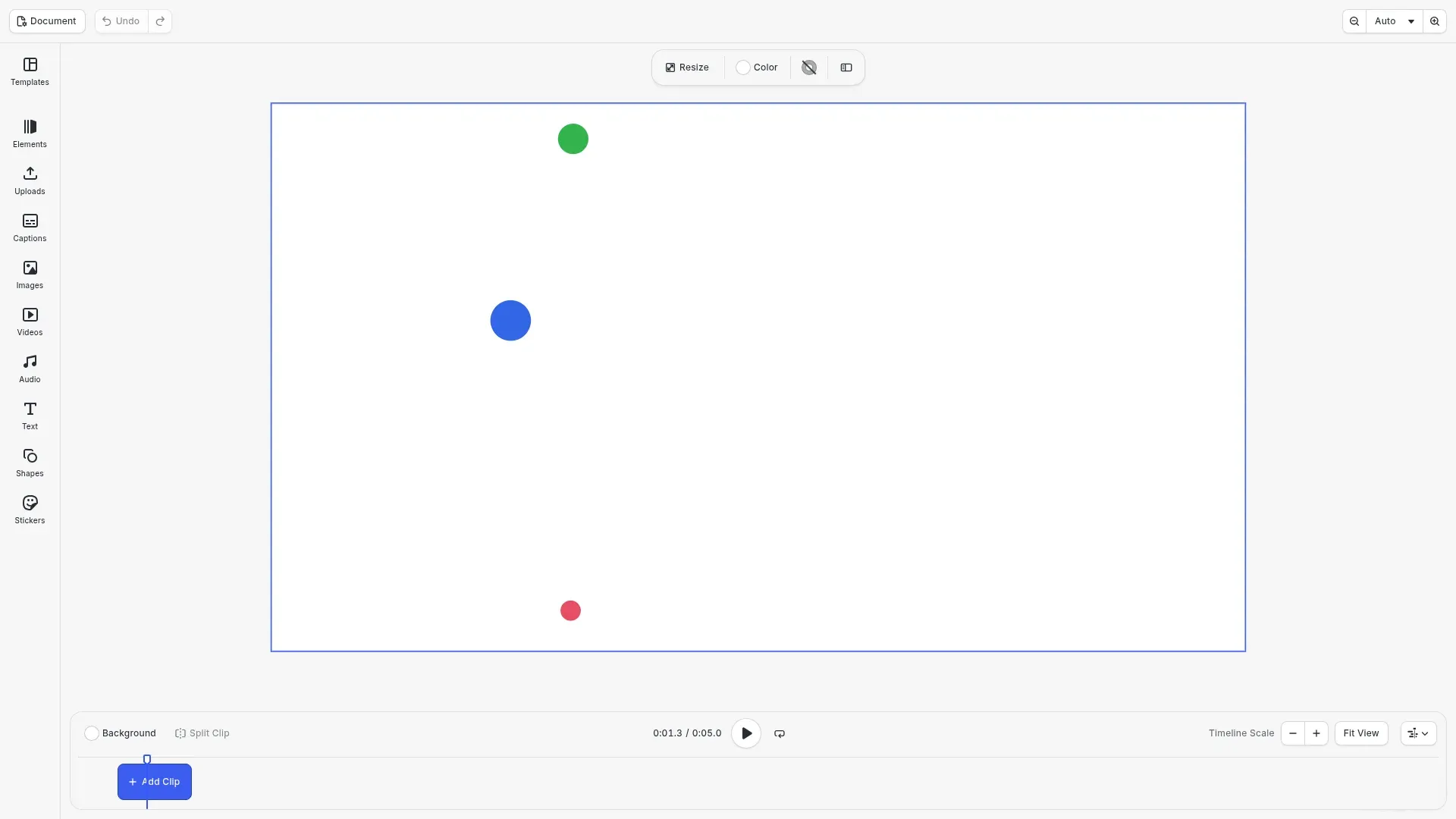
position is a vec2 property. One 'Vec2' keyframe track moves the /x and /y properties of a block together, and spatial tangents curve the path between two keyframes. The editor has no motion path controls, so you set them with the block API.
This guide covers how to curve a path with spatial tangents, how to move in a straight line, how to read a path back, how a single-axis track changes one axis, and the errors to expect.
Creating the Scene#
We create a video scene with a page of 5 seconds, so the blocks can move.
await cesdk.actions.run('scene.create', {  mode: 'Video',  layout: 'DepthStack',  page: { width: 1920, height: 1080, unit: 'Pixel' }});
const engine = cesdk.engine;const page = engine.block.findByType('page')[0]!;engine.block.setDuration(page, 5);
Creating the Blocks#
The example draws its blocks as circles. A small helper creates each one on the page with a duration of 5 seconds.
/** Creates a circle graphic of the given size and color on the page. */function createCircle( engine: CreativeEngine, page: number, size: number, color: { r: number; g: number; b: number; a: number }): number { const block = engine.block.create('graphic'); engine.block.setShape(block, engine.block.createShape('ellipse')); const fill = engine.block.createFill('color'); engine.block.setColor(fill, 'fill/color/value', color); engine.block.setFill(block, fill); engine.block.setWidth(block, size); engine.block.setHeight(block, size); engine.block.appendChild(page, block); engine.block.setDuration(block, 5); return block;}Curving a Path#
setKeyframes() with 'Vec2' keyframes sets the path of a block. Both tangents of a segment sit on its first keyframe. spatialOut leaves that keyframe’s value and is relative to it. spatialIn enters the next keyframe’s value and is relative to that value. The last keyframe uses neither. The ball leaves its start straight up, enters the top of its arc from the left, leaves it to the right, and enters its end from above.
setVec2() sets the static position, here at the start of the path, and getVec2() reads it back. The keyframes replace the static position at every playback time.
// Both tangents of a segment sit on its first keyframe. `spatialOut` is// relative to this keyframe's value, `spatialIn` to the next one's.const ball = createCircle(engine, page, 80, { r: 0.2, g: 0.4, b: 0.9, a: 1});engine.block.setVec2(ball, 'position', { x: 200, y: 800 });engine.block.setKeyframes(ball, 'position', [ { time: 0, value: { type: 'Vec2', value: { x: 200, y: 800 } }, spatialOut: { x: 0, y: -400 }, spatialIn: { x: -400, y: 0 } }, { time: 0.5, value: { type: 'Vec2', value: { x: 920, y: 300 } }, spatialOut: { x: 400, y: 0 }, spatialIn: { x: 0, y: -400 } }, { time: 1, value: { type: 'Vec2', value: { x: 1640, y: 800 } } }]);console.log(engine.block.getVec2(ball, 'position')); // { x: 200, y: 800 }Moving in a Straight Line#
Keyframes without tangents move a block in a straight line between their values. The dot slides along the bottom of the page.
const dot = createCircle(engine, page, 40, { r: 0.9, g: 0.3, b: 0.4, a: 1});engine.block.setVec2(dot, 'position', { x: 200, y: 980 });engine.block.setKeyframes(dot, 'position', [ { time: 0, value: { type: 'Vec2', value: { x: 200, y: 980 } } }, { time: 1, value: { type: 'Vec2', value: { x: 1680, y: 980 } } }]);Reading the Path Back#
getKeyframes() returns the keyframes of a property, sorted by time, with their tangents.
const keyframes = engine.block.getKeyframes(ball, 'position');console.log(keyframes.length, keyframes[0].spatialOut); // 3 { x: 0, y: -400 }Changing One Axis#
A position/x or position/y track with 'Float' keyframes overrides that axis of a position track. The green ball moves right with its position track, while its position/y track makes it hop twice.
// The `position/y` track replaces the y-axis of the `position` trackconst hopper = createCircle(engine, page, 60, { r: 0.2, g: 0.7, b: 0.3, a: 1});engine.block.setKeyframes(hopper, 'position', [ { time: 0, value: { type: 'Vec2', value: { x: 200, y: 100 } } }, { time: 1, value: { type: 'Vec2', value: { x: 1660, y: 100 } } }]);engine.block.setKeyframes(hopper, 'position/y', [ { time: 0, value: { type: 'Float', value: 160 } }, { time: 0.25, value: { type: 'Float', value: 40 } }, { time: 0.5, value: { type: 'Float', value: 160 } }, { time: 0.75, value: { type: 'Float', value: 40 } }, { time: 1, value: { type: 'Float', value: 160 } }]);Handling Errors#
A failed setKeyframes() throws an error with a code. The track stays unchanged. A position track takes vec2 values only, and only a vec2 keyframe takes spatial tangents.
try { // A motion path takes 'Vec2' values only engine.block.setKeyframes(ball, 'position', [ { time: 0, value: { type: 'Float', value: 0 } } ]);} catch (error) { if (isEngineError(error)) { console.log(error.code); // 'BLOCK.KEYFRAMES_VALUE_KIND_MISMATCH' }}try { // A single axis takes no spatial tangents engine.block.setKeyframes(ball, 'position/x', [ { time: 0, value: { type: 'Float', value: 0 }, spatialOut: { x: 10, y: 0 } } ]);} catch (error) { if (isEngineError(error)) { console.log(error.code); // 'BLOCK.KEYFRAMES_SPATIAL_TANGENT_UNSUPPORTED' }}Motion Paths and Other Block Operations#
- Position keyframes are in design units, also when the position mode of the block is
'Percent'. - Scaling the block or changing the design unit also converts its position keyframes.
- A
'Relative'positiontrack adds its offsets to the static position, so the path moves with the block. For relative tracks and easing, see Keyframes. shape/positionplaces a subshape with the same vec2 keyframes and tangents.- When the engine enforces scopes, setting keyframes needs the
appearance/animationscope. Aposition,position/xorposition/ytrack also needslayer/move, and ashape/positiontrack needsshape/change.
Troubleshooting#
- The path does not take the values (
BLOCK.KEYFRAMES_VALUE_KIND_MISMATCH): pass vec2 keyframes forpositionandshape/position. - The tangents are refused (
BLOCK.KEYFRAMES_SPATIAL_TANGENT_UNSUPPORTED): setspatialOutandspatialInonly on vec2 keyframes, not onposition/xorposition/y. - The block does not follow the curve: put both tangents of a segment on its first keyframe. A
spatialInon the last keyframe has no effect. - One axis ignores the path: a
position/xorposition/ytrack overrides that axis. Remove it to use the path on both axes.
API Reference#
| Method | Description |
|---|---|
block.setKeyframes(block, property, keyframes) |
Set the path or a single-axis track |
block.getKeyframes(block, property) |
Read the keyframes and tangents of a property |
block.setVec2(block, 'position', value) |
Set the static position |
block.getVec2(block, 'position') |
Read the static position |
block.setPlaybackTime(block, time) |
Show a frame at a playback time |
Next Steps#
- Keyframes: easing, relative tracks and the other keyframe value kinds.
- Create Animations: add preset animations to blocks.