This guide shows how to programmatically edit shapes using the Block API, covering geometry modifications, fill changes, stroke configuration, transforms, and boolean combinations.
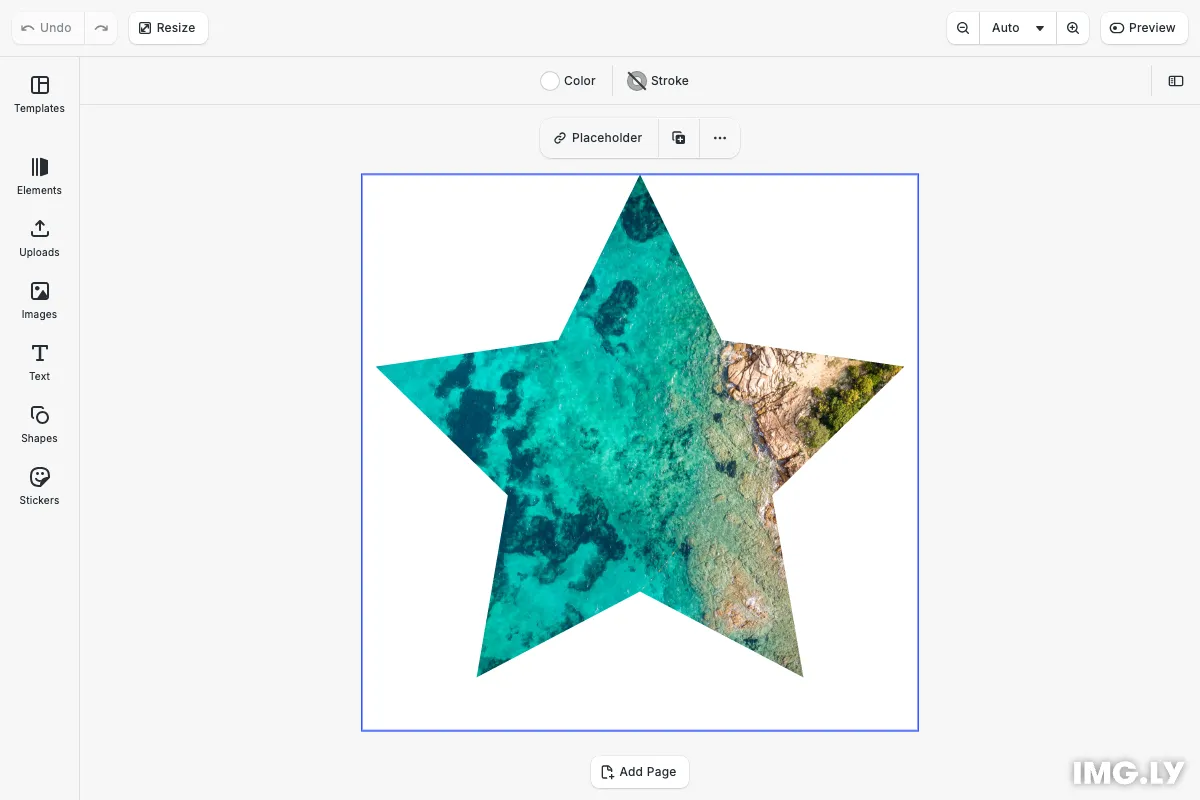
The graphic block in CE.SDK allows you to modify and replace its shape. CE.SDK supports many different types of shapes, such as rectangles, lines, ellipses, polygons, stars, and custom vector paths.
Similarly to blocks, each shape object has a numeric ID which can be used to query and modify its properties.
Accessing Shapes#
To query whether a block supports shapes, use the engine.block.supportsShape(id) API. Currently, only the graphic design block supports shape objects. To query the shape of a design block, first create a shape and set it, then call engine.block.getShape(id). You can pass the returned result into other APIs to query more information about the shape, such as its type via engine.block.getType(id).
engine.block.supportsShape(graphic); // Returns trueconst text = engine.block.create('text');engine.block.supportsShape(text); // Returns false
const rectShape = engine.block.createShape('rect');engine.block.setShape(graphic, rectShape);
const shape = engine.block.getShape(graphic);const shapeType = engine.block.getType(shape);
Replacing Shapes#
When replacing a shape, remember to destroy the previous shape object if you don’t intend to use it further. Shape objects that are not attached to a design block will never be automatically destroyed.
const starShape = engine.block.createShape('star');engine.block.destroy(engine.block.getShape(graphic));engine.block.setShape(graphic, starShape);/* The following line would also destroy the currently attached starShape */// engine.block.destroy(graphic);Destroying a design block will also destroy its attached shape block (shown in the commented line).
Shape Properties#
Just like design blocks, shapes with different types have different properties that you can query and modify via the API. Use engine.block.findAllProperties(id) to get a list of all properties of a given shape.
const allShapeProperties = engine.block.findAllProperties(starShape);For the star shape in this example, the call returns an array including properties like "shape/star/innerDiameter" and "shape/star/points".
Once we know the property keys of a shape, we can use the same APIs as for design blocks to modify those properties. For example, we can use engine.block.setInt() to change the number of points of the star to five.
engine.block.setInt(starShape, 'shape/star/points', 5);Troubleshooting#
Shape Not Changing#
- Verify the block supports shapes:
engine.block.supportsShape(block)must returntrue - Check that the shape was created successfully and has a valid ID
- Ensure the shape is assigned to the block using
engine.block.setShape()
Property Modification Not Working#
- Confirm you’re using the correct property key (use
findAllProperties()to discover them) - Verify you’re using the right setter method:
setInt()for integers,setFloat()for floats,setString()for strings - Check that the property exists for that shape type (e.g.,
shape/star/pointsonly exists on star shapes)
API Reference#
| Method | Category | Purpose |
|---|---|---|
engine.block.supportsShape(id) | Validation | Check if block supports shapes |
engine.block.createShape(type) | Creation | Create new shape instance |
engine.block.getShape(id) | Query | Get shape from graphic block |
engine.block.getType(id) | Query | Get type of block or shape |
engine.block.setShape(id, shape) | Modification | Apply shape to graphic block |
engine.block.findAllProperties(id) | Query | List all properties of block or shape |
engine.block.setInt(id, prop, val) | Modification | Set integer property (e.g., star points) |
engine.block.setFloat(id, prop, val) | Modification | Set float property (e.g., corner radius) |
engine.block.setString(id, prop, val) | Modification | Set string property (e.g., vector path data) |
engine.block.destroy(id) | Management | Destroy block or shape |