Use CE.SDK’s engine APIs to extract images and text from designs, then integrate with third-party moderation services to detect inappropriate content.
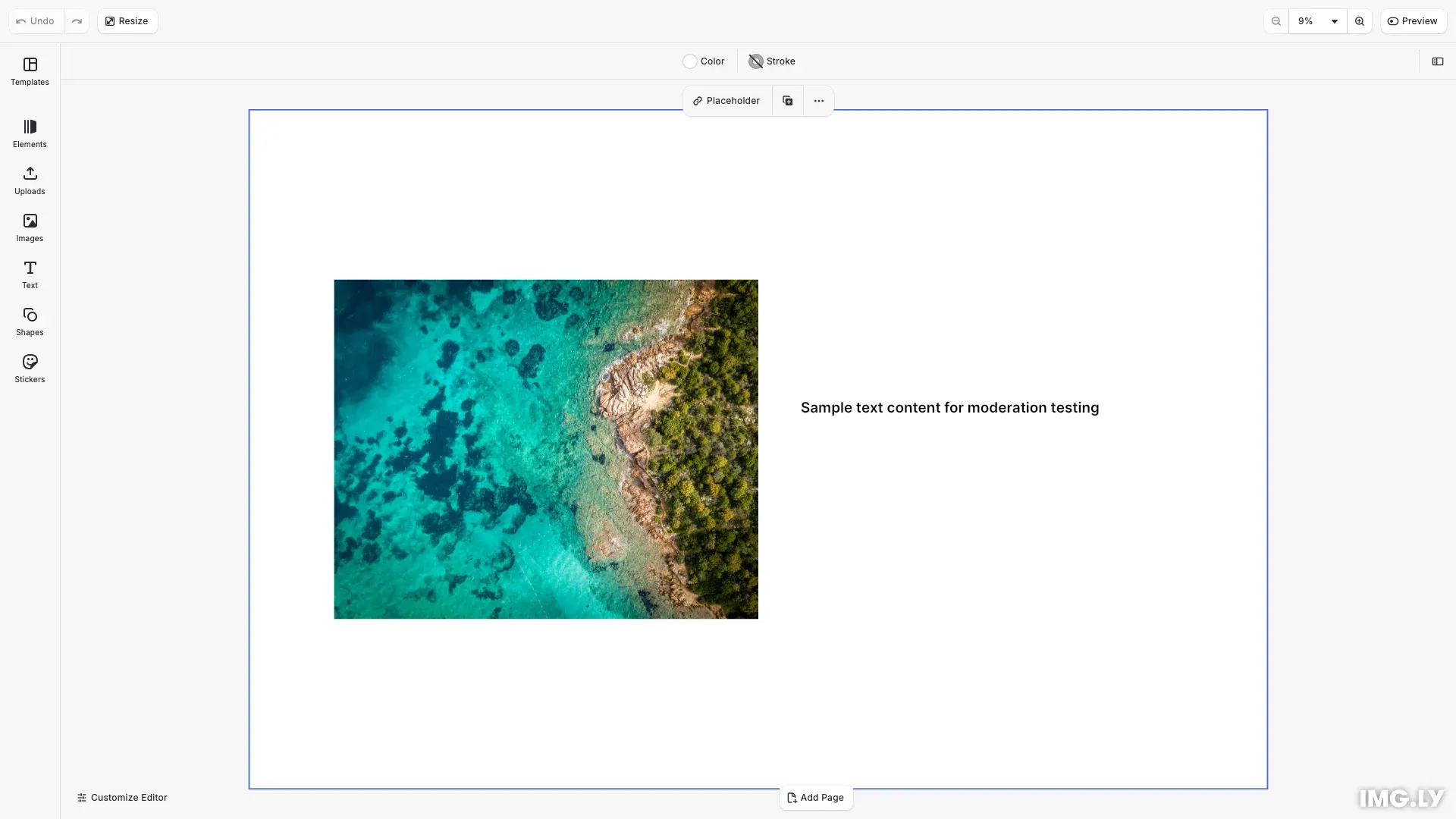
CE.SDK does not provide prebuilt content moderation workflows. Instead, it provides powerful engine APIs that make it straightforward to extract images and text from designs for moderation by third-party services of your choice. This approach is intentional: content moderation requirements are highly specific to each business, including which categories to check, what thresholds to apply, and which services to use. Similarly, when and where to check content (during editing, before export, on upload) varies based on your workflow and user experience goals.
Content moderation helps maintain quality standards and comply with content policies. Unlike built-in validation rules that check technical aspects like resolution or layout, content moderation requires integration with external AI-powered services (Sightengine, AWS Rekognition, OpenAI Moderation API) to analyze visual content (images for weapons, drugs, nudity) and textual content (profanity, hate speech, threats).
This guide demonstrates how to use CE.SDK’s engine APIs to find and extract content from designs, send it to moderation APIs, and display validation results.
Finding Content in Designs#
Locate all images and text blocks, then extract the data needed for moderation.
Images: Use findByKind('image') to find image blocks, then extract URLs from fill properties:
/** * Extracts the image URL from a block's fill property */private getImageUrl(engine: CreativeEngine, blockId: number): string | null {  try {    const imageFill = engine.block.getFill(blockId);
    const fillImageURI = engine.block.getString(      imageFill,      'fill/image/imageFileURI'    );    if (fillImageURI) {      return fillImageURI;    }
    const sourceSet = engine.block.getSourceSet(      imageFill,      'fill/image/sourceSet'    );    if (sourceSet && sourceSet.length > 0) {      return sourceSet[0].uri;    }
    return null;  } catch (error) {    return null;  }}
Process all images by checking each URL against the moderation API:
/** * Checks all images in the design for inappropriate content */private async checkImageContent(  engine: CreativeEngine): Promise<ValidationResult[]> {  const imageBlockIds = engine.block.findByKind('image');  const imageBlocksData: ImageBlockData[] = imageBlockIds    .map((blockId) => ({      blockId,      url: this.getImageUrl(engine, blockId),      blockType: engine.block.getType(blockId),      blockName: engine.block.getName(blockId)    }))    .filter((data) => data.url !== null) as ImageBlockData[];
  const imagesWithValidity = await Promise.all(    imageBlocksData.map(async (imageBlockData) => {      const categories = await this.checkImageContentAPI(imageBlockData.url);
      return categories.map((checkResult) => ({        ...checkResult,        blockId: imageBlockData.blockId,        blockType: imageBlockData.blockType,        blockName: imageBlockData.blockName,        url: imageBlockData.url,        id: `${imageBlockData.blockId}-${checkResult.name}`      }));    })  );
return imagesWithValidity.flat();}Text: Use findByType('//ly.img.ubq/text') to find text blocks, then extract content using getString():
/** * Extracts text content from a text block */private getTextContent(engine: CreativeEngine, blockId: number): string { try { return engine.block.getString(blockId, 'text/text'); } catch (error) { return ''; }}Process all text blocks by checking each text string against the moderation API:
/** * Checks all text blocks in the design for inappropriate content */private async checkTextContent(  engine: CreativeEngine): Promise<ValidationResult[]> {  const textBlockIds = engine.block.findByType('//ly.img.ubq/text');  const textBlocksData: TextBlockData[] = textBlockIds    .map((blockId) => ({      blockId,      text: this.getTextContent(engine, blockId),      blockType: engine.block.getType(blockId),      blockName: engine.block.getName(blockId)    }))    .filter((data) => data.text.trim().length > 0);
  const textsWithValidity = await Promise.all(    textBlocksData.map(async (textBlockData) => {      const categories = await this.checkTextContentAPI(textBlockData.text);
      return categories.map((checkResult) => ({        ...checkResult,        blockId: textBlockData.blockId,        blockType: textBlockData.blockType,        blockName: textBlockData.blockName,        text: textBlockData.text,        id: `${textBlockData.blockId}-${checkResult.name}`      }));    })  );
  return textsWithValidity.flat();}
Both processes use Promise.all() to handle multiple items concurrently.
Integrating Moderation APIs#
Integrate external AI services (Sightengine, AWS Rekognition, OpenAI Moderation API) to analyze content. Always proxy API requests through your backend to protect credentials.
Image Moderation — This example shows a simulated API call that you’ll replace with your actual moderation service. The function returns content categories with confidence scores:
/** * Simulates an image content moderation API call */private async checkImageContentAPI(url: string): Promise<ContentCategory[]> {  if (imageCache[url]) {    return imageCache[url];  }
  await new Promise((resolve) => setTimeout(resolve, 100));
  const results: ContentCategory[] = [    {      name: 'Weapons',      description: 'Handguns, rifles, machine guns, threatening knives',      state: this.percentageToState(Math.random() * 0.3)    },    {      name: 'Alcohol',      description: 'Wine, beer, cocktails, champagne',      state: this.percentageToState(Math.random() * 0.4)    },    {      name: 'Drugs',      description: 'Cannabis, syringes, glass pipes, bongs, pills',      state: this.percentageToState(Math.random() * 0.2)    },    {      name: 'Nudity',      description: 'Raw or partial nudity',      state: this.percentageToState(Math.random() * 0.3)    }  ];
  imageCache[url] = results;  return results;}
In production, replace the simulated logic with a real API call to your backend endpoint that proxies requests to services like Sightengine or AWS Rekognition.
Text Moderation — Similar to image moderation, this simulates an API call that checks text content. Replace this with your actual text moderation service:
/** * Simulates a text content moderation API call */private async checkTextContentAPI(text: string): Promise<ContentCategory[]> {  if (textCache[text]) {    return textCache[text];  }
  await new Promise((resolve) => setTimeout(resolve, 100));
  const results: ContentCategory[] = [    {      name: 'Profanity',      description: 'Offensive or vulgar language',      state: this.percentageToState(Math.random() * 0.3)    },    {      name: 'Hate Speech',      description: 'Content promoting hatred or discrimination',      state: this.percentageToState(Math.random() * 0.2)    },    {      name: 'Threats',      description: 'Threatening or violent language',      state: this.percentageToState(Math.random() * 0.1)    }  ];
  textCache[text] = results;  return results;}
In production, replace the simulation with calls to services like OpenAI Moderation API or Perspective API through your backend.
Processing Results: Map confidence scores to severity levels (failed > 0.8, warning > 0.4, success ≤ 0.4):
/** * Maps confidence scores to validation states */private percentageToState( percentage: number): 'success' | 'warning' | 'failed' { if (percentage > 0.8) { return 'failed'; } else if (percentage > 0.4) { return 'warning'; } else { return 'success'; }}Implement caching to avoid redundant API calls for the same content.
Displaying Validation Results#
Group results by severity (failed, warning, success) and display them in the UI:
const failed = allResults.filter((r) => r.state === 'failed');const warnings = allResults.filter((r) => r.state === 'warning');const passed = allResults.filter((r) => r.state === 'success');
console.log('Validation Summary:');console.log(`  Violations: ${failed.length}`);console.log(`  Warnings: ${warnings.length}`);console.log(`  Passed: ${passed.length}`);
Make results interactive by selecting the corresponding block when users click on a validation result:
if (failed.length > 0) { const blockToSelect = failed[0].blockId; engine.block .findAllSelected() .forEach((id) => engine.block.setSelected(id, false)); engine.block.setSelected(blockToSelect, true);}Integration Points#
Choose when to run validation based on your workflow:
Export Validation — Validate when users export designs using registerAction:
cesdk.ui.registerAction('ly.img.export', async (engine) => {  const imageResults = await checkImageContent(engine);  const textResults = await checkTextContent(engine);  const violations = [...imageResults, ...textResults].filter((r) => r.state === 'failed');
  if (violations.length > 0) {    alert(`Cannot export: ${violations.length} policy violation(s) detected.`);    return;  }
  const blob = await engine.block.export(engine.scene.get(), 'image/png');  downloadBlob(blob, 'design.png');});
Other Integration Points:
- Pre-upload validation: Check before allowing uploads to your platform
- Review queue: Flag designs with warnings for manual review
- Batch validation: Check all content on-demand when users click a button
Best Practices#
Security: Always proxy API requests through your backend to protect credentials. Implement rate limiting and authentication.
Performance: Cache results by URL/text to avoid redundant calls. Process items in parallel with Promise.all().
User Experience: Run checks asynchronously without blocking the UI. Provide clear error messages and interactive results.
Timing: Validate at export time for the best balance between policy enforcement and creative freedom.
Troubleshooting#
Checks not running: Verify engine is initialized, content exists, API endpoint is reachable, and credentials are valid.
Content not found: Ensure blocks have correct kind/type, images have fills, text blocks aren’t empty, and scene has loaded.
API errors: Check API key validity, endpoint URL, image URL accessibility, rate limits, and service-specific error codes.
Inconsistent results: Verify caching works correctly, threshold values are appropriate, and API responses parse correctly.
API Reference#
Finding Content:
engine.block.findByKind('image')— Find all image blocksengine.block.findByType('//ly.img.ubq/text')— Find all text blocks
Getting Data:
engine.block.getFill(blockId)— Get fill object for imageengine.block.getString(id, 'text/text')— Get text contentengine.block.getString(fill, 'fill/image/imageFileURI')— Get image URLengine.block.getSourceSet(fill, 'fill/image/sourceSet')— Get image source set
Selection:
engine.block.setSelected(id, bool)— Select or deselect a blockengine.block.findAllSelected()— Get currently selected blocks
Next Steps#
Now that you understand content moderation, explore related validation features:
- Rules Overview — Learn about CE.SDK’s comprehensive validation system