Get started with CE.SDK. Choose a starter kit below to see it in action, then follow the integration guide.
Starter Kits#
Try the live demos below to see each editor in action, then get started with the one that fits your use case.
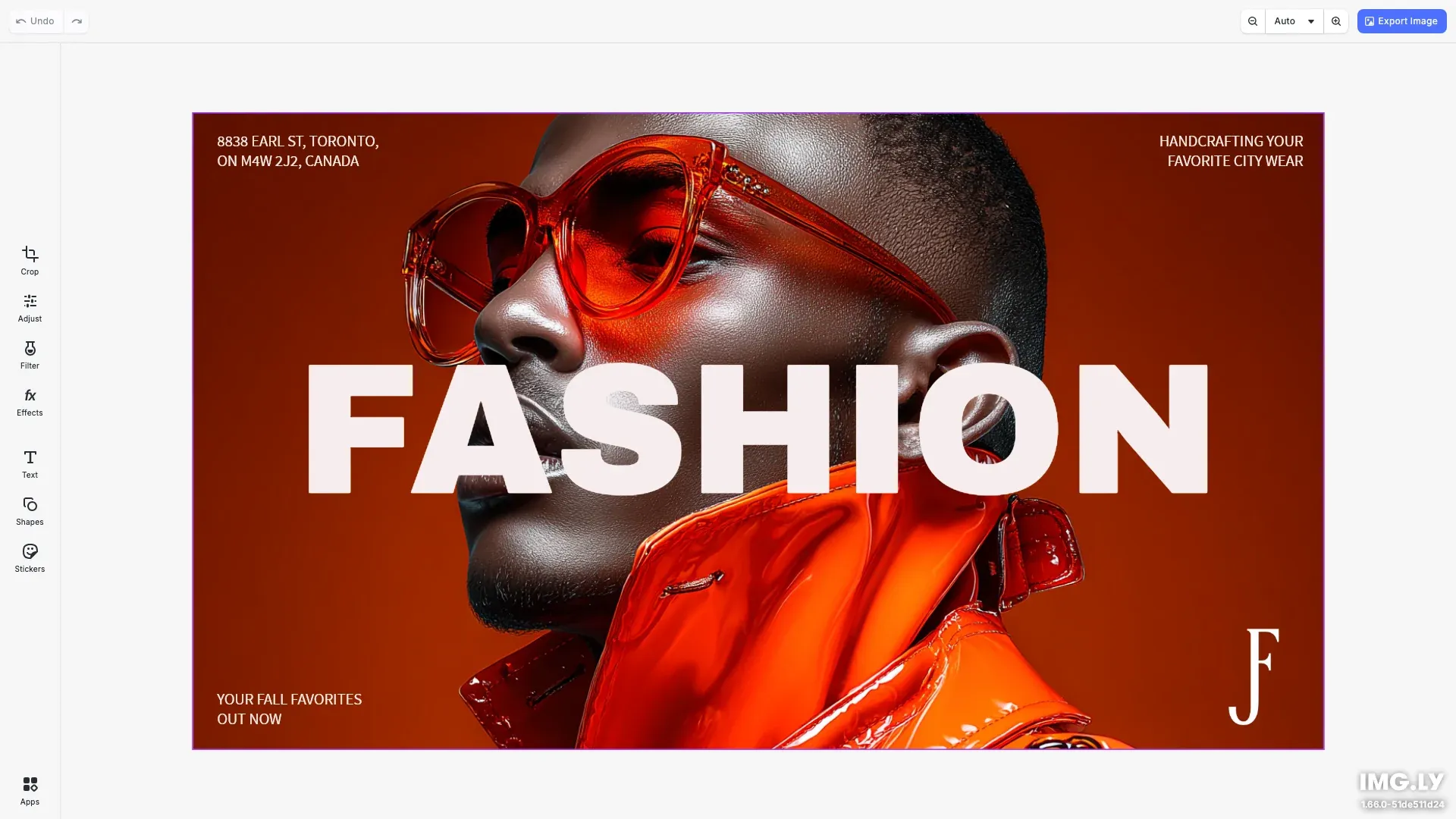
This CE.SDK editor configuration is equipped with the essentials for photo editing and includes advanced tools such as background removal.
Get Started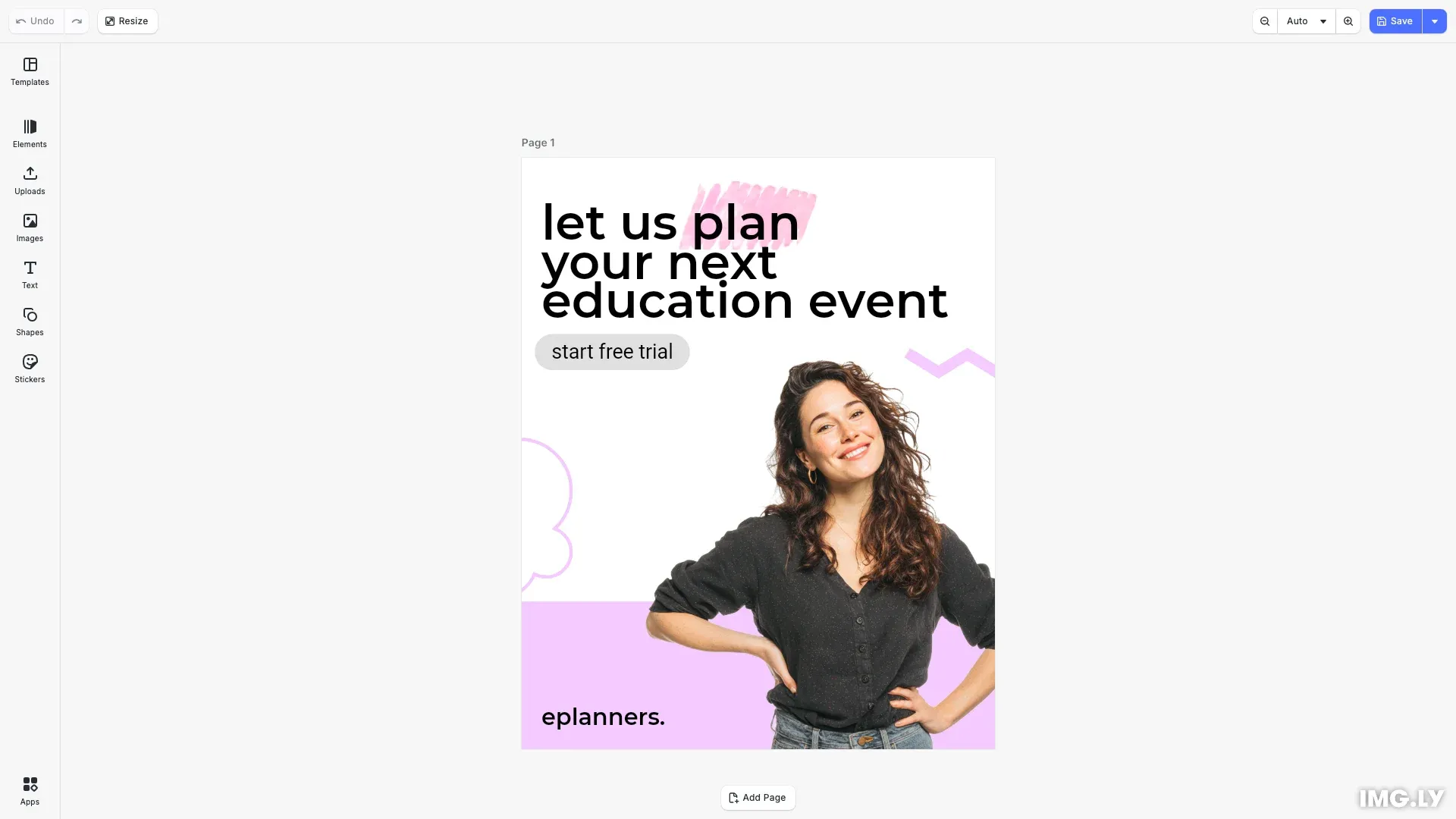
Our easy to use editor variant focused on layout, text, and images is ideal for adapting existing templates.
Get Started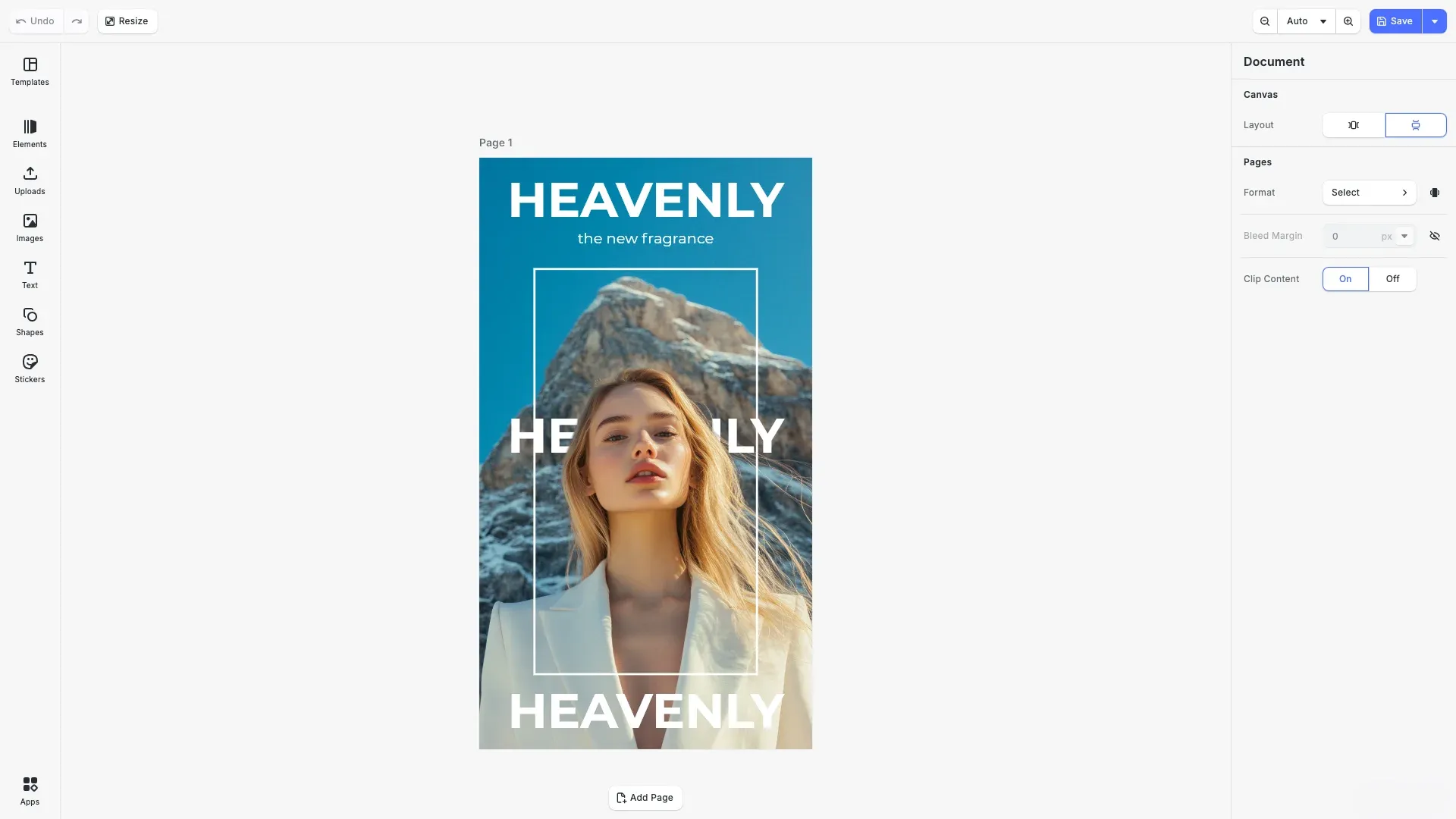
Our editor variant for professional users, grants granular control over designs.
Get Started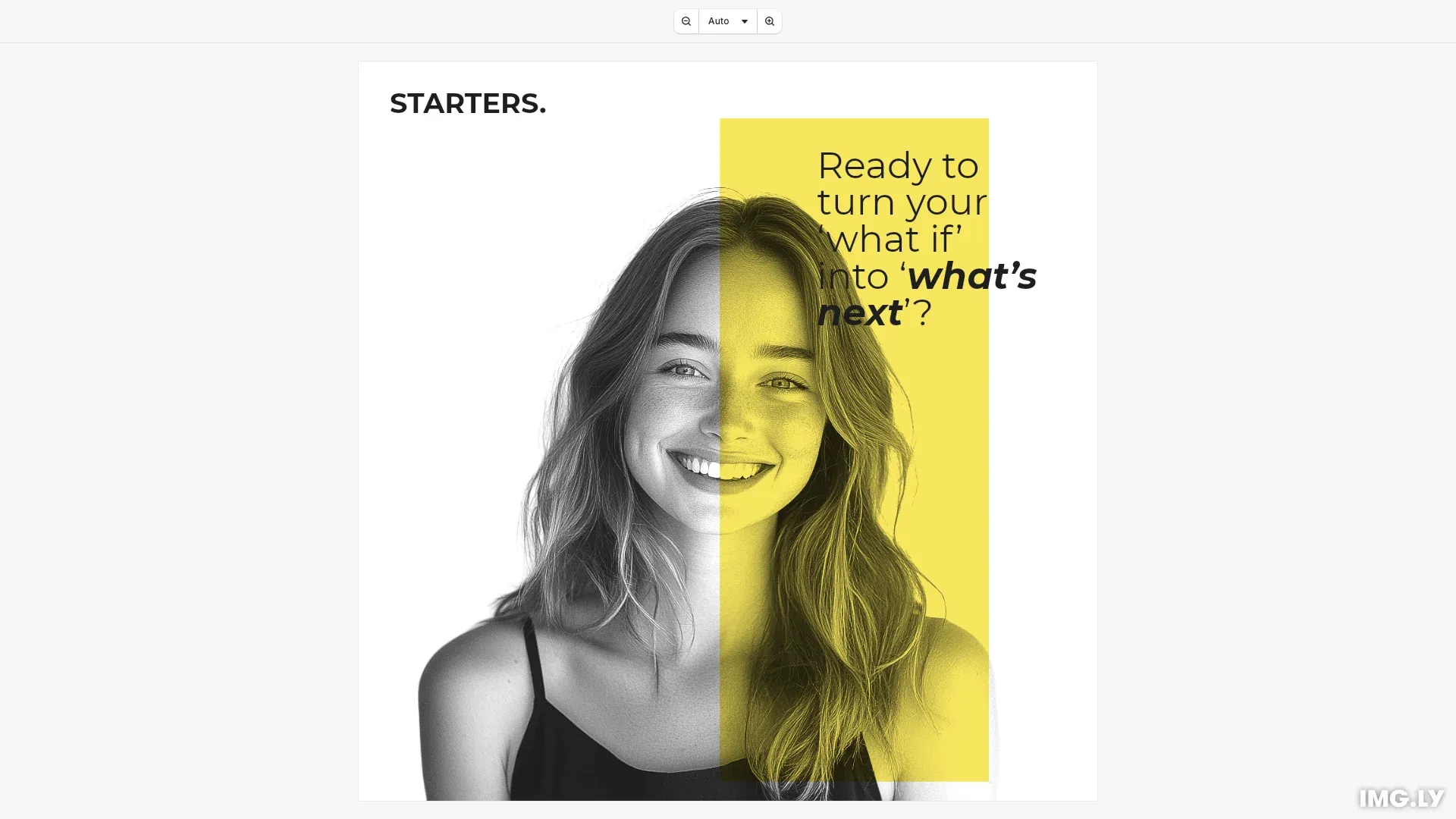
Lightweight design viewing for your web app—pan, zoom, and navigate multi-page designs. Runs entirely in the browser with no server dependencies.
Get Started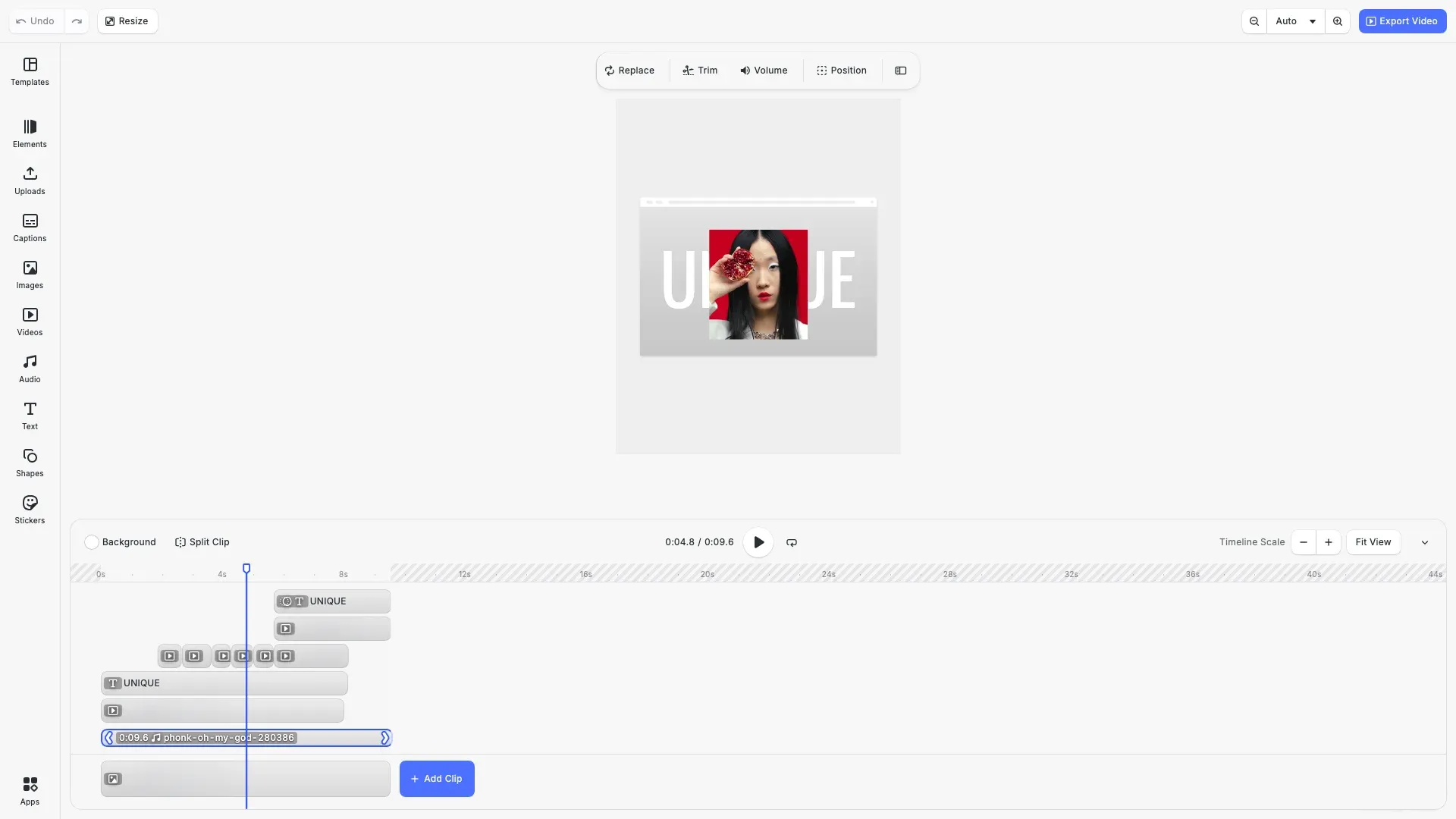
Take the Video Editor for a test run and see how powerful editing features meet seamless and intuitive design. All with fully customizable UI and asset library.
Get Started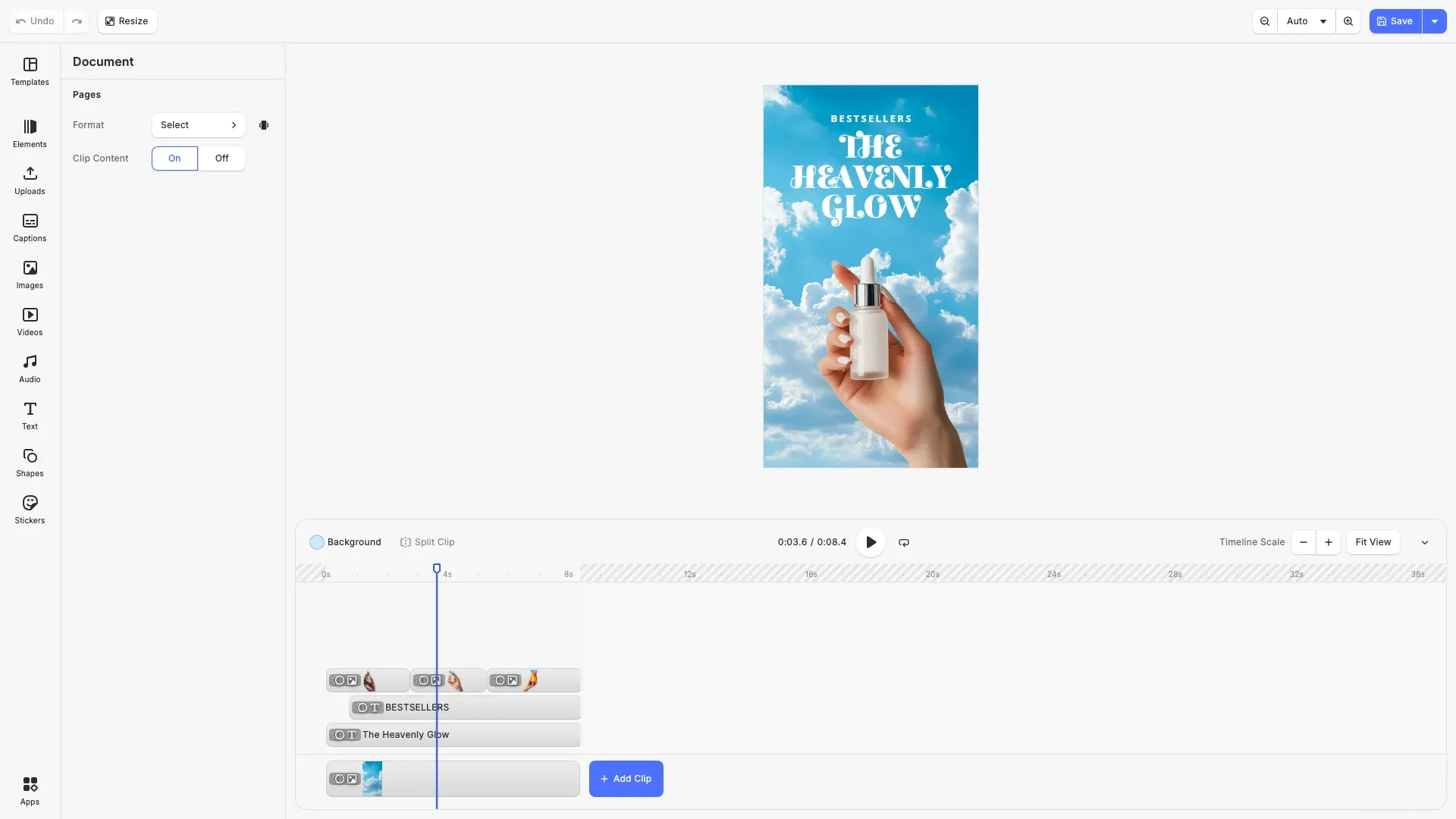
Comprehensive video editing for your web app—professional tools for timeline editing, visual effects, and MP4 export. Runs entirely in the browser with no server dependencies.
Get Started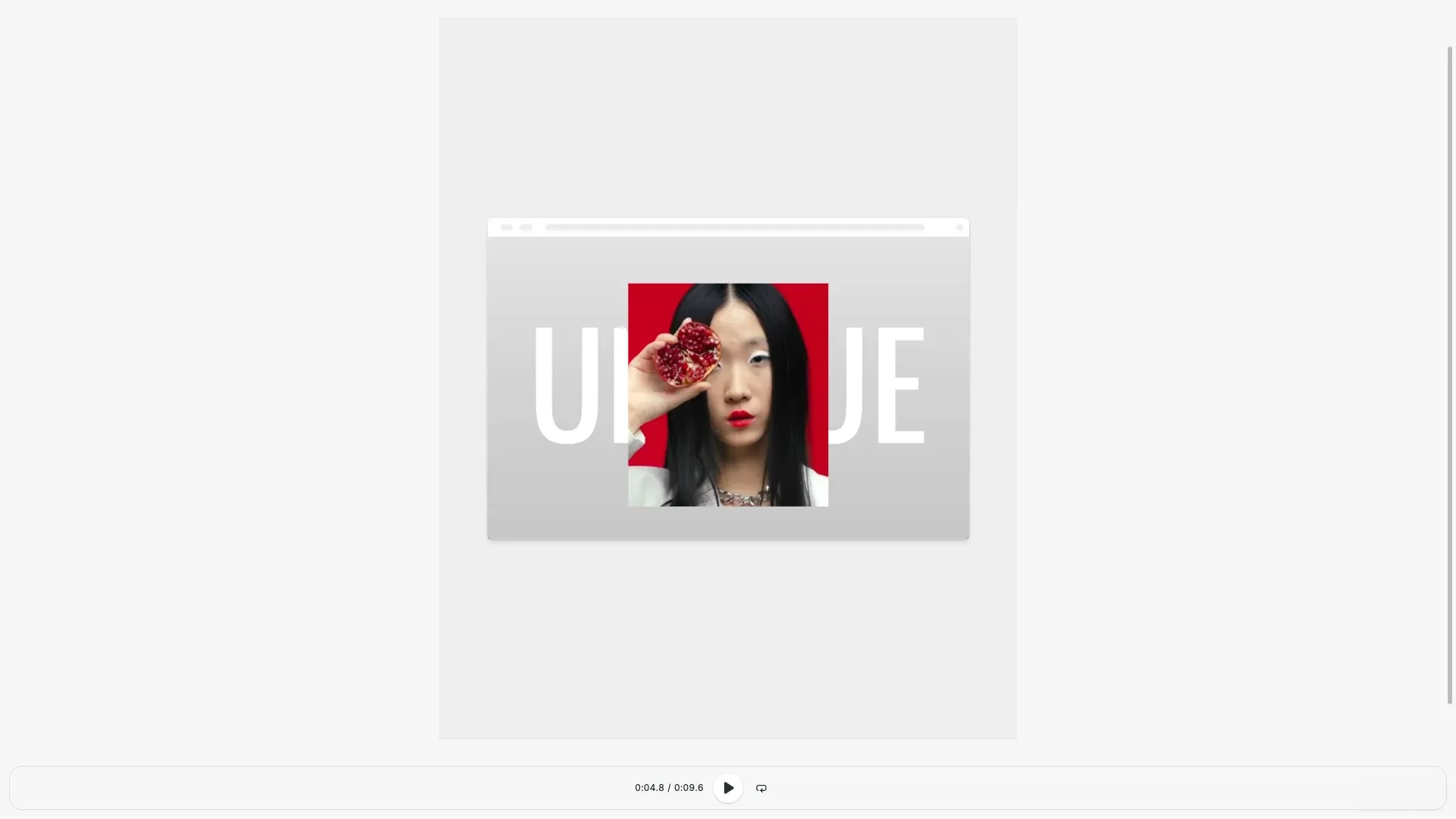
Lightweight video playback for your web app—play, pause, and navigate video content. Runs entirely in the browser with no server dependencies.
Get Started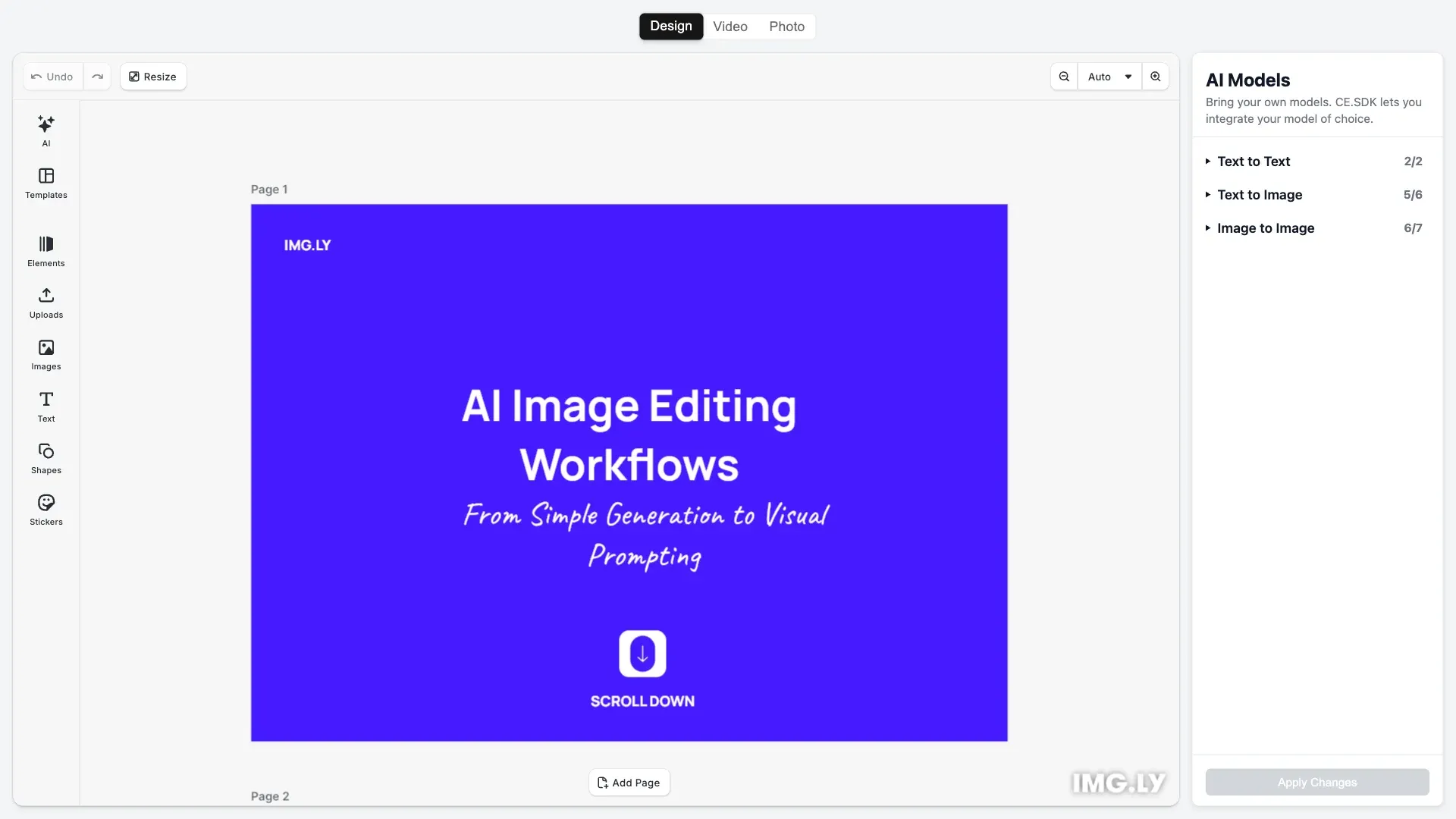
Quickly add AI-powered visual editing and media generation to your web app — seamlessly connect any AI model.
Get Started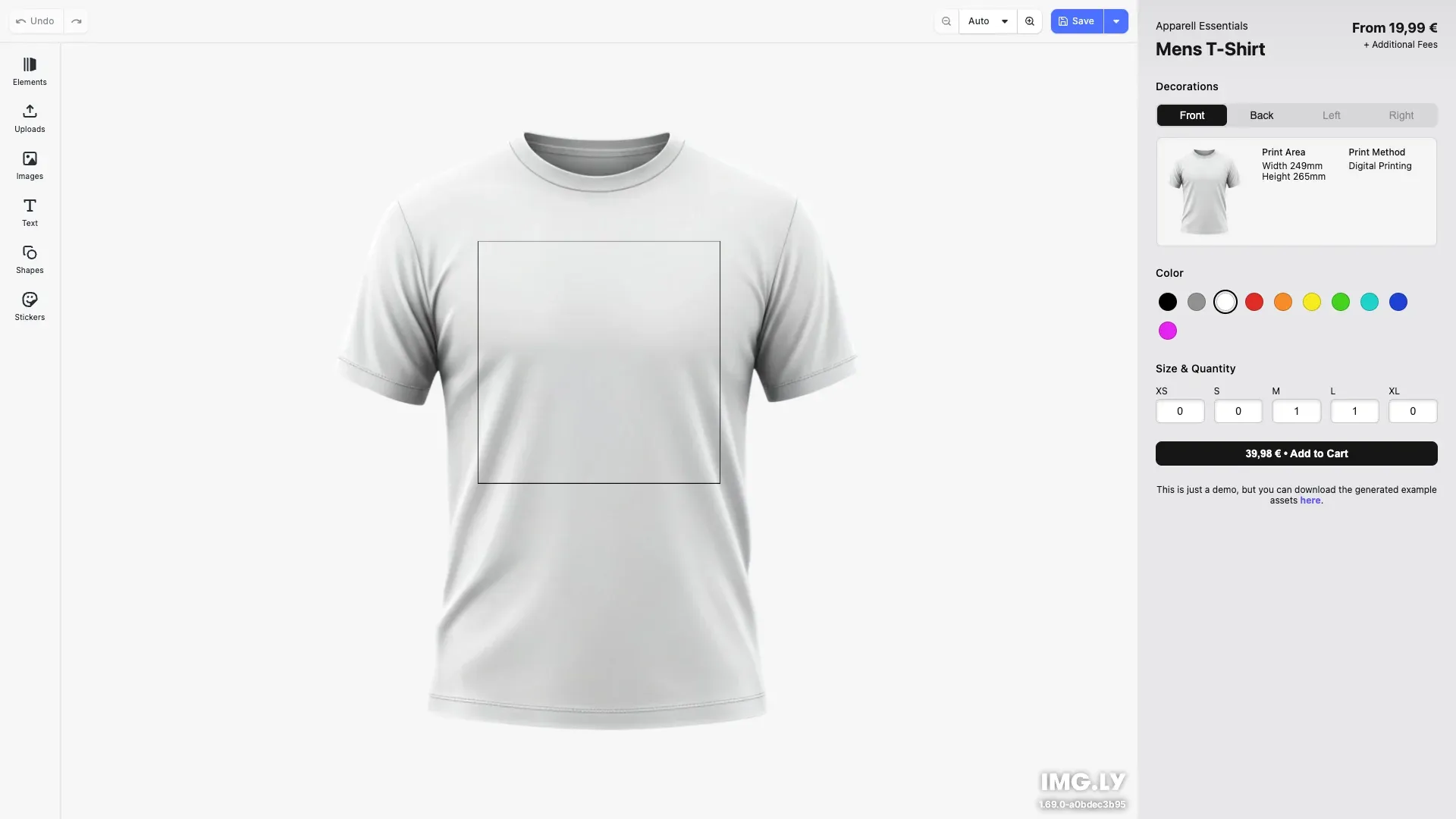
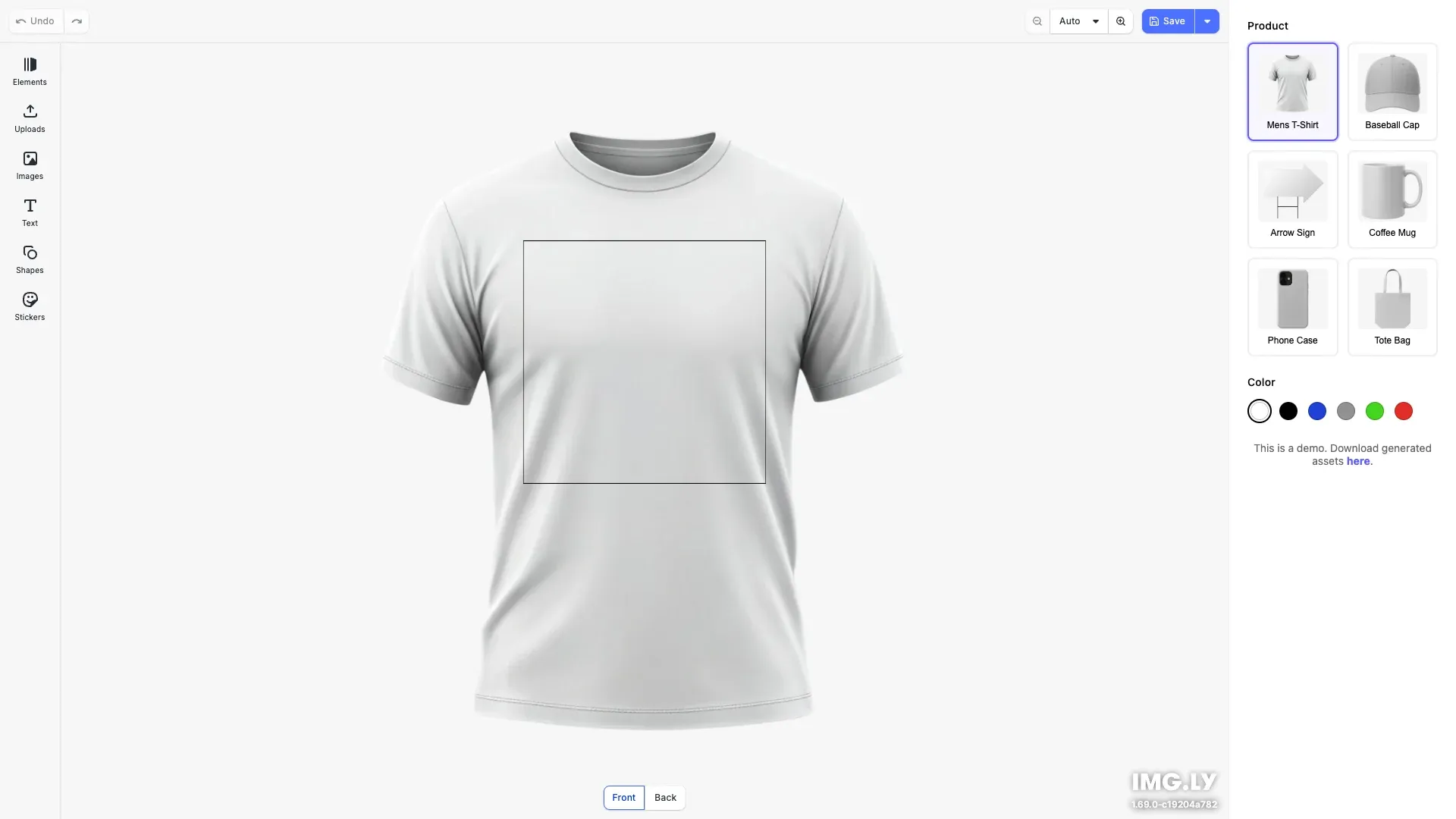
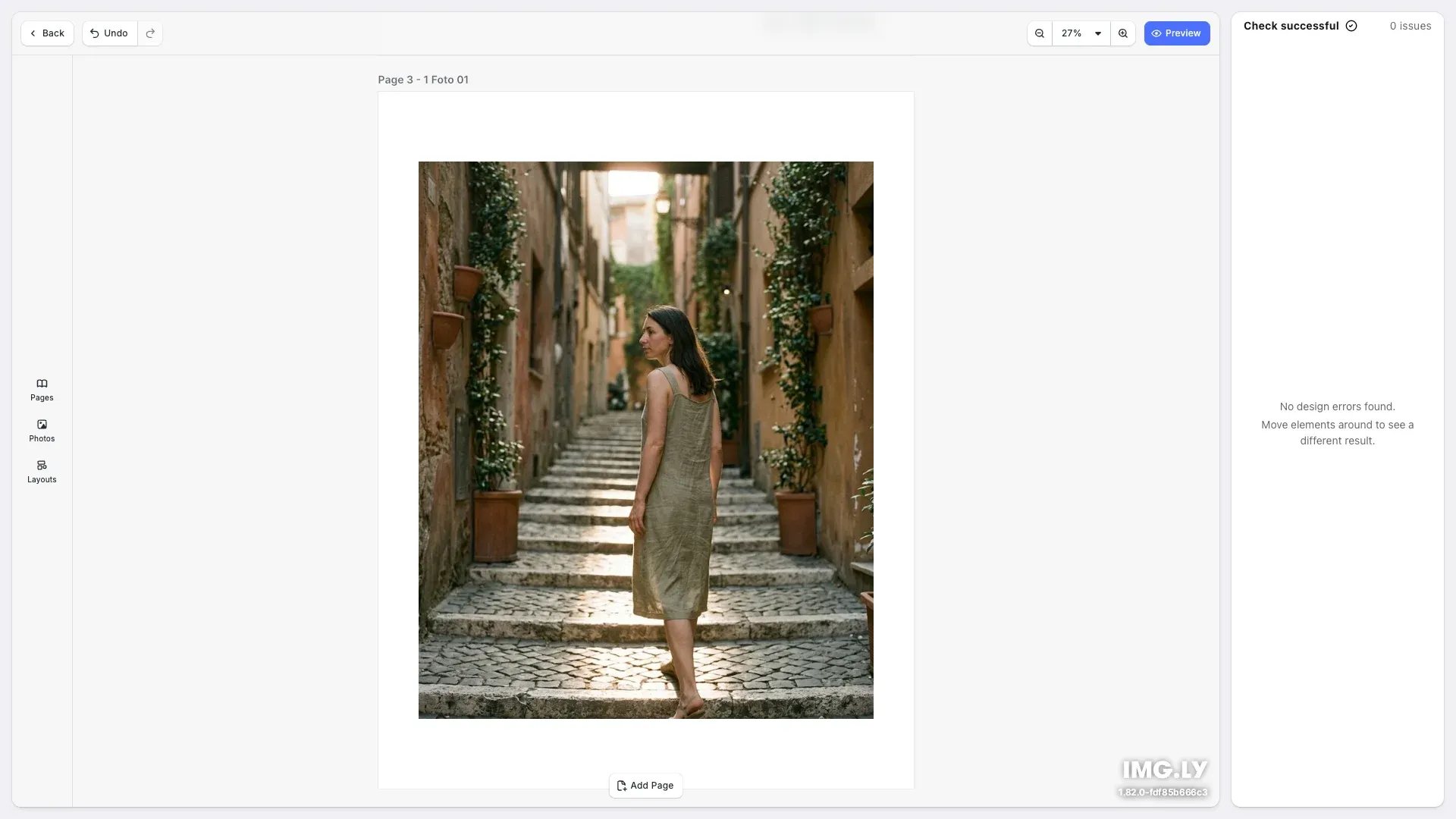
Photobook Editor for building print-ready photo books with layouts and validation.
Get StartedVideo Editing#
Create and edit video compositions with timeline editing, captions, animations, and template-based generation.
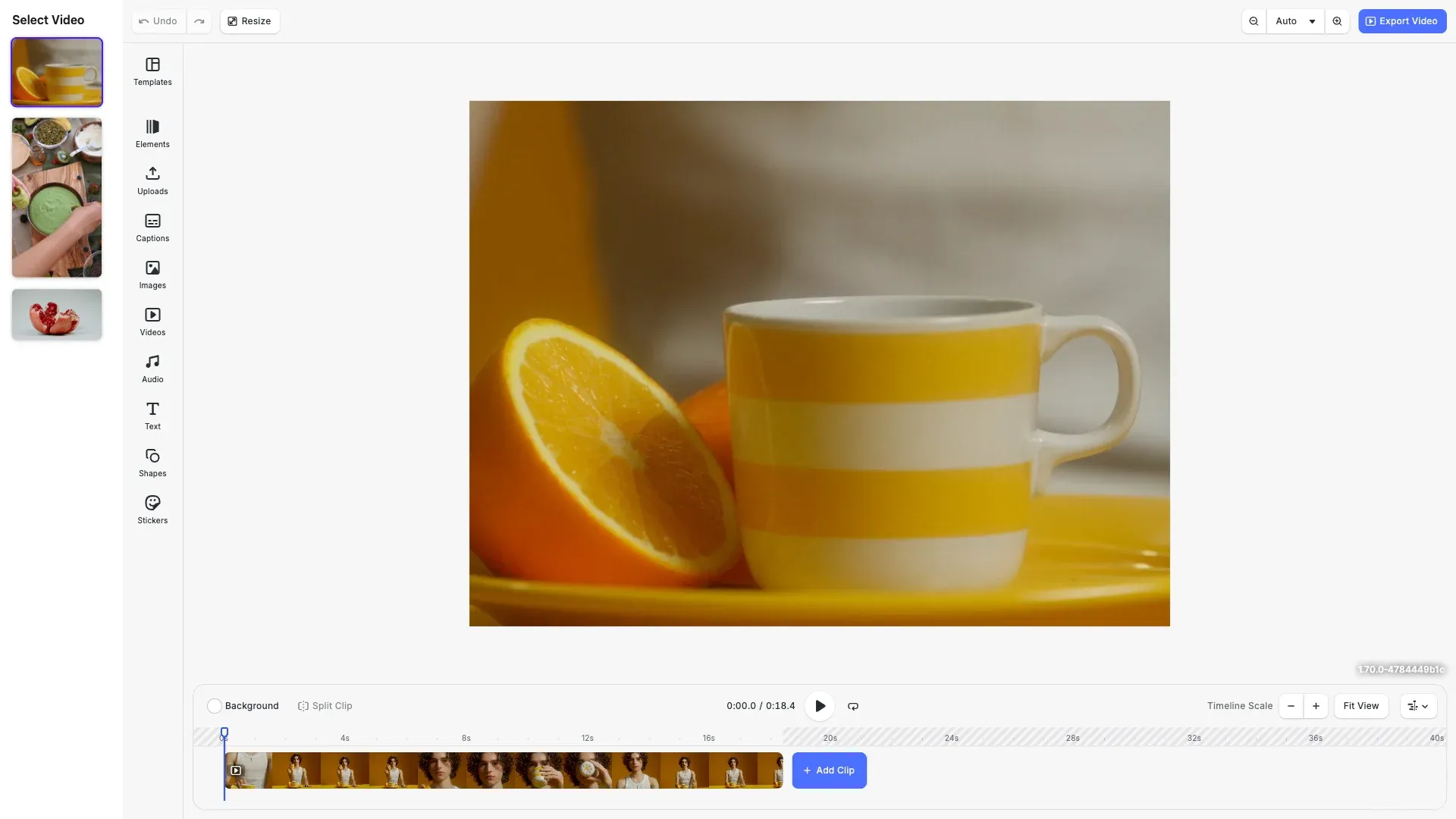
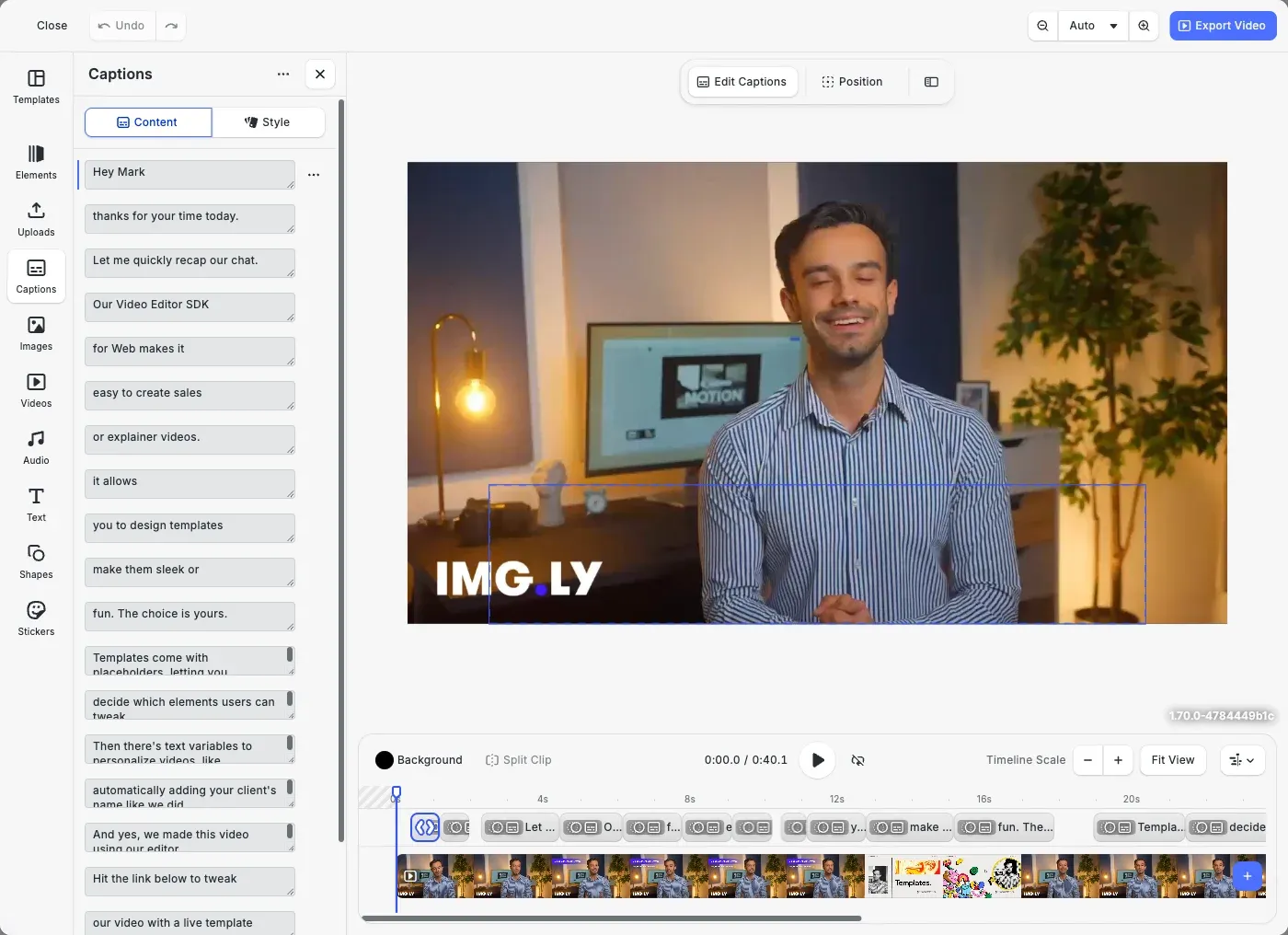
Enhance video creation by importing, customizing, and styling captions directly within the editor.
Get Started
Effortlessly add animations to any element in CE.SDK videos using our extensive preset library.
Get Started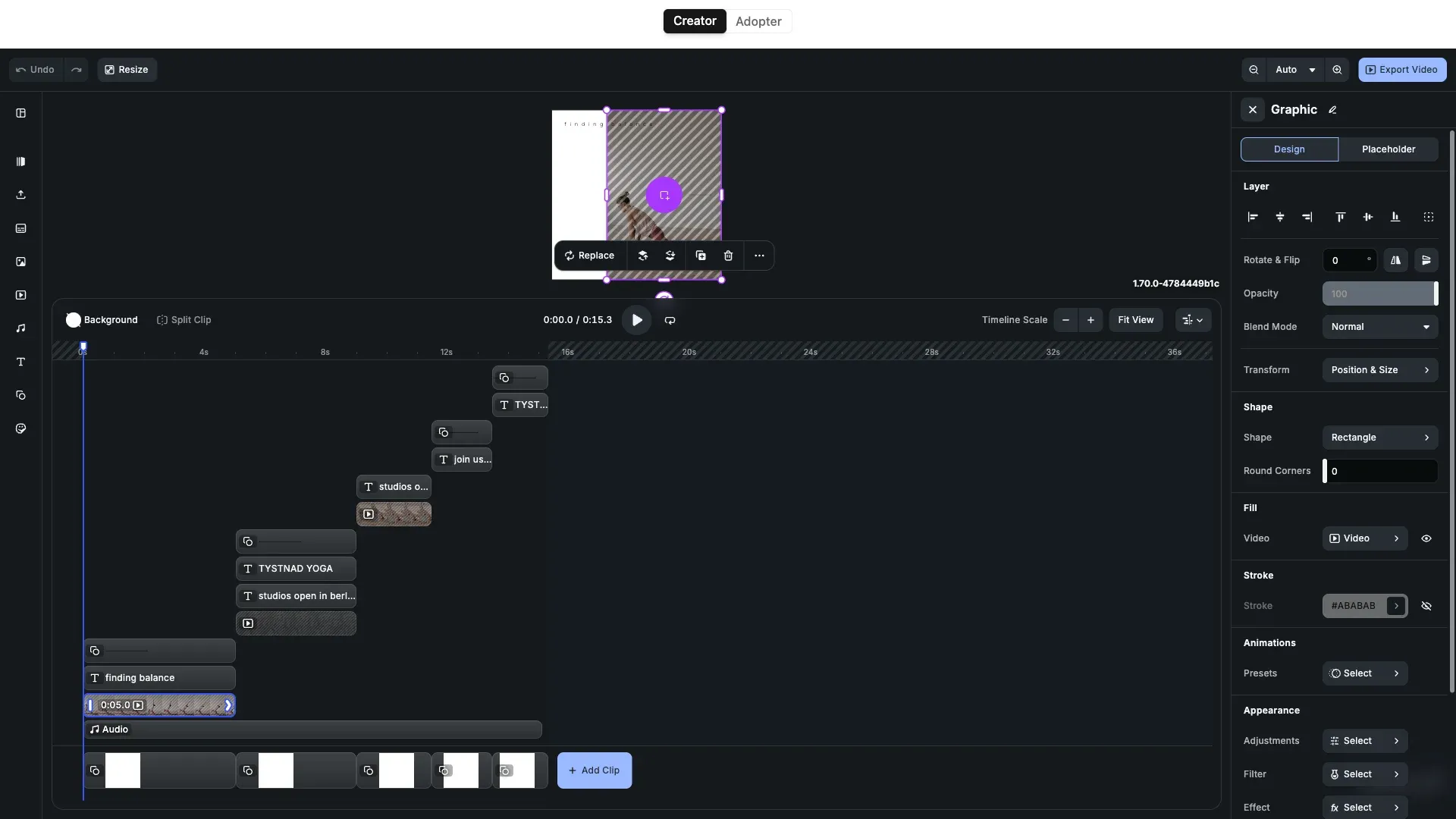
Plugins#
Add powerful custom functionality to the editor in a matter of seconds.
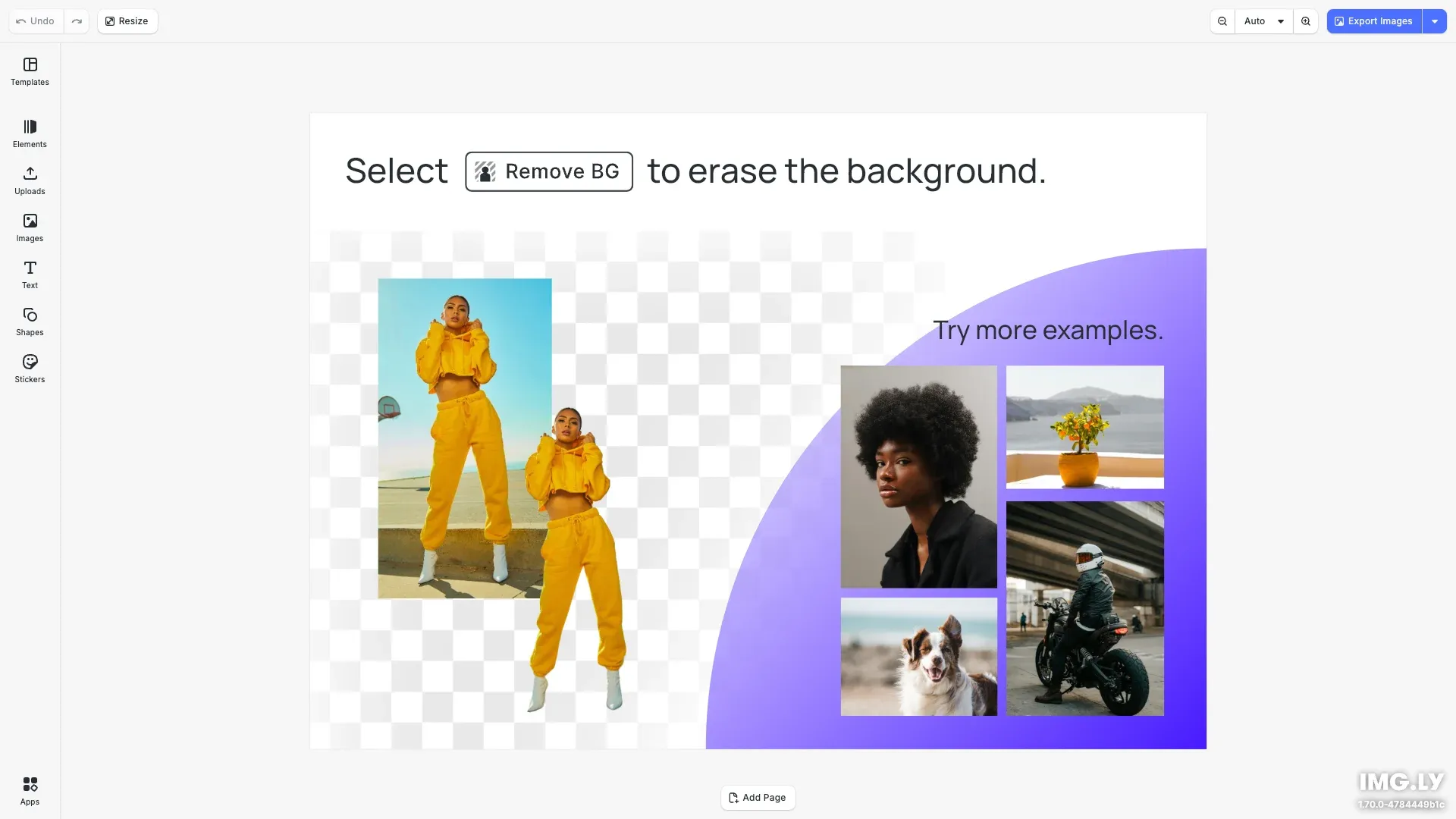
Effortlessly remove background from images directly in the browser with no additional costs and privacy concerns.
Get Started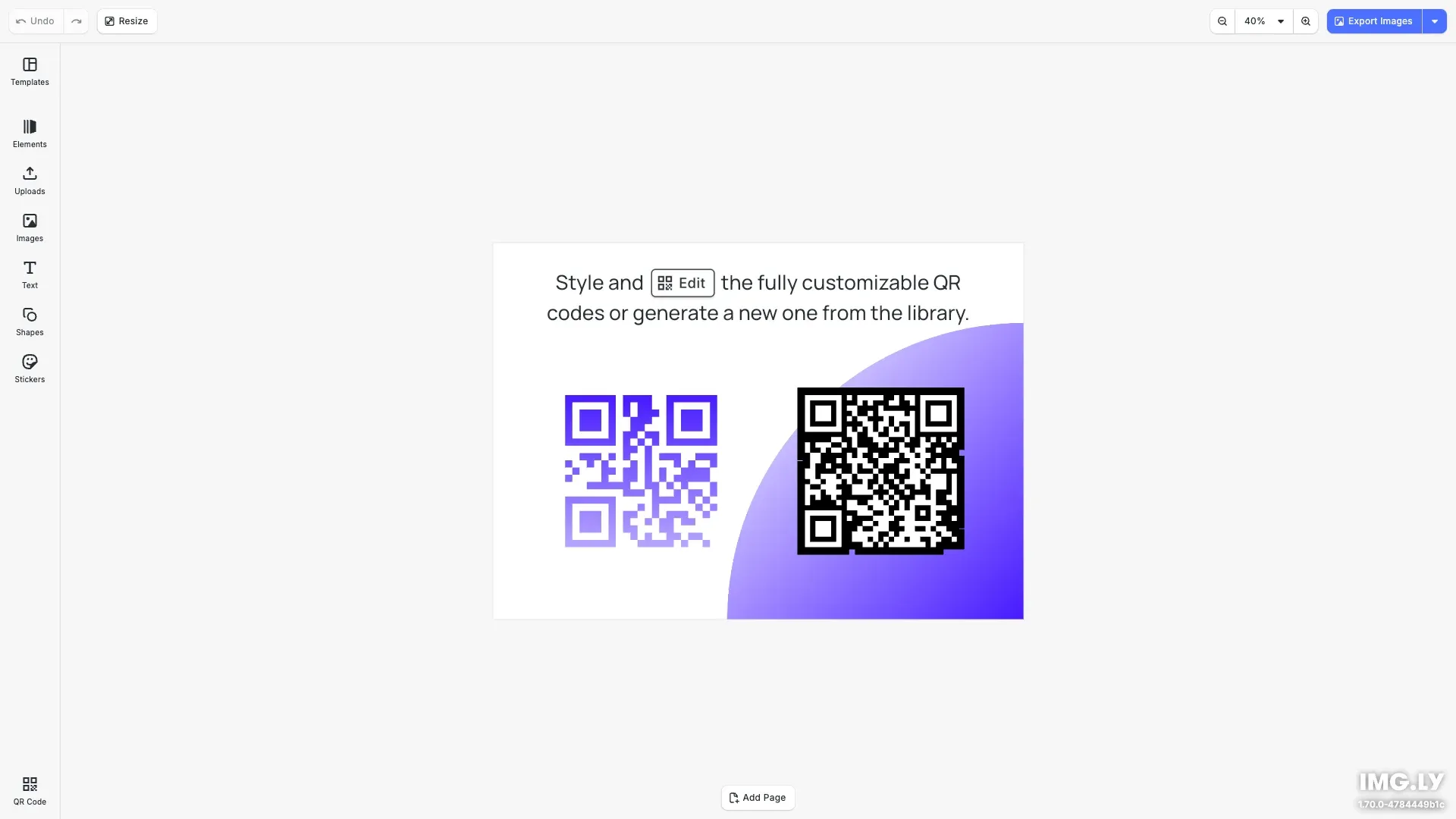
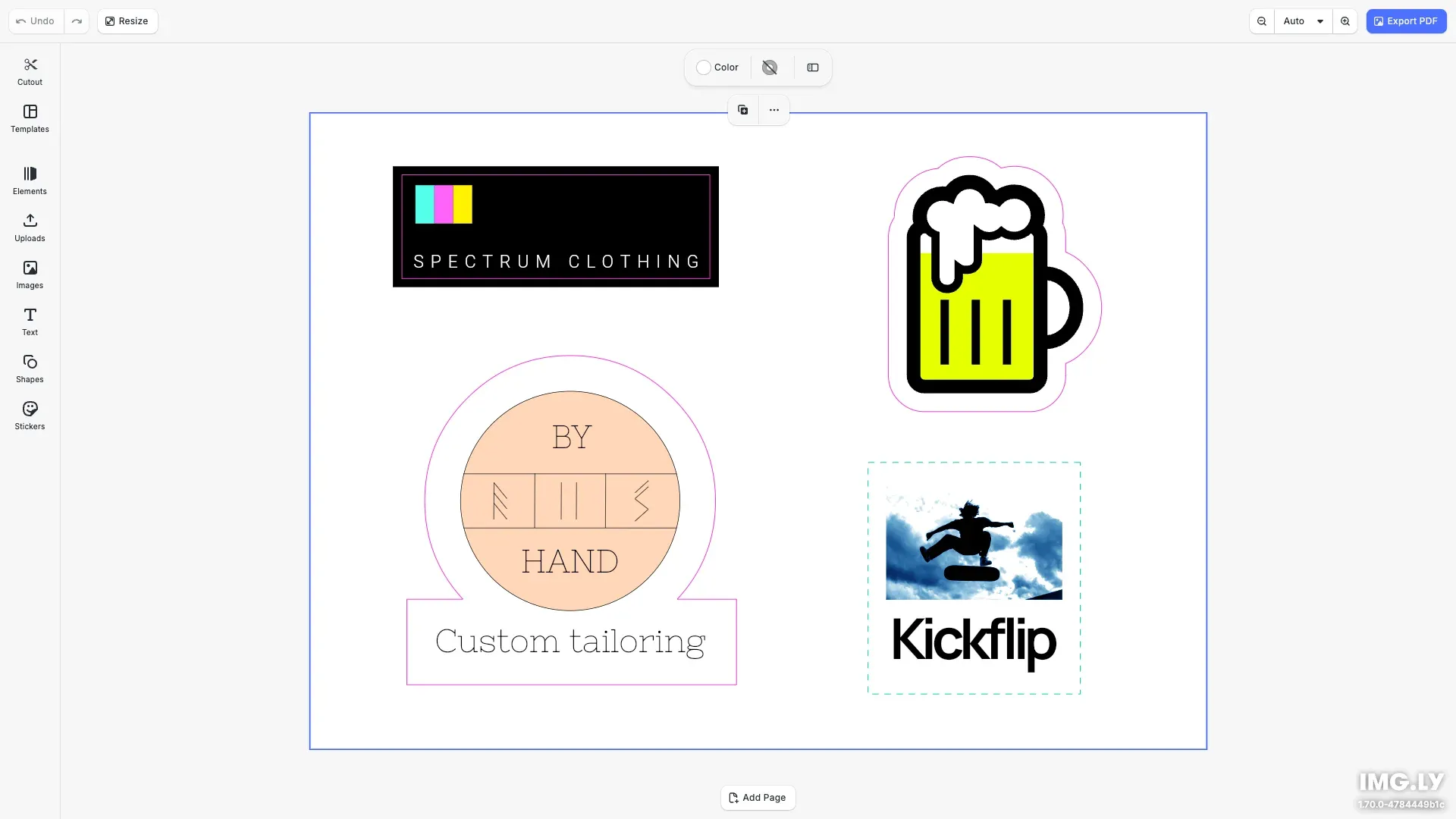
CE.SDK's cutout plugin enables effortless creation and customization of cutout shapes for web-to-print users.
Get Started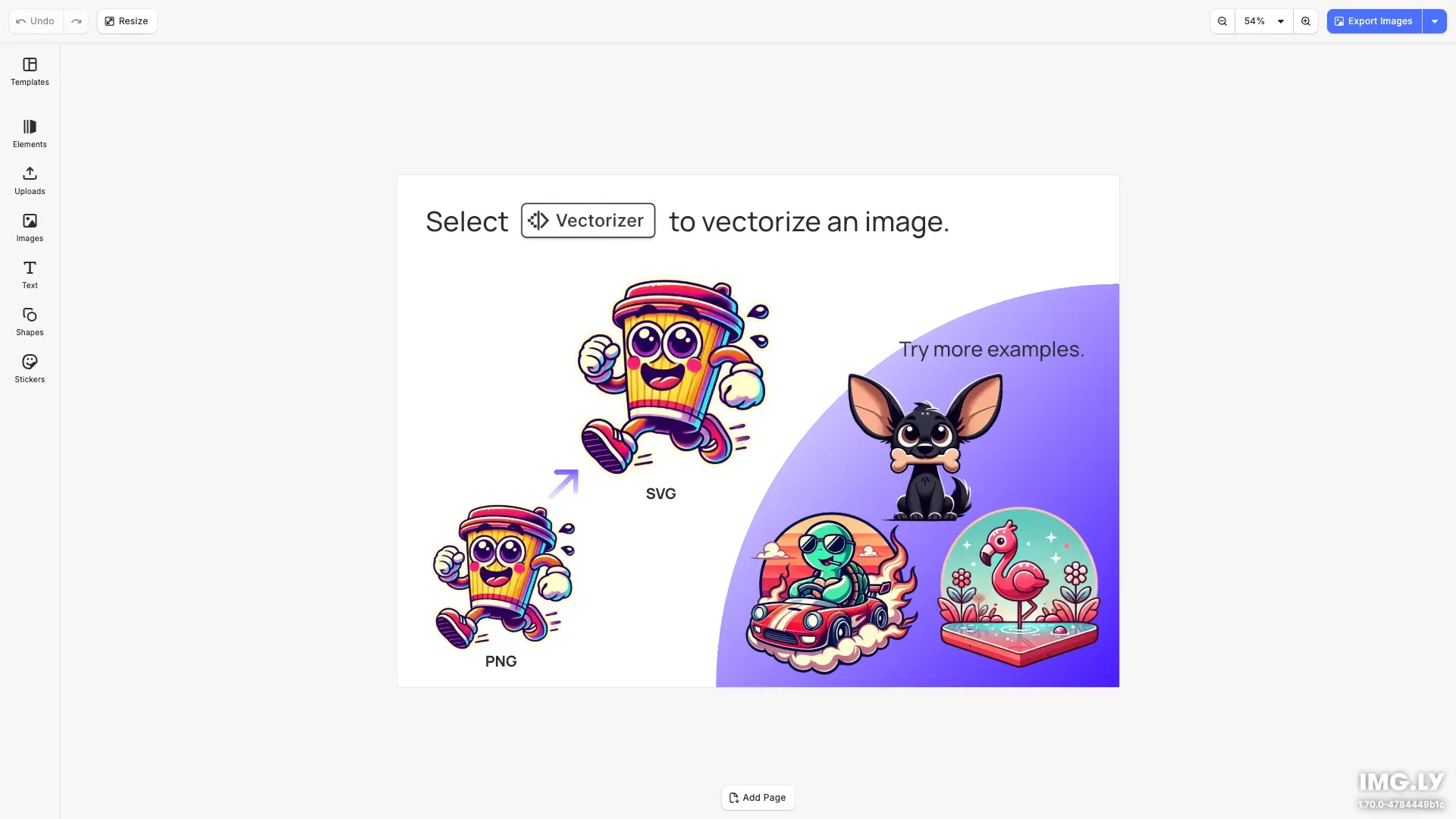
Transform your pixel-based images into scalable vector graphics with Vectorizer Plugin.
Get Started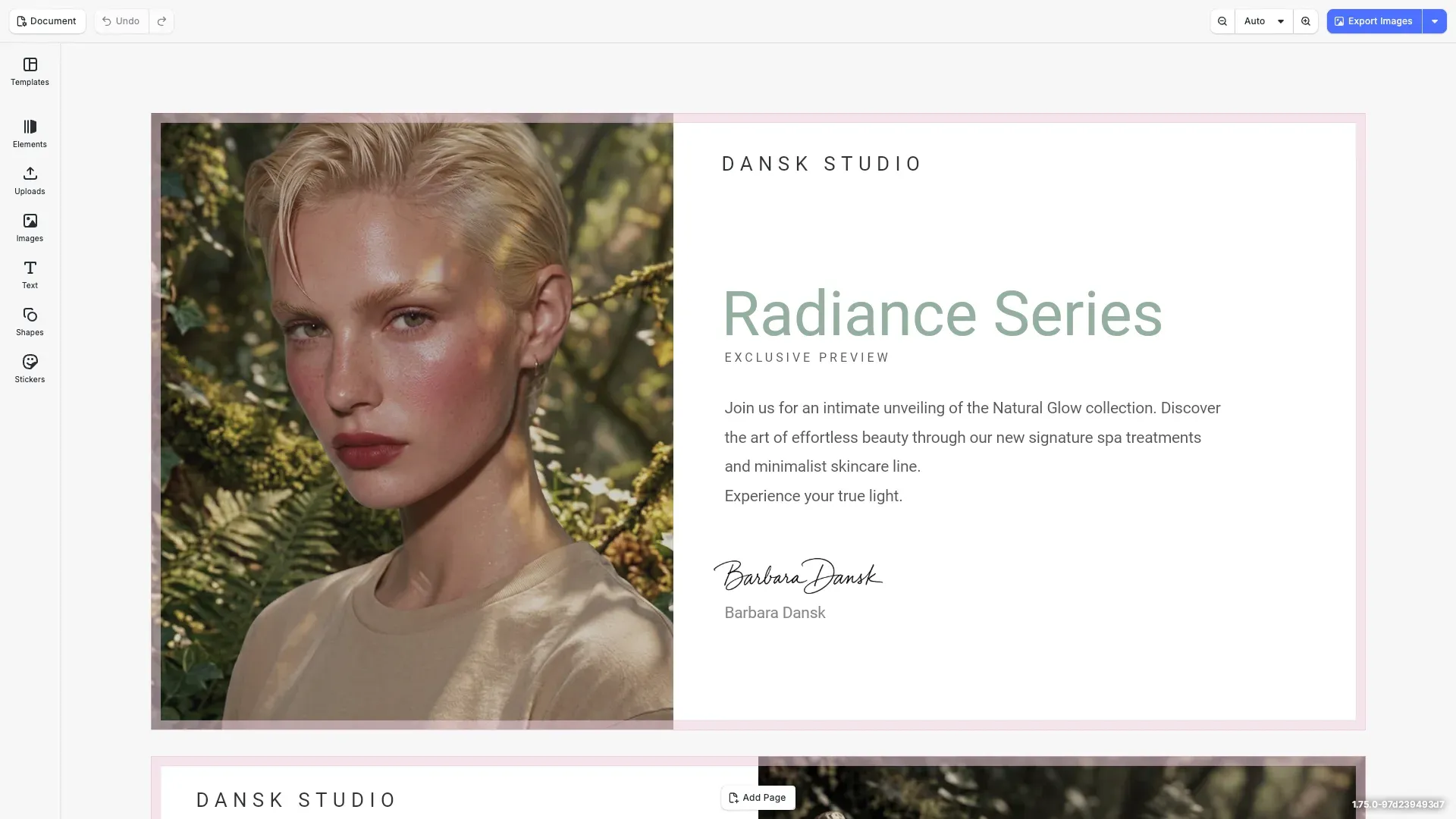
One-click image enhancement using the Perfectly Clear (eyeQ) plugin — scene-aware correction running entirely in-browser via WebAssembly.
Get StartedCustom Built UIs#
Fully custom UIs built with React using the Engine API. Freely adapt to your use case.
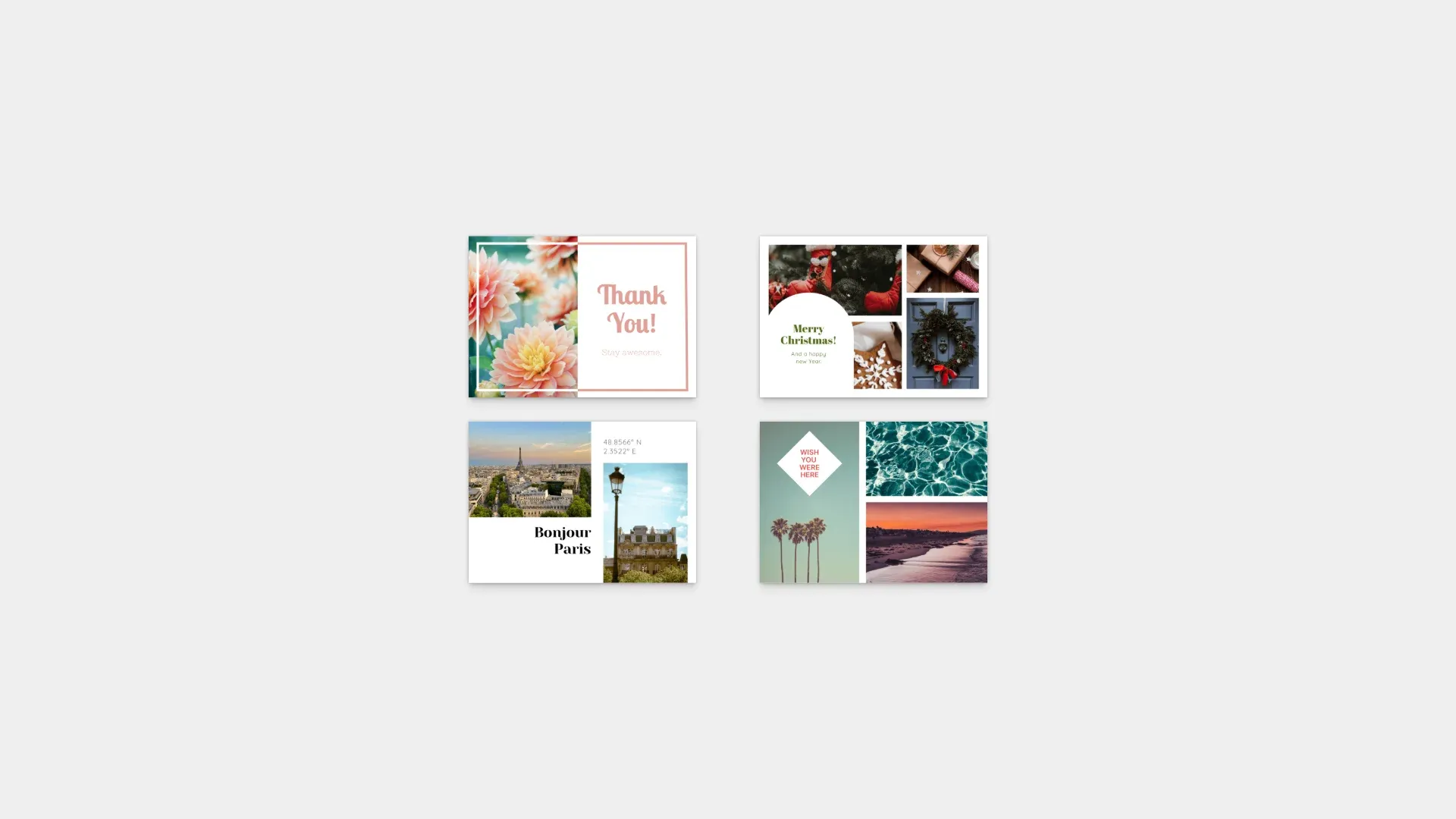
Built to facilitate optimal post- and greeting-card design, from changing accent colors and selecting fonts to custom messages and pictures.
Get Started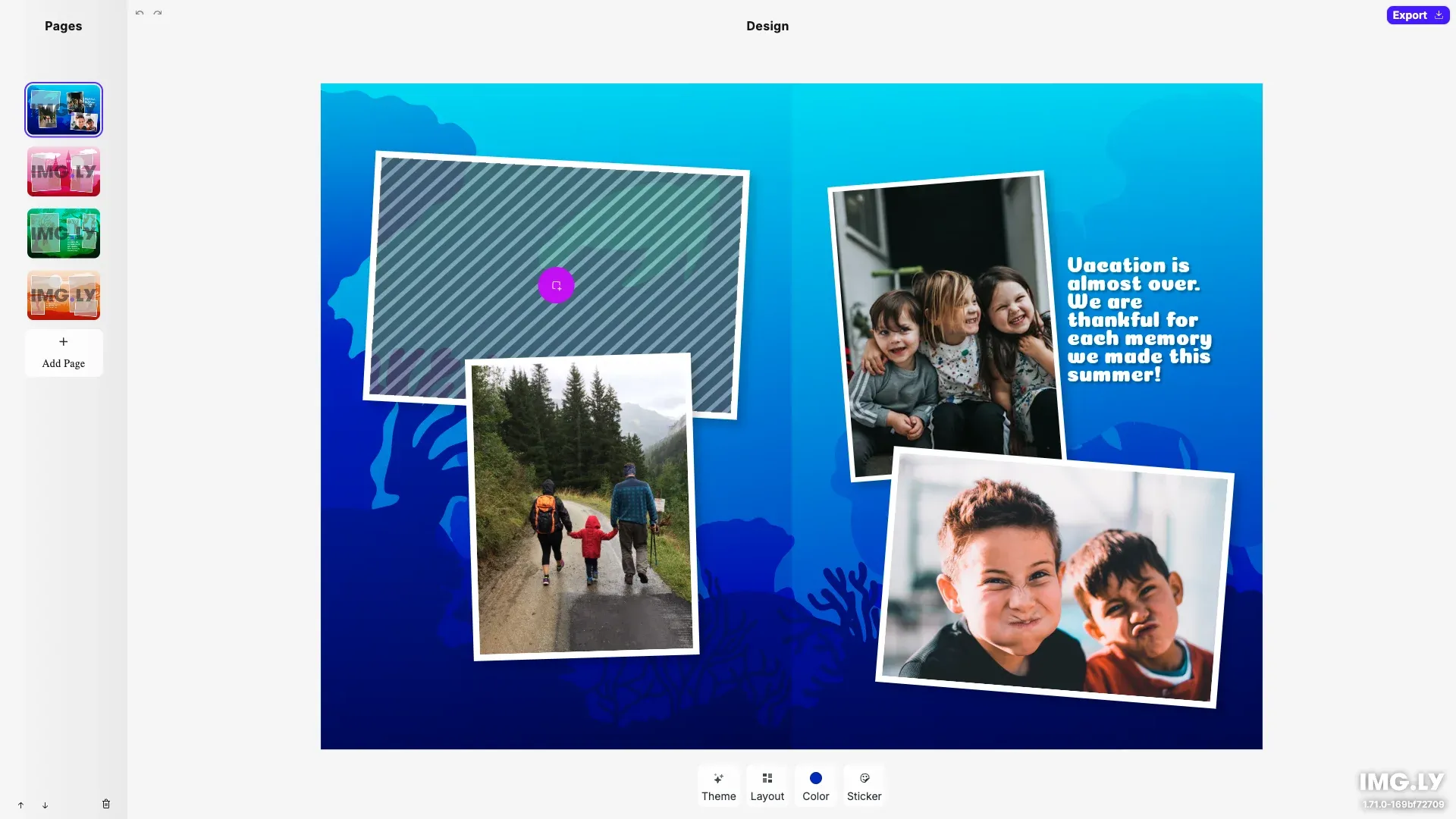
Custom UI for building photo books focusing on theming, page layouts, and managing photo assets.
Get Started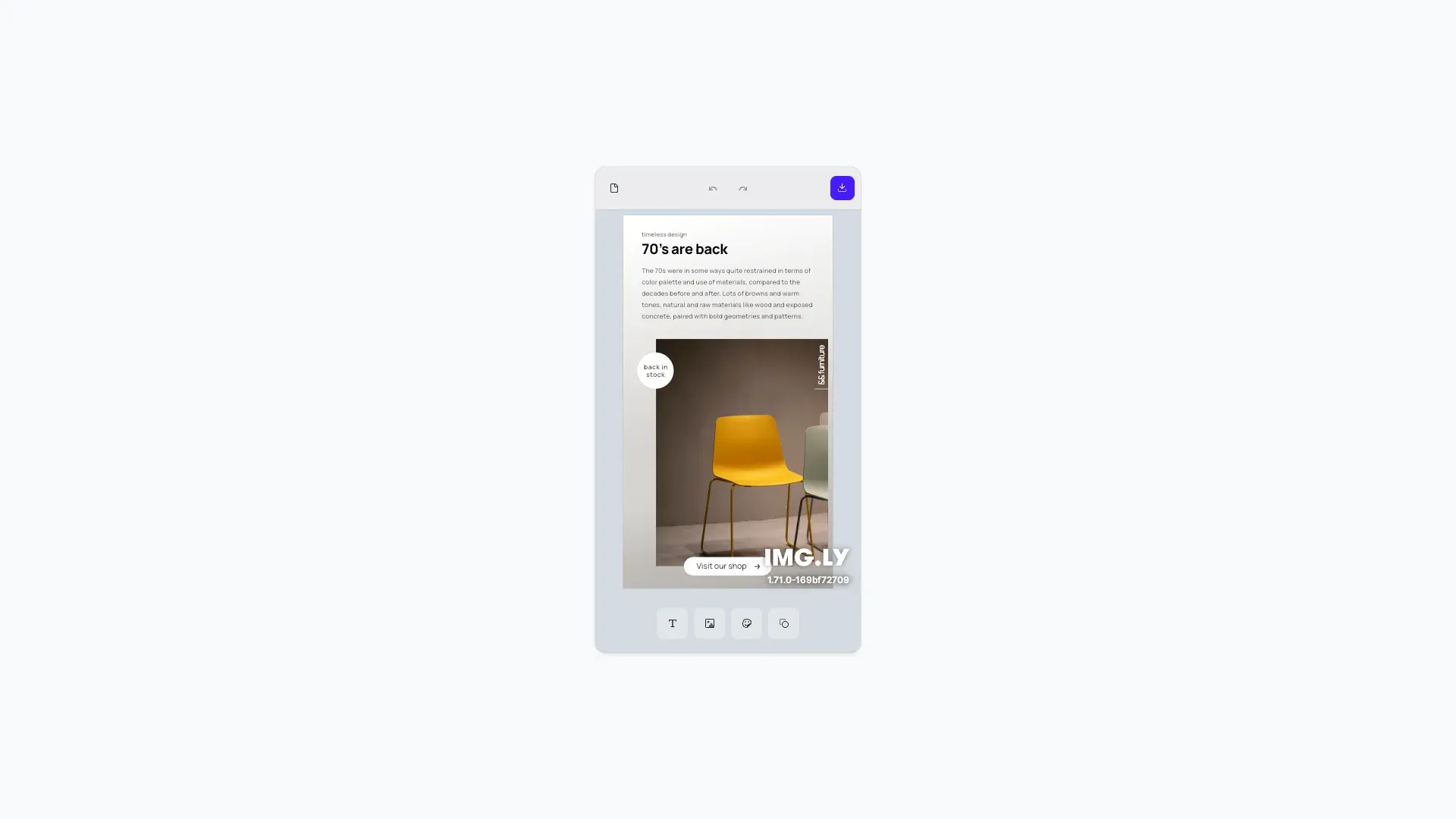
Easily build custom mobile UIs and provide a seamless design editing experience for your users, on both iOS and Android.
Get Started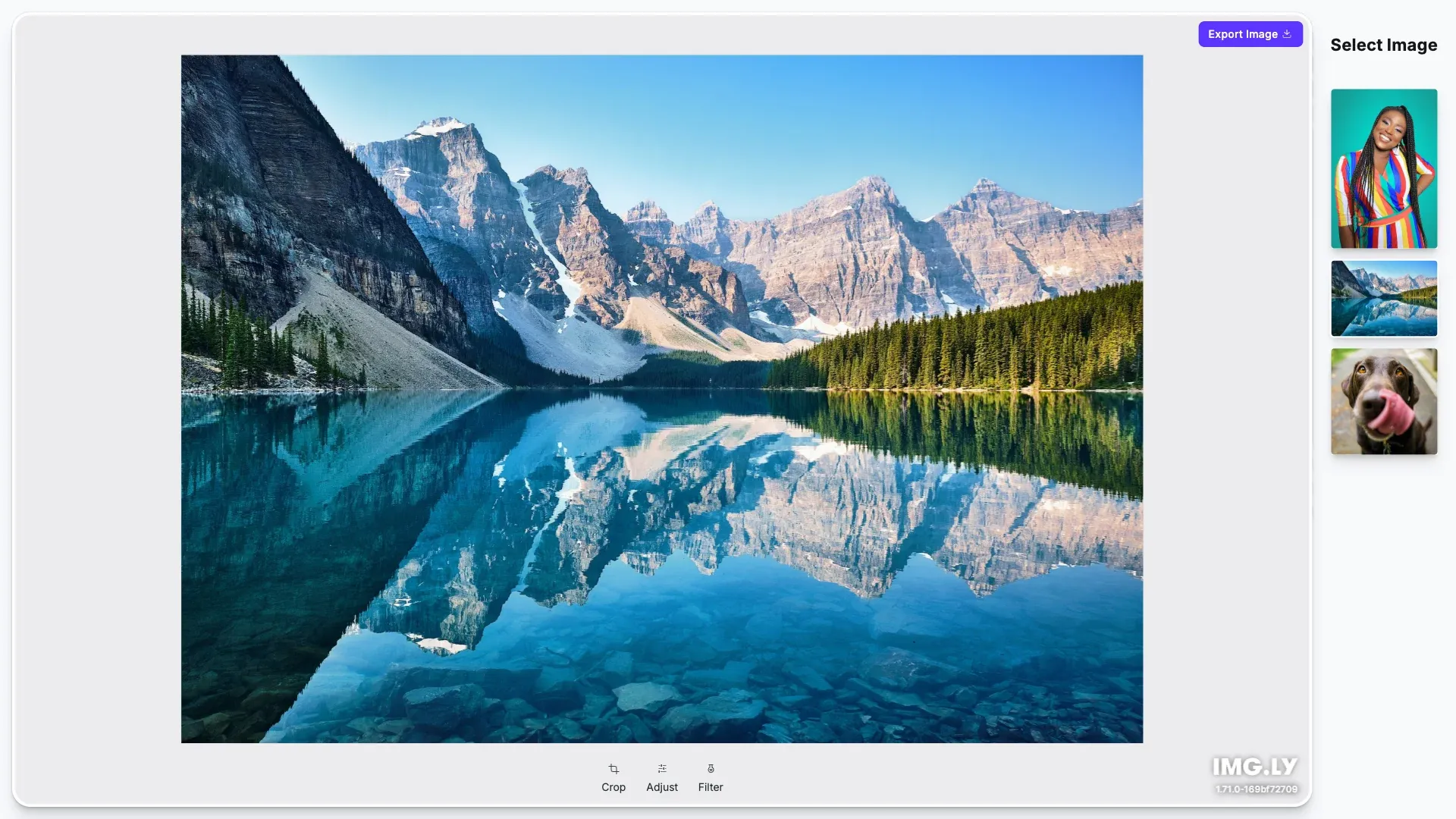
Photo UI is equipped with advanced photo editing options while remaining easy and intuitive to use. Try the demo and see for yourself.
Get Started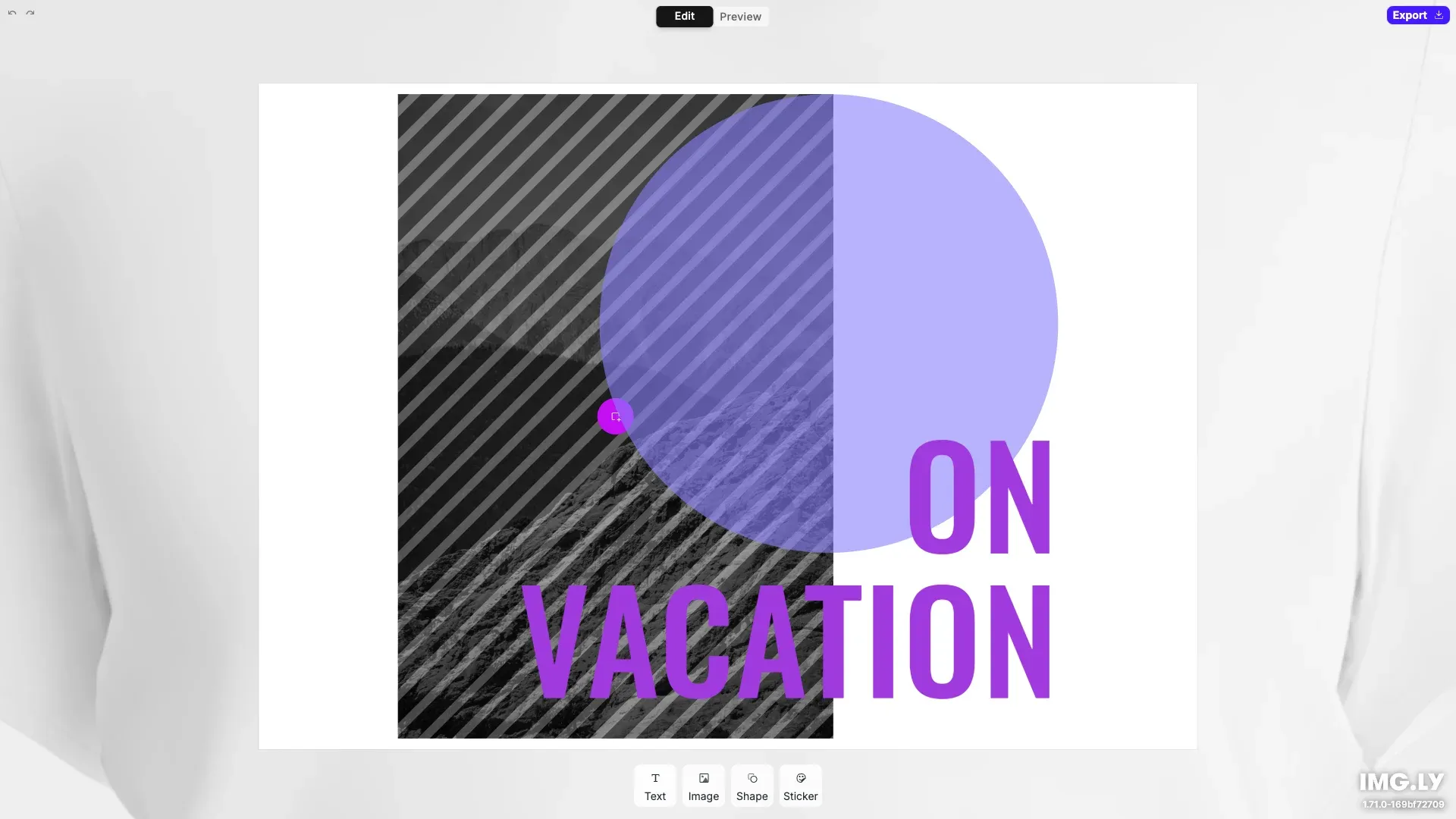
Customization#
Configure the editor UI to fit your design—theming, localization, export options, and layout controls.
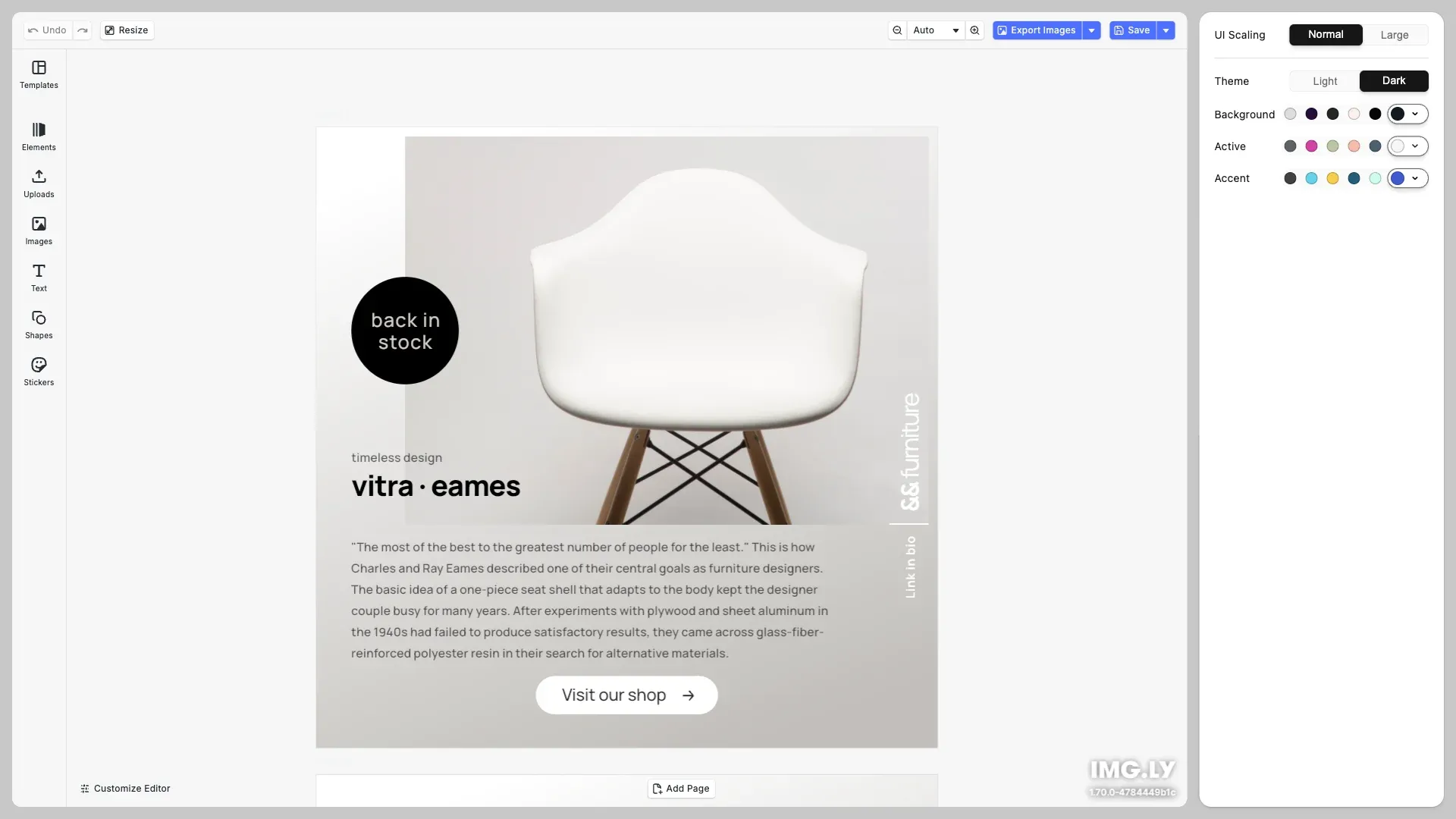
Effortlessly adapt the UI of the CreativeEditor SDK to best match your app. With Theming you can easily change elements like theme, scaling, and background.
Get Started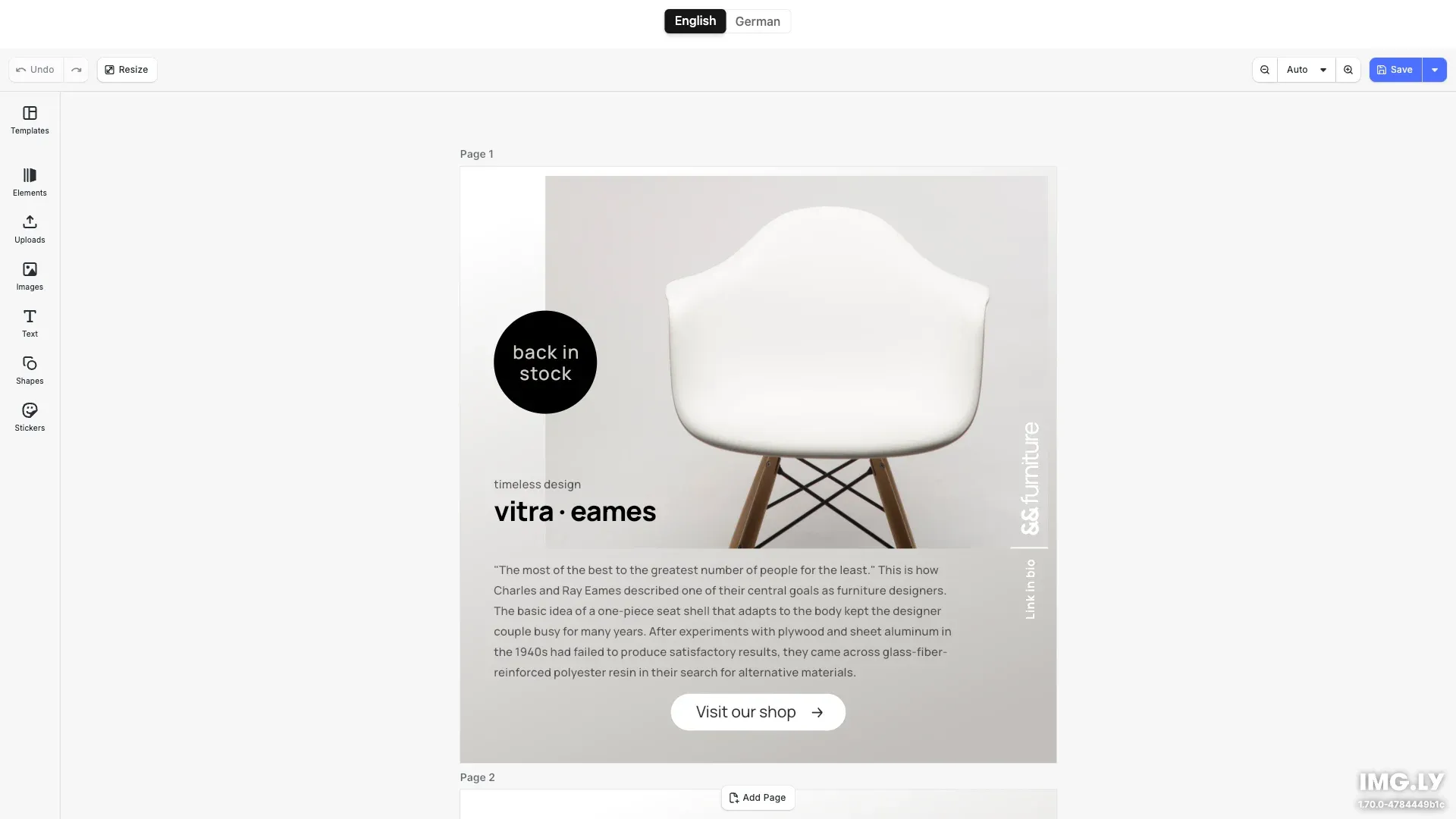
Ships with English and German. Supports translations for any language.
Get Started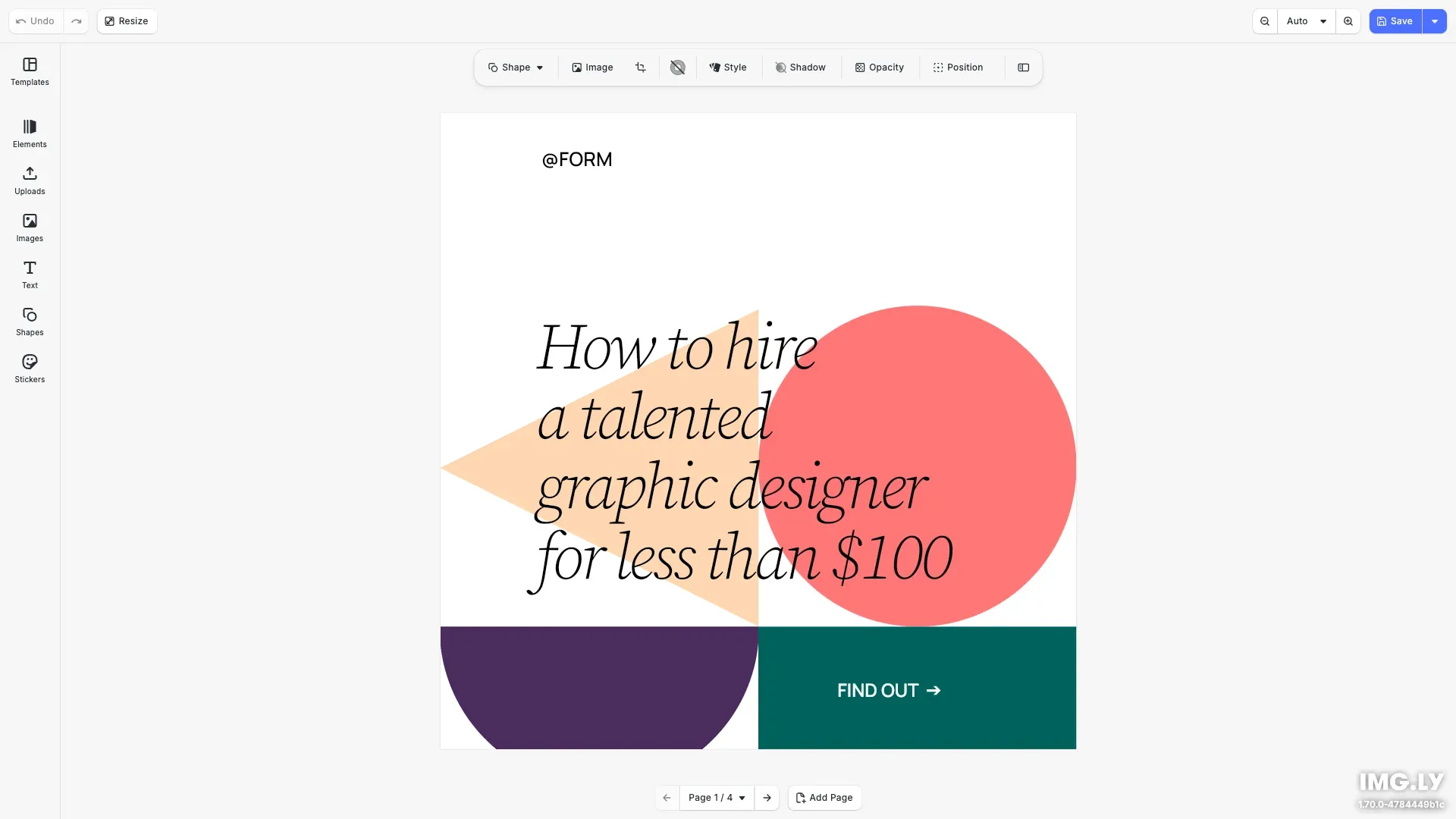
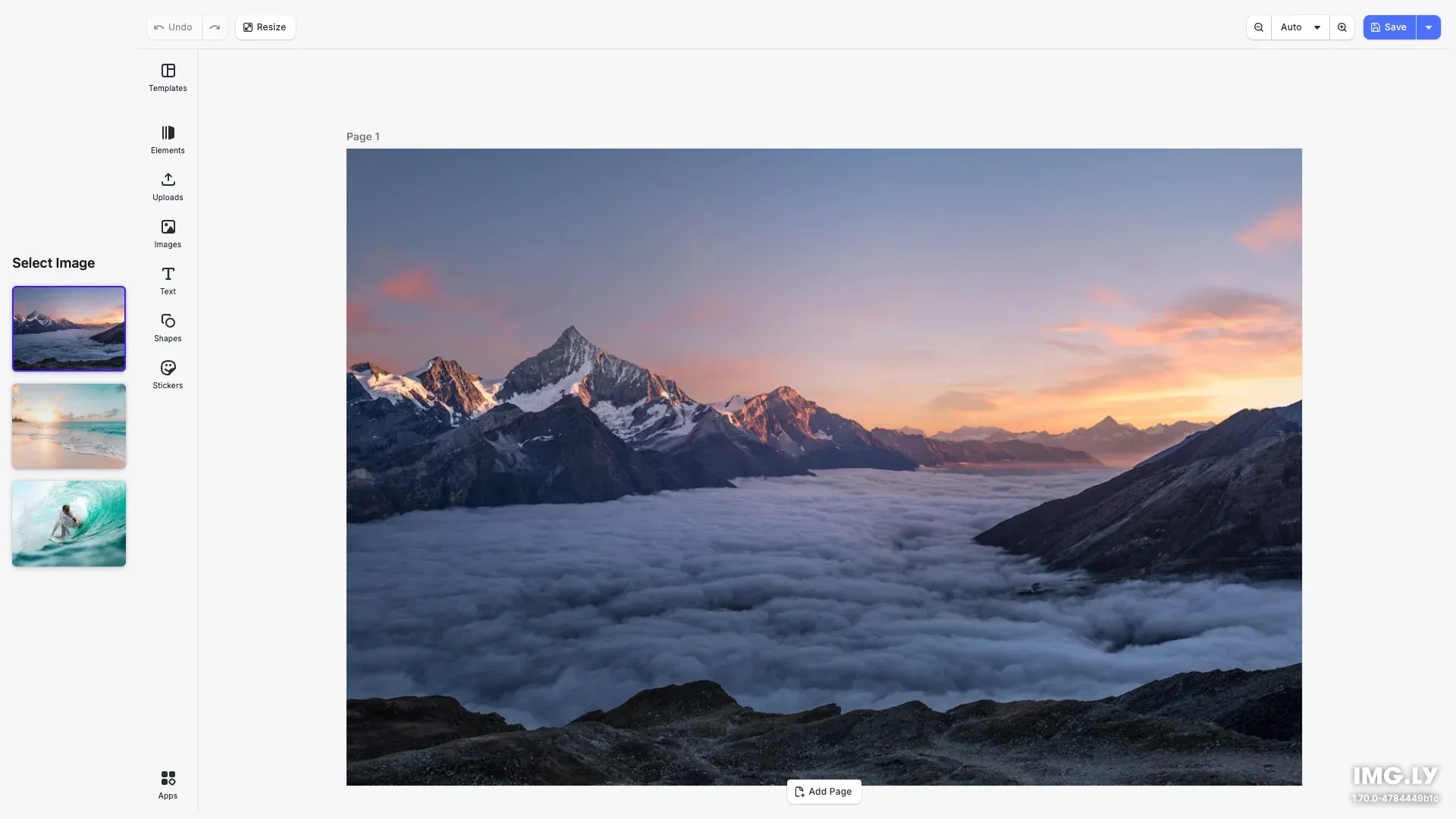
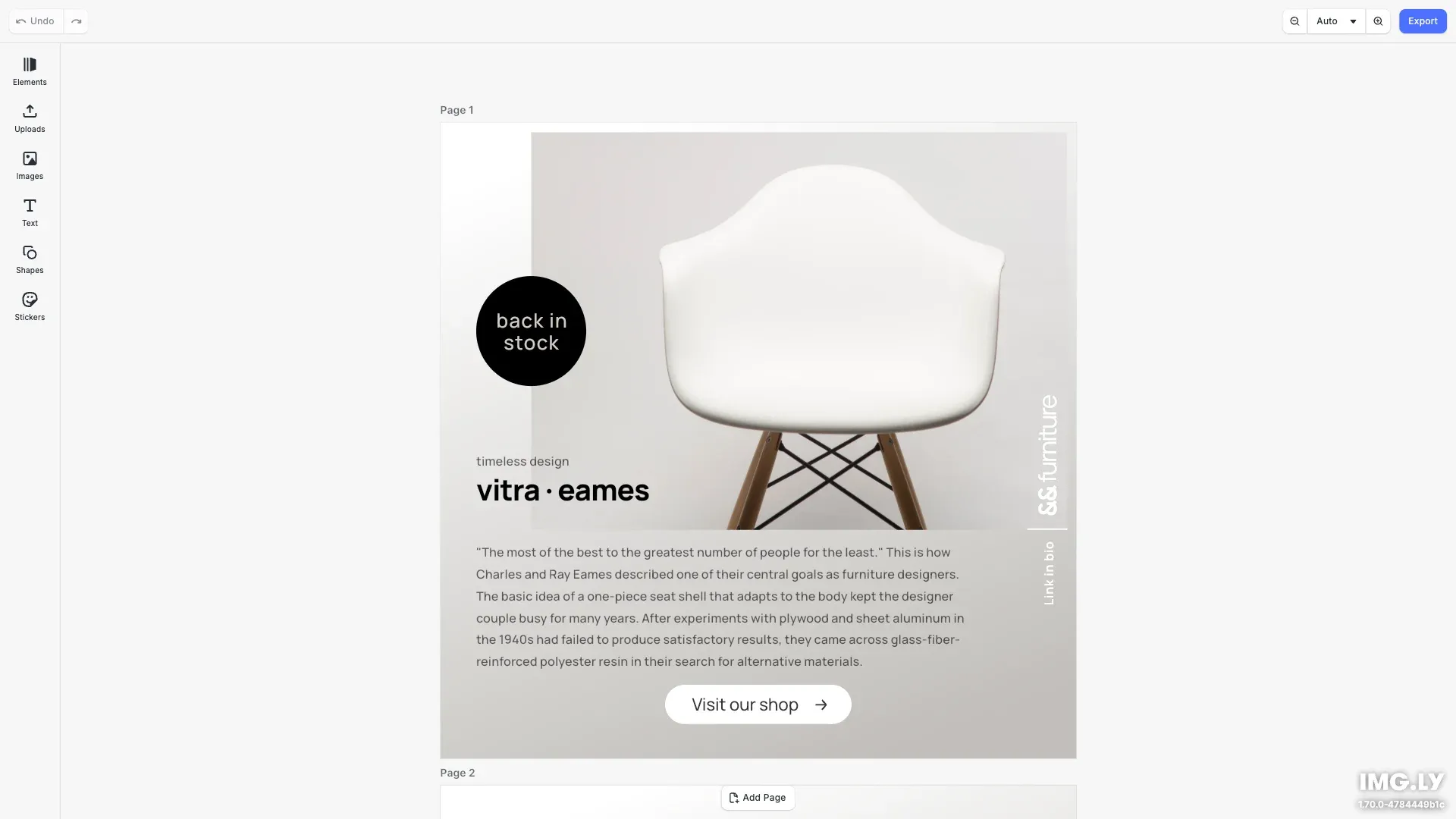
Export designs in JPG, PNG, or PDF with custom quality, page ranges, and dimensions using CE.SDK's advanced export features.
Get Started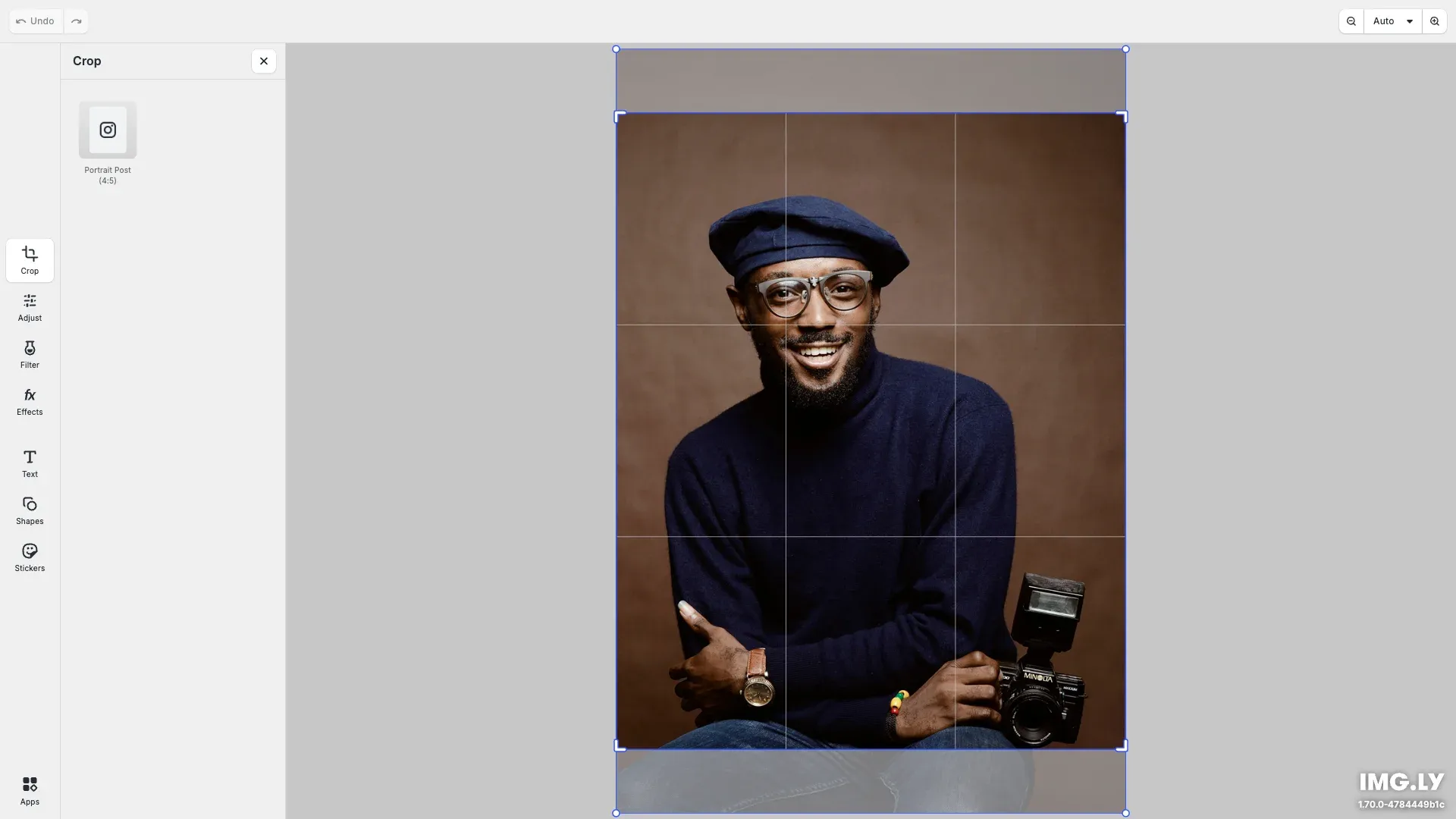
Start editing with predefined crop presets to simplify content creation and maintain layout consistency.
Get Started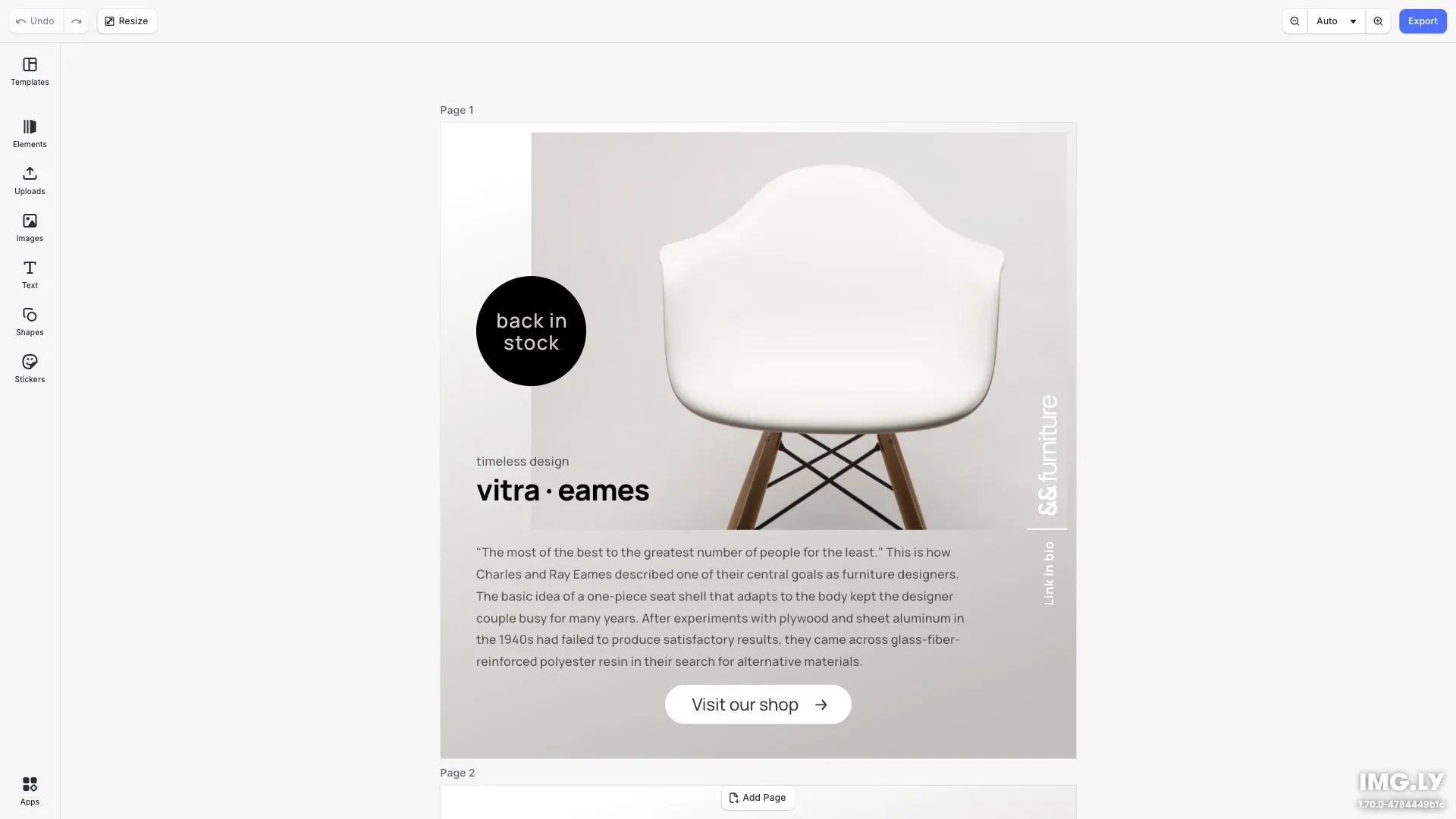
Deliver print-ready CMYK PDF/X-4 and PDF/X-3 files straight from your web app. Perfect for web-to-print and marketing automation.
Get Started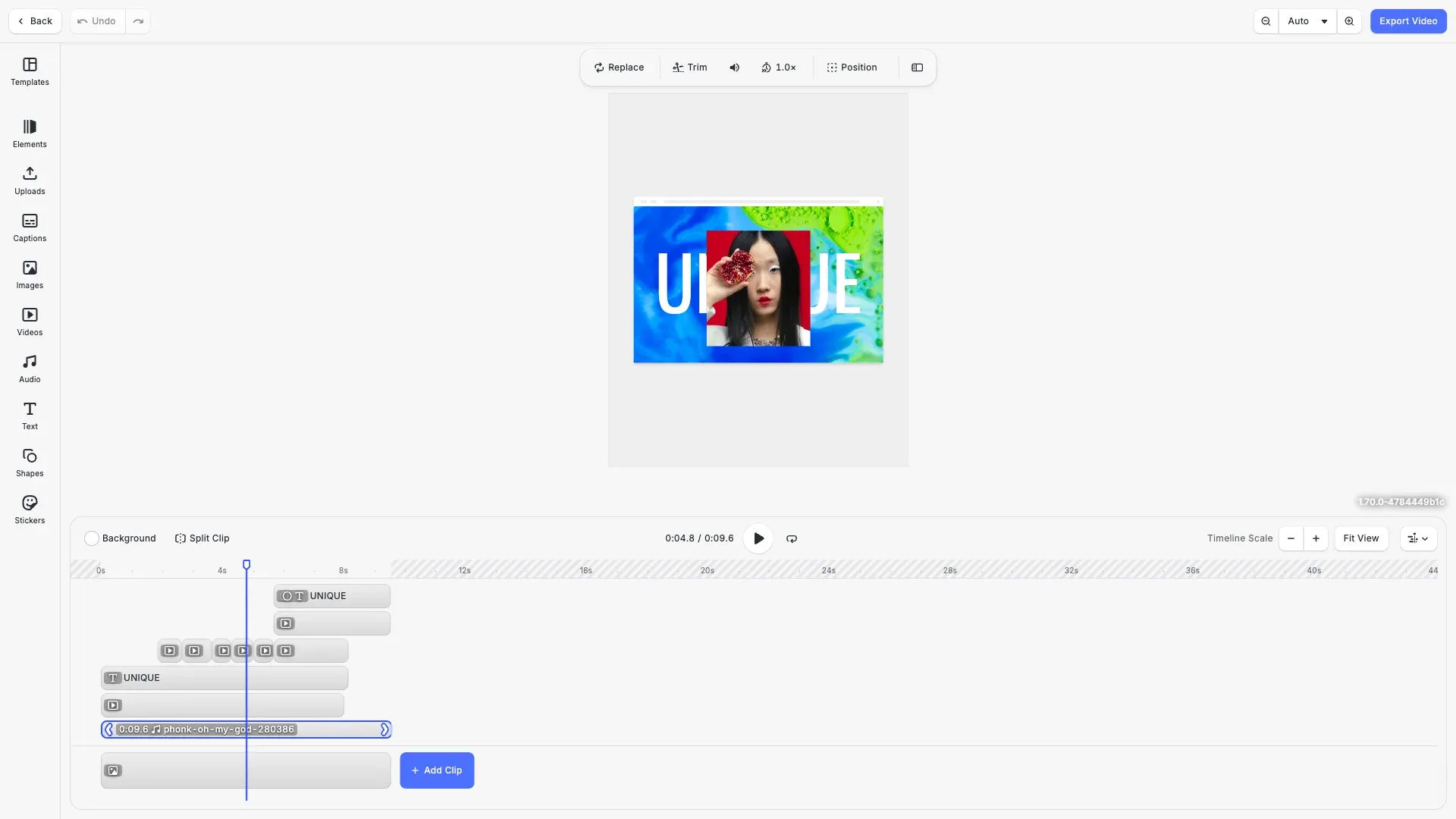
Choose a suitable Frames per Second option and export videos in SD, HD, FHD, 2K, 4K, or define custom quality.
Get StartedAssets#
Leverage the versatile asset API to add custom asset sources or create new asset types.
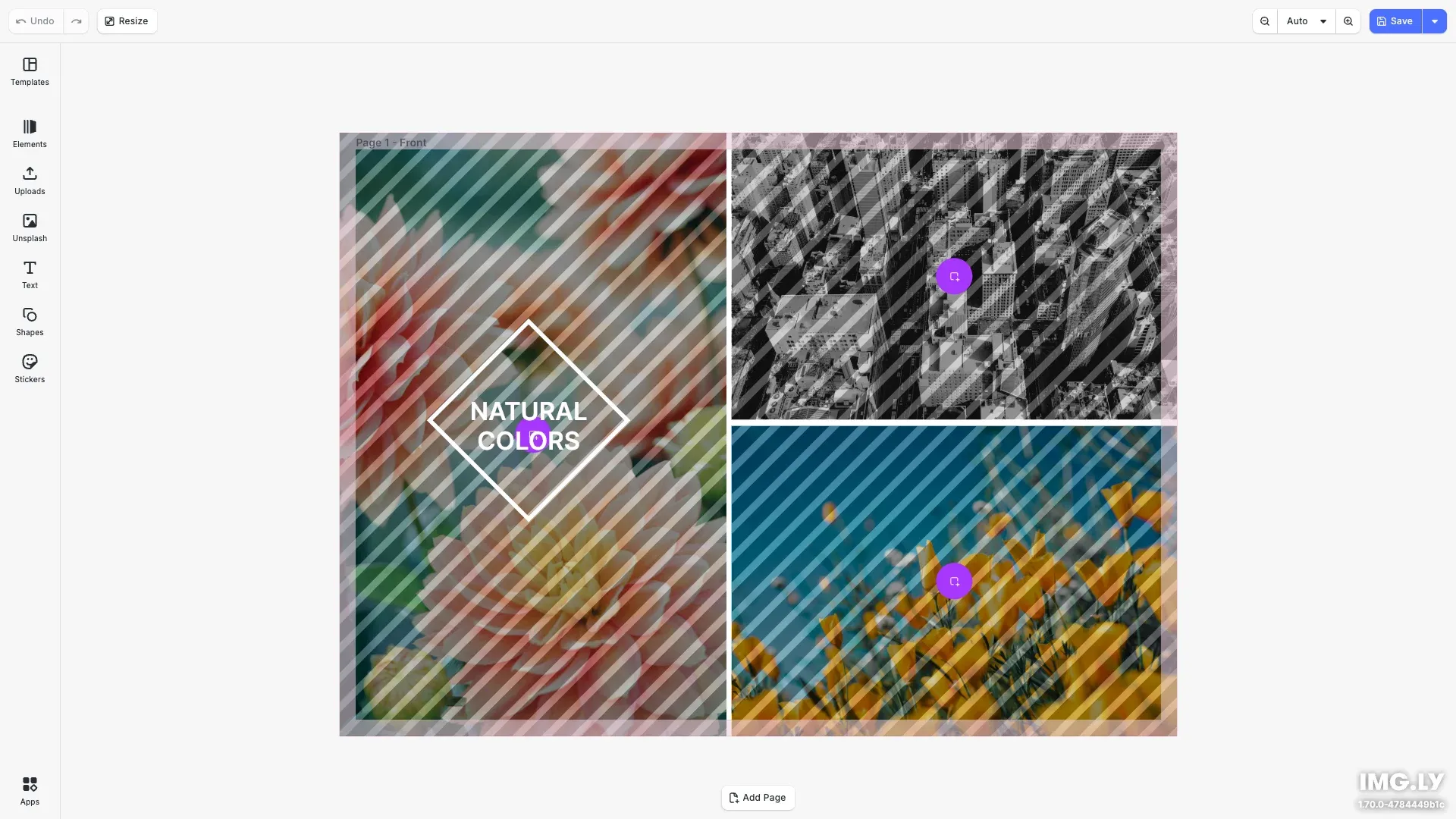
CE.SDK can include assets from third-party libraries accessible via API. Search and browse images from Unsplash in the editor.
Get Started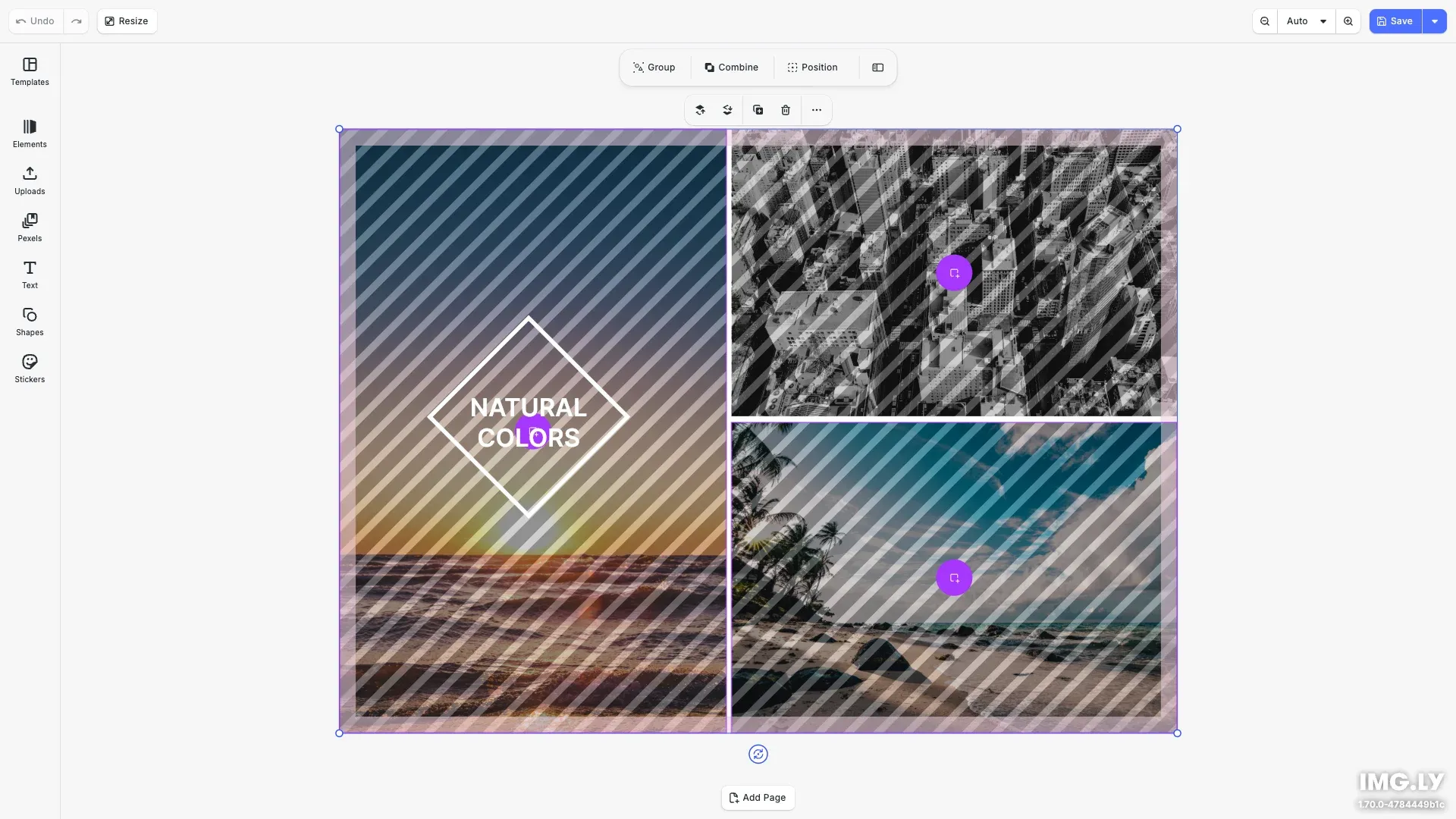
CE.SDK can include assets from third-party libraries accessible via API. Search and browse images from Pexels in the editor.
Get Started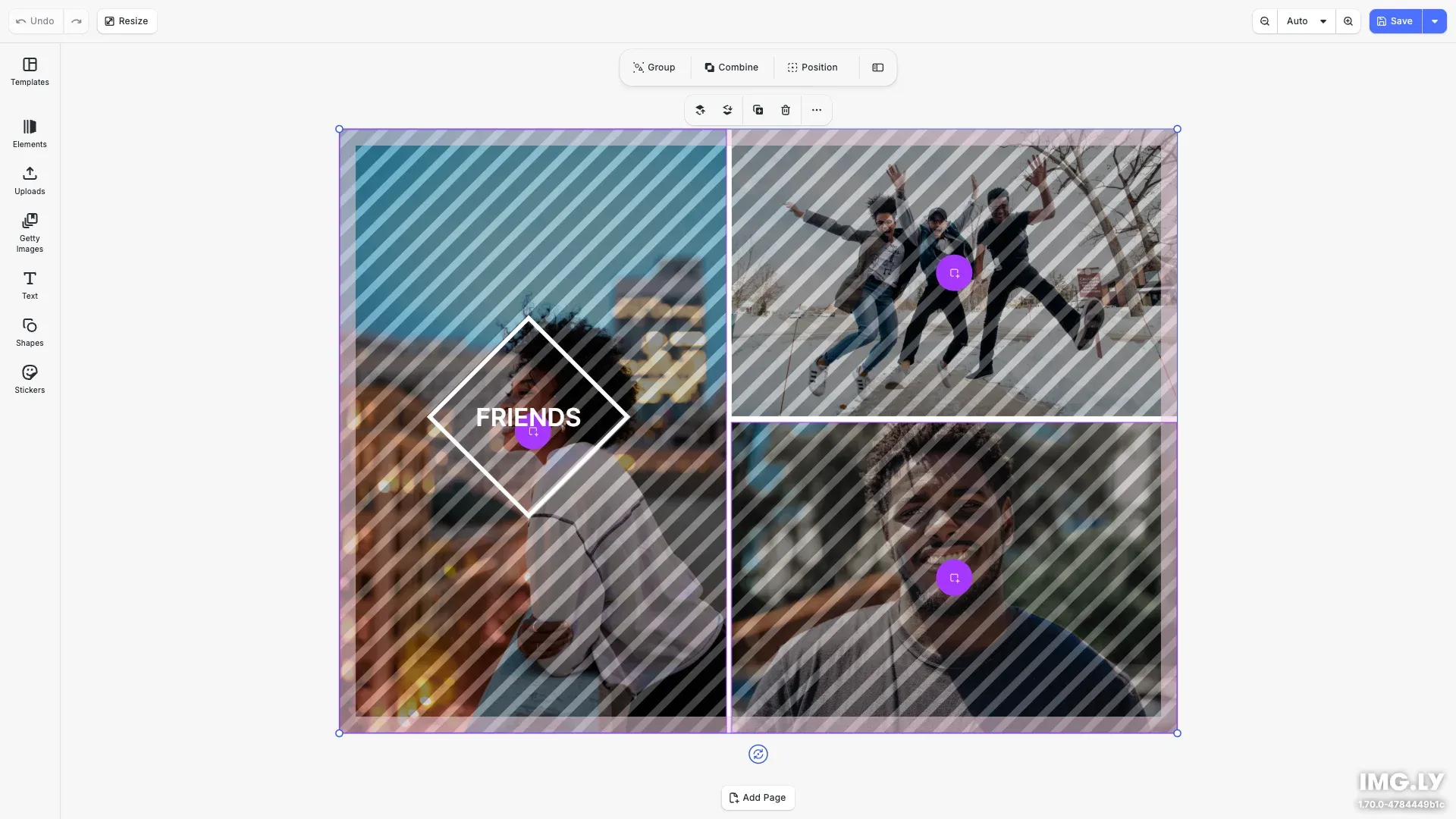
CE.SDK can include assets from third-party libraries accessible via API. Search and browse images from Getty Images in the editor.
Get Started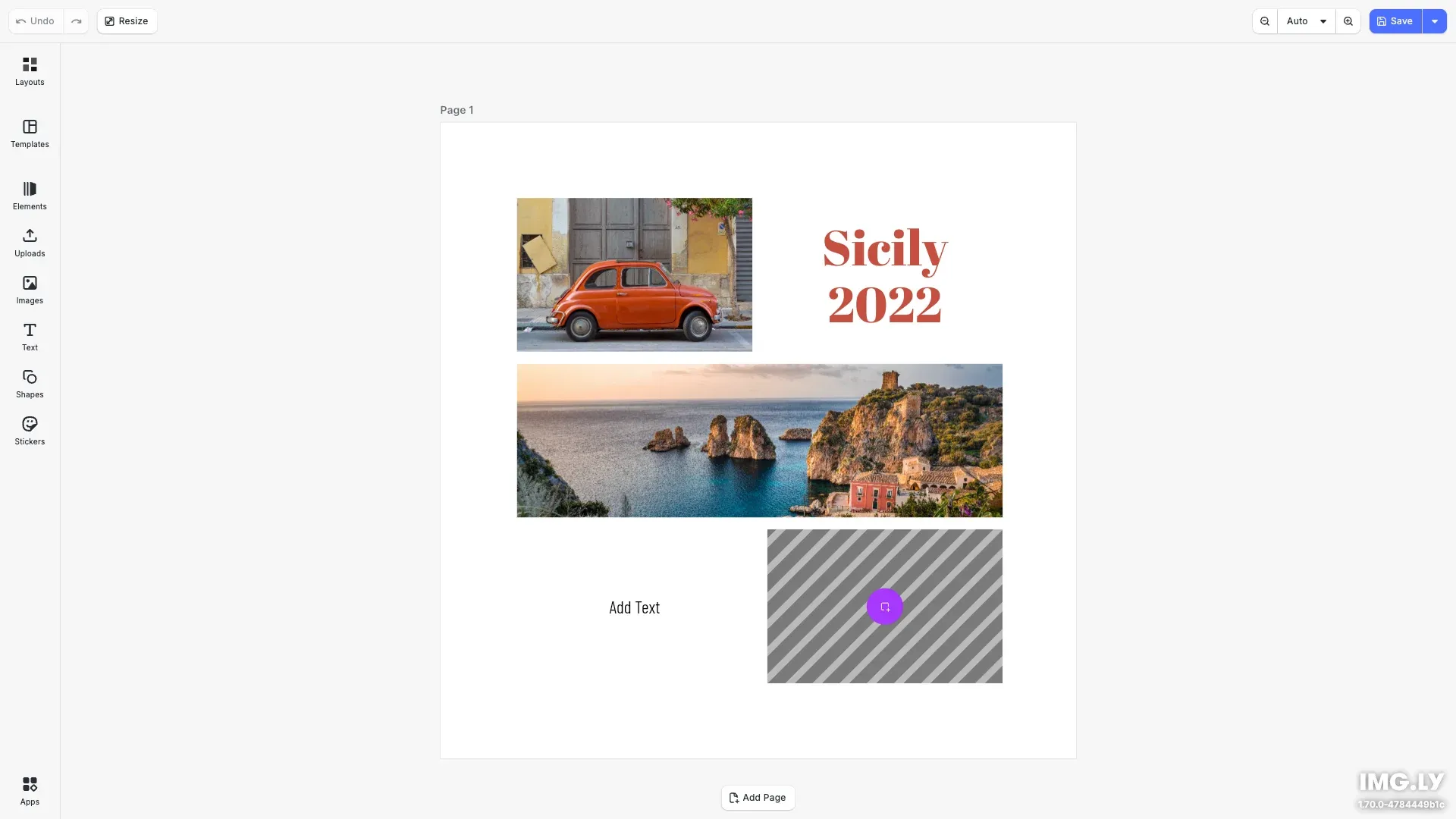
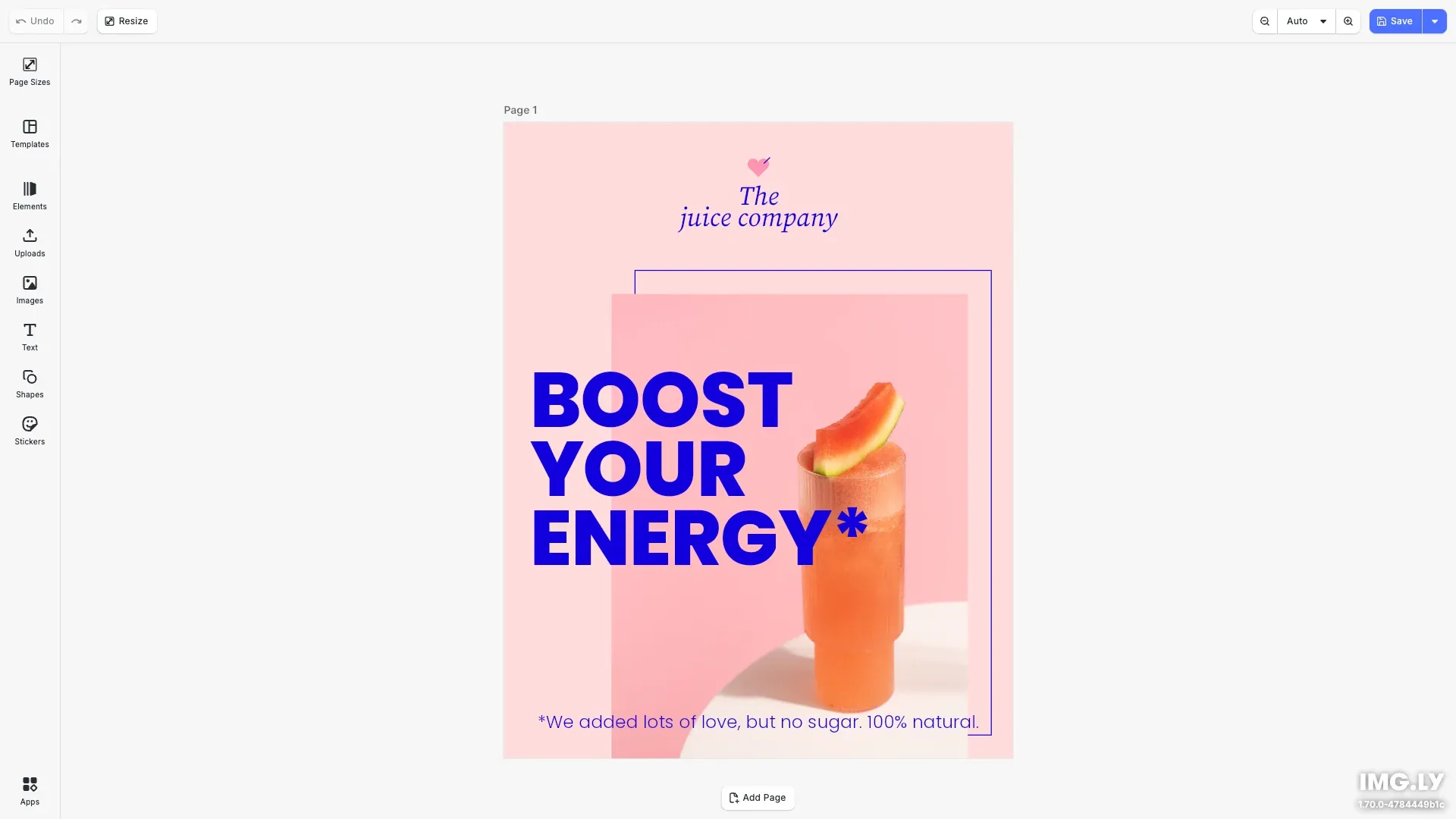
Automatically adapt the same design or template to different page sizes and easily scale marketing campaigns and print materials across platforms.
Get StartedTemplating#
Create templates by defining placeholders, constraints, and premium content libraries.
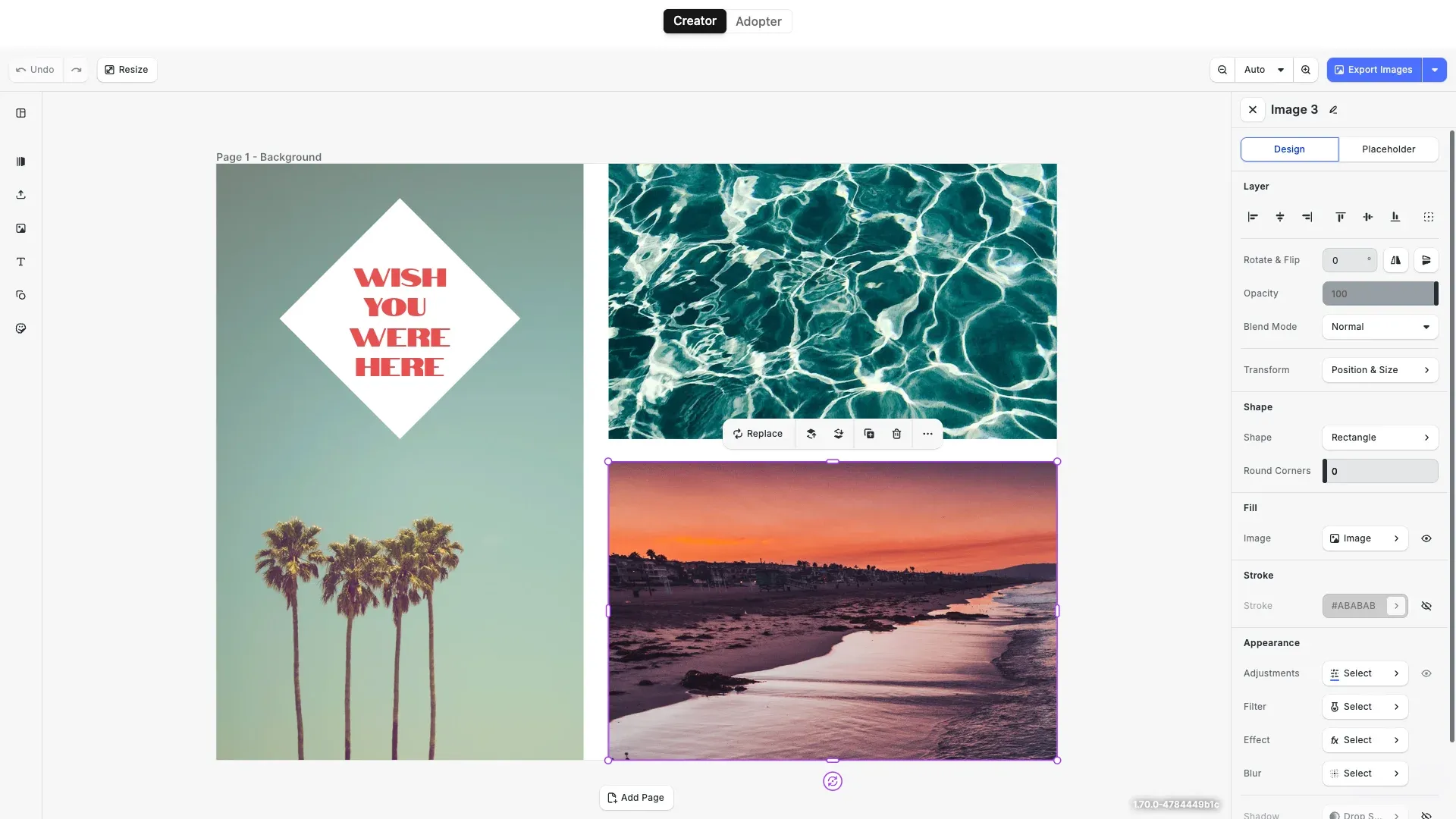
Ensure staying on brand and simplify the design process by defining placeholders and design constraints.
Get Started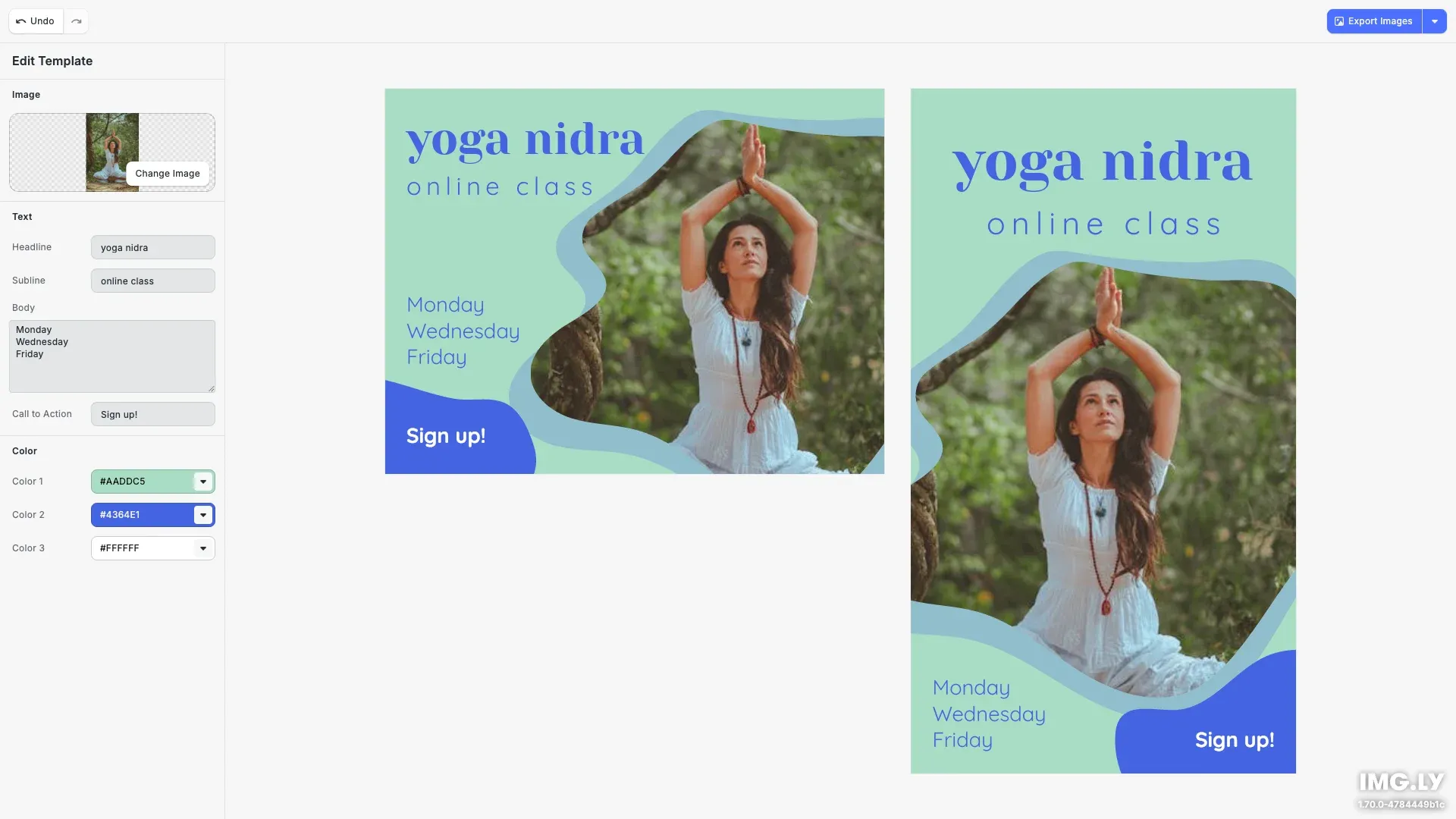
Use a form-based custom panel in CE.SDK to enable users to easily customize templates.
Get StartedCreative Automation#
Create dynamic templates to auto-generate image and design variations from data sources.
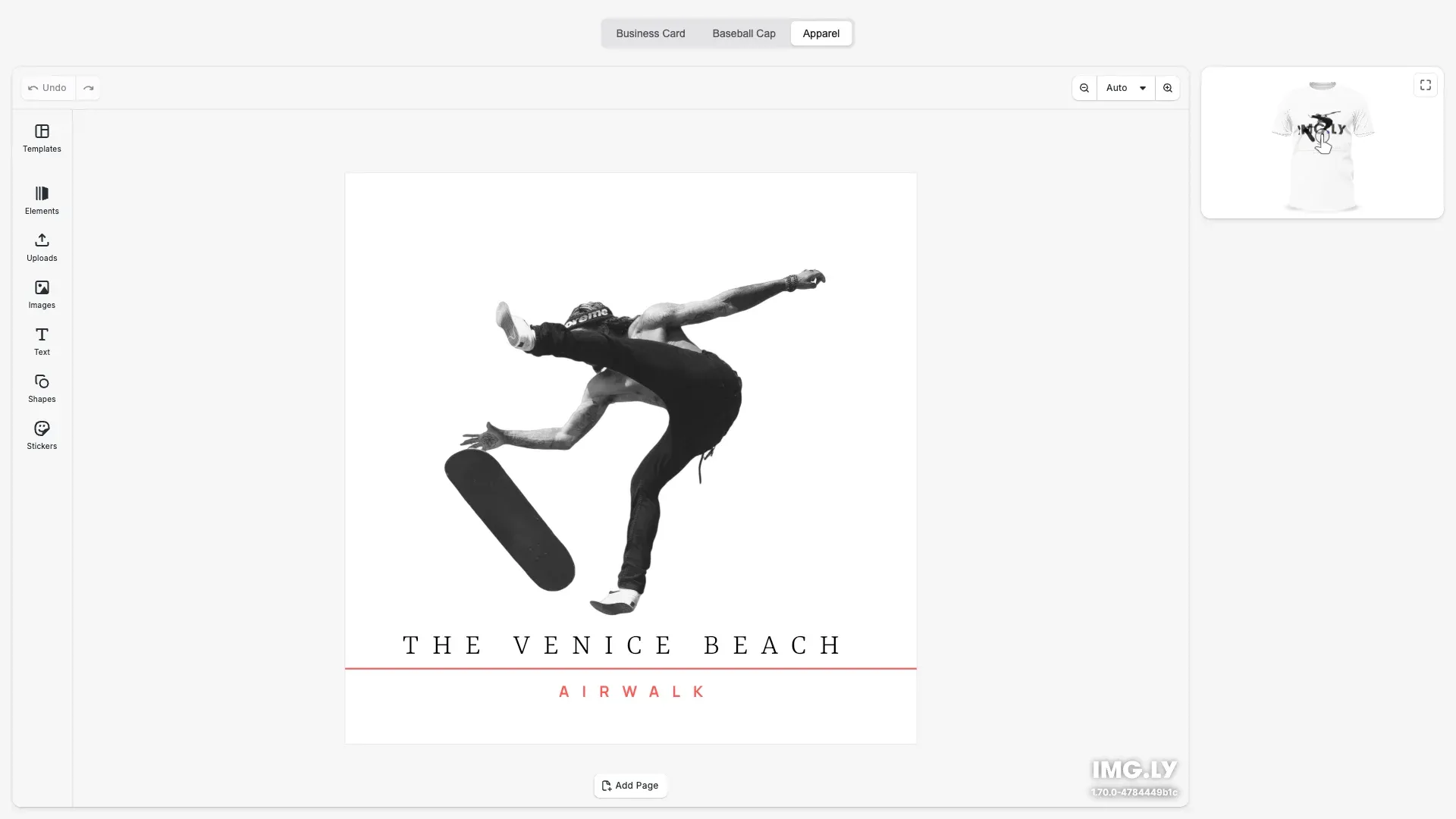
Integrate CE.SDK with 3D libraries for real-time, interactive design previews on products. Enhance accuracy and boost conversions with lifelike visuals.
Get Started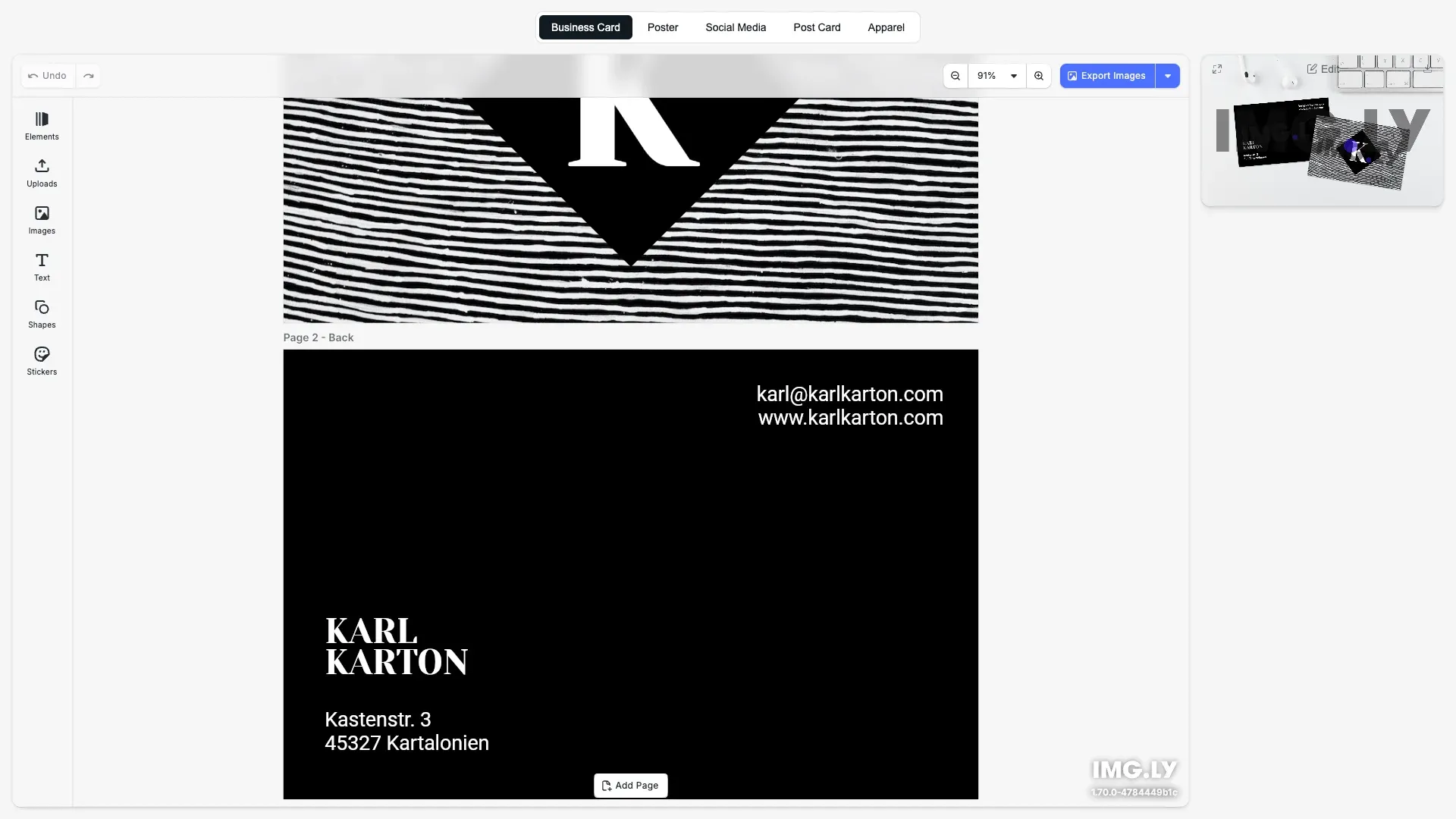
Easily visualize the final product with the Mockup Editor. Suitable for apparel, postcards, posters, business cards, and social media product designs.
Get Started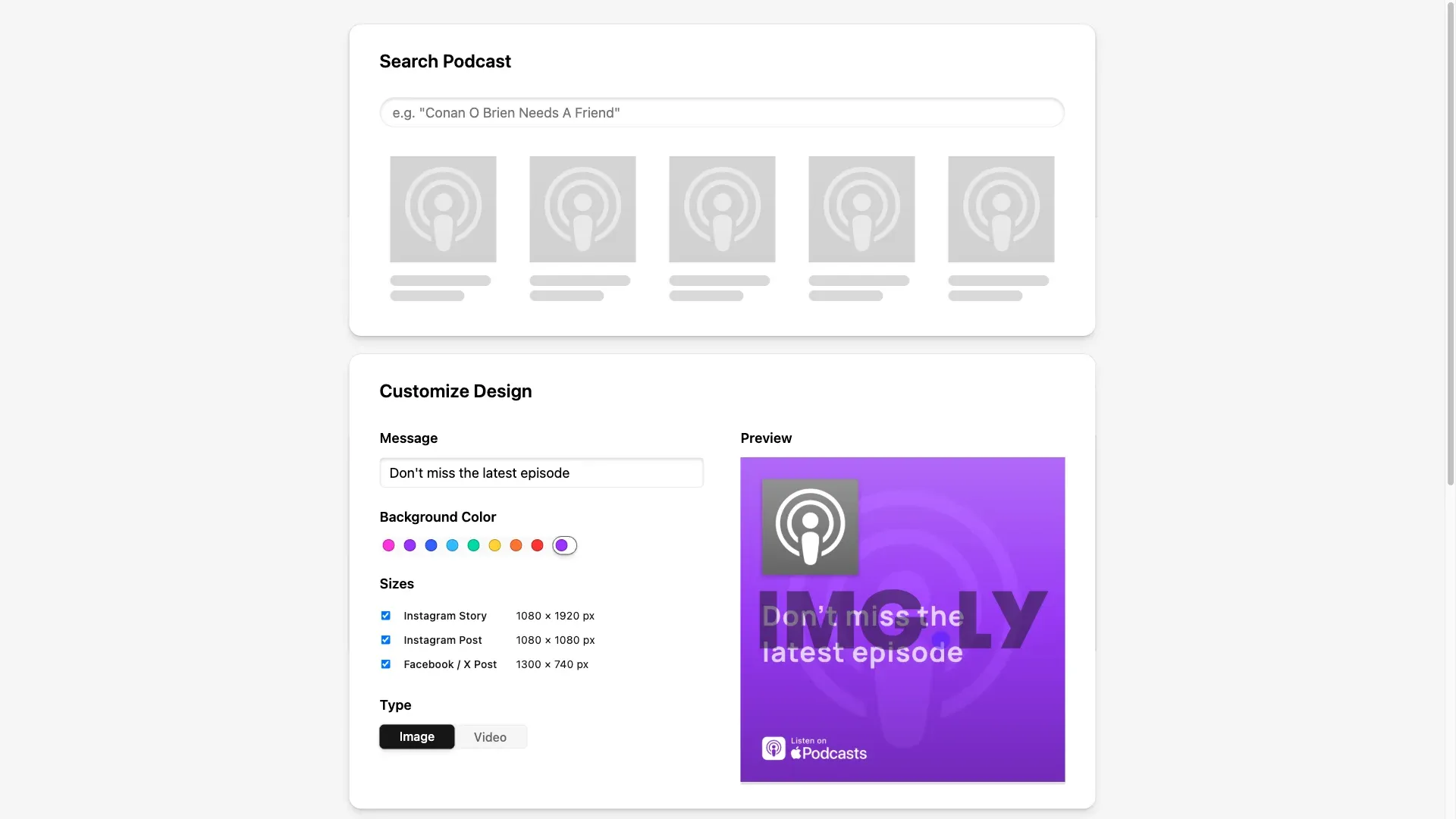
Automatically generate ready-to-use designs from a set of input parameters.
Get Started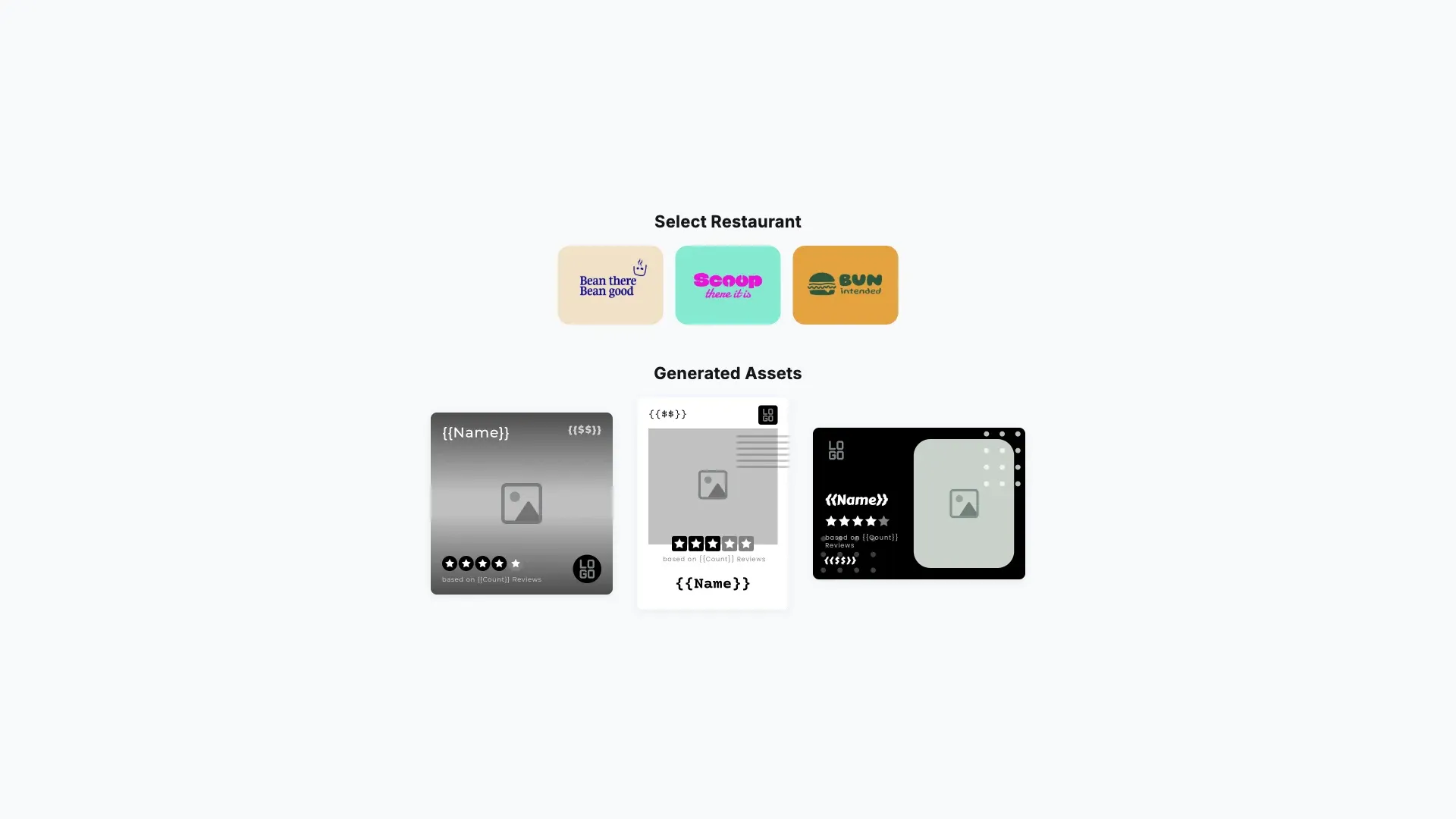
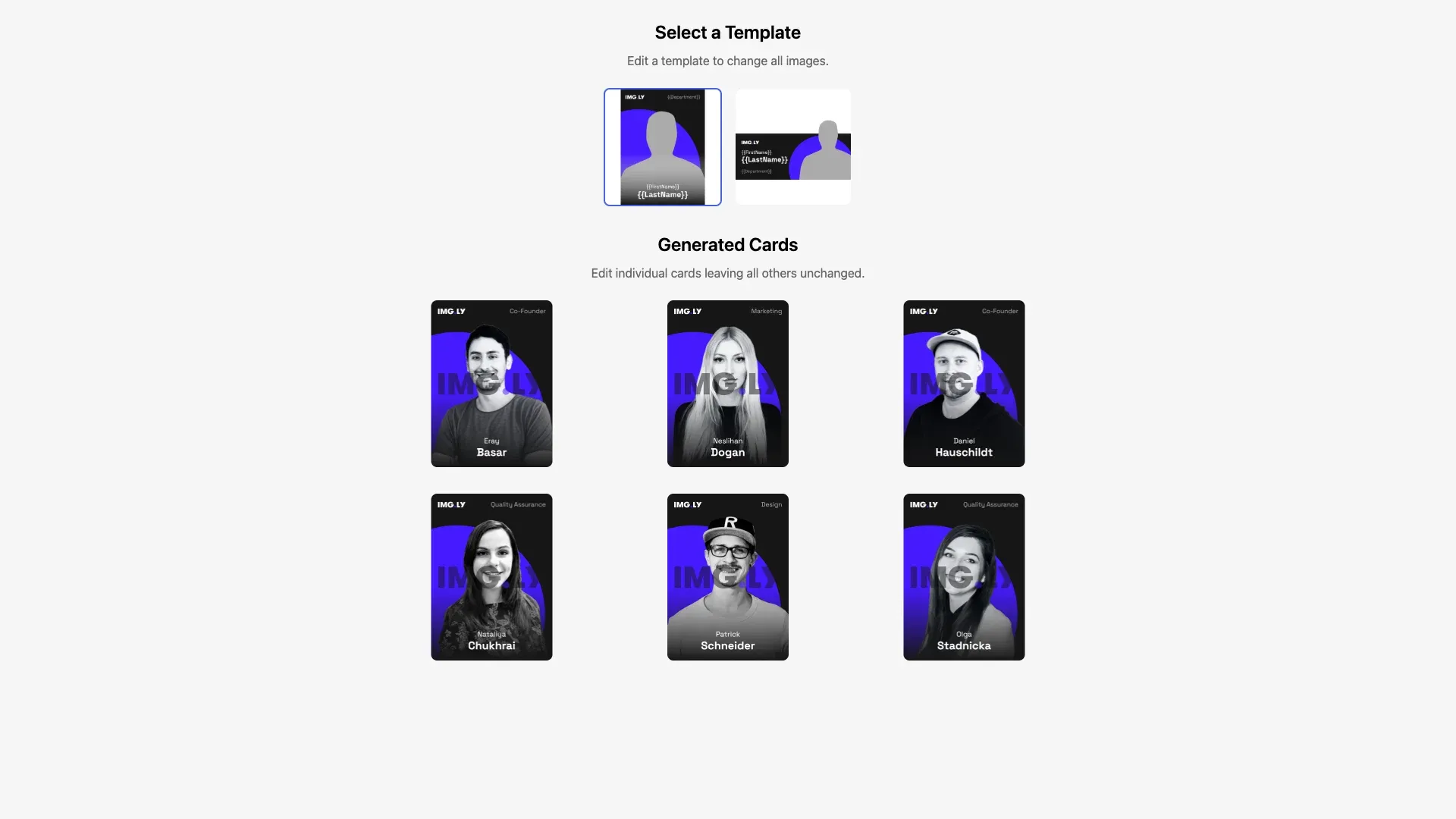
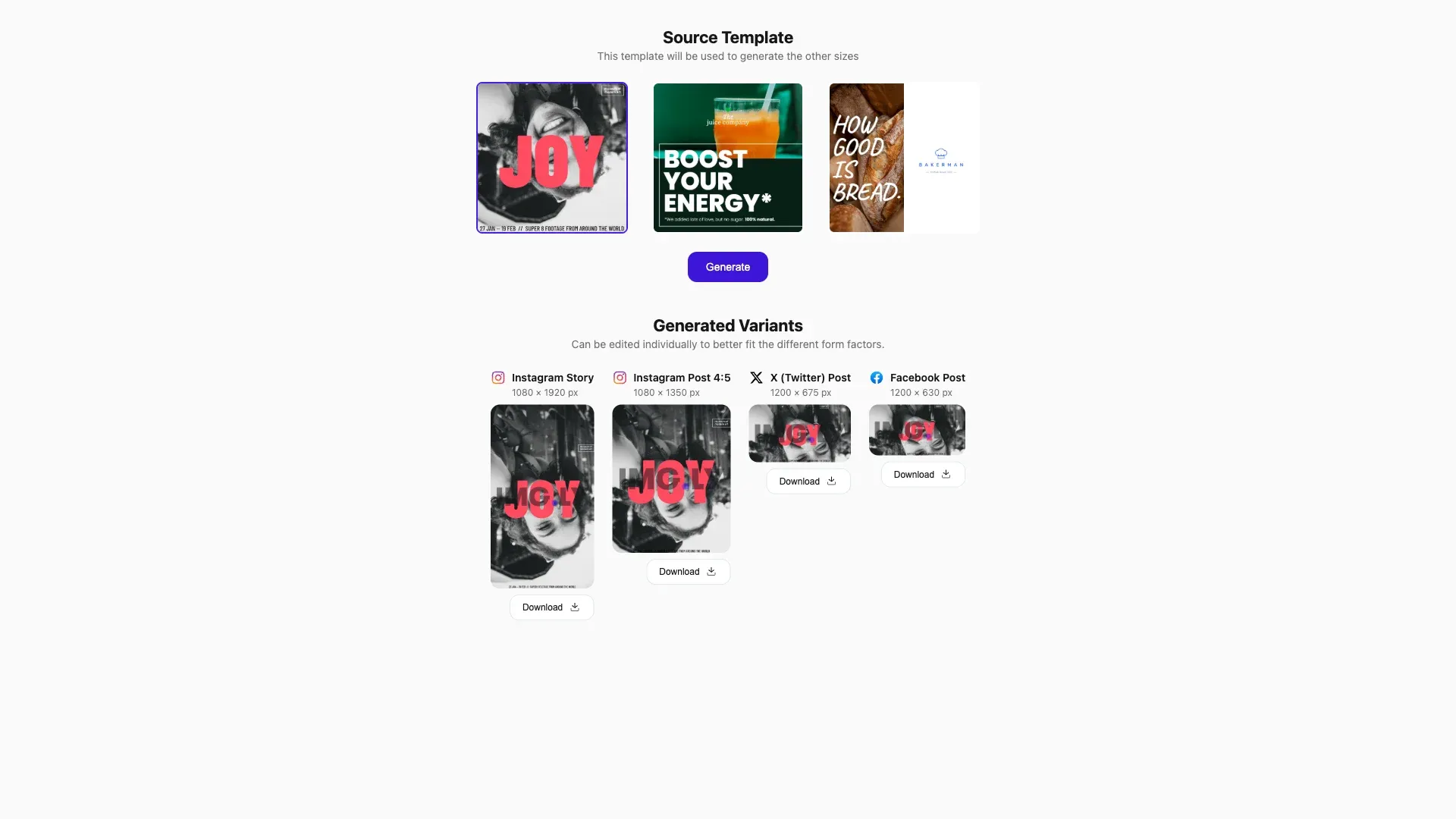
Automatically generate size variations of your design and easily scale your marketing materials across different platforms.
Get Started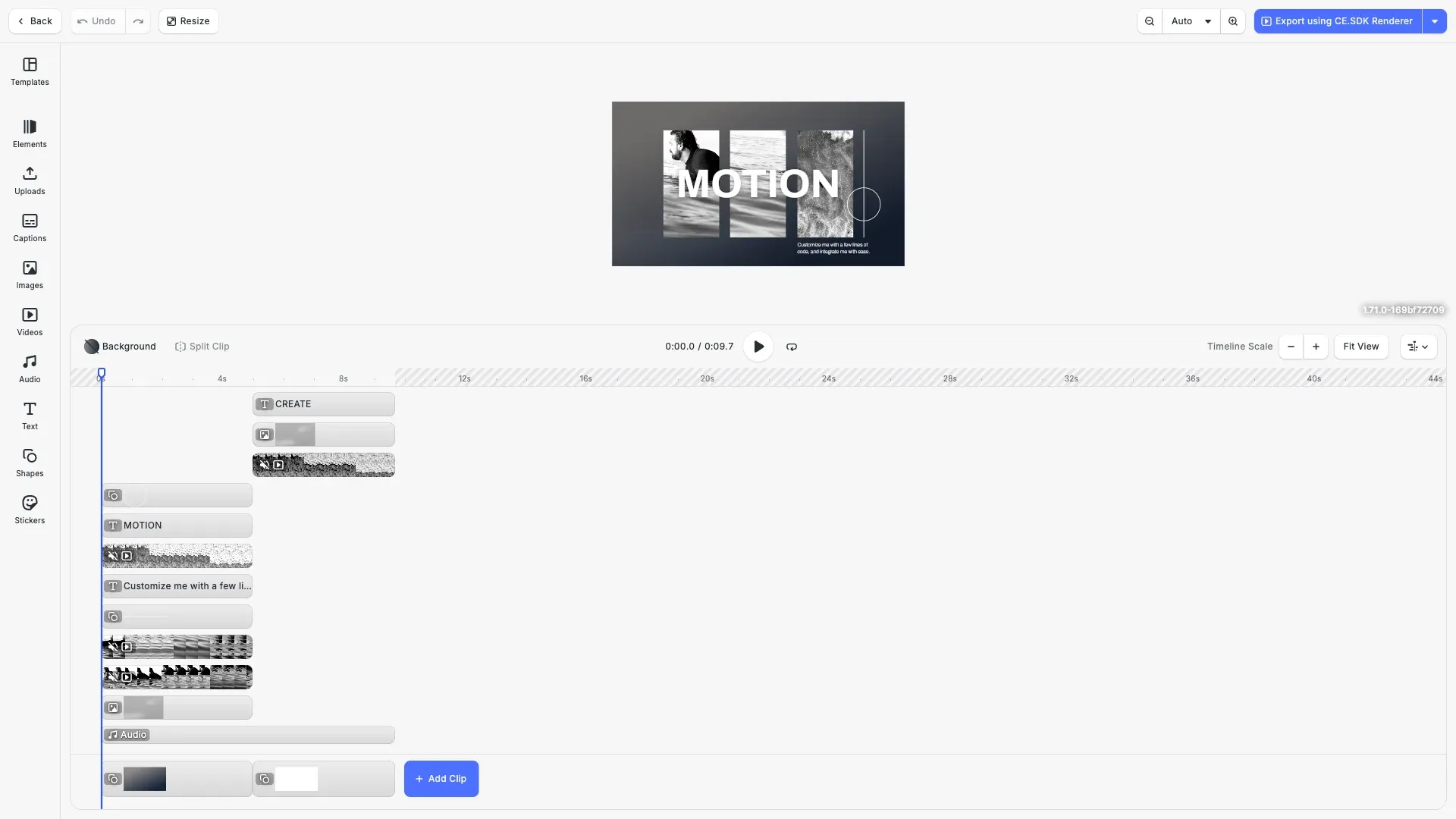
The Renderer brings CE.SDK's design engine to your backend with fast, compliant, enterprise-ready export for images, PDFs, and video, enabling organizations to generate media at scale with full fidelity and predictable performance.
Get StartedExtensibility#
Extend editor functionality with file format imports, content moderation, design validation, and version history.
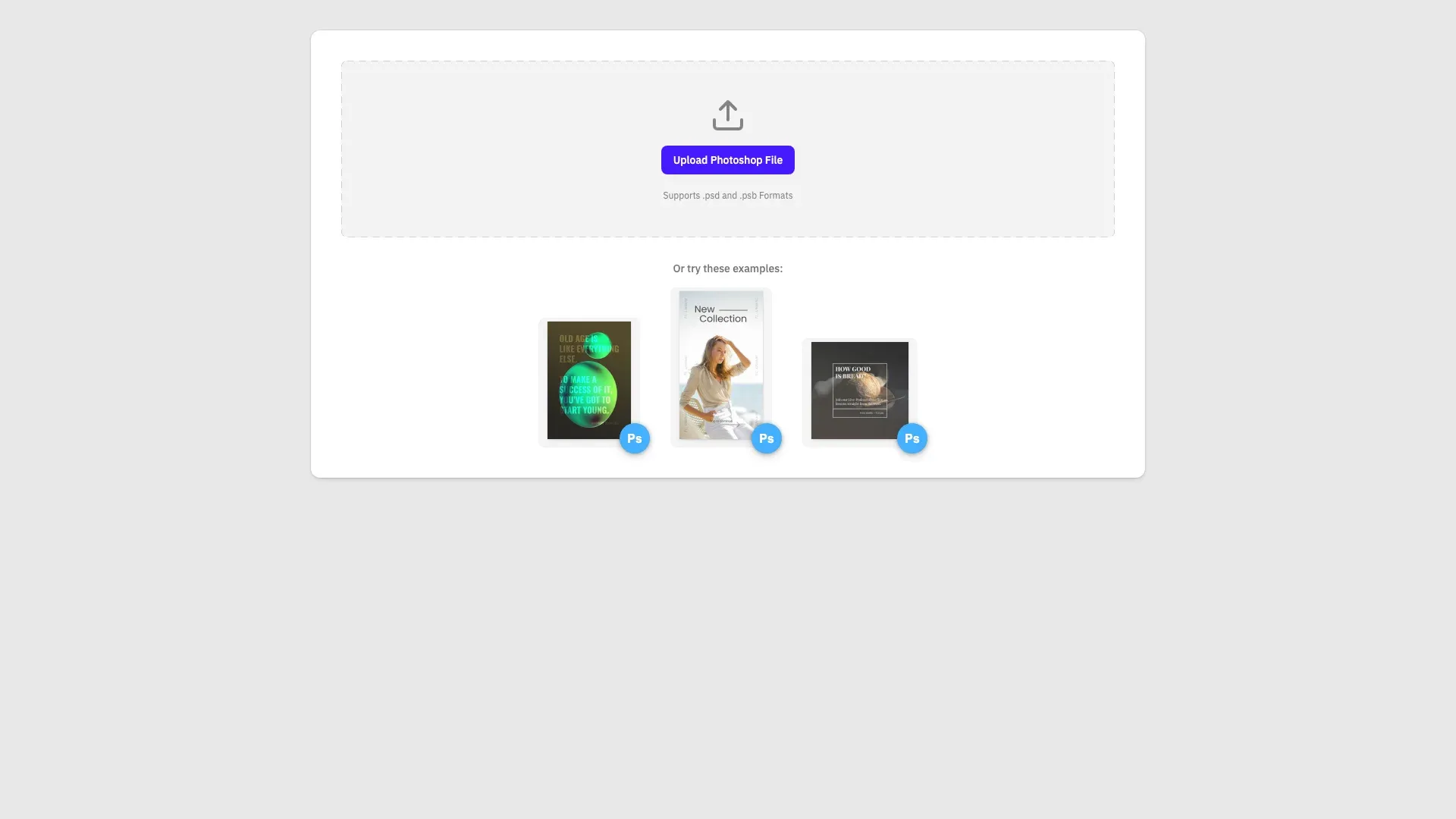
Transform your existing Photoshop templates for use in the CE.SDK with our Importer. Preserve design elements and streamline the transition between platforms.
Get Started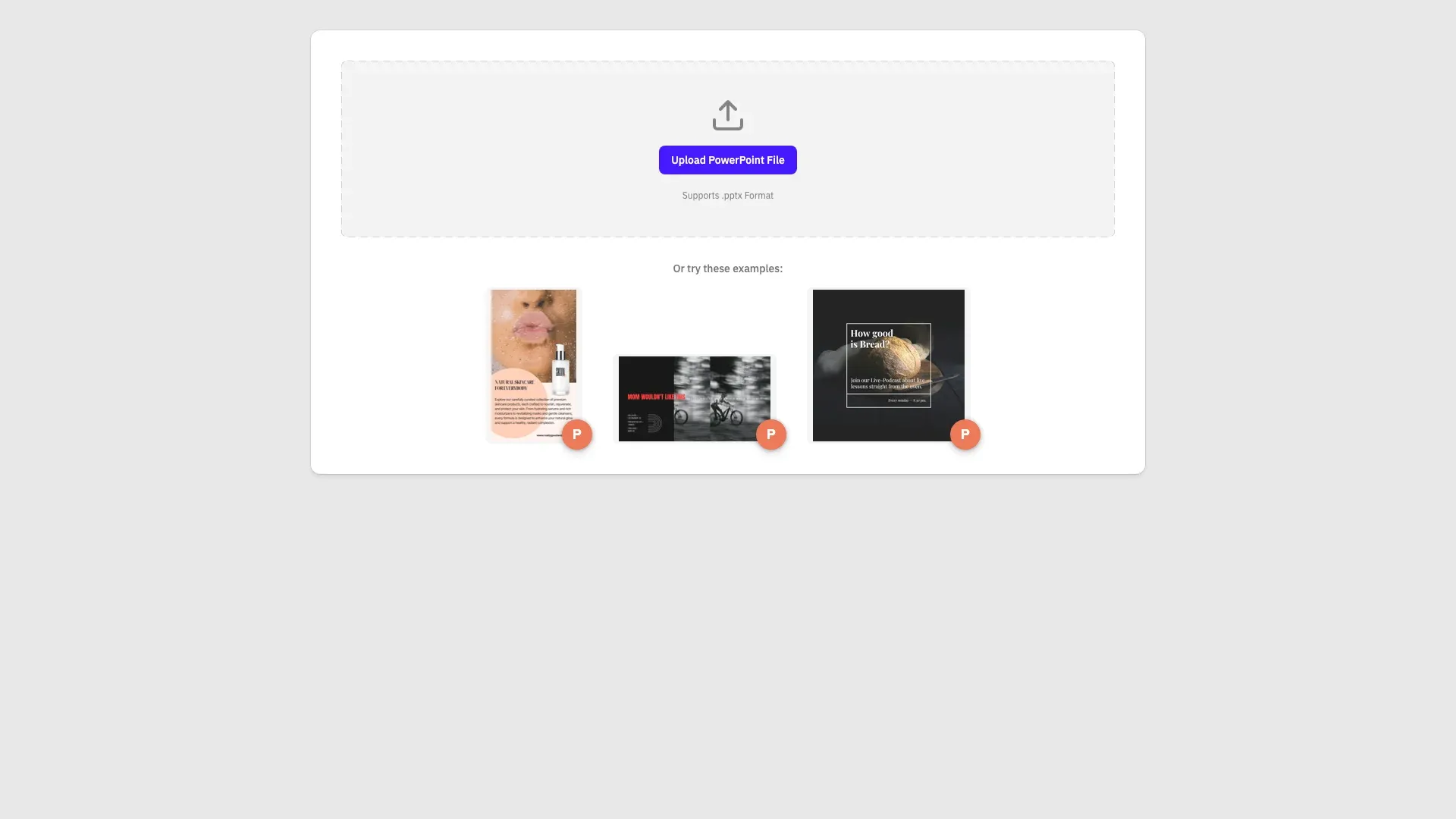
Transform PowerPoint slides into editable CE.SDK designs. All formatting preserved.
Get Started
Transform PDF documents into editable CE.SDK designs. Preserve text, images, and layout while making them fully editable.
Get Started
Transform your existing InDesign templates for use in the CE.SDK with our Importer. Preserve design elements and streamline the transition between platforms.
Get Started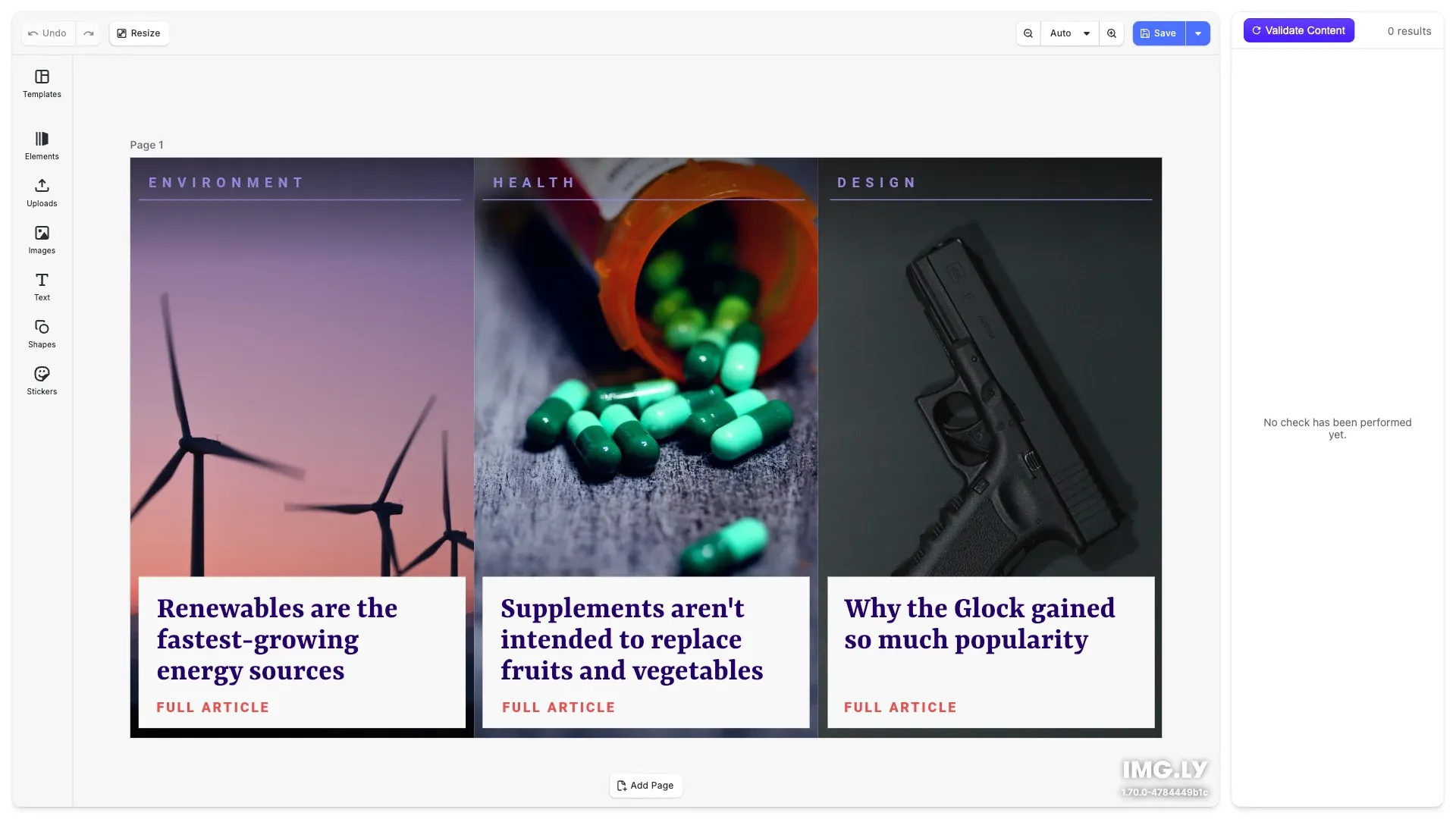
Content moderation made easy. Decide what type of imagery to restrict and receive automatic notifications flagging content that might be violating your guidelines.
Get Started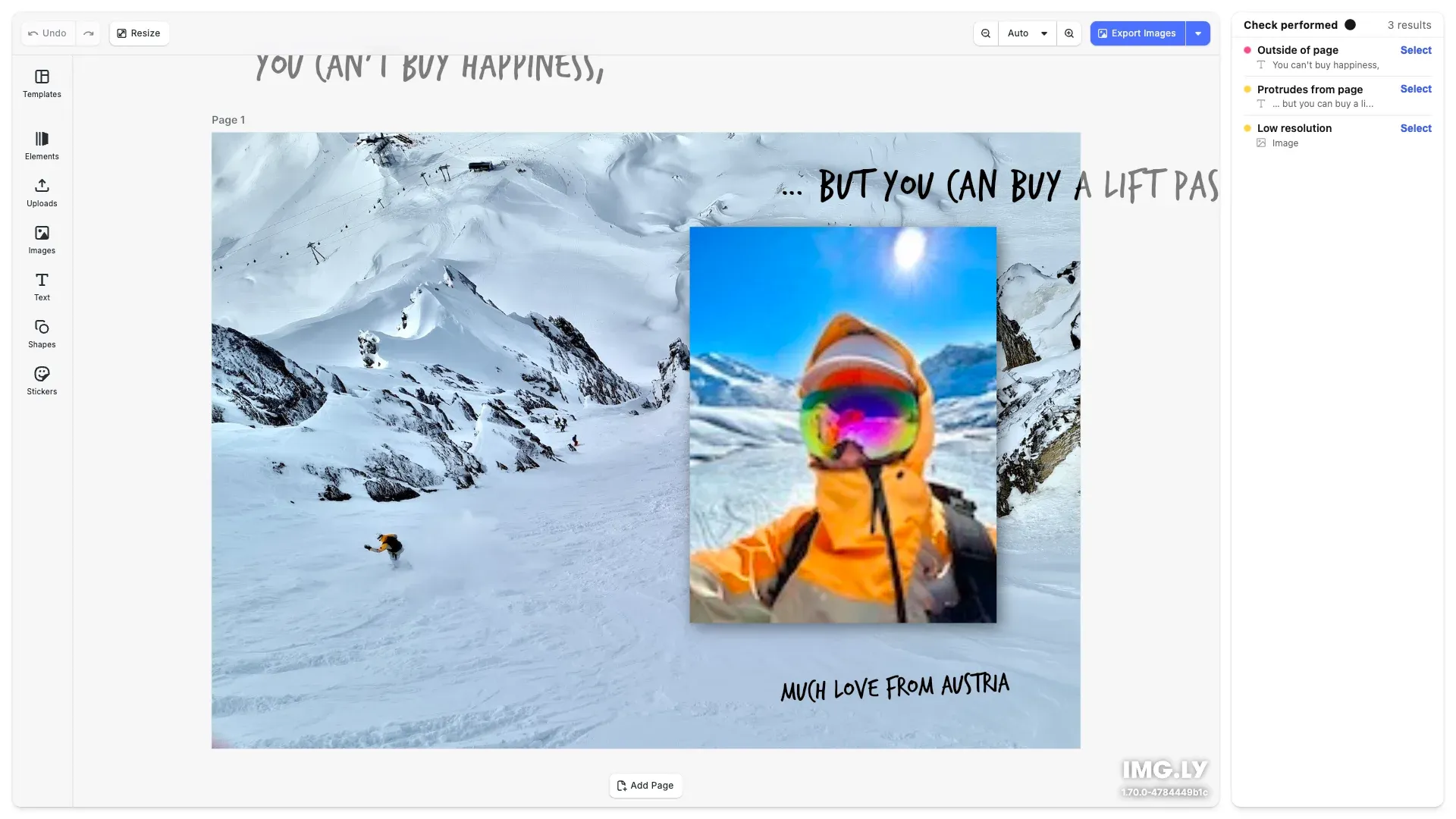
Reduce the risk of misprints and speed up validation process thanks to design validation. Automatic error notifications will let you know if the design is not print-ready.
Get Started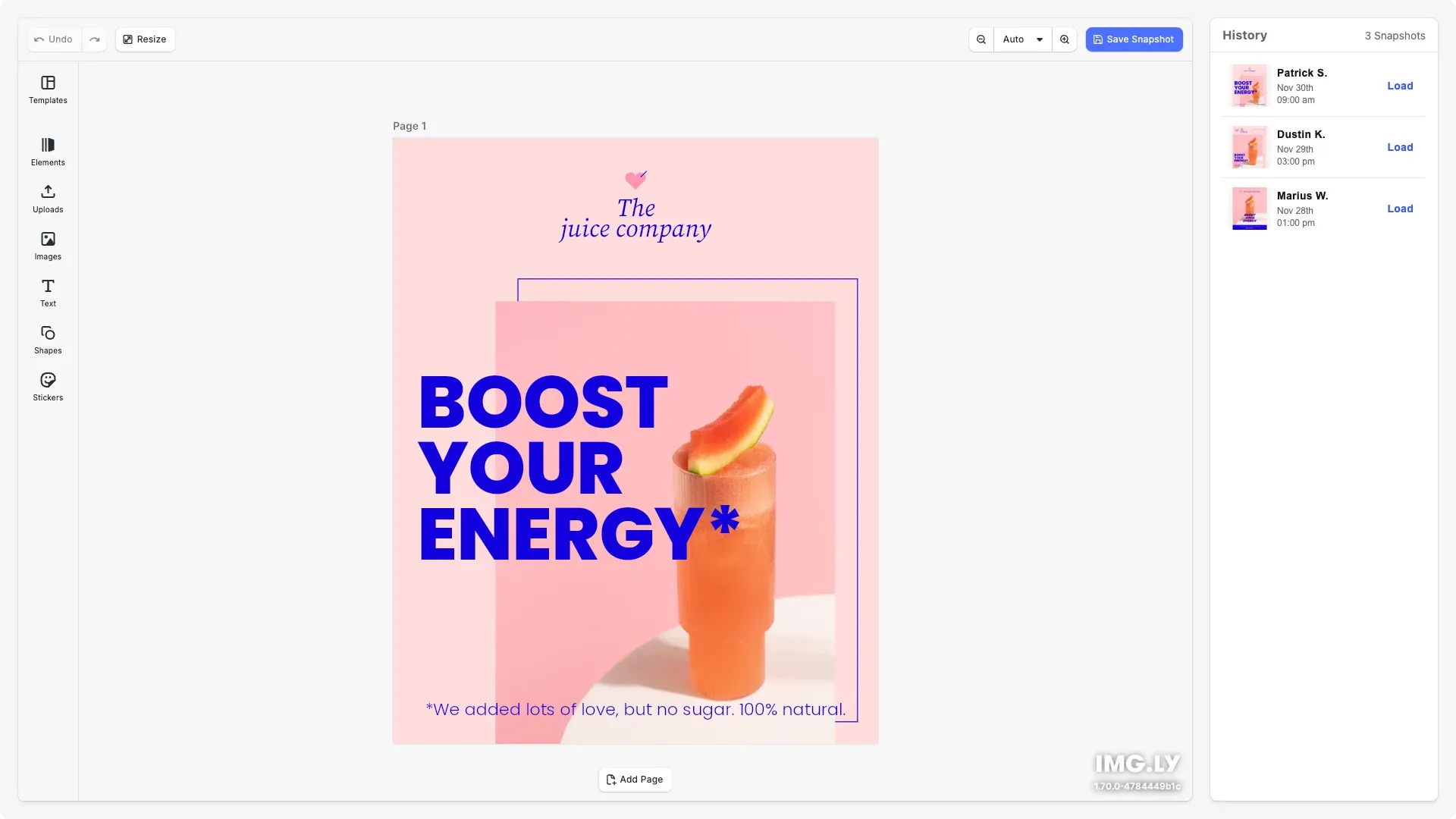
With Version History, you can monitor changes made to each design and easily restore past versions if needed.
Get Started