Attach custom key-value metadata to design blocks in CE.SDK for tracking asset origins, storing application state, or linking to external systems.
Metadata lets you attach arbitrary string key-value pairs to any design block. This data is invisible to end users but persists with the scene through save/load operations. Common use cases include tracking asset origins, storing application-specific state, and linking blocks to external databases or content management systems.
This guide covers how to set, retrieve, list, and remove metadata on blocks, as well as how to store structured data as JSON strings.
Initialize CE.SDK#
We start by initializing CE.SDK with a basic configuration. The metadata APIs are available on the engine.block namespace.
await cesdk.addPlugin(new DesignEditorConfig());
// Add asset source pluginsawait cesdk.addPlugin(new BlurAssetSource());await cesdk.addPlugin(new ColorPaletteAssetSource());await cesdk.addPlugin(new CropPresetsAssetSource());await cesdk.addPlugin(new UploadAssetSources({ include: ['ly.img.image.upload'] }));await cesdk.addPlugin(  new DemoAssetSources({    include: [      'ly.img.templates.blank.*',      'ly.img.templates.presentation.*',      'ly.img.templates.print.*',      'ly.img.templates.social.*',      'ly.img.image.*'    ]  }));await cesdk.addPlugin(new EffectsAssetSource());await cesdk.addPlugin(new FiltersAssetSource());await cesdk.addPlugin(new PagePresetsAssetSource());await cesdk.addPlugin(new StickerAssetSource());await cesdk.addPlugin(new TextAssetSource());await cesdk.addPlugin(new TextComponentAssetSource());await cesdk.addPlugin(new TypefaceAssetSource());await cesdk.addPlugin(new VectorShapeAssetSource());
await cesdk.actions.run('scene.create', {  page: { width: 800, height: 600, unit: 'Pixel' }});
const engine = cesdk.engine;const page = engine.block.findByType('page')[0];
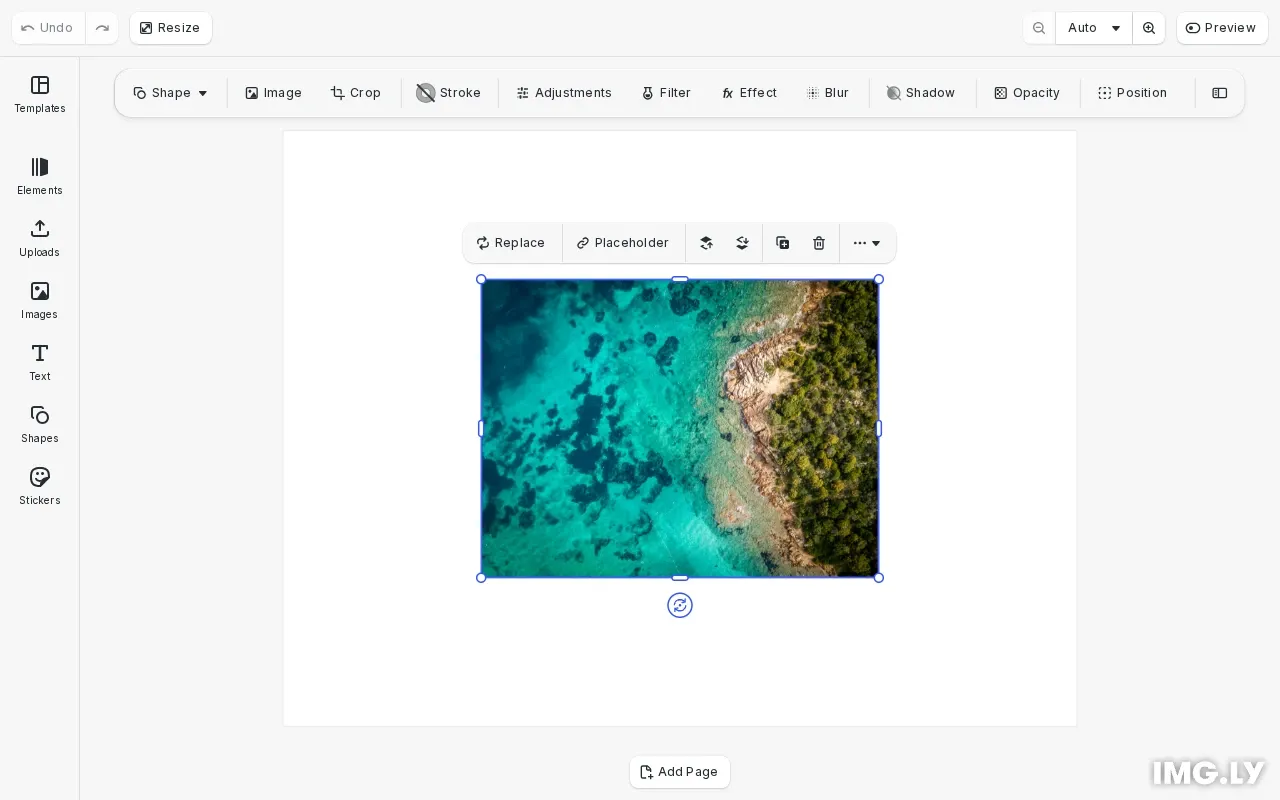
// Create an image block to attach metadata toconst imageBlock = await engine.block.addImage(  'https://img.ly/static/ubq_samples/sample_1.jpg',  { size: { width: 400, height: 300 } });engine.block.appendChild(page, imageBlock);engine.block.setPositionX(imageBlock, 200);engine.block.setPositionY(imageBlock, 150);
Set Metadata#
Use engine.block.setMetadata() to attach a key-value pair to a block. Both the key and value must be strings. If the key already exists, the value is overwritten.
// Set metadata key-value pairs on the blockengine.block.setMetadata(imageBlock, 'externalId', 'asset-12345');engine.block.setMetadata(imageBlock, 'source', 'user-upload');engine.block.setMetadata(imageBlock, 'uploadedBy', 'user@example.com');console.log('Set metadata: externalId, source, uploadedBy');You can attach multiple metadata entries to a single block. Each entry is independent and can be accessed, modified, or removed separately.
Get Metadata#
Use engine.block.getMetadata() to retrieve a value by its key. This method throws an error if the key doesn’t exist, so always check with hasMetadata() first for conditional access.
// Retrieve a metadata value by keyif (engine.block.hasMetadata(imageBlock, 'externalId')) { const externalId = engine.block.getMetadata(imageBlock, 'externalId'); console.log('External ID:', externalId);}The hasMetadata() method returns true if the block has metadata for the specified key, and false otherwise. This pattern prevents runtime errors when accessing metadata that may not be set.
List All Metadata Keys#
Use engine.block.findAllMetadata() to get an array of all metadata keys stored on a block.
// List all metadata keys on the blockconst allKeys = engine.block.findAllMetadata(imageBlock);console.log('All metadata keys:', allKeys);
// Log all key-value pairsfor (const key of allKeys) {  const value = engine.block.getMetadata(imageBlock, key);  console.log(`  ${key}: ${value}`);}
This is useful for iterating through all metadata on a block or debugging what metadata is attached.
Store Structured Data#
Since metadata values must be strings, you can store structured data by serializing it to JSON. Parse the JSON when retrieving the data.
// Store structured data as JSONconst generationInfo = {  source: 'ai-generated',  model: 'stable-diffusion',  timestamp: Date.now()};engine.block.setMetadata(  imageBlock,  'generationInfo',  JSON.stringify(generationInfo));
// Retrieve and parse structured dataconst retrievedJson = engine.block.getMetadata(  imageBlock,  'generationInfo');const parsedInfo = JSON.parse(retrievedJson);console.log('Parsed generation info:', parsedInfo);
This pattern lets you store complex objects like configuration settings, generation parameters, or any structured information that can be serialized to JSON.
Remove Metadata#
Use engine.block.removeMetadata() to delete a key-value pair from a block. This method does not throw an error if the key doesn’t exist.
// Remove a metadata keyengine.block.removeMetadata(imageBlock, 'uploadedBy');console.log('Removed metadata key: uploadedBy');After removal, you can verify the key was deleted by checking with hasMetadata().
// Verify the key was removedconst hasUploadedBy = engine.block.hasMetadata(imageBlock, 'uploadedBy');console.log('Has uploadedBy after removal:', hasUploadedBy);
// List remaining keysconst remainingKeys = engine.block.findAllMetadata(imageBlock);console.log('Remaining metadata keys:', remainingKeys);
Metadata Persistence#
Metadata is automatically preserved when saving scenes with engine.scene.saveToString() or engine.scene.saveToArchive(). When loading a saved scene, all metadata is restored to the blocks.
Troubleshooting#
getMetadata Throws Error#
If getMetadata() throws an error, the key doesn’t exist on the block. Always use hasMetadata() to check before retrieving:
if (engine.block.hasMetadata(block, 'myKey')) { const value = engine.block.getMetadata(block, 'myKey');}Metadata Lost After Load#
Ensure you’re saving with saveToString() or saveToArchive(), not exporting to image/video formats. Only scene saves preserve metadata.
Large Metadata Values#
Metadata is designed for small strings. Very large values may impact performance during save/load operations. For large data, consider storing a reference (like a URL or ID) rather than the data itself.
API Reference#
| Method | Description |
|---|---|
engine.block.setMetadata(block, key, value) | Set a metadata key-value pair on a block |
engine.block.getMetadata(block, key) | Get the value for a metadata key |
engine.block.hasMetadata(block, key) | Check if a metadata key exists |
engine.block.findAllMetadata(block) | List all metadata keys on a block |
engine.block.removeMetadata(block, key) | Remove a metadata key-value pair |