Add scannable QR codes to designs programmatically using image fills.
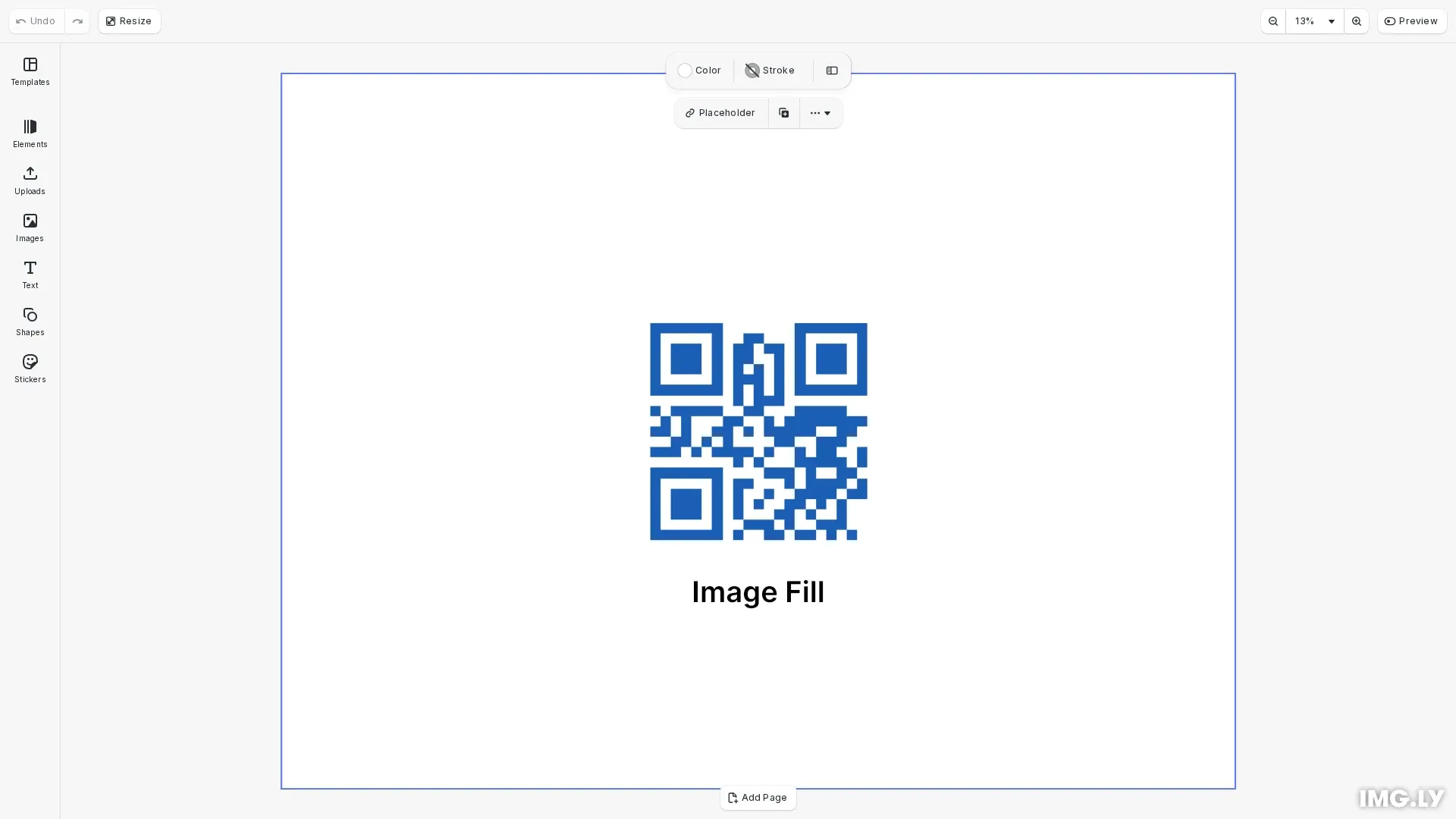
QR codes encode URLs that mobile devices can scan, making them useful for marketing materials, business cards, event posters, and product packaging. This guide shows how to generate QR codes as images and add them to CE.SDK designs.
Generating QR Code Images#
Use a QR code library like qrcode to generate QR codes as data URLs with custom colors.
// Generate QR code as data URL image with custom colorsconst qrImageUrl = await generateQRCodeDataURL('https://img.ly', { width: 256, color: { dark: '#1a5fb4', light: '#ffffff' }});The toDataURL method creates a base64-encoded image that works directly with CE.SDK’s image fill. You can customize the colors at generation time.
Creating a QR Code Block#
Create a graphic block with a rectangle shape and apply the QR code as an image fill.
// Create graphic block with rectangle shape and image fillconst imageQrBlock = engine.block.create('graphic');const rectShape = engine.block.createShape('rect');engine.block.setShape(imageQrBlock, rectShape);
// Create image fill with QR code data URLconst imageFill = engine.block.createFill('image');engine.block.setString(imageFill, 'fill/image/imageFileURI', qrImageUrl);engine.block.setFill(imageQrBlock, imageFill);
Image fills use a rectangle shape with the QR code as the fill content. This approach is straightforward and supports color customization at generation time.
Positioning and Sizing#
Set the QR code dimensions and position on the page.
// Set dimensions and position for image-based QR codeengine.block.setWidth(imageQrBlock, qrSize);engine.block.setHeight(imageQrBlock, qrSize);engine.block.setPositionX(imageQrBlock, 300);engine.block.setPositionY(imageQrBlock, 200);
// Add to pageengine.block.appendChild(page, imageQrBlock);
Maintain a square aspect ratio by setting equal width and height. For reliable scanning, keep QR codes at least 100x100 pixels.
API Reference#
| Method | Category | Purpose |
|---|---|---|
engine.block.create('graphic') | Creation | Create graphic block for QR code |
engine.block.createShape('rect') | Shapes | Create rectangle shape |
engine.block.setShape(id, shape) | Shapes | Apply shape to graphic block |
engine.block.createFill('image') | Fills | Create image fill |
engine.block.setString(id, 'fill/image/imageFileURI', uri) | Fills | Set image data URL |
engine.block.setFill(id, fill) | Fills | Apply fill to block |
engine.block.setWidth(id, width) | Transform | Set QR code width |
engine.block.setHeight(id, height) | Transform | Set QR code height |
engine.block.setPositionX(id, x) | Transform | Set horizontal position |
engine.block.setPositionY(id, y) | Transform | Set vertical position |
engine.block.appendChild(parent, child) | Hierarchy | Add QR code to page |