Create stickers from images for use in your designs, perfect for adding icons, logos, emoji, and detailed multi-color graphics that preserve their original appearance.
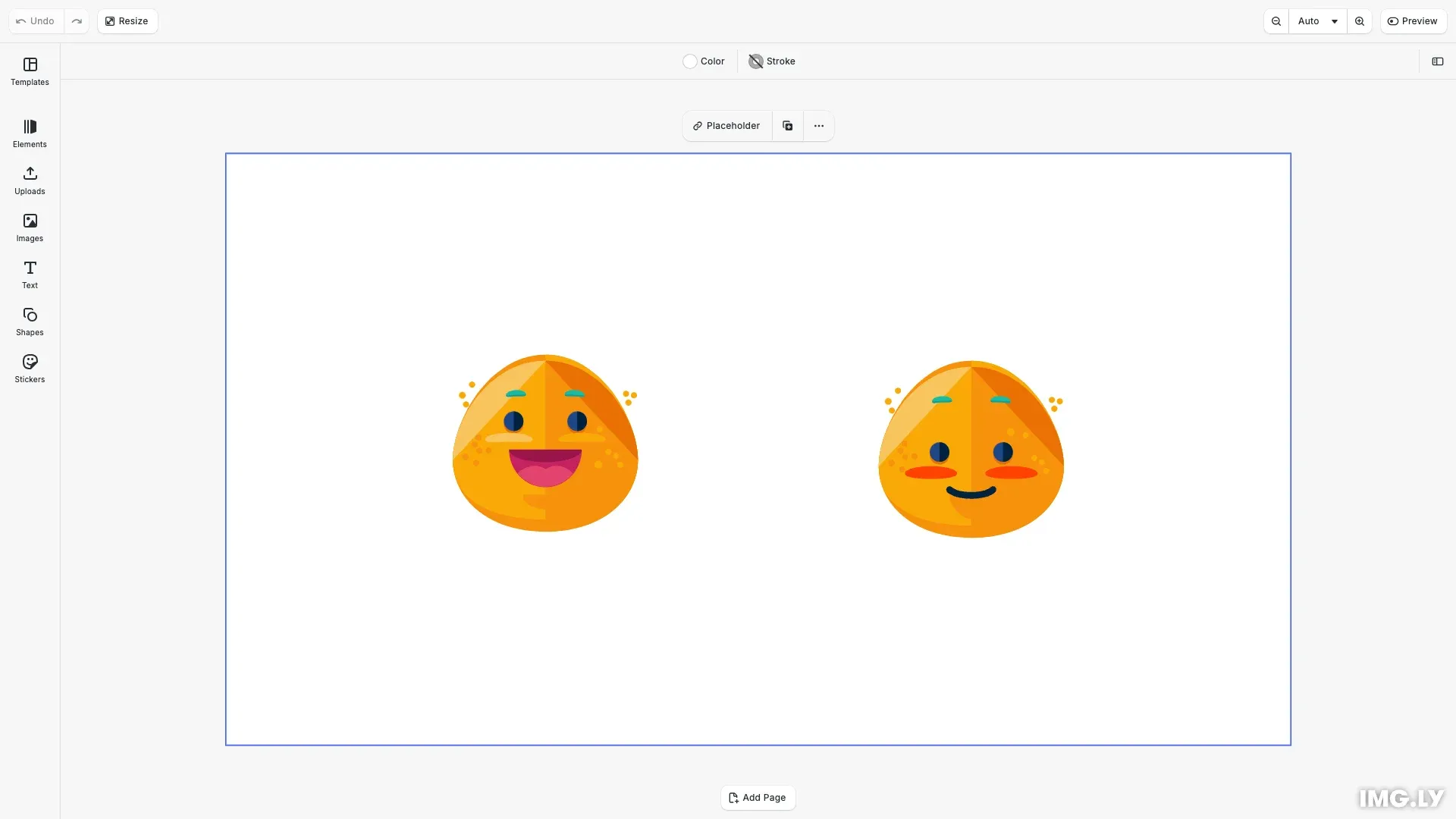
Stickers are graphic blocks with image fills that cannot be recolored. They work well for icons, brand logos, emoji, and complex multi-color graphics. Unlike shapes (which use solid or gradient fills and can be recolored), stickers preserve the original colors and details of the source image.
Creating Stickers from Images#
We use engine.block.addImage() to create stickers quickly. This method creates the graphic block and image fill in one call. After creation, we read the natural dimensions, calculate a scale factor to preserve aspect ratio, and apply the scaled size. We also set the position, content fill mode, and mark it as ‘Sticker’ for proper editor behavior.
// Create sticker using the convenient addImage() methodconst sticker = await engine.block.addImage(  'https://cdn.img.ly/assets/v4/ly.img.sticker/images/emoticons/imgly_sticker_emoticons_grin.svg');
// Set size and position (preserve aspect ratio)const naturalWidth = engine.block.getWidth(sticker);const naturalHeight = engine.block.getHeight(sticker);const scale = 80 / Math.max(naturalWidth, naturalHeight);engine.block.setWidth(sticker, naturalWidth * scale);engine.block.setHeight(sticker, naturalHeight * scale);engine.block.setPositionX(sticker, 95);engine.block.setPositionY(sticker, 85);
// Prevent cropping and mark as stickerif (engine.block.supportsContentFillMode(sticker)) {  engine.block.setContentFillMode(sticker, 'Contain');}engine.block.setKind(sticker, 'Sticker');
// Add to sceneengine.block.appendChild(page, sticker);
We preserve aspect ratio by scaling the natural dimensions proportionally. The ‘Contain’ fill mode ensures the entire image displays without cropping. Setting the kind to ‘Sticker’ prevents recoloring and provides appropriate editor controls.
Manual Construction#
For fine-grained control, we build stickers step by step using separate API calls. We create the graphic block, set a shape (required for visibility), create an image fill, and apply it to the block. We preserve aspect ratio by reading natural dimensions and scaling proportionally.
// Create sticker manually for fine-grained controlconst manualSticker = engine.block.create('graphic');
// Set a shape (required for graphic blocks to be visible)engine.block.setShape(manualSticker, engine.block.createShape('rect'));
// Create and apply image fillconst imageFill = engine.block.createFill('image');engine.block.setString(  imageFill,  'fill/image/imageFileURI',  'https://cdn.img.ly/assets/v4/ly.img.sticker/images/emoticons/imgly_sticker_emoticons_blush.svg');engine.block.setFill(manualSticker, imageFill);
// Set size and position (preserve aspect ratio)const manualWidth = engine.block.getWidth(manualSticker) || 100;const manualHeight = engine.block.getHeight(manualSticker) || 100;const manualScale = 80 / Math.max(manualWidth, manualHeight);engine.block.setWidth(manualSticker, manualWidth * manualScale);engine.block.setHeight(manualSticker, manualHeight * manualScale);engine.block.setPositionX(manualSticker, 275);engine.block.setPositionY(manualSticker, 85);
// Prevent cropping and mark as stickerif (engine.block.supportsContentFillMode(manualSticker)) {  engine.block.setContentFillMode(manualSticker, 'Contain');}engine.block.setKind(manualSticker, 'Sticker');
// Add to sceneengine.block.appendChild(page, manualSticker);
This approach works well when we need to configure multiple properties or reuse fills across blocks.
Sticker vs Shape Decision#
Choose between stickers and shapes based on your requirements:
| Requirement | Use Stickers | Use Shapes |
|---|---|---|
| Multi-color graphics | ✓ Yes | ✗ No (single fill) |
| Recolorable | ✗ No | ✓ Yes |
| Preserve original artwork | ✓ Yes | ✗ N/A |
| Boolean operations | ✗ No | ✓ Yes |
| Complex paths/gradients | ✓ Yes | ✗ Limited |
| Icons, logos, emoji | ✓ Preferred | - |
Troubleshooting#
Sticker Not Appearing#
Verify the image URL returns a valid image. Check that the sticker is added to the current page. Ensure dimensions are non-zero. Confirm the image format is supported (SVG, PNG, JPG).
Manually Created Sticker Is Blank#
When creating graphic blocks manually, you must set a shape before the fill becomes visible. Call engine.block.setShape(graphic, engine.block.createShape('rect')) after creating the block. The addImage() convenience API handles this automatically.
Sticker Appears Blurry#
For raster stickers, ensure source image resolution matches or exceeds display size. Use SVG stickers for scalable graphics that remain sharp at any size.
Sticker Appears Cropped#
Stickers may appear cropped if the content fill mode defaults to ‘Cover’. Set the mode to ‘Contain’ to display the full image: engine.block.setContentFillMode(sticker, 'Contain'). Always check support first with supportsContentFillMode().
Sticker Cannot Be Recolored#
This is expected behavior—stickers preserve original colors. For recolorable graphics, create shapes with vector paths instead. For simple single-color graphics, consider using a vector path shape.
Wrong Editor Behavior#
Ensure engine.block.setKind(id, 'Sticker') was called. The ‘Sticker’ kind designation controls editor interactions and UI panels.
API Reference#
Quick reference for sticker creation methods:
| Method | Category | Purpose |
|---|---|---|
engine.block.addImage(url, options) | Creation | Convenient sticker creation from URL |
engine.block.create('graphic') | Creation | Create graphic block manually |
engine.block.createShape('rect') | Shapes | Create shape (required for manual blocks) |
engine.block.setShape(graphic, shape) | Shapes | Apply shape to graphic block |
engine.block.createFill('image') | Fills | Create image fill |
engine.block.setFill(graphic, fill) | Fills | Apply fill to graphic block |
engine.block.setString(fill, prop, uri) | Fills | Set image URI on fill |
engine.block.supportsContentFillMode(id) | Content | Check if block supports fill mode |
engine.block.setContentFillMode(id, mode) | Content | Set fill mode (‘Contain’ or ‘Cover’) |
engine.block.setKind(id, 'Sticker') | Configuration | Mark block as sticker |
engine.block.setPositionX/Y(id, val) | Transform | Set position |
engine.block.setWidth/Height(id, val) | Transform | Set dimensions |
engine.block.getWidth/Height(id) | Transform | Get current dimensions |
engine.block.appendChild(parent, child) | Hierarchy | Add to scene |
engine.scene.getCurrentPage() | Scene | Get current page |