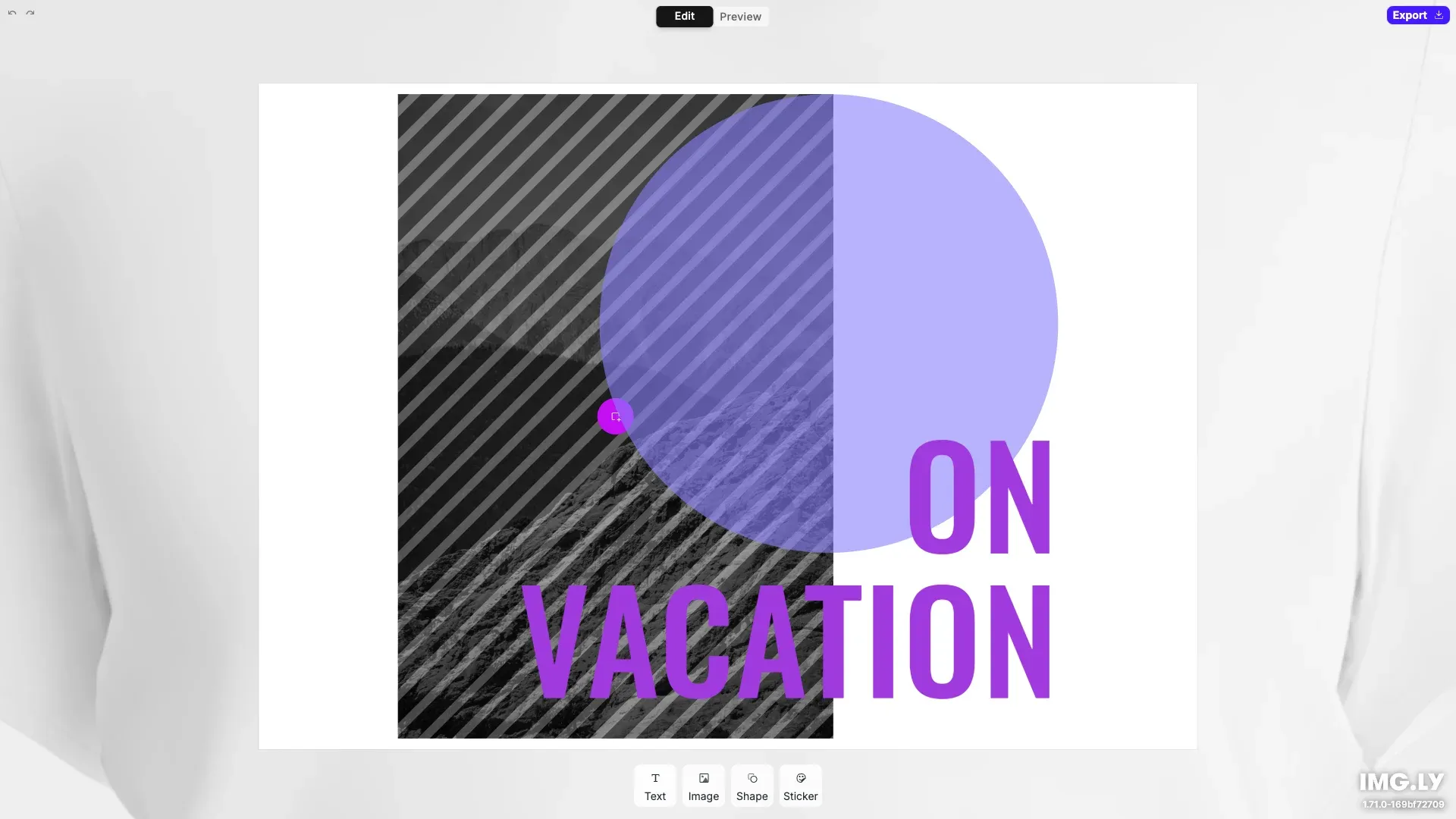
Custom, mobile apparel UI for creating print-ready design.
Pre-requisites#
This guide assumes basic familiarity with React and TypeScript.
- Node.js v22+ with npm – Download
- Supported browsers – Chrome 114+, Edge 114+, Firefox 115+, Safari 15.6+
See Browser Support for the full list
Get Started#
Start fresh with a standalone Apparel Editor project. This creates a complete, ready-to-run application with a custom React-based interface.
Step 1: Clone the Repository#
git clone https://github.com/imgly/starterkit-apparel-ui-react-web.git
cd starterkit-apparel-ui-react-web
git clone https://github.com/imgly/starterkit-apparel-ui-react-web.git
cd starterkit-apparel-ui-react-webnpx degit imgly/starterkit-apparel-ui-react-web starterkit-apparel-ui-react-web
cd starterkit-apparel-ui-react-webnpx degit imgly/starterkit-apparel-ui-react-web starterkit-apparel-ui-react-web
cd starterkit-apparel-ui-react-webThe src/ folder contains the editor code:
src/├── app/ # Demo application├── imgly/│ ├── color-utilities.ts│ ├── creative-engine-utils.ts│ ├── unsplash-source.ts│ ├── UseEditMode.ts│ ├── UseHistory.ts│ ├── UseImageUpload.ts│ ├── UseSelectedProperty.ts│ └── index.ts # Editor initialization function└── index.tsx # Application entry pointStep 2: Install Dependencies#
Install the required packages:
npm installnpm installpnpm installpnpm installyarnyarnStep 3: Run the Development Server#
npm run devnpm run devpnpm run devpnpm run devyarn devyarn devOpen http://localhost:5173 in your browser.
Key Capabilities#
The Apparel Editor includes everything needed for apparel design workflows.
Apparel Workflow
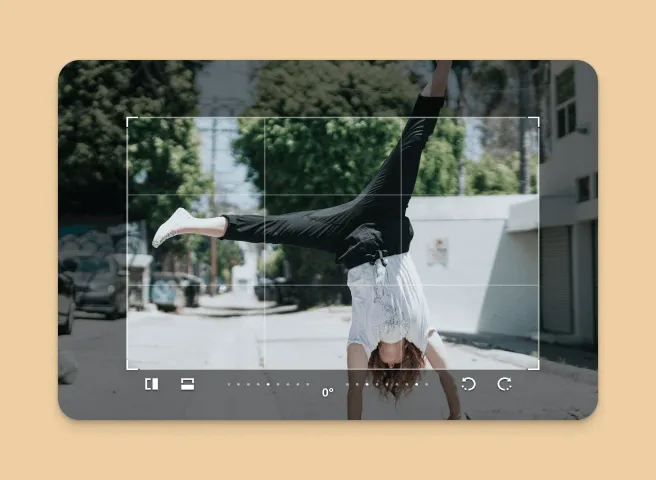
Two-step process (Edit → Preview) designed specifically for apparel design with automatic positioning.
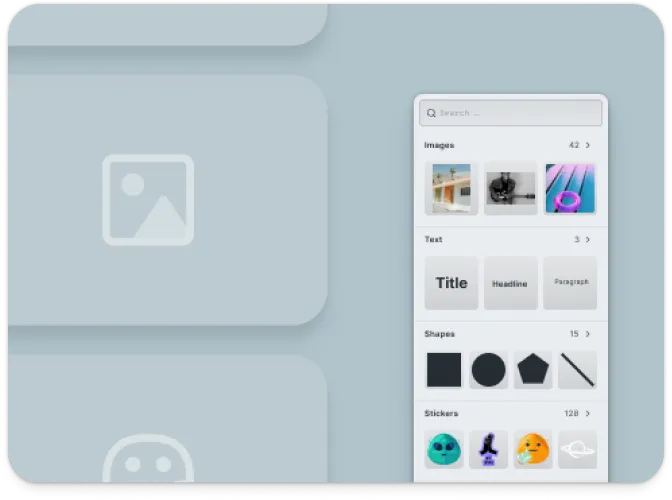
Image Upload
Upload and position images with integrated Unsplash search and user upload support.
Text & Typography
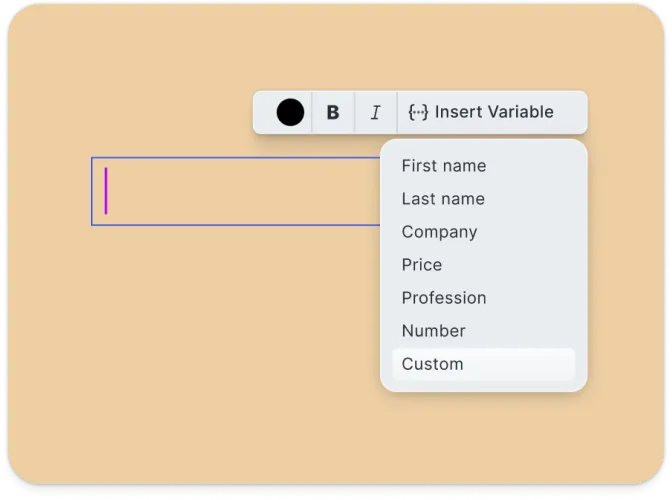
Add styled text with font selection, sizing, and color customization.
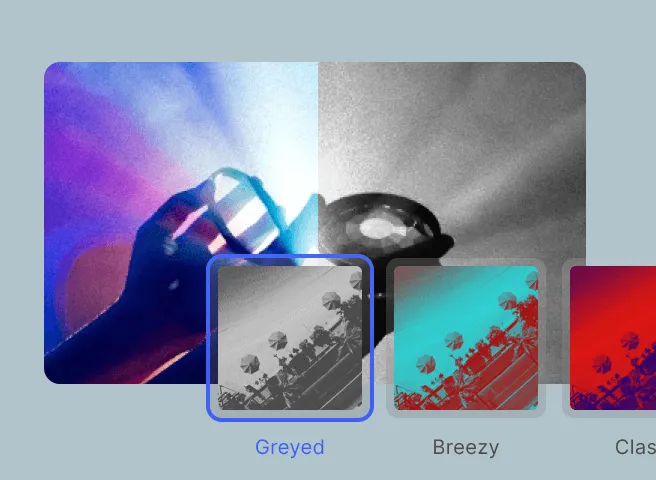
Shapes & Stickers
Complete toolkit with shape tools, sticker library, and color customization.
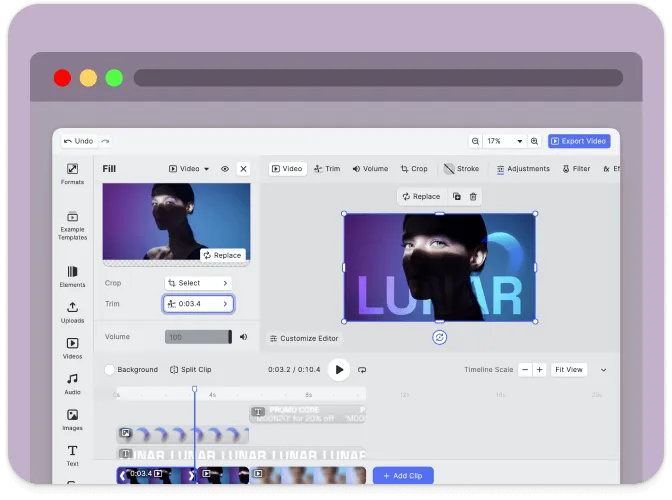
Mobile-First
Responsive interface optimized for both desktop and mobile with touch-friendly controls.
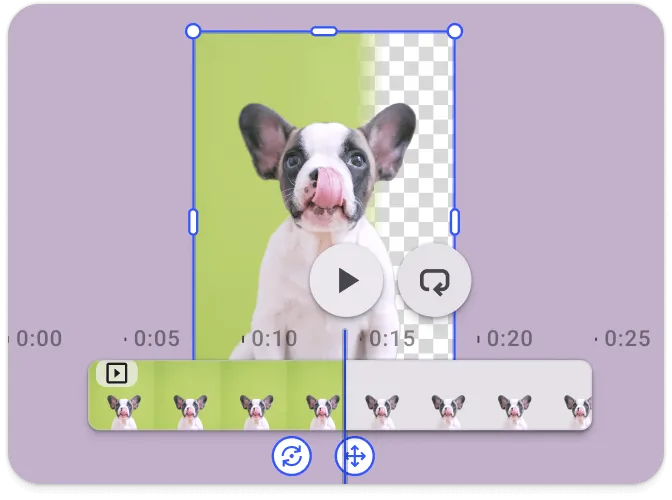
Export Options
Export designs as PNG with configurable quality and resolution for print-on-demand.
Troubleshooting#
Editor doesn’t load#
- Check console errors: Look for CORS or network errors in browser developer tools
- Verify dependencies: Ensure all npm packages are installed correctly
Assets don’t appear#
- Check network requests: Open DevTools Network tab and look for failed requests
- Verify baseURL: Ensure the asset URL is accessible
Watermark appears in production#
- Add your license key: Set the
licenseproperty in your configuration - Get a license: Contact us at img.ly/forms/contact-sales/
Next Steps#
- Configuration – Complete list of initialization options
- Serve Assets – Self-host engine assets for production
- Theming – Customize colors and appearance
- Localization – Add translations and language support