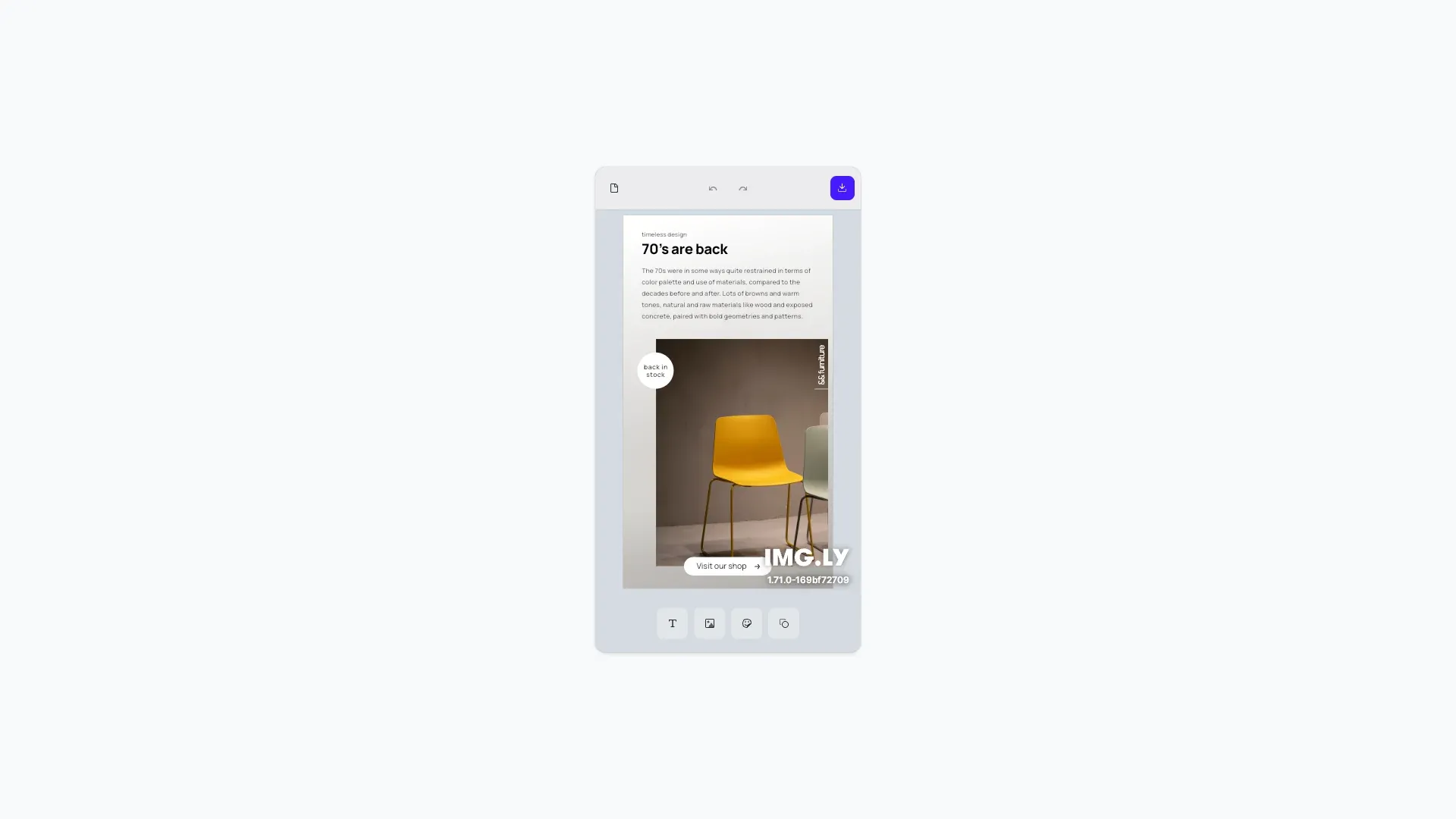
Easily build custom mobile UIs and provide a seamless design editing experience for your users in mobile web browsers.
Pre-requisites#
This guide assumes basic familiarity with React and TypeScript.
- Node.js v22+ with npm – Download
- Supported browsers – Chrome 114+, Edge 114+, Firefox 115+, Safari 15.6+
See Browser Support for the full list
Get Started#
Start fresh with a standalone Mobile Editor project. This creates a complete, ready-to-run application with a custom React-based interface.
Step 1: Clone the Repository#
git clone https://github.com/imgly/starterkit-mobile-ui-react-web.git
cd starterkit-mobile-ui-react-web
git clone https://github.com/imgly/starterkit-mobile-ui-react-web.git
cd starterkit-mobile-ui-react-webnpx degit imgly/starterkit-mobile-ui-react-web starterkit-mobile-ui-react-web
cd starterkit-mobile-ui-react-webnpx degit imgly/starterkit-mobile-ui-react-web starterkit-mobile-ui-react-web
cd starterkit-mobile-ui-react-webThe src/ folder contains the editor code:
src/├── app/ # Demo application├── imgly/│ ├── index.ts # Editor initialization function│ ├── demo-assets.ts # Demo asset URLs│ ├── color-utilities.ts # Color helpers│ ├── creative-engine-utils.ts # Engine helpers│ ├── upload.ts # Image upload helpers│ └── utils.ts # Utility functions└── index.tsx # Application entry pointStep 2: Install Dependencies#
Install the required packages:
npm installnpm installpnpm installpnpm installyarnyarnStep 3: Run the Development Server#
npm run devnpm run devpnpm run devpnpm run devyarn devyarn devOpen http://localhost:5173 in your browser.
Key Capabilities#
The Mobile Editor includes everything needed for mobile-first photo editing.
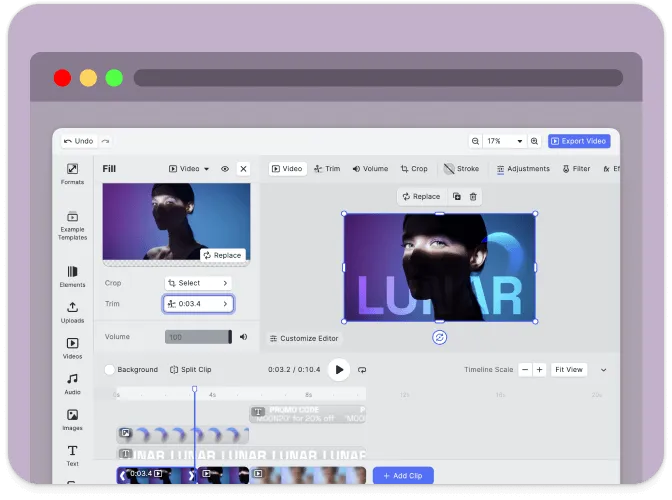
Touch-Optimized
Carefully designed touch targets, gestures, and interactions for mobile users.
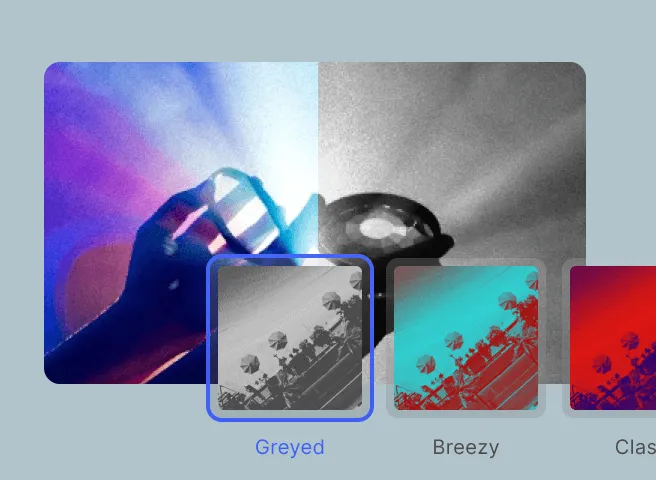
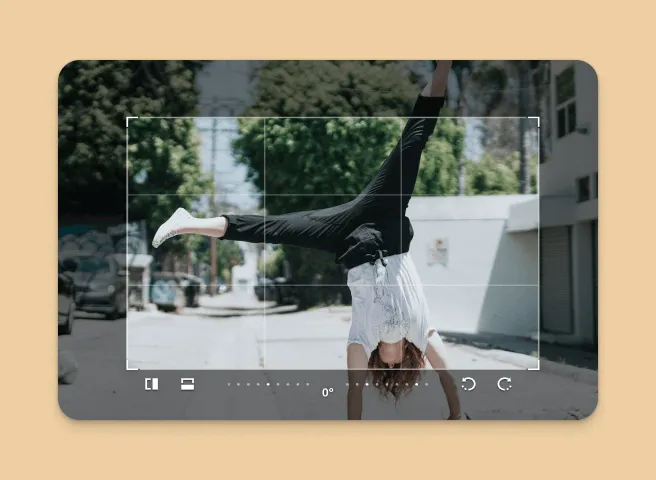
Photo Editing
Crop and replace images, and change the color of text and shapes.
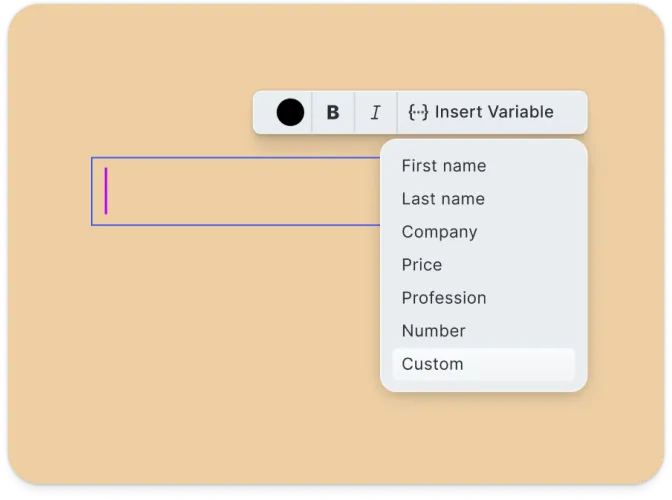
Text & Shapes
Add styled text with font selection, plus shapes and stickers from the asset library.
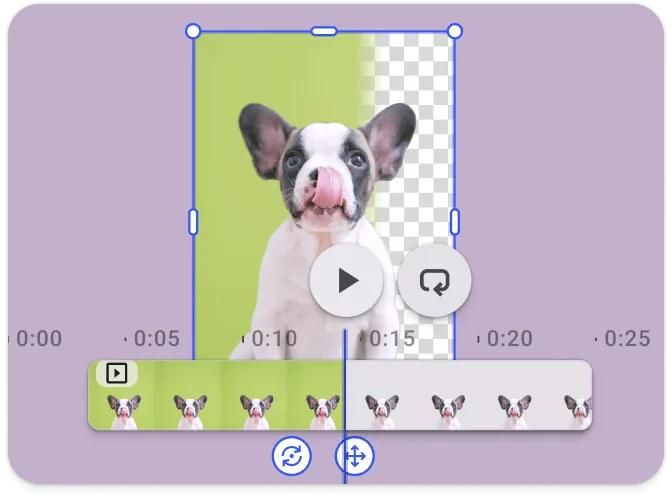
Guided Workflow
Step-by-step editing process with intuitive navigation between editing modes.
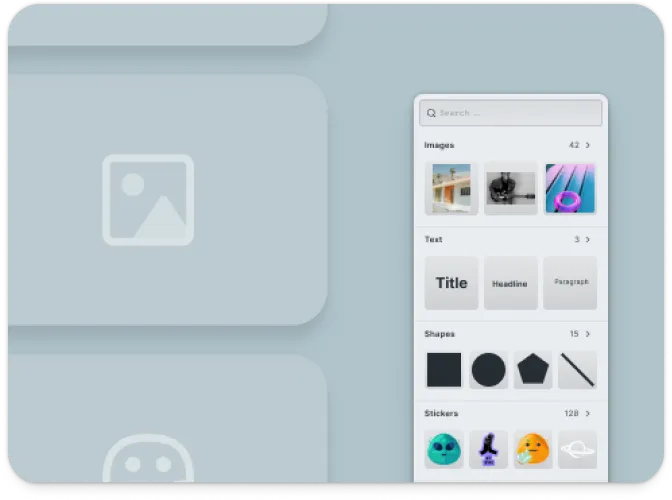
Asset Management
Integrated image library, custom sticker collection, and user upload support.
Export Options
Export the page as a PNG file. Pick the canvas size from presets such as IG Post, IG Story, Full HD, and 4K.
Troubleshooting#
Editor doesn’t load#
- Check console errors: Look for CORS or network errors in browser developer tools
- Verify dependencies: Ensure all npm packages are installed correctly
Assets don’t appear#
- Check network requests: Open DevTools Network tab and look for failed requests
- Check the asset location: The starter kit sets no
baseURL, so the editor loads its assets from the IMG.LY CDN. To host them yourself, see Serve Assets
Watermark appears in production#
- Add your license key: Set the
licenseproperty in your configuration - Get a license: Contact us at img.ly/forms/contact-sales/
Next Steps#
- Configuration – Complete list of initialization options
- Serve Assets – Self-host engine assets for production
- Theming – Customize colors and appearance
- Localization – Add translations and language support