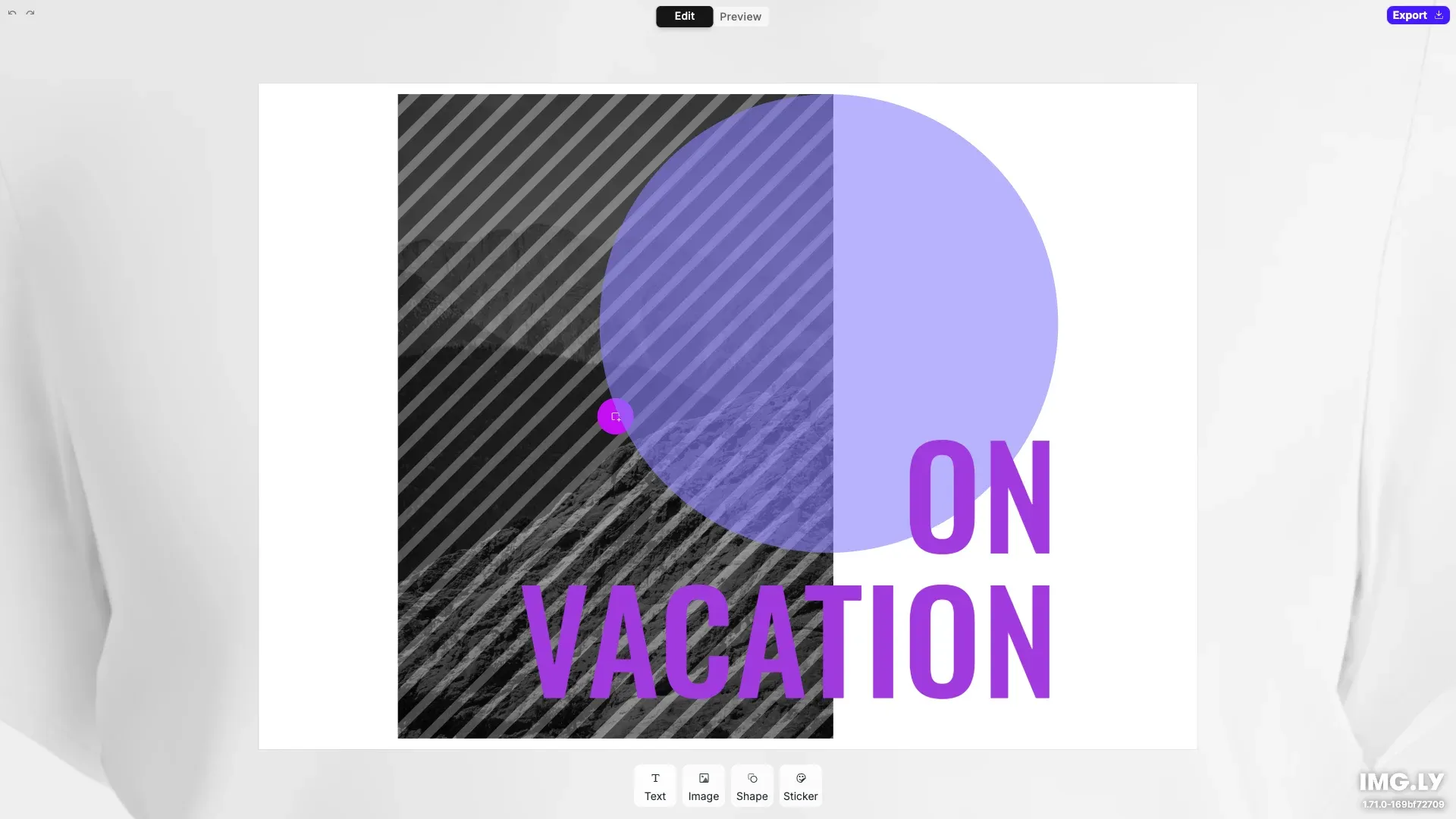
Custom, mobile apparel UI for creating print-ready design.
Pre-requisites#
This guide assumes basic familiarity with React and TypeScript.
- Node.js v22+ with npm – Download
- Supported browsers – Chrome 114+, Edge 114+, Firefox 115+, Safari 15.6+
See Browser Support for the full list
Get Started#
Start fresh with a standalone Apparel Editor project. This creates a complete, ready-to-run application with a custom React-based interface.
Step 1: Clone the Repository#
git clone https://github.com/imgly/starterkit-apparel-ui-react-web.git
cd starterkit-apparel-ui-react-web
git clone https://github.com/imgly/starterkit-apparel-ui-react-web.git
cd starterkit-apparel-ui-react-webnpx degit imgly/starterkit-apparel-ui-react-web starterkit-apparel-ui-react-web
cd starterkit-apparel-ui-react-webnpx degit imgly/starterkit-apparel-ui-react-web starterkit-apparel-ui-react-web
cd starterkit-apparel-ui-react-webThe src/ folder contains the editor code:
src/├── app/ # Demo application├── imgly/│ ├── index.ts # Editor initialization function│ ├── demo-assets.ts # Demo asset URLs│ ├── color-utilities.ts # Color helpers│ ├── creative-engine-utils.ts # Engine helpers│ ├── image-colors-source.ts # Image colors asset source│ └── unsplash-source.ts # Unsplash asset source└── index.tsx # Application entry pointStep 2: Install Dependencies#
Install the required packages:
npm installnpm installpnpm installpnpm installyarnyarnStep 3: Run the Development Server#
npm run devnpm run devpnpm run devpnpm run devyarn devyarn devOpen http://localhost:5173 in your browser.
Key Capabilities#
The Apparel Editor includes everything needed for apparel design workflows.
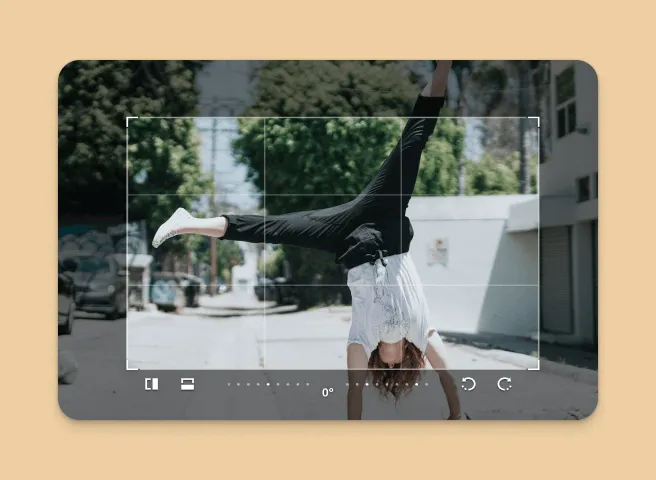
Apparel Workflow
Two-step process (Edit → Preview) designed specifically for apparel design with automatic positioning.
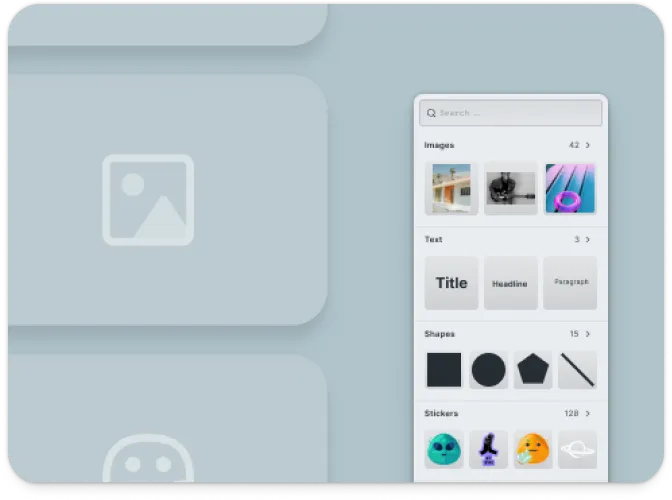
Image Upload
Upload and position your own images, or pick Unsplash images from your Unsplash proxy.
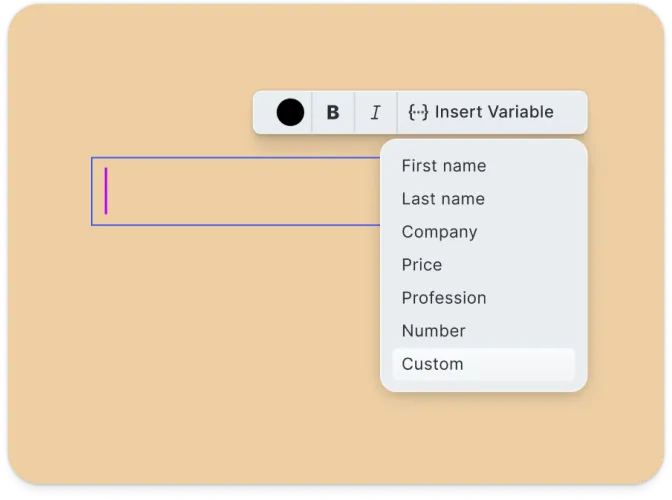
Text & Typography
Add styled text with font selection, sizing, and color customization.
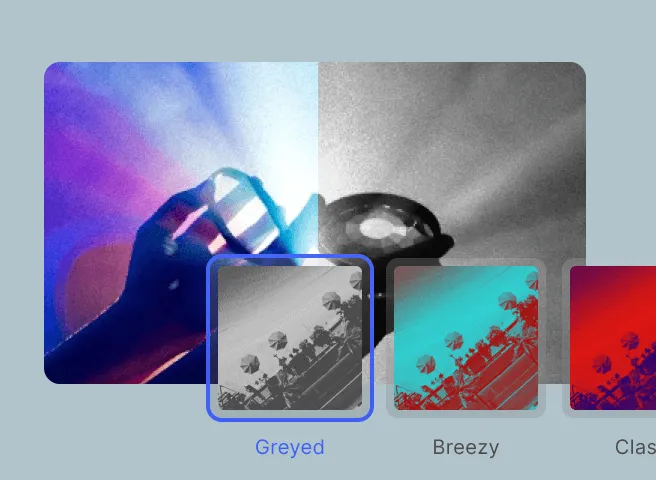
Shapes & Stickers
Complete toolkit with shape tools, sticker library, and color customization.
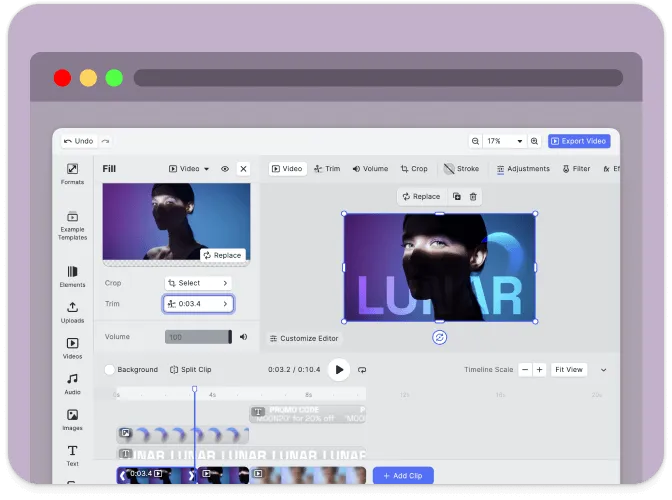
Mobile-First
Responsive interface optimized for both desktop and mobile with touch-friendly controls.
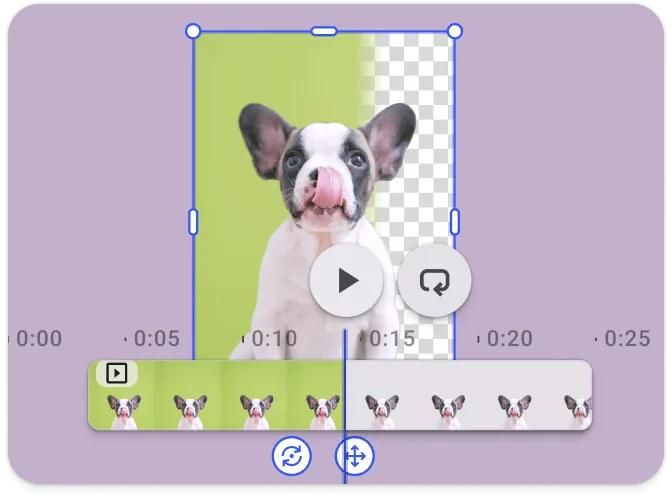
Export Options
Export the design as a PDF file with one click.
Troubleshooting#
Editor doesn’t load#
- Check console errors: Look for CORS or network errors in browser developer tools
- Verify dependencies: Ensure all npm packages are installed correctly
Assets don’t appear#
- Check network requests: Open DevTools Network tab and look for failed requests
- Check the asset location: The starter kit sets no
baseURL, so the editor loads its assets from the IMG.LY CDN. To host them yourself, see Serve Assets
Unsplash search shows no images#
- Set an Unsplash proxy: The starter kit has no built-in Unsplash proxy. The proxy is your own server. It forwards the Unsplash API requests and adds your Unsplash Access Key, so the key does not reach the browser. Set the URL of your proxy in
DEFAULT_UNSPLASH_API_URLinsrc/imgly/unsplash-source.ts. For an example, see “Set Up Unsplash Proxy” in the Unsplash Editor starter kit
Watermark appears in production#
- Add your license key: Set the
licenseproperty in your configuration - Get a license: Contact us at img.ly/forms/contact-sales/
Next Steps#
- Configuration – Complete list of initialization options
- Serve Assets – Self-host engine assets for production
- Theming – Customize colors and appearance
- Localization – Add translations and language support