Control letter spacing, line height, and paragraph spacing in text blocks using the Block API.
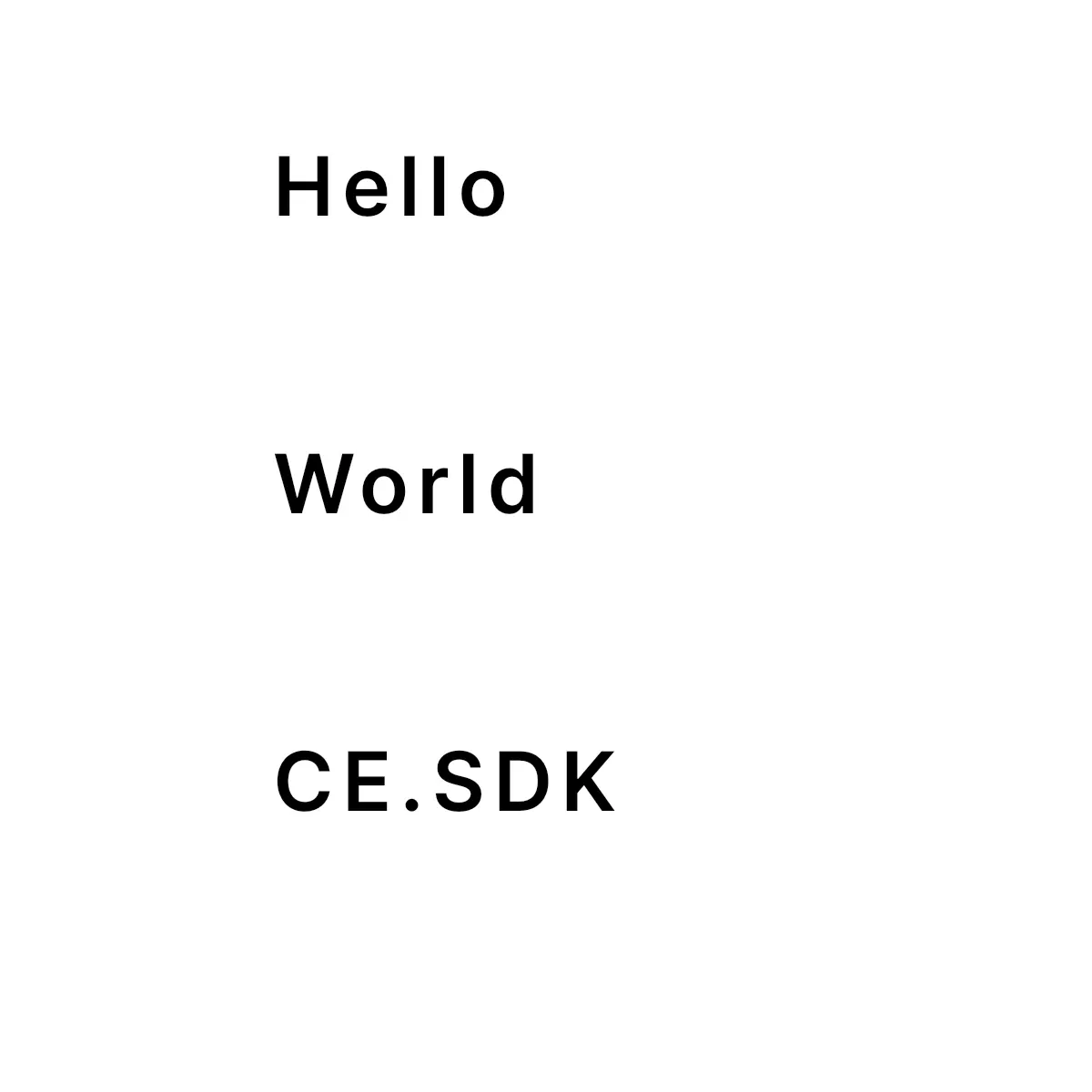
Three text spacing properties — text/letterSpacing, text/lineHeight, and text/paragraphSpacing — control the spacing between characters, lines, and paragraphs in a text block. The Block API reads and writes the block-level values; line height additionally supports per-paragraph overrides.
The sample operates on a text block with multiple characters, lines, and paragraph breaks so each spacing change is observable.
Letter Spacing#
Control the horizontal space between characters with the text/letterSpacing property. Positive values spread characters apart; negative values tighten them. The accepted range is -0.15 to 1.4.
try engine.block.setFloat(text, property: "text/letterSpacing", value: 0.1)let letterSpacing = try engine.block.getFloat(text, property: "text/letterSpacing")print("Letter spacing: \(letterSpacing)")Letter spacing, also called tracking, adjusts the density of a text block without changing the text content.
Line Height#
Control the vertical distance between lines with the text/lineHeight property. The value is a multiplier of the font size, so 1.5 renders lines at 150% of the font size. The accepted range is 0.5 to 2.5.
try engine.block.setFloat(text, property: "text/lineHeight", value: 1.5)let lineHeight = try engine.block.getFloat(text, property: "text/lineHeight")print("Block-level line height: \(lineHeight)")This block-level value applies to every paragraph unless a paragraph has its own override.
Per-Paragraph Line Height#
Each paragraph can override the block-level line height. Use setTextLineHeight to apply or clear an override, and getTextLineHeight to read the effective value for any paragraph — the override if one is set, otherwise the block-level fallback.
// Override paragraph 0; paragraph 1 still reads the block-level value.try engine.block.setTextLineHeight(text, lineHeight: 2.0, paragraphIndex: 0)let paragraph0LineHeight = try engine.block.getTextLineHeight(text, paragraphIndex: 0)let paragraph1LineHeight = try engine.block.getTextLineHeight(text, paragraphIndex: 1)print("Paragraph 0: \(paragraph0LineHeight)")print("Paragraph 1: \(paragraph1LineHeight)")
// Pass nil for lineHeight to clear the override; paragraph 0 reverts to the block-level value.try engine.block.setTextLineHeight(text, lineHeight: nil, paragraphIndex: 0)let clearedParagraph0LineHeight = try engine.block.getTextLineHeight(text, paragraphIndex: 0)print("Paragraph 0 after clearing: \(clearedParagraph0LineHeight)")
// Omit paragraphIndex to update the block-level value and clear every paragraph override.try engine.block.setTextLineHeight(text, lineHeight: 1.8)let resetBlockLineHeight = try engine.block.getTextLineHeight(text, paragraphIndex: 1)print("Block-level after reset: \(resetBlockLineHeight)")
Paragraph Spacing#
Add vertical space after paragraph breaks with the text/paragraphSpacing property. The value is an EM-based gap relative to the text’s font size, not an absolute pixel distance, and it only affects text that contains newline characters. The accepted range is 0.0 to 2.5.
try engine.block.setFloat(text, property: "text/paragraphSpacing", value: 1.2)let paragraphSpacing = try engine.block.getFloat(text, property: "text/paragraphSpacing")print("Paragraph spacing: \(paragraphSpacing)")Single-paragraph text shows no visible difference because there is no paragraph break to separate.
API Reference#
Methods#
| Method | Description |
|---|---|
engine.block.setFloat(_:property:value:) |
Set a block-level spacing property (letter spacing, line height, or paragraph spacing). |
engine.block.getFloat(_:property:) |
Read the current value of a block-level spacing property. |
engine.block.setTextLineHeight(_:lineHeight:paragraphIndex:) |
Set or clear a paragraph-specific line-height override. |
engine.block.setTextLineHeight(_:lineHeight:) |
Set the block-level line height and clear all paragraph overrides. |
engine.block.getTextLineHeight(_:paragraphIndex:) |
Read the effective line height for a paragraph. |
Properties#
| Property | Type | Description |
|---|---|---|
text/letterSpacing |
Float |
Space between characters (-0.15 to 1.4). |
text/lineHeight |
Float |
Block-level multiplier for vertical line distance (0.5 to 2.5). |
text/paragraphSpacing |
Float |
EM-based gap added after paragraph breaks (0.0 to 2.5). |
Troubleshooting#
Spacing changes are not visible. Check that the text block contains content that exercises the property: multiple characters for letter spacing, multiple lines for line height, and paragraph breaks for paragraph spacing.
Line height looks larger than expected. Line height is a multiplier, not an absolute pixel value. A value of 1.5 means 150% of the current font size.
Paragraph spacing has no effect. Verify that the text contains newline characters. Paragraph spacing is only visible between paragraphs. The value is relative to the text’s font size (typically 0.0 to 2.5), not the text/lineHeight multiplier or a pixel distance.
Next Steps#
- Text Styling — Apply fonts, colors, alignment, and other styling options to customize text appearance.
- Add Text — Insert text blocks into your CE.SDK scene.
- Auto-Size — Configure text blocks to automatically adapt their dimensions or font size for dynamic content.