Set the frame rate of a scene and name points and spans on its timeline with markers.
The frame rate of a scene sets how many frames a second of its timeline has. Markers give names to points and spans on that timeline, such as chapters or beats, and travel with the scene. The editor has no controls for either, so you set them with the API.
This guide covers how to set the frame rate, how to add, read and remove markers, how to jump to a marker, and the errors to expect. It ends with a frame export.
Creating the Ball#
The example works on scene and on page, a page of 10 seconds. A small local function adds a ball that crosses the page in 10 seconds, so the playback time is easy to see.
// Creates a ball that crosses the page in 10 secondsfunc createBall() throws { let ball = try engine.block.create(.graphic) try engine.block.setShape(ball, shape: engine.block.createShape(.ellipse)) let fill = try engine.block.createFill(.color) try engine.block.setColor(fill, property: "fill/color/value", color: .rgba(r: 0.2, g: 0.4, b: 0.9, a: 1)) try engine.block.setFill(ball, fill: fill) try engine.block.setWidth(ball, value: 160) try engine.block.setHeight(ball, value: 160) try engine.block.setPositionY(ball, value: 460) try engine.block.appendChild(to: page, child: ball) try engine.block.setDuration(ball, duration: 10) try engine.block.setKeyframes(ball, property: "position/x", keyframes: [ Keyframe(time: 0, value: .float(100)), Keyframe(time: 1, value: .float(1660)), ])}The example calls it once.
// A ball crosses the page over the 10 seconds of the pagetry createBall()Setting the Frame Rate#
scene/frameRate is a number property of the scene, in frames per second. It is 30 by default and accepts values greater than 0 and up to 240. getFloat(_:property:) reads it and setFloat(_:property:value:) sets it. The preview motion blur uses it, and so does a video export that passes no frame rate of its own.
// 30 frames per second by defaultlet defaultFrameRate = try engine.block.getFloat(scene, property: "scene/frameRate")try engine.block.setFloat(scene, property: "scene/frameRate", value: 25)let frameRate = try engine.block.getFloat(scene, property: "scene/frameRate")print(defaultFrameRate, frameRate) // 30.0 25.0Adding Markers#
Markers name points or spans on the scene timeline. engine.scene.addMarker(name:time:duration:) appends a marker with a name, a start time and a duration in seconds. A duration of 0, the default, marks a point. Several markers may share a name.
// A marker has a name, a start time and a duration in seconds.// A duration of 0 marks a point.try engine.scene.addMarker(name: "intro", time: 0, duration: 2.5)try engine.scene.addMarker(name: "beat", time: 4)try engine.scene.addMarker(name: "beat", time: 6)try engine.scene.addMarker(name: "outro", time: 8, duration: 2)Reading Markers#
engine.scene.getMarkers() returns the markers in the order they were added, as SceneMarker values with a name, a time and a duration.
let markers = try engine.scene.getMarkers()let markerNames = markers.map(\.name)print(markerNames) // ["intro", "beat", "beat", "outro"]Jumping to a Marker#
Markers do not change the playback on their own. To jump to one, find it by name and pass its time to setPlaybackTime(_:time:) of the page.
// Jump to the first marker named "beat"if let beat = markers.first(where: { $0.name == "beat" }) { try engine.block.setPlaybackTime(page, time: beat.time)}let playbackTimeAtBeat = try engine.block.getPlaybackTime(page)print(playbackTimeAtBeat) // 4.0Removing a Marker#
engine.scene.removeMarker(at:) removes a marker by its index in the list that engine.scene.getMarkers() returns. The markers after it move up by one.
// Remove the second "beat" by its index in the listtry engine.scene.removeMarker(at: 2)let markerCountAfterRemove = try engine.scene.getMarkers().countprint(markerCountAfterRemove) // 3Handling Errors#
A finite frame rate outside its range, a negative or non-finite marker time or duration, and an index outside the marker list are refused, and nothing changes. The call throws an EngineError whose catalogCode names the cause.
var frameRateErrorCode: EngineErrorCode?do { // A frame rate is greater than 0 and at most 240 try engine.block.setFloat(scene, property: "scene/frameRate", value: 0)} catch let error as EngineError { frameRateErrorCode = error.catalogCode print(frameRateErrorCode == .sceneFrameRateOutOfRange) // true}var markerTimeErrorCode: EngineErrorCode?do { try engine.scene.addMarker(name: "before", time: -1)} catch let error as EngineError { markerTimeErrorCode = error.catalogCode print(markerTimeErrorCode == .sceneMarkerInvalidTime) // true}var markerIndexErrorCode: EngineErrorCode?do { try engine.scene.removeMarker(at: 10)} catch let error as EngineError { markerIndexErrorCode = error.catalogCode print(markerIndexErrorCode == .sceneMarkerIndexOutOfRange) // true}Exporting a Frame#
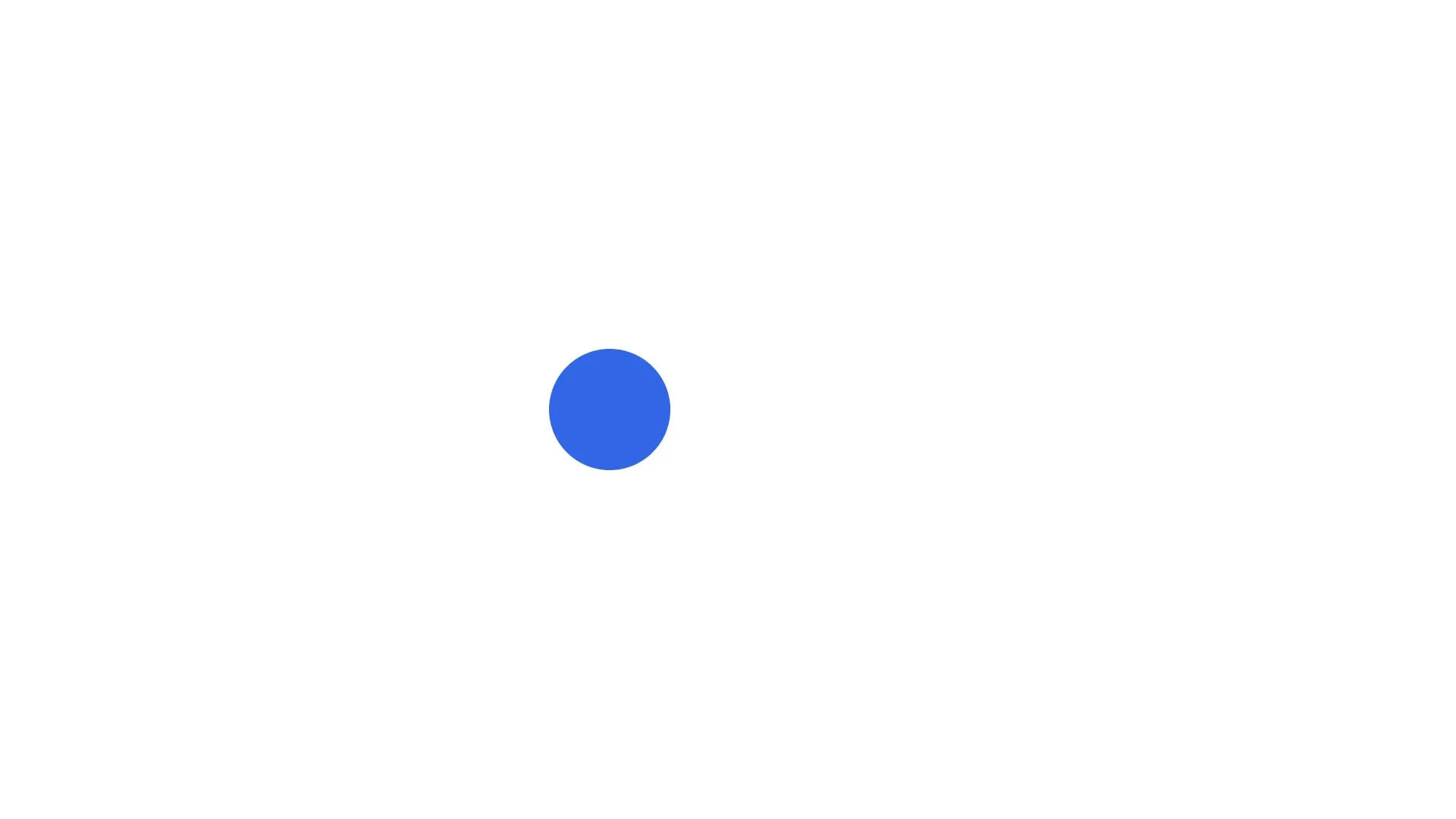
The playback still stands at the beat marker, so we export the page as PNG at 4 seconds, with the ball 40 percent of its way across the page.
// The playback time is at the "beat" marker, 4 seconds into the pagelet pngData = try await engine.block.export(page, mimeType: .png)print(!pngData.isEmpty) // trueMarkers, Frame Rate and Other Operations#
- Saving and loading keep the markers and the frame rate. Undo and redo restore edits to them.
- A scene load drops markers with a negative time or duration, and loads a frame rate above 240 as 240.
- A scene imported from a Lottie file on Web or Node carries the Lottie frame rate and markers, so they are already set when you load that scene.
Troubleshooting#
- The frame rate is not a number (
EngineErrorCode.blockValueNotFinite): pass a finite value. - The frame rate is refused (
EngineErrorCode.sceneFrameRateOutOfRange): pass a value greater than 0 and up to 240. - The marker is refused (
EngineErrorCode.sceneMarkerInvalidTime): pass a time and a duration that are finite and not negative. - The marker cannot be removed (
EngineErrorCode.sceneMarkerIndexOutOfRange): pass an index from 0 to the number of markers minus 1. - The wrong marker is removed: indexes follow the order of the list, and removing a marker moves the later ones up. Read the markers again after you remove one.
API Reference#
Methods#
| Method | Description |
|---|---|
engine.block.getFloat(_:property:) |
Read the frame rate of the scene |
engine.block.setFloat(_:property:value:) |
Set the frame rate, greater than 0 and up to 240 |
engine.scene.addMarker(name:time:duration:) |
Add a marker; duration defaults to 0 |
engine.scene.getMarkers() |
Read the markers in the order they were added |
engine.scene.removeMarker(at:) |
Remove the marker at an index |
engine.block.setPlaybackTime(_:time:) |
Jump to a time, for example a marker’s |
engine.block.getPlaybackTime(_:) |
Read the playback time |
engine.block.create(_:) |
Create the ball |
engine.block.createShape(_:) |
Create the ellipse shape |
engine.block.setShape(_:shape:) |
Give the ball its shape |
engine.block.createFill(_:) |
Create a color fill |
engine.block.setColor(_:property:color:) |
Set the fill color |
engine.block.setFill(_:fill:) |
Give the ball its fill |
engine.block.setWidth(_:value:) |
Set the width of the ball |
engine.block.setHeight(_:value:) |
Set the height of the ball |
engine.block.setPositionY(_:value:) |
Set the y position of the ball |
engine.block.appendChild(to:child:) |
Add the ball to the page |
engine.block.setDuration(_:duration:) |
Set the duration of the ball |
engine.block.setKeyframes(_:property:keyframes:mode:) |
Move the ball |
engine.block.export(_:mimeType:options:onPreExport:uriResolver:onProgress:) |
Export the frame as PNG |
Properties#
| Property | Type | Description |
|---|---|---|
scene/frameRate |
Float | Frames per second of the scene, greater than 0 and up to 240. Default 30 |
Next Steps#
- Scenes: the other properties and methods of a scene.
- Motion Blur: blur moving blocks over one frame of the scene frame rate.