We add AI-powered video generation to CE.SDK applications for creating dynamic videos from text or animating static images.
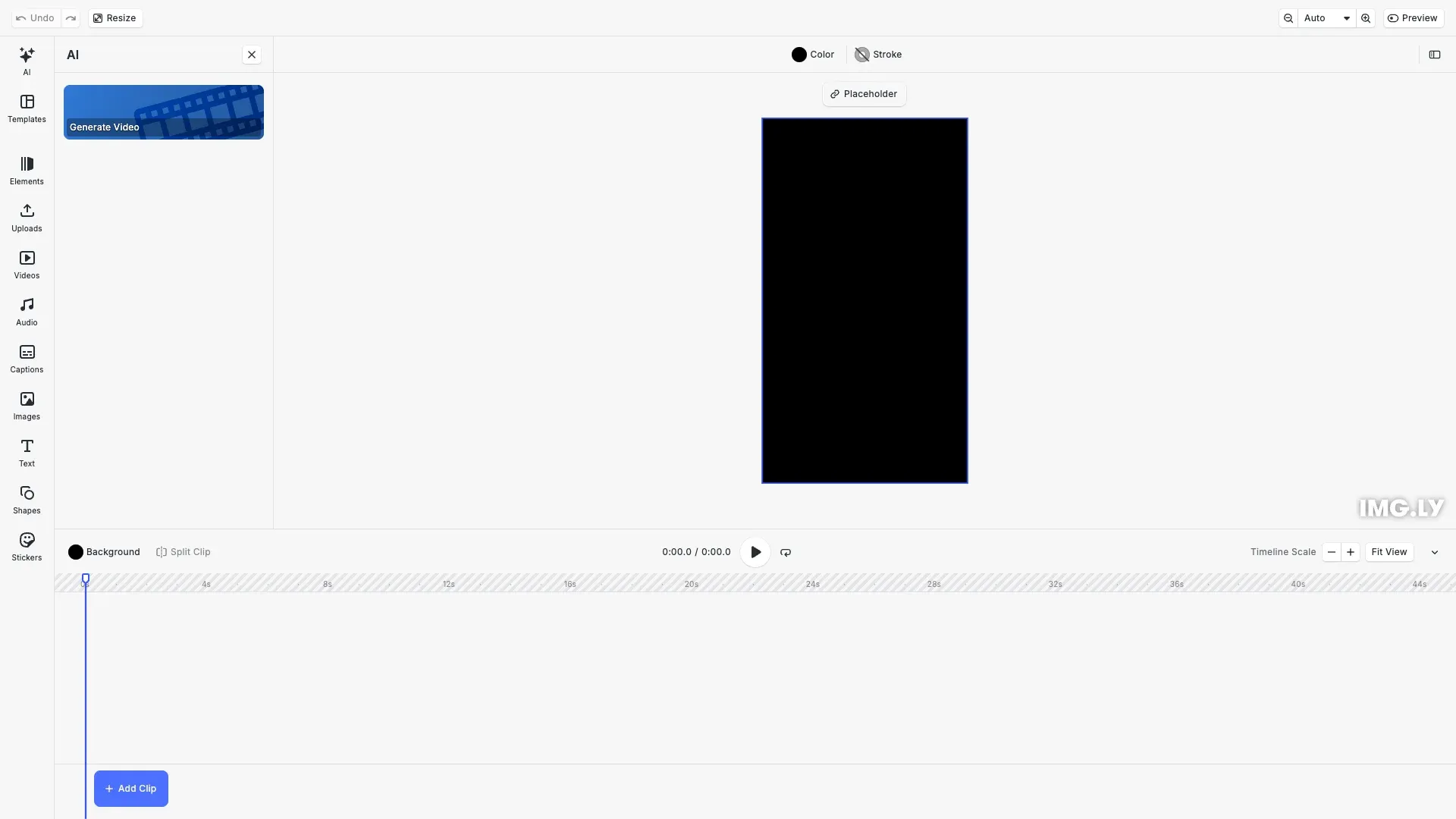
The video generation plugin creates videos from text descriptions (text-to-video) or animates static images (image-to-video). Use models like Minimax Video, Pixverse, Kling Video, and ByteDance Seedance.
This guide covers installing the plugin, configuring AI providers, setting up text-to-video and image-to-video, customizing parameters, and testing with dry-run mode.
Installation#
Import the plugin and provider modules from the video generation package.
import AiApps from '@imgly/plugin-ai-apps-web';import FalAiVideo from '@imgly/plugin-ai-video-generation-web/fal-ai';Install @imgly/plugin-ai-video-generation-web to access the VideoGeneration plugin and fal.ai provider modules:
npm install @imgly/plugin-ai-video-generation-webyarn add @imgly/plugin-ai-video-generation-webpnpm add @imgly/plugin-ai-video-generation-webConfiguration#
Configure the plugin with fal.ai video providers. The provider requires a proxy URL that forwards requests to fal.ai with your API key.
For available models, see the fal.ai Models documentation.
await cesdk.addPlugin( VideoGeneration({ text2video: FalAiVideo.MinimaxVideo01Live({ proxyUrl, properties: { prompt_optimizer: { default: true } } } as any), image2video: FalAiVideo.MinimaxVideo01LiveImageToVideo({ proxyUrl } as any), dryRun: true } as any));We configure MinimaxVideo01Live for text-to-video and MinimaxVideo01LiveImageToVideo for image-to-video, enable prompt optimization, and set dry-run mode for testing without API calls.
Proxy Server#
A proxy server protects your API keys by forwarding requests server-side. See the Proxy Server guide for implementation details and examples.
Text-to-Video Generation#
Generate videos from text descriptions using models like MinimaxVideo01Live, PixverseV35, or KlingVideoV21Master. Each model offers different video styles and capabilities.
VideoGeneration({ text2video: FalAiVideo.MinimaxVideo01Live({ proxyUrl: 'https://your-proxy.com/api/fal-ai', properties: { prompt_optimizer: { default: true }, }, }),});The prompt optimizer enhances text descriptions for better video results.
Image-to-Video Generation#
Animate static images by configuring image-to-video providers. Choose from MinimaxVideo01Live, MinimaxHailuo02Standard, KlingVideoV21Master, or ByteDance Seedance models.
VideoGeneration({ text2video: FalAiVideo.MinimaxVideo01Live({ proxyUrl: '...' }), image2video: FalAiVideo.MinimaxVideo01LiveImageToVideo({ proxyUrl: '...' }),});Users can upload images and the AI generates animated video sequences.
Generation Parameters#
Customize video generation behavior with properties configuration. Control aspect ratio (16:9, 9:16, 1:1), duration (5s, 10s), and resolution (512P, 768P).
FalAiVideo.KlingVideoV21MasterTextToVideo({ proxyUrl: 'https://your-proxy.com/api/fal-ai', properties: { aspect_ratio: { default: '16:9' }, duration: { default: '5s' }, },});Different models support different parameter combinations. Check model documentation for available options.
Multiple Providers#
Configure multiple providers to give users choice between different AI models and capabilities.
VideoGeneration({ text2video: [ FalAiVideo.MinimaxVideo01Live({ proxyUrl: '...' }), FalAiVideo.PixverseV35TextToVideo({ proxyUrl: '...' }), FalAiVideo.KlingVideoV21MasterTextToVideo({ proxyUrl: '...' }), FalAiVideo.ByteDanceSeedanceV1ProTextToVideo({ proxyUrl: '...' }), FalAiVideo.Veo3TextToVideo({ proxyUrl: '...' }), FalAiVideo.Veo31TextToVideo({ proxyUrl: '...' }), FalAiVideo.Veo31FastTextToVideo({ proxyUrl: '...' }), ], image2video: [ FalAiVideo.MinimaxVideo01LiveImageToVideo({ proxyUrl: '...' }), FalAiVideo.MinimaxHailuo02StandardImageToVideo({ proxyUrl: '...' }), FalAiVideo.KlingVideoV21MasterImageToVideo({ proxyUrl: '...' }), FalAiVideo.ByteDanceSeedanceV1ProImageToVideo({ proxyUrl: '...' }), FalAiVideo.Veo31ImageToVideo({ proxyUrl: '...' }), FalAiVideo.Veo31FastImageToVideo({ proxyUrl: '...' }), FalAiVideo.Veo31FirstLastFrameToVideo({ proxyUrl: '...' }), FalAiVideo.Veo31FastFirstLastFrameToVideo({ proxyUrl: '...' }), ],});Multiple providers trigger automatic provider and model selection in the UI.
Feature Visibility#
Control which features appear in the UI using the Feature API.
// Disable provider selectioncesdk.feature.enable(  'ly.img.plugin-ai-video-generation-web.providerSelect',  false,);
// Disable model selectioncesdk.feature.enable(  'ly.img.plugin-ai-video-generation-web.modelSelect',  false,);
This restricts user choices when you want to enforce specific models.
Custom Labels#
Customize UI text using the i18n system. Replace default labels with custom text or add translations for multiple languages.
// Customize UI labels for AI video generation features// This demonstrates how to customize the i18n systemcesdk.i18n.setTranslations({ en: { 'ly.img.plugin-ai-video-generation-web.fal-ai/minimax/video-01-live.property.prompt': '🎬 Describe Your Video' }});The example demonstrates customizing the prompt input placeholder for the Minimax video generation model. Use provider-specific keys for individual models or generic keys to apply across all providers. You can also add translations for multiple languages by including additional language codes like es, de, or fr.
Middleware#
Intercept generation requests and responses with middleware functions. Use middleware for logging, rate limiting, or custom error handling.
import {  loggingMiddleware,  rateLimitMiddleware,} from '@imgly/plugin-ai-generation-web';
const logging = loggingMiddleware();const rateLimit = rateLimitMiddleware({ maxRequests: 5, windowMs: 60000 });
await cesdk.addPlugin(  VideoGeneration({    text2video: FalAiVideo.MinimaxVideo01Live({ proxyUrl: '...' }),    middleware: [logging, rateLimit],  }),);
Video generation typically takes longer than image generation, so adjust rate limits accordingly.
Dry-Run Mode#
Test the plugin without making actual API calls using dry-run mode. This simulates generation and returns placeholder videos.
await cesdk.addPlugin( VideoGeneration({ text2video: FalAiVideo.MinimaxVideo01Live({ proxyUrl: 'https://your-proxy.com/api/fal-ai', }) as any, dryRun: true, // Simulate generation without API calls } as any),);Dry-run mode helps during development and testing by avoiding API costs while verifying integration.
Accessing Generated Videos#
Generated videos appear in provider-specific history sources. Access them through the asset library or programmatically.
// Access video history sourcesconst videoHistorySources = [  'fal-ai/minimax/video-01-live.history',  'fal-ai/kling-video/v2.1/master/text-to-video.history',  'fal-ai/pixverse/v3.5/text-to-video.history',];
// Query video assetsconst videos = engine.asset.findAssets('video');
Video generation history integrates with the asset library for easy access.
Troubleshooting#
Common issues when configuring the plugin:
Plugin not appearing in UI - Verify plugin installation and addPlugin() call completed successfully.
Proxy errors - Verify proxy URL is accessible and CORS is configured correctly.
Generation failures - Confirm fal.ai API key is valid and proxy forwards requests properly.
Generation timeouts - Video generation takes significantly longer than images. Adjust timeout settings (typically 60-180 seconds).
Provider/model selection not showing - Multiple providers must be configured in an array.
Custom translations not applying - Check translation key format matches the i18n documentation.
Middleware not executing - Verify middleware array is passed correctly to the plugin configuration.
Videos not appearing in asset library - Check asset library configuration includes video history sources.
Poor quality or jerky motion - Adjust duration and resolution parameters. Longer durations may improve smoothness.
Image-to-video not working - Verify input image meets size requirements (typically 512×512 to 1920×1080) and format (JPG, PNG).
API Reference#
| Method | Category | Purpose |
|---|---|---|
cesdk.addPlugin() | Plugin | Register and initialize the Video Generation plugin |
VideoGeneration() | Plugin | Create plugin instance with provider configuration |
FalAiVideo.MinimaxVideo01Live() | Provider | Configure Minimax Video text-to-video |
FalAiVideo.MinimaxVideo01LiveImageToVideo() | Provider | Configure Minimax Video image-to-video |
FalAiVideo.MinimaxHailuo02StandardImageToVideo() | Provider | Configure Minimax Hailuo image-to-video |
FalAiVideo.PixverseV35TextToVideo() | Provider | Configure Pixverse text-to-video |
FalAiVideo.KlingVideoV21MasterTextToVideo() | Provider | Configure Kling Video text-to-video |
FalAiVideo.KlingVideoV21MasterImageToVideo() | Provider | Configure Kling Video image-to-video |
FalAiVideo.ByteDanceSeedanceV1ProTextToVideo() | Provider | Configure ByteDance Seedance text-to-video |
FalAiVideo.ByteDanceSeedanceV1ProImageToVideo() | Provider | Configure ByteDance Seedance image-to-video |
FalAiVideo.Veo3TextToVideo() | Provider | Configure Google Veo 3 text-to-video |
FalAiVideo.Veo31TextToVideo() | Provider | Configure Google Veo 3.1 text-to-video |
FalAiVideo.Veo31FastTextToVideo() | Provider | Configure Google Veo 3.1 Fast text-to-video |
FalAiVideo.Veo31ImageToVideo() | Provider | Configure Google Veo 3.1 image-to-video |
FalAiVideo.Veo31FastImageToVideo() | Provider | Configure Google Veo 3.1 Fast image-to-video |
FalAiVideo.Veo31FirstLastFrameToVideo() | Provider | Configure Google Veo 3.1 first/last frame to video |
FalAiVideo.Veo31FastFirstLastFrameToVideo() | Provider | Configure Google Veo 3.1 Fast first/last frame to video |
cesdk.feature.enable() | Feature | Control visibility of plugin features |
cesdk.i18n.setTranslations() | I18n | Customize UI labels and translations |
engine.asset | Asset | Access and manage generated video assets |
Next Steps#
- Proxy Server — Set up secure API communication
- Custom Provider — Create custom AI providers
- Integrate AI Features — Overview of AI integration
- Asset Library Basics — Work with generated assets
- Customize Asset Library — Configure asset sources