Built to facilitate optimal post- and greeting-card design, from changing accent colors and selecting fonts to custom messages and pictures.
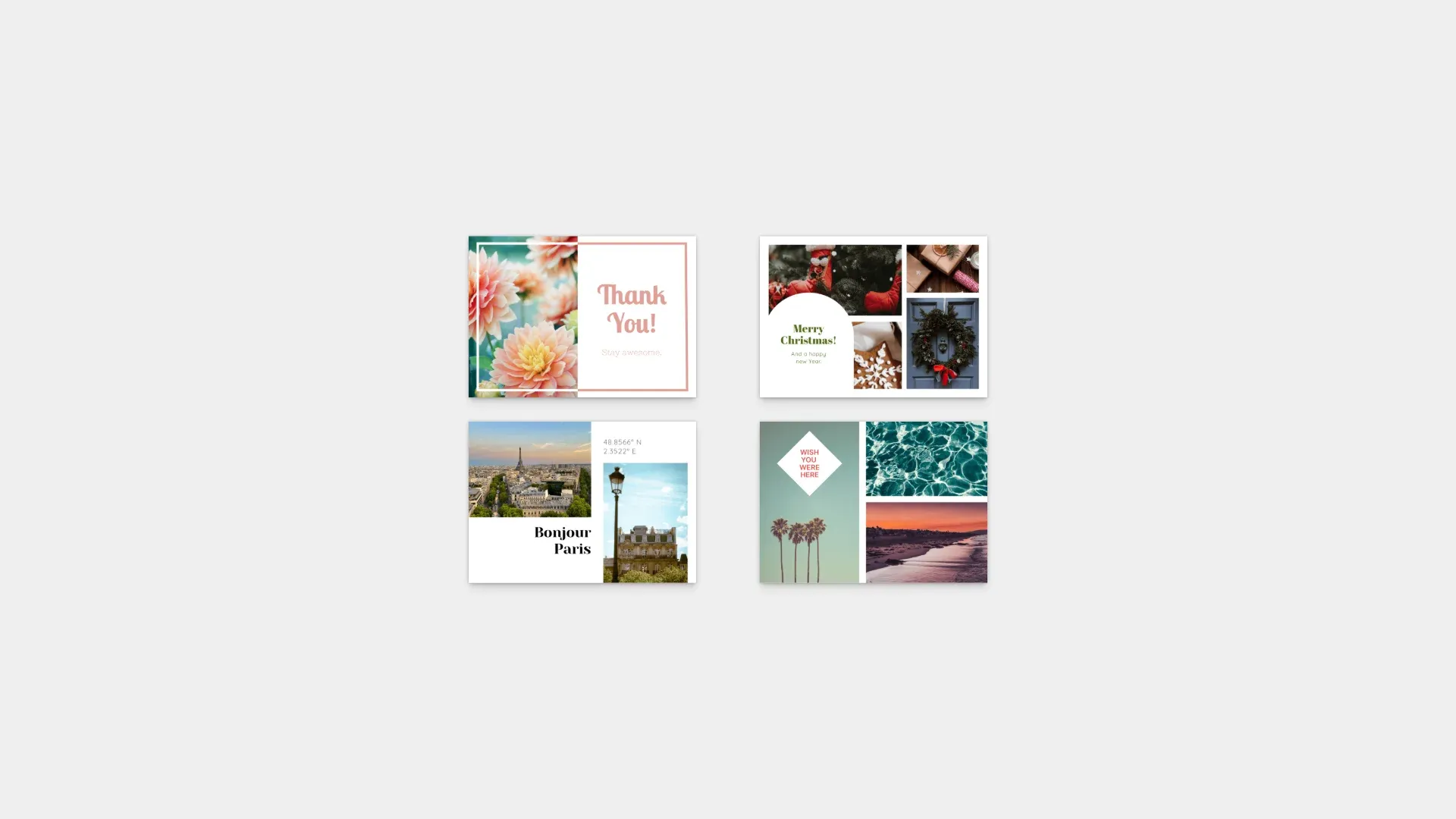
Pre-requisites#
This guide assumes basic familiarity with React and TypeScript.
- Node.js v22+ with npm – Download
- Supported browsers – Chrome 114+, Edge 114+, Firefox 115+, Safari 15.6+
See Browser Support for the full list
Get Started#
Start fresh with a standalone Postcard Editor project. This creates a complete, ready-to-run application with a custom React-based interface.
Step 1: Clone the Repository#
git clone https://github.com/imgly/starterkit-postcard-ui-react-web.git
cd starterkit-postcard-ui-react-web
git clone https://github.com/imgly/starterkit-postcard-ui-react-web.git
cd starterkit-postcard-ui-react-webnpx degit imgly/starterkit-postcard-ui-react-web starterkit-postcard-ui-react-web
cd starterkit-postcard-ui-react-webnpx degit imgly/starterkit-postcard-ui-react-web starterkit-postcard-ui-react-web
cd starterkit-postcard-ui-react-webThe src/ folder contains the editor code:
src/├── app/ # Demo application├── imgly/│ ├── CreativeEditor.tsx│ ├── CreativeEngine.tsx│ ├── PremiumTemplateUtilities.ts│ ├── contexts/│ │ ├── EngineContext.tsx│ │ ├── SelectionContext.tsx│ │ └── SinglePageModeContext.tsx│ ├── createApplyLayoutAsset.js│ ├── hooks/│ │ ├── UseEditMode.ts│ │ ├── UseHistory.ts│ │ ├── UseImageUpload.ts│ │ ├── UseSelectedProperty.ts│ │ └── UseSinglePageFocus.ts│ ├── index.ts # Editor initialization function│ ├── loadAssetSourceFromContentJSON.ts│ ├── localDownload.ts│ ├── postcard-catalog.ts│ └── utils/│ ├── ColorUtilities.ts│ ├── CreativeEngineUtils.js│ └── UnsplashSource.ts└── index.tsx # Application entry pointStep 2: Install Dependencies#
Install the required packages:
npm installnpm installpnpm installpnpm installyarnyarnStep 3: Run the Development Server#
npm run devnpm run devpnpm run devpnpm run devyarn devyarn devOpen http://localhost:5173 in your browser.
Key Capabilities#
The Postcard Editor includes everything needed for postcard creation workflows.
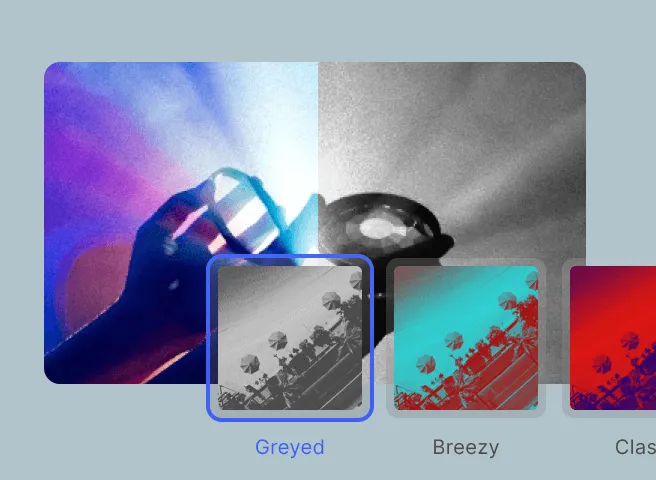
Style Presets
Professionally crafted postcard templates to jump-start the design process.
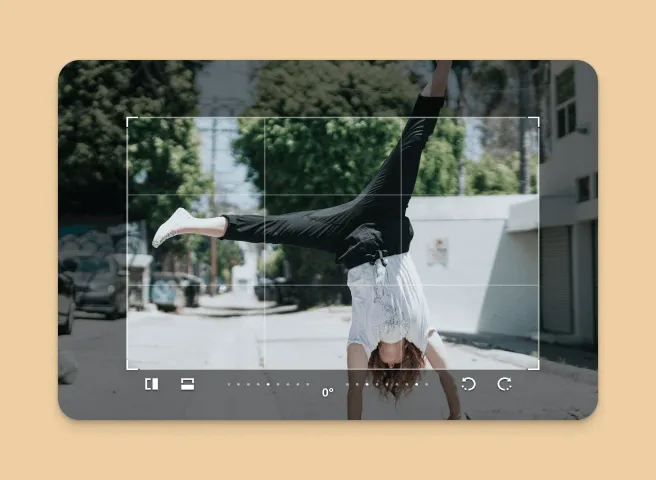
Design Mode
Full editing capabilities including color changes, photo replacement, and text editing.
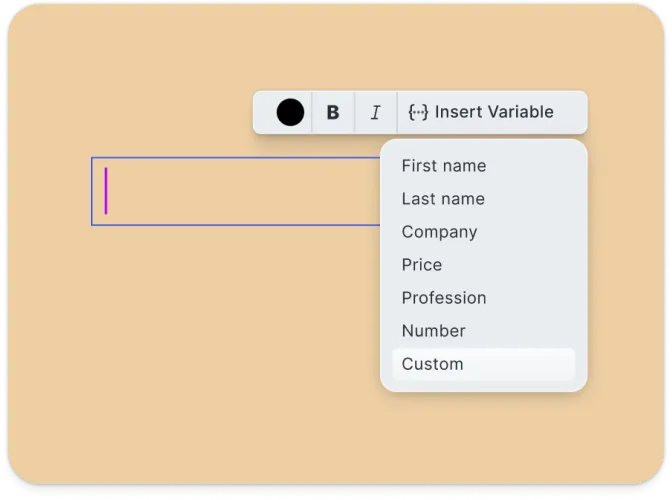
Write Mode
Personal message composition with font, size, and color customization.
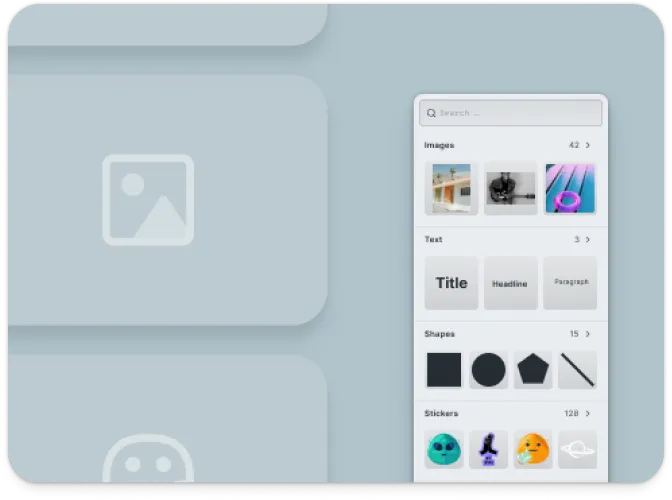
Dynamic Variables
Support for personalization variables for batch generation.
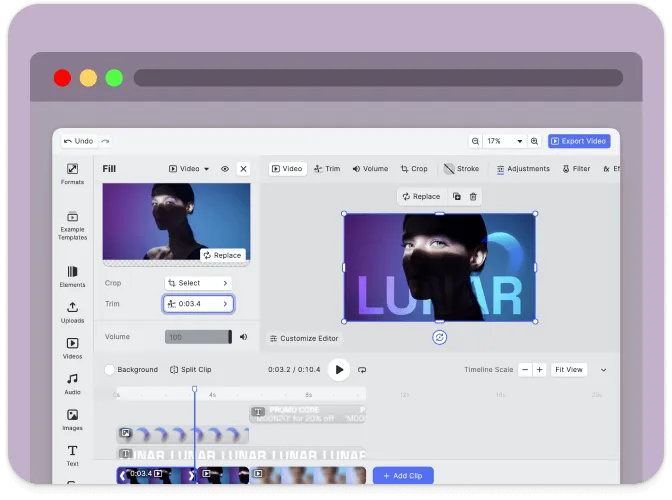
Mobile-Friendly
Responsive interface optimized for both desktop and mobile devices.
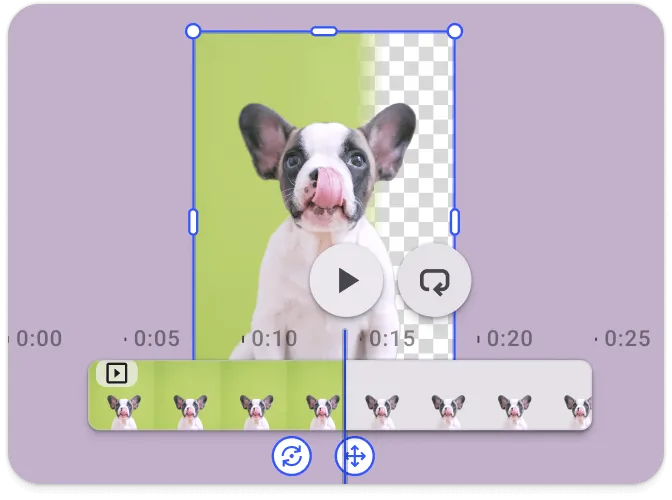
Export Options
Export designs in high-resolution, print-friendly formats.
Troubleshooting#
Editor doesn’t load#
- Check console errors: Look for CORS or network errors in browser developer tools
- Verify dependencies: Ensure all npm packages are installed correctly
Assets don’t appear#
- Check network requests: Open DevTools Network tab and look for failed requests
- Verify baseURL: Ensure the asset URL is accessible
Watermark appears in production#
- Add your license key: Set the
licenseproperty in your configuration - Get a license: Contact us at img.ly/forms/contact-sales/
Next Steps#
- Configuration – Complete list of initialization options
- Serve Assets – Self-host engine assets for production
- Theming – Customize colors and appearance
- Localization – Add translations and language support