Dispatch built-in editor events with EditorEventHandler.send(_:) and observe editor state changes with builder.onChanged — two APIs for driving the editor and keeping your app in sync.
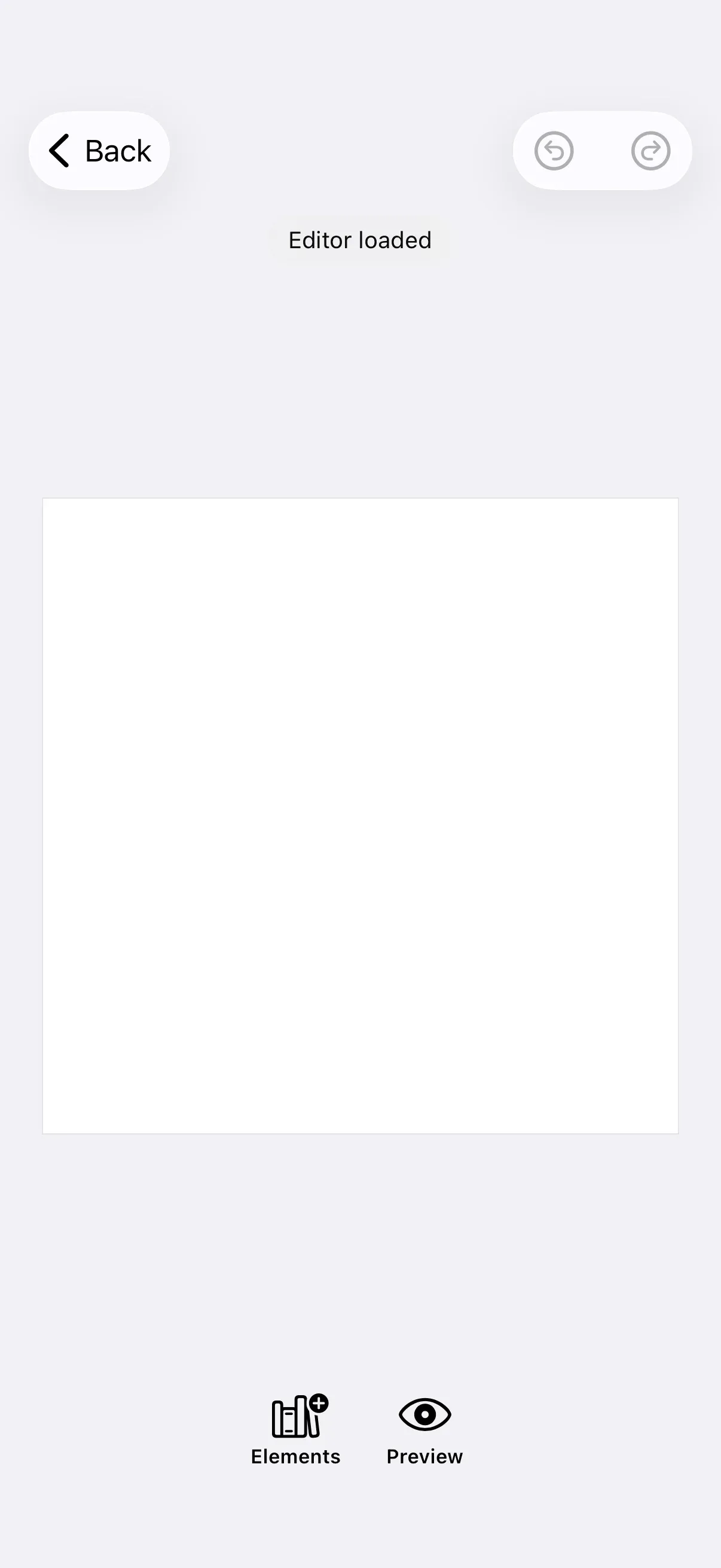
This guide walks through both APIs. The examples build on GuideEditorConfiguration, a minimal baseline that ships only a navigation bar (close, undo, redo). See the Configuration guide for how EditorConfiguration and EngineSettings set up the editor as a whole. If you need CreativeEngine block lifecycle changes (created, updated, or destroyed blocks) instead, use Events — that guide uses engine.event.subscribe() and is separate from both editor APIs covered here.
Sending Editor Events#
An EditorEvent is a value your app dispatches to the editor to drive an action — change the view mode, open a sheet, start an export, share a file, close the editor, surface an error. You dispatch by calling send(_:) on an EditorEventHandler, which the editor makes available in every component context and in every EditorConfiguration.Builder lifecycle callback except onCreate and onUpload. onLoaded and onChanged expose it via context.eventHandler; onExport, onClose, and onError receive it as a dedicated parameter.
The built-in events are defined as static functions or properties on EditorEvent. See the List of Available Editor Events below for the full catalog.
From a Lifecycle Callback#
onLoaded is a natural place to dispatch an event once the editor is ready:
builder.onLoaded { [log] context, existing in try await existing() context.eventHandler.send(.setExtraCanvasInsets(24)) log.lastEvent = "Editor loaded"}Other callbacks fit specific event families: dispatch .exportProgress(_:) and .shareFile(_:) from onExport, or .showErrorAlert(_:) from onError.
From a Custom UI Component#
Every editor component receives its event handler through its component context. This example declares a dock that includes a custom button which switches the editor into preview mode when tapped. dock.items { ... } replaces the dock’s item list wholesale, so any button you want to keep must be included in the closure.
builder.dock { dock in dock.items { _ in Dock.Buttons.elementsLibrary() Dock.Button(id: "app.dock.button.preview") { context in context.eventHandler.send(.setViewMode(.preview)) } label: { _ in Label("Preview", systemImage: "eye") } }}Observing Editor State Changes#
builder.onChanged is a separate mechanism: instead of your app driving the editor, the editor notifies your app when its own state advances. Configure the handler on the EditorConfiguration.Builder. It runs on the main actor and receives an EditorStateChange that covers the four state axes the editor tracks.
builder.onChanged { [log] update, _, existing in try existing() let message: String = switch update { case let .viewMode(_, new): "View mode changed to \(new.editorViewMode)" case let .page(_, new): "Page index changed to \(new)" case let .editMode(_, new): "Edit mode changed to \(new)" case let .gestureActive(_, isActive): isActive ? "Canvas touch started" : "Canvas touch ended" } log.lastEvent = message}The EditorStateChange cases are:
| Case | Payload | Emitted when |
|---|---|---|
.viewMode(oldValue:newValue:) |
ViewModeState |
The editor enters or leaves preview mode. |
.page(oldValue:newValue:) |
Page index | The visible page changes. |
.editMode(oldValue:newValue:) |
IMGLYEngine.EditMode |
The engine’s edit mode changes (for example transform ↔ text). |
.gestureActive(oldValue:newValue:) |
Bool |
A canvas touch gesture starts or ends. |
Call try existing() to chain any previously registered handler — including the Starter Kits’ defaults — before running your own logic.
Some state changes are downstream effects of events you sent (dispatching .setViewMode(.preview) eventually flips the observed view mode); others come from user interaction the app never sees directly (a canvas gesture emits .gestureActive with no matching event).
Route Observed State into SwiftUI#
Keep UI state in regular SwiftUI storage and update it from the observation handler. A small ObservableObject bridges the editor’s callbacks into your app’s @StateObject, so any view that reads it stays in sync with editor activity.
editor .safeAreaInset(edge: .top) { Text(log.lastEvent) .font(.footnote) .padding(.horizontal, 12) .padding(.vertical, 6) .background(.thinMaterial, in: Capsule()) .padding(.top, 4) }safeAreaInset(edge: .top) layers your view above the editor without pushing content into the canvas area. Because the store is @MainActor, @Published updates from inside the handler flow into the overlay immediately.
Lifecycle Callbacks#
EditorConfiguration.Builder exposes seven callbacks that fire at specific points in the editor’s lifetime. Five of them expose an EditorEventHandler (as covered in Sending Editor Events); two receive only the engine.
| Callback | Purpose | Event handler |
|---|---|---|
onCreate |
Runs once when the editor is created, before the first UI is presented. Register asset sources, set global scopes and roles, and load or create the initial scene. | — |
onLoaded |
Runs once after the editor loads and the first scene is ready. Configure post-load state or dispatch initial events (for example set canvas insets). | context.eventHandler |
onChanged |
Runs whenever the editor’s own state advances — view mode, current page, edit mode, and canvas gestures. See Observing Editor State Changes. | context.eventHandler |
onExport |
Runs when the user triggers an export. Handle the exported file, report progress with .exportProgress(_:), share results with .shareFile(_:). |
Dedicated parameter |
onClose |
Runs when the user closes the editor. Save state, prompt for unsaved changes, dismiss the presenting view. | Dedicated parameter |
onError |
Runs when an unhandled error surfaces. Log the error or display it with .showErrorAlert(_:). |
Dedicated parameter |
onUpload |
Runs when the user uploads an asset. Route the asset to a persistent store and return a persisted AssetDefinition. |
— |
Each callback receives an existing closure — call try existing() (or try await existing()) to chain the previous handler, including the Starter Kits’ defaults, before running your own logic.
List of Available Editor Events#
Built-in events are static factory functions or properties on EditorEvent. Selection, add-from, and navigation events live in nested namespaces on EditorEvents.
| Event | What it does |
|---|---|
.setViewMode(_:) |
Switch view mode (.edit, .preview, .pages). |
.setExtraCanvasInsets(_:) |
Reserve safe-area insets above the canvas. |
.openSheet(type:) |
Present a built-in editor sheet. |
.closeSheet |
Close the currently open sheet. |
.startExport |
Trigger the onExport callback. |
.cancelExport |
Cancel a running export. |
.exportProgress(_:) |
Show the export progress sheet. |
.exportCompleted(action:) |
Show the export completed sheet and run an action on dismiss. |
.shareFile(_:) |
Present the system share sheet with a file URL. |
.showErrorAlert(_:) |
Display an error alert. |
.showCloseConfirmationAlert |
Display the close confirmation alert. |
.closeEditor |
Dismiss the editor. |
.onClose |
Invoke the onClose callback. |
.setVideoDurationConstraints(minimumVideoDuration:maximumVideoDuration:) |
Apply video length constraints. |
.showVideoMinLengthAlert(minimumVideoDuration:) |
Show the below-minimum video length alert. |
.applyForceCrop(to:with:mode:) |
Apply a force-crop preset to a block. |
EditorEvents.Selection.* |
Manipulate the current selection — .duplicateSelection, .deleteSelection, .enterTextEditModeForSelection, .splitSelection, .moveSelectionAsClip, .moveSelectionAsOverlay, .separateAudioForSelection, .enterGroupForSelection, .selectGroupForSelection, .bringSelectionForward, .sendSelectionBackward. |
EditorEvents.AddFrom.* |
Add assets from .addFromPhotoRoll(addToBackgroundTrack:), .addFromSystemCamera(to:addToBackgroundTrack:), or .addFromIMGLYCamera(to:). |
EditorEvents.Navigation.* |
.navigateToPreviousPage and .navigateToNextPage. |
API Reference#
Methods#
| Method | Description |
|---|---|
builder.onChanged { update, context, existing in ... } |
Configures the editor state observation handler. |
builder.onLoaded { context, existing in ... } |
Runs once after the editor loads. Provides an EditorEventHandler on the context for sending events. |
context.eventHandler.send(_:) |
Dispatches a built-in EditorEvent from a callback or UI component. |
Key Types#
| Type | Purpose |
|---|---|
EditorEvent |
Protocol for editor UI events. Built-in events live in the EditorEvents namespace and are exposed as static factories on EditorEvent. |
EditorEventHandler |
Protocol with a single send(_:) method. Available on every editor component context and on every lifecycle callback except onCreate and onUpload (onLoaded and onChanged expose it via context.eventHandler; onExport, onClose, and onError receive it as a dedicated parameter). |
OnChanged.EditorStateChange |
Enum of the four state axes the editor tracks: viewMode, page, editMode, and gestureActive. |
EditorViewMode |
The active view mode: .edit, .preview, or .pages. |
Next Steps#
- Events — Subscribe to CreativeEngine block lifecycle events for created, updated, or destroyed blocks.
- Configuration — Configure
EditorConfigurationandEngineSettingsfor the editor as a whole. - Design Editor Starter Kit — Explore a complete iOS editor surface built on the same configuration layer.