Reorder buttons across the navigation bar, canvas menu, dock, and inspector bar to prioritize actions for your workflows.
Overview#
CE.SDK provides .imgly.modify[Component]Items modifiers for each of the four editor components. These modifiers expose an ArrayModifier that lets you remove buttons from their current position and re-add them elsewhere. The general pattern for rearranging is: remove, then re-add at the desired position.
| Operation | Purpose |
|---|---|
items.remove(id:) | Remove a button from its current position |
items.addFirst(_:) | Prepend at the beginning |
items.addLast(_:) | Append at the end |
items.addBefore(id:_:) | Insert before a specific button |
items.addAfter(id:_:) | Insert after a specific button |
items.replace(id:_:) | Replace a button entirely |
We reference buttons using component-specific ID enums — for example, NavigationBar.Buttons.ID.undo or Dock.Buttons.ID.textLibrary.
Rearranging the Navigation Bar#
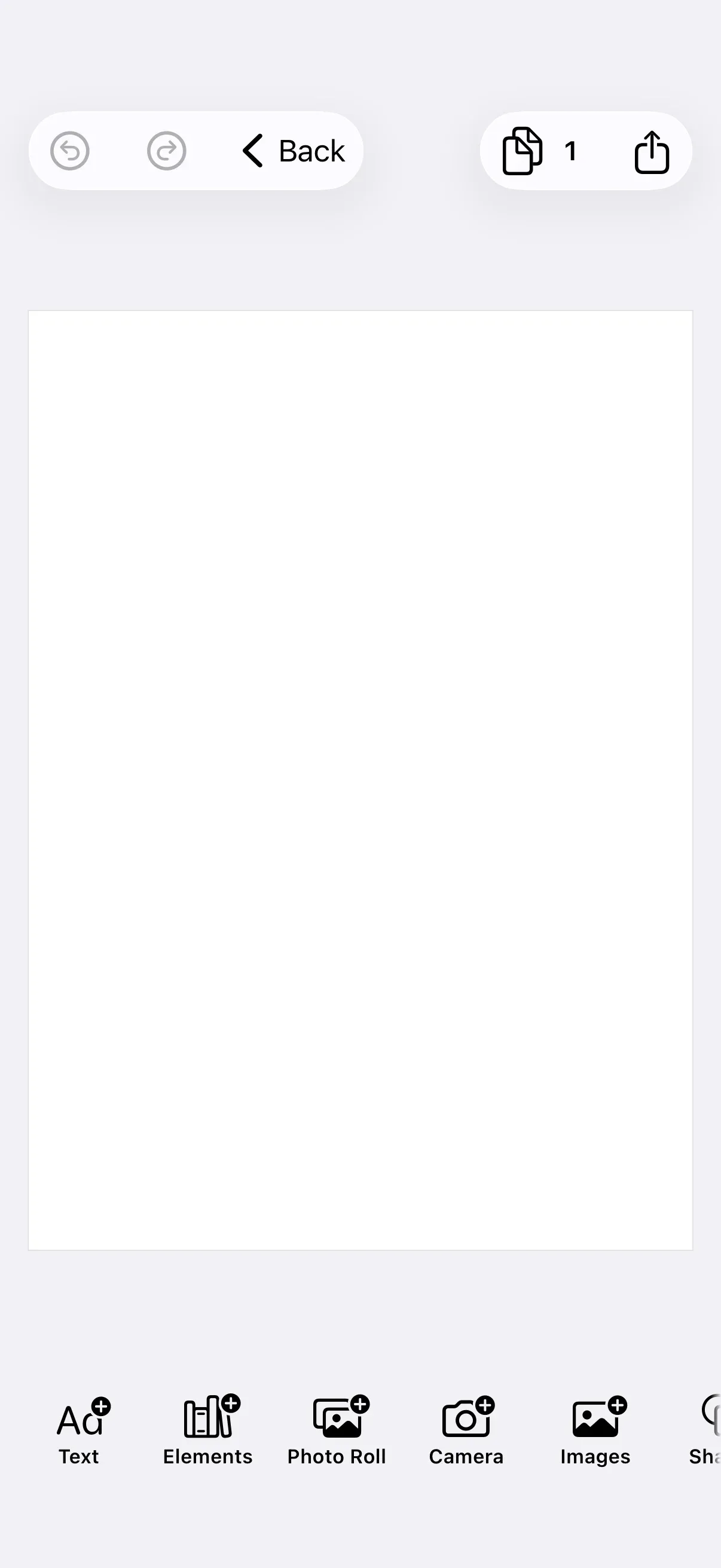
Unlike the other components, the navigation bar organizes its items into placement groups. When we re-add a button, we specify which group it belongs to. Here we move the undo and redo buttons from the trailing side to the leading side of the bar.
.imgly.modifyNavigationBarItems { context, items in // Move undo/redo to the leading position items.remove(id: NavigationBar.Buttons.ID.undo) items.remove(id: NavigationBar.Buttons.ID.redo) items.addFirst(placement: .topBarLeading) { NavigationBar.Buttons.undo() NavigationBar.Buttons.redo() }}The three available placements are:
| Placement | Position |
|---|---|
.topBarLeading | Leading side |
.topBarTrailing | Trailing side |
.principal | Center |
Rearranging the Canvas Menu#
The canvas menu appears as a floating toolbar when the user selects a block on the canvas. We strip away the layer ordering actions to keep the menu focused on duplicate and delete.
.imgly.modifyCanvasMenuItems { context, items in // Keep only duplicate and delete, removing layer ordering options items.remove(id: CanvasMenu.Buttons.ID.bringForward) items.remove(id: CanvasMenu.Buttons.ID.sendBackward) items.remove(id: CanvasMenu.Buttons.ID.selectGroup)}Rearranging the Dock#
The dock sits at the bottom of the editor and provides access to asset libraries and tools. We move the text library to the first position so it takes priority in a text-heavy workflow.
.imgly.modifyDockItems { context, items in // Move text library to the beginning for text-focused workflows items.remove(id: Dock.Buttons.ID.textLibrary) items.addFirst { Dock.Buttons.textLibrary() }}Rearranging the Inspector Bar#
The inspector bar shows contextual actions for the currently selected block. We reposition the duplicate button directly before the layer action using addBefore(id:_:).
.imgly.modifyInspectorBarItems { context, items in // Move duplicate button to appear before layer options items.remove(id: InspectorBar.Buttons.ID.duplicate) items.addBefore(id: InspectorBar.Buttons.ID.layer) { InspectorBar.Buttons.duplicate() }}Next Steps#
- Hide Elements — Remove UI elements entirely
- Add a New Button — Add custom buttons to editor components
- Canvas Menu — Full canvas menu customization
- Dock — Full dock customization