Add outlines around shapes, text, and graphics to create emphasis, separation, or decorative effects.
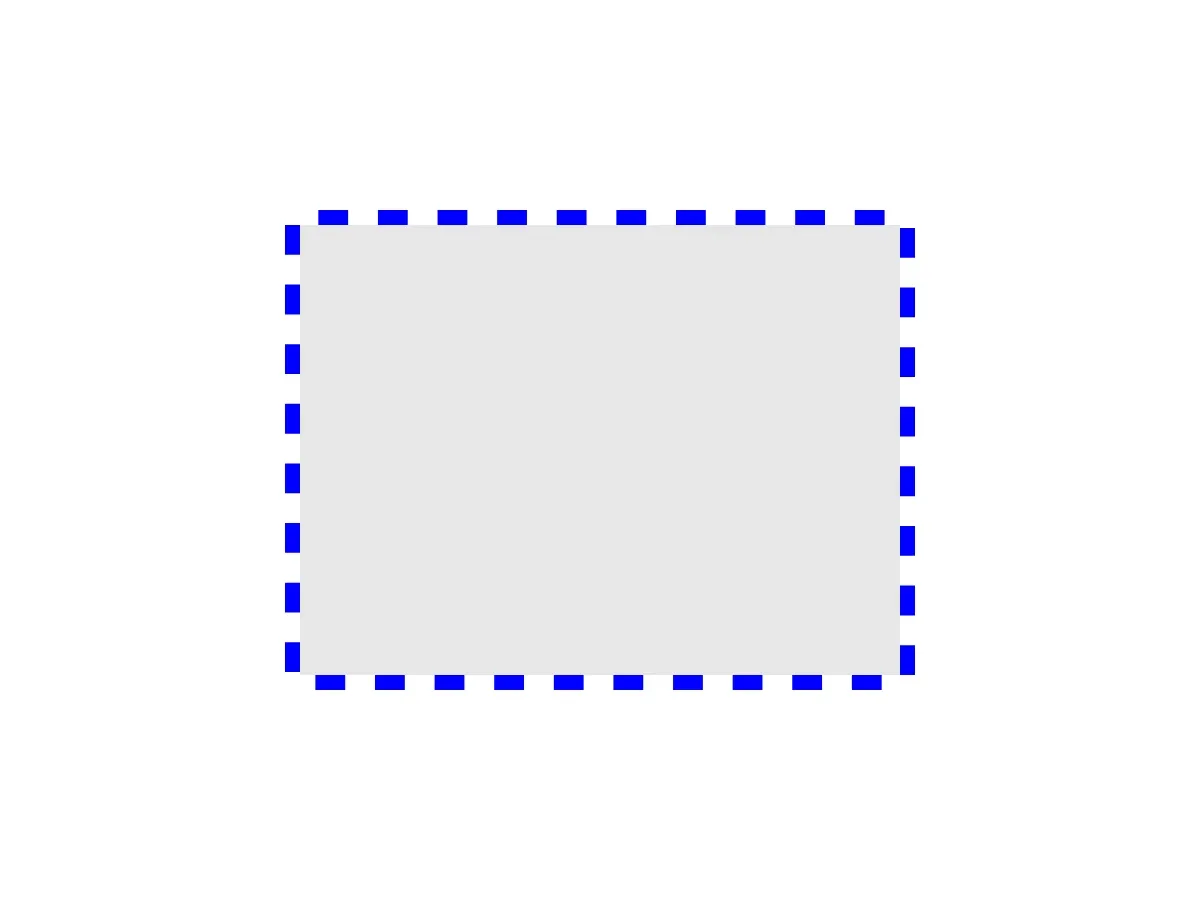
Strokes are visual outlines on design blocks. This guide focuses on controlling stroke color, width, line pattern, position relative to the block edge, and corner geometry through the block API. Mutating stroke properties requires the stroke/change scope. Additional overprint, end-cap, and custom-dash APIs are listed in the API Reference.
The snippets use a rectangle graphic block named block, but the same calls apply to any block once supportsStroke() returns true.
Using the Built-in Stroke UI#
On iOS, the editor shows stroke controls in the Fill & Stroke sheet for selected blocks that support strokes and allow the stroke/change scope. That sheet can render fill controls, stroke controls, or both, depending on the selected block. The color row doubles as the on/off control: choosing no color disables the stroke, while choosing a swatch or custom color enables and colors it.
- No-color and color swatches - Disable the stroke or apply a preset RGBA stroke color
- Color picker - Choose a custom stroke color
- Width slider - Adjust stroke thickness in design units
- Style picker - Select solid, dashed, rounded-dashed, dotted, long-dashed, or long round-ended dashed patterns
- Position and corner pickers - Adjust stroke placement and corner joins when available for the selected block
Checking Stroke Support#
Before applying stroke settings, check whether the block supports them. Return before the mutation calls when supportsStroke() is false.
guard try engine.block.supportsStroke(block) else { return }Enabling Strokes#
Enable the stroke with setStrokeEnabled(), then read the state back with isStrokeEnabled() when your app needs to update its UI or validate the change.
try engine.block.setStrokeEnabled(block, enabled: true)let strokeEnabled = try engine.block.isStrokeEnabled(block)print("Stroke enabled: \(strokeEnabled)")Setting Stroke Color#
Use setStrokeColor() with a Color value. The .rgba case takes red, green, blue, and alpha components from 0.0 to 1.0. The sample sets a blue stroke and reads it back with getStrokeColor().
try engine.block.setStrokeColor(block, color: .rgba(r: 0.0, g: 0.0, b: 1.0, a: 1.0))let strokeColor: Color = try engine.block.getStrokeColor(block)print("Stroke color: \(strokeColor)")Swift’s overload resolution can’t pick between the deprecated RGBA-returning overload and the canonical Color one without help, so annotate the binding (let strokeColor: Color = ...).
Setting Stroke Width#
Set the thickness in design units with setStrokeWidth(). Larger values create more prominent outlines, and getStrokeWidth() returns the current value.
try engine.block.setStrokeWidth(block, width: 10)let strokeWidth = try engine.block.getStrokeWidth(block)print("Stroke width: \(strokeWidth)")Stroke Styles#
Use setStrokeStyle() to control the line pattern. The StrokeStyle enum provides:
.solid- Continuous line.dashed- Square-ended dashes with gaps.dashedRound- Round-ended dashes with gaps.dotted- Circular dots.longDashed- Longer square-ended dashes.longDashedRound- Longer round-ended dashes
try engine.block.setStrokeStyle(block, style: .dashed)let strokeStyle = try engine.block.getStrokeStyle(block)print("Stroke style is dashed: \(strokeStyle == .dashed)")Stroke Position#
Use setStrokePosition() to control where the stroke renders relative to the block edge:
.center- Centered on the edge (default).inner- Rendered inside the block boundary.outer- Rendered outside the block boundary
Inner strokes stay within the block bounds, while outer strokes extend beyond them.
try engine.block.setStrokePosition(block, position: .outer)let strokePosition = try engine.block.getStrokePosition(block)print("Stroke position is outer: \(strokePosition == .outer)")Stroke Corner Geometry#
Use setStrokeCornerGeometry() to control how stroke corners are joined. The effect is easiest to see on rectangular shapes.
.miter- Sharp pointed corners (default).round- Smoothly curved corners.bevel- Flat cut corners
try engine.block.setStrokeCornerGeometry(block, cornerGeometry: .round)let strokeCornerGeometry = try engine.block.getStrokeCornerGeometry(block)print("Stroke corner geometry is round: \(strokeCornerGeometry == .round)")Troubleshooting#
If strokes do not appear as expected, check these common issues:
- Stroke not visible - Verify
isStrokeEnabled()returnstrueand the width is greater than0. - Stroke color appears wrong - Use normalized color components from
0.0to1.0, not0to255. - Stroke affects the visual bounds - Use
.innerto keep the stroke inside the block boundary, or.outerwhen the outline should extend beyond it. - Block does not support strokes - Guard mutations with
supportsStroke()before applying stroke properties.
API Reference#
| Method | Description |
|---|---|
engine.block.supportsStroke(_:) |
Check whether a block supports strokes |
engine.block.setStrokeEnabled(_:enabled:) |
Enable or disable the stroke |
engine.block.isStrokeEnabled(_:) |
Check whether the stroke is enabled |
engine.block.setStrokeColor(_:color:) |
Set the stroke color |
engine.block.getStrokeColor(_:) |
Get the stroke color (annotate the return as Color) |
engine.block.setStrokeWidth(_:width:) |
Set the stroke thickness in design units |
engine.block.getStrokeWidth(_:) |
Get the current stroke width |
engine.block.setStrokeStyle(_:style:) |
Set the stroke line pattern |
engine.block.getStrokeStyle(_:) |
Get the current stroke style |
engine.block.setStrokePosition(_:position:) |
Set the stroke position relative to the edge |
engine.block.getStrokePosition(_:) |
Get the current stroke position |
engine.block.setStrokeCornerGeometry(_:cornerGeometry:) |
Set the stroke corner join geometry |
engine.block.getStrokeCornerGeometry(_:) |
Get the current stroke corner geometry |
engine.block.setStrokeStartCap(_:cap:) |
Set the cap at the start of an open stroked path |
engine.block.getStrokeStartCap(_:) |
Get the start cap of an open stroked path |
engine.block.setStrokeEndCap(_:cap:) |
Set the cap at the end of an open stroked path |
engine.block.getStrokeEndCap(_:) |
Get the end cap of an open stroked path |
engine.block.setStrokeDashStartCap(_:cap:) |
Set the leading cap for each dash segment |
engine.block.getStrokeDashStartCap(_:) |
Get the leading cap for each dash segment |
engine.block.setStrokeDashEndCap(_:cap:) |
Set the trailing cap for each dash segment |
engine.block.getStrokeDashEndCap(_:) |
Get the trailing cap for each dash segment |
engine.block.setStrokeDashArray(_:dashArray:) |
Set a custom dash pattern in design units |
engine.block.getStrokeDashArray(_:) |
Get the custom dash pattern |
engine.block.setStrokeDashOffset(_:dashOffset:) |
Shift the custom dash pattern along the stroke |
engine.block.getStrokeDashOffset(_:) |
Get the dash pattern offset |
engine.block.setStrokeOverprint(_:overprint:) |
Mark eligible spot-color strokes for PDF overprint output |
engine.block.getStrokeOverprint(_:) |
Check whether stroke overprint is enabled |
Related Types#
| Type | Values | Description |
|---|---|---|
StrokeStyle |
.solid, .dashed, .dashedRound, .dotted, .longDashed, .longDashedRound |
Selects the preset line pattern |
StrokePosition |
.center, .inner, .outer |
Controls where the stroke is drawn relative to the block edge |
StrokeCornerGeometry |
.miter, .round, .bevel |
Controls how stroke corners join |
StrokeCap |
.butt, .round, .square |
Controls open-path and dash-segment end caps |
Next Steps#
- Apply Colors — Apply colors to design elements programmatically
- Fills — Add solid colors, gradients, images, or videos inside blocks
- Shadows and Glows — Add depth with shadow and glow effects
- Create and Edit Shapes — Create shape blocks you can style with strokes