Fill graphic blocks with video content from URLs or asset libraries using CE.SDK’s video fill system.
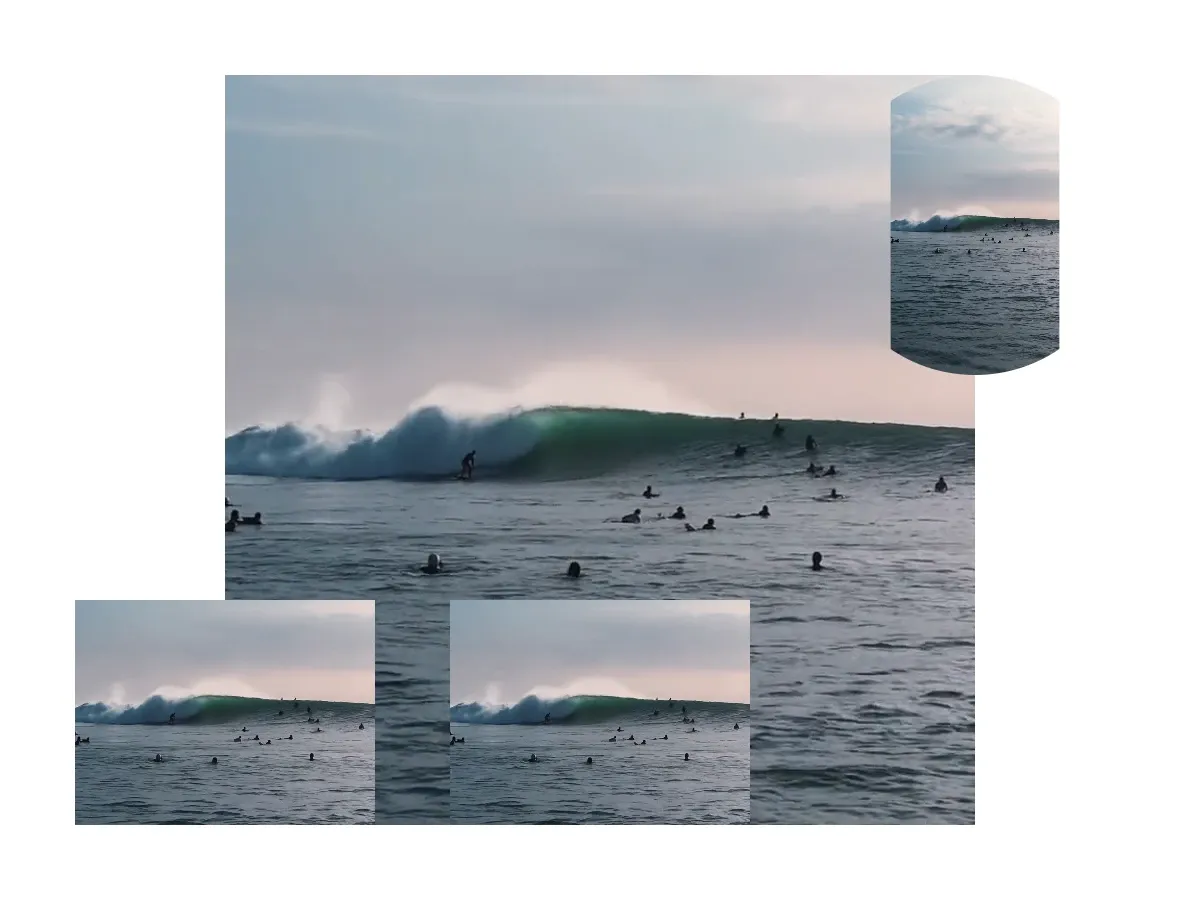
Understanding the distinction between video fills and video blocks is essential. Video fills are fill objects that can be applied to any block supporting fills — shapes, text, backgrounds — to paint them with video content. Video blocks are dedicated time-based blocks with full editing capabilities like trimming and duration control. Video fills focus on applying video as a visual treatment, while video blocks provide complete video editing functionality.
This guide covers how to create video fills, apply them to blocks, configure fill modes, and work with video resources programmatically.
Understanding Video Fills#
What is a Video Fill?#
A video fill is a fill object that paints a design block with video content. Like color and image fills, video fills are part of CE.SDK’s broader fill system.
Video fills are identified by the type "//ly.img.ubq/fill/video" or the FillType.video case. They contain properties for the video source, positioning, scaling, and playback behavior.
Video Fill vs Video Blocks#
Video fills are fill objects created with engine.block.createFill(.video) and applied to blocks with engine.block.setFill(_:fill:). You can use them to fill shapes with video content, create video backgrounds, or add video textures to text.
Video blocks are dedicated graphic blocks with a video fill pre-configured. They come with time-based properties including trim support, duration, and playback time. Use video blocks when you need features like trimming, duration adjustment, and precise playback control.
This guide focuses on video fills — applying video content as a fill to design elements.
Checking Video Fill Support#
Before working with fills, verify that a block supports fill operations. Most blocks support fills — graphic blocks and text do. Scenes and cameras don’t.
let canHaveFill = try engine.block.supportsFill(block)print("Block supports fills: \(canHaveFill)")engine.block.supportsFill(_:) returns true when the block can have a fill assigned to it. Always check this before attempting to access fill APIs to avoid throwing on unsupported blocks.
Creating Video Fills#
Creating Video Fills#
Create a video fill with engine.block.createFill(.video), set its source URI via the "fill/video/fileURI" property, and attach it to a graphic block with engine.block.setFill.
let videoFill = try engine.block.createFill(.video)try engine.block.setURL( videoFill, property: "fill/video/fileURI", value: videoURL,)try engine.block.setFill(block, fill: videoFill)The fill exists independently until you attach it to a block. If you create a fill but don’t attach it, destroy it with engine.block.destroy(_:) to avoid memory leaks. When you replace an existing fill on a block by calling setFill again, the old fill becomes unowned and should be destroyed as well.
Getting Current Fill Information#
Retrieve the fill from a block with engine.block.getFill(_:) and inspect its type with engine.block.getType(_:) to verify it’s a video fill.
let currentFill = try engine.block.getFill(block)let fillType = try engine.block.getType(currentFill)print("Fill type: \(fillType)")getFill returns the fill’s DesignBlockID, which you can then use to query the fill’s type and properties. The returned type string for video fills is always "//ly.img.ubq/fill/video".
Content Fill Modes#
Content fill modes control how video scales and positions within blocks. The three modes — Cover, Contain, and Crop — are set via engine.block.setContentFillMode(_:mode:) on the block (not the fill).
Cover Mode#
Cover mode is the default. It ensures the video fills the entire block while maintaining its aspect ratio. Parts of the video may be cropped if the aspect ratios don’t match, but there will never be empty space inside the block.
try engine.block.setContentFillMode(block, mode: .cover)Cover mode is ideal for background videos, full-frame video content, and video textures where you want the block completely filled. The video is scaled to cover the entire area, and any overflow is cropped.
Contain Mode#
Contain mode fits the entire video within the block while maintaining its aspect ratio. This may leave empty space if the aspect ratios don’t match, but the entire video will always be visible.
try engine.block.setContentFillMode(block, mode: .contain)Contain mode is best for presentations, product demos, and situations where preserving complete video visibility is more important than filling the entire block.
Crop Mode#
Crop mode gives you full control over how the video is positioned and scaled within the block using the crop scale and translation APIs. Unlike Cover and Contain, which position content automatically, Crop is an explicit opt-in for manual positioning.
try engine.block.setContentFillMode(block, mode: .crop)try engine.block.setCropScaleRatio(block, scaleRatio: 1.5)try engine.block.setCropTranslationX(block, translationX: 0.25)Use Crop mode when you need precise control over which portion of the video is visible — detail shots, custom compositions, or user-controlled framing.
Getting the Current Fill Mode#
Query the current fill mode with engine.block.getContentFillMode(_:) to understand how the video is being displayed.
let currentMode = try engine.block.getContentFillMode(block)print("Current fill mode: \(currentMode)")The available modes are:
.cover— Default mode; fill entire area, may crop content.contain— Show all content, may leave empty space.crop— Manual positioning via crop scale and translation APIs
Loading Video Resources#
Before accessing video metadata like duration, you must force load the video resource. Videos load asynchronously, and metadata is not available until the resource has been fetched.
try await engine.block.forceLoadAVResource(videoFill)let totalDuration = try engine.block.getAVResourceTotalDuration(videoFill)print("Video total duration: \(totalDuration) seconds")engine.block.forceLoadAVResource(_:) downloads the video headers and makes metadata available. Once loaded, you can read the video’s total duration with engine.block.getAVResourceTotalDuration(_:).
Skipping this step causes the engine to throw an error when you access metadata properties — the video headers must be downloaded first. Always await the call before querying video-specific properties.
Working with Source Sets#
Source sets enable responsive videos by providing multiple resolutions of the same video. The engine automatically selects the most appropriate size based on the current display context, optimizing both performance and visual quality.
Setting Up a Source Set#
A source set is an array of Source values, each carrying a URI and pixel dimensions.
try engine.block.setSourceSet( videoFill, property: "fill/video/sourceSet", sourceSet: [ Source( uri: baseURL.appendingPathComponent( "ly.img.video/videos/pexels-drone-footage-of-a-surfer-barrelling-a-wave-12715991.mp4", ), width: 640, height: 360, ), Source( uri: baseURL.appendingPathComponent("ly.img.video/videos/pexels-kampus-production-8154913.mp4"), width: 1280, height: 720, ), ],)The engine calculates the current drawing size and picks the source with the closest dimensions that meet or exceed the required size. During export the highest available resolution is used.
Retrieving Source Sets#
Inspect the current source set on a fill with engine.block.getSourceSet(_:property:).
let sourceSet = try engine.block.getSourceSet(videoFill, property: "fill/video/sourceSet")print("Source set entries: \(sourceSet.count)")The result is an array of Source instances with the same uri, width, and height fields you provided.
Common Use Cases#
Video as Shape Fill#
Video fills aren’t limited to rectangles. You can fill any shape with video content — the video is masked to the shape boundary.
let ellipseBlock = try engine.block.create(.graphic)try engine.block.setShape(ellipseBlock, shape: engine.block.createShape(.ellipse))try engine.block.setWidth(ellipseBlock, value: 200)try engine.block.setHeight(ellipseBlock, value: 200)try engine.block.setPositionX(ellipseBlock, value: 550)try engine.block.setPositionY(ellipseBlock, value: 50)try engine.block.appendChild(to: page, child: ellipseBlock)
let ellipseVideoFill = try engine.block.createFill(.video)try engine.block.setURL(ellipseVideoFill, property: "fill/video/fileURI", value: videoURL)try engine.block.setFill(ellipseBlock, fill: ellipseVideoFill)
Ellipses, polygons, stars, and custom vector paths all support video fills. The video content fills the shape area, creating masked video effects.
Video with Opacity#
Control the transparency of video-filled blocks to create overlay effects or blend video content with backgrounds.
try engine.block.setOpacity(block, value: 0.7)Additional Techniques#
Sharing Video Fills#
Multiple blocks can share a single video fill instance. Changes to the shared fill — such as updating the video URI — affect all blocks that use it.
let sharedFill = try engine.block.createFill(.video)try engine.block.setURL(sharedFill, property: "fill/video/fileURI", value: videoURL)
let sharedBlock1 = try engine.block.create(.graphic)try engine.block.setShape(sharedBlock1, shape: engine.block.createShape(.rect))try engine.block.setWidth(sharedBlock1, value: 200)try engine.block.setHeight(sharedBlock1, value: 150)try engine.block.setPositionX(sharedBlock1, value: 50)try engine.block.setPositionY(sharedBlock1, value: 400)try engine.block.appendChild(to: page, child: sharedBlock1)try engine.block.setFill(sharedBlock1, fill: sharedFill)
let sharedBlock2 = try engine.block.create(.graphic)try engine.block.setShape(sharedBlock2, shape: engine.block.createShape(.rect))try engine.block.setWidth(sharedBlock2, value: 200)try engine.block.setHeight(sharedBlock2, value: 150)try engine.block.setPositionX(sharedBlock2, value: 300)try engine.block.setPositionY(sharedBlock2, value: 400)try engine.block.appendChild(to: page, child: sharedBlock2)try engine.block.setFill(sharedBlock2, fill: sharedFill)
print("Two blocks share one video fill instance")
This pattern reduces memory usage when the same video appears multiple times in a composition. Shared fills play back in sync — all blocks display the same frame at the same time during playback.
Troubleshooting#
Video Not Visible#
If your video fill doesn’t appear, check several common causes. Verify the fill is enabled with engine.block.isFillEnabled(_:). Ensure the video URL is accessible and the block has valid dimensions (width and height greater than zero) and exists in the scene hierarchy.
Check that the video format is supported on your platform. MP4 with H.264 encoding works reliably across platforms, while other codecs may have limited support.
Cannot Create Video Fill#
If creating a video fill throws an error, verify the block supports fills using engine.block.supportsFill(_:) and that the block is part of a valid scene hierarchy.
Video Not Loading#
When videos fail to load, verify network connectivity for remote URLs. Validate the URI format uses https:// for remote videos or appropriate schemes for local files.
Test with a known working video URL to isolate whether the issue is with your specific video or a broader configuration problem.
Metadata Not Available#
If engine.block.getAVResourceTotalDuration(_:) throws an error, call engine.block.forceLoadAVResource(_:) before accessing the property and await the result. The engine throws when the video headers haven’t been downloaded yet.
Memory Leaks#
Always destroy replaced fills to prevent memory leaks. When changing a block’s fill, retrieve the old fill with engine.block.getFill(_:), assign the new fill with engine.block.setFill(_:fill:), then destroy the old fill with engine.block.destroy(_:).
Don’t create fills without attaching them to blocks — unattached fills remain in memory indefinitely. Clean up shared fills when no blocks reference them anymore.
Performance Issues#
Video playback is resource-intensive. Use appropriately sized videos — avoid massive files that strain decoding hardware. Consider lower resolutions for editing with high-resolution sources reserved for export.
Limit the number of simultaneously playing videos, especially on mobile devices. Too many concurrent video decodes overwhelm device capabilities. Compress videos before use to reduce file sizes and improve loading times.
API Reference#
Core Methods#
| Method | Description |
|---|---|
engine.block.createFill(_:) |
Create a new fill of the given FillType (use .video for video fills) |
engine.block.setFill(_:fill:) |
Assign a fill to a block |
engine.block.getFill(_:) |
Get the fill block ID from a block |
engine.block.getType(_:) |
Inspect a block’s type string (e.g., "//ly.img.ubq/fill/video") |
engine.block.setString(_:property:value:) |
Set a string property such as the video URI |
engine.block.getString(_:property:) |
Get the current value of a string property |
engine.block.setContentFillMode(_:mode:) |
Set the content fill mode (.cover, .contain, or .crop) |
engine.block.getContentFillMode(_:) |
Get the current ContentFillMode |
engine.block.getAVResourceTotalDuration(_:) |
Get the video duration in seconds (requires forceLoadAVResource first) |
engine.block.setOpacity(_:value:) |
Set a block’s opacity from 0 to 1 |
engine.block.supportsFill(_:) |
Check whether a block can have a fill |
engine.block.setSourceSet(_:property:sourceSet:) |
Set responsive video sources |
engine.block.getSourceSet(_:property:) |
Get the current responsive video sources |
engine.block.isFillEnabled(_:) |
Check whether a block’s fill is currently enabled |
engine.block.forceLoadAVResource(_:) |
Force load video metadata before accessing properties |
engine.block.generateVideoThumbnailSequence(_:thumbnailHeight:timeRange:numberOfFrames:) |
Generate a sequence of video thumbnail frames |
Video Fill Properties#
| Property | Type | Description |
|---|---|---|
fill/video/fileURI |
String |
Single video URI (URL) |
fill/video/sourceSet |
[Source] |
Array of responsive video sources with dimensions |
Content Fill Mode#
ContentFillMode |
Description |
|---|---|
.cover |
Default. Fill entire block area, may crop content |
.contain |
Show all content, may leave empty space |
.crop |
Manual positioning via crop scale and translation APIs |
Source#
| Property | Type | Description |
|---|---|---|
uri |
URL |
Video URI |
width |
UInt32 |
Video width in pixels |
height |
UInt32 |
Video height in pixels |
Next Steps#
- Fills Overview — Comprehensive overview of the fill system
- Image Fills — Fill blocks with static image content
- Source Sets — Provide multiple resolutions for responsive media
- Trim Video Clips — Trim and adjust video clip timing