Fill graphic blocks with photos and images from URLs, data URIs, or asset libraries using CE.SDK’s versatile image fill system.
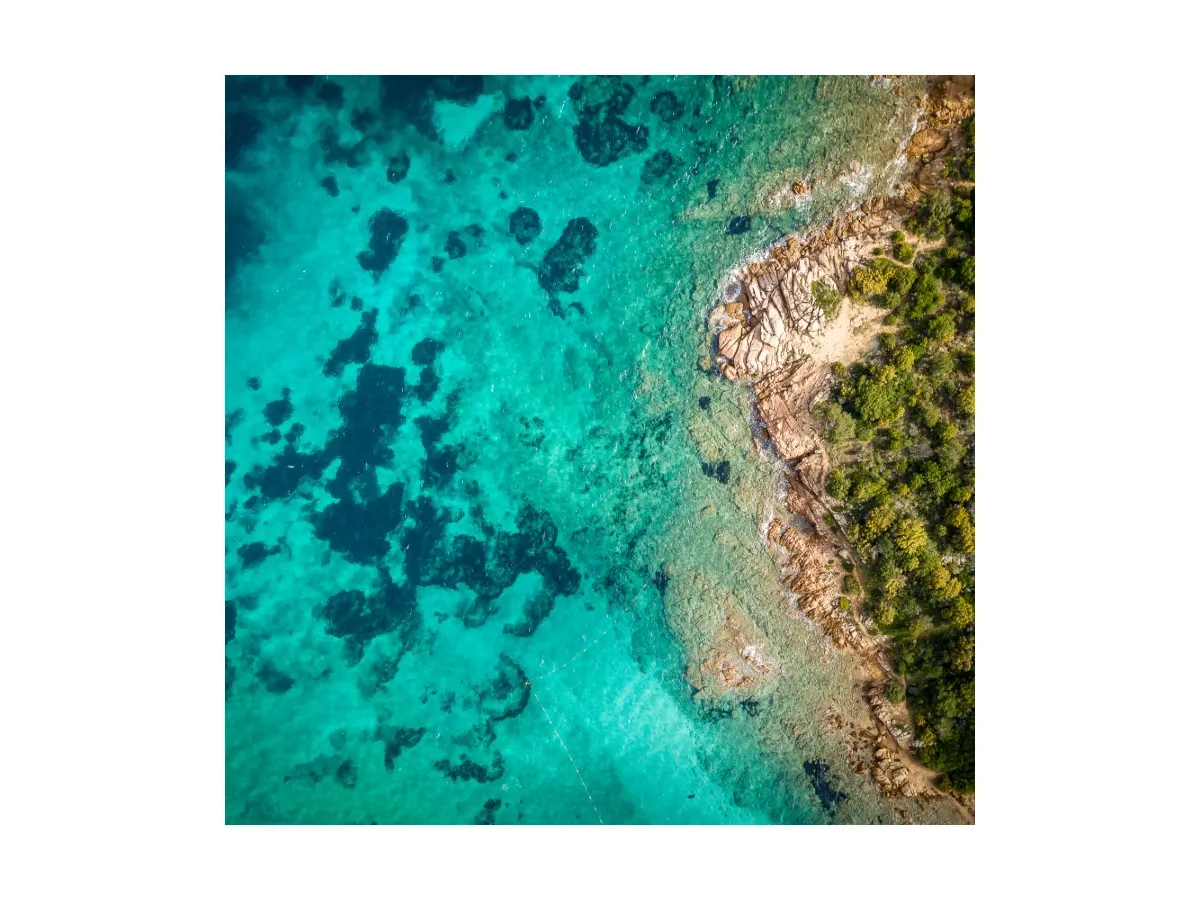
Image fills render design blocks with raster or vector image content, supporting common formats such as PNG, JPEG, WebP, and SVG. You can load images from remote URLs and data URIs, with built-in support for responsive images through source sets and selectable content fill modes that control how the image scales within its block.
This guide covers how to create and apply image fills programmatically, configure content fill modes, work with responsive source sets, and load images from different sources.
Understanding Image Fills#
Image fills are one of the fundamental fill types in CE.SDK, identified by the type string "//ly.img.ubq/fill/image" or the FillType.image case. While color fills produce solid colors and gradient fills produce color transitions, image fills display raster or vector content from image files.
CE.SDK supports common image formats including PNG, JPEG, GIF, WebP, SVG, and BMP, with transparency support in formats like PNG, WebP, and SVG. The image fill system handles content scaling, positioning, and optimization automatically while giving you full programmatic control when needed.
Checking Image Fill Support#
Before working with fills, verify that a block supports fill operations. Not all blocks in CE.SDK can have fills — scenes and pages typically don’t, while graphic blocks, shapes, and text blocks do.
let canHaveFill = try engine.block.supportsFill(block)print("Block supports fills: \(canHaveFill)")engine.block.supportsFill(_:) returns true when the block can have a fill assigned to it. Always check this before attempting to access fill APIs to avoid throwing on unsupported blocks.
Creating Image Fills#
Create an image fill with engine.block.createFill(.image), then attach it to a graphic block with engine.block.setFill. The fill is a separate block from the graphic — the URI lives on the fill, and the graphic renders with that image as its content.
Manual Image Fill Creation#
Create the fill, set the URI on its "fill/image/imageFileURI" property, and assign it to the block.
let imageFill = try engine.block.createFill(.image)try engine.block.setURL( imageFill, property: "fill/image/imageFileURI", value: sampleImageURL,)try engine.block.setFill(block, fill: imageFill)The fill exists independently until you attach it to a block. If you create a fill but don’t attach it, destroy it with engine.block.destroy(_:) to avoid memory leaks. When you replace an existing fill on a block by calling setFill again, the old fill becomes unowned and should be destroyed as well.
Getting the Current Fill#
Retrieve the fill from a block with engine.block.getFill(_:) and inspect its type with engine.block.getType(_:) to verify it’s an image fill.
let currentFill = try engine.block.getFill(block)let fillType = try engine.block.getType(currentFill)print("Fill type: \(fillType)")getFill returns the fill’s DesignBlockID, which you can then use to query the fill’s type and properties. The returned type string for image fills is always "//ly.img.ubq/fill/image".
Configuring Content Fill Modes#
Content fill modes control how images scale and position within their containing blocks. The engine provides two primary modes — Cover and Contain — set through the "contentFill/mode" enum property on the block (not the fill).
Cover Mode#
Cover mode ensures the image fills the entire block while maintaining its aspect ratio. Parts of the image may be cropped if the aspect ratios don’t match, but there will never be empty space inside the block.
try engine.block.setEnum(block, property: "contentFill/mode", value: "Cover")Cover mode is ideal for backgrounds, hero images, and photo frames where you want the block completely filled with image content. The image is scaled to cover the entire area, and any overflow is cropped.
Contain Mode#
Contain mode fits the entire image within the block while maintaining its aspect ratio. This may leave empty space if the aspect ratios don’t match, but the entire image will always be visible.
try engine.block.setEnum(block, property: "contentFill/mode", value: "Contain")Contain mode is best for logos, product images, and situations where preserving the complete image visibility is more important than filling the entire block.
Getting the Current Fill Mode#
Query the current fill mode with engine.block.getEnum(_:property:) to understand how the image is being displayed.
let currentMode = try engine.block.getEnum(block, property: "contentFill/mode")print("Current fill mode: \(currentMode)")The returned value is the string form of the enum — "Cover" or "Contain" — matching the values accepted by setEnum.
Working with Source Sets#
Source sets enable responsive images by providing multiple resolutions of the same image. The engine automatically selects the most appropriate size based on the current display context, optimizing both performance and visual quality.
Setting Up a Source Set#
A source set is an array of Source values, each carrying a URI and pixel dimensions.
try engine.block.setSourceSet( imageFill, property: "fill/image/sourceSet", sourceSet: [ Source(uri: imagesURL.appendingPathComponent("sample_1-512x341.jpg"), width: 512, height: 341), Source(uri: imagesURL.appendingPathComponent("sample_1-883x589.jpg"), width: 883, height: 589), Source(uri: imagesURL.appendingPathComponent("sample_1-1767x1178.jpg"), width: 1767, height: 1178), ],)The engine calculates the current drawing size and picks the source with the closest width that meets or exceeds the required dimensions. During export the highest available resolution is used.
Retrieving Source Sets#
Inspect the current source set on a fill with engine.block.getSourceSet(_:property:).
let sourceSet = try engine.block.getSourceSet(imageFill, property: "fill/image/sourceSet")print("Source set entries: \(sourceSet.count)")The result is an array of Source instances with the same uri, width, and height fields you provided.
Loading Images from Different Sources#
CE.SDK’s image fills accept image content from several source types, giving you flexibility in how you provide content to your designs.
Data URIs and Base64#
Embed image data directly using a base64-encoded data URI. This is particularly useful for small images, icons, or dynamically generated graphics where you want to avoid a network request.
let svgContent = """<svg width="100" height="100" xmlns="http://www.w3.org/2000/svg">\<circle cx="50" cy="50" r="40" fill="#4CAF50"/>\</svg>"""let svgData = Data(svgContent.utf8).base64EncodedString()let svgDataUri = "data:image/svg+xml;base64,\(svgData)"
let dataUriBlock = try engine.block.create(.graphic)try engine.block.setShape(dataUriBlock, shape: engine.block.createShape(.rect))try engine.block.setWidth(dataUriBlock, value: 120)try engine.block.setHeight(dataUriBlock, value: 120)try engine.block.setPositionX(dataUriBlock, value: 640)try engine.block.setPositionY(dataUriBlock, value: 60)try engine.block.appendChild(to: page, child: dataUriBlock)
let dataUriFill = try engine.block.createFill(.image)try engine.block.setString(dataUriFill, property: "fill/image/imageFileURI", value: svgDataUri)try engine.block.setFill(dataUriBlock, fill: dataUriFill)
Data URIs embed the full image inside the URI string itself, eliminating network requests. This increases the scene file size, so reserve it for smaller images or cases where guaranteed availability without network dependencies matters.
Additional Techniques#
Controlling Opacity#
Control the overall opacity of a block with engine.block.setOpacity(_:value:). The value ranges from 0 (fully transparent) to 1 (fully opaque).
try engine.block.setOpacity(dataUriBlock, value: 0.6)API Reference#
Core Methods#
| Method | Description |
|---|---|
engine.block.createFill(_:) |
Create a new fill of the given FillType (use .image for image fills) |
engine.block.setFill(_:fill:) |
Assign a fill to a block |
engine.block.getFill(_:) |
Get the fill block ID from a block |
engine.block.getType(_:) |
Inspect a block’s type string (e.g., "//ly.img.ubq/fill/image") |
engine.block.setURL(_:property:value:) |
Set a URL property such as the image file URI |
engine.block.setString(_:property:value:) |
Set a string property such as a data-URI image fill |
engine.block.setSourceSet(_:property:sourceSet:) |
Set responsive image sources |
engine.block.getSourceSet(_:property:) |
Get the current responsive image sources |
engine.block.setEnum(_:property:value:) |
Set an enum property such as "contentFill/mode" |
engine.block.getEnum(_:property:) |
Get the current value of an enum property |
engine.block.setOpacity(_:value:) |
Set a block’s opacity from 0 to 1 |
engine.block.supportsFill(_:) |
Check whether a block can have a fill |
Image Fill Properties#
| Property | Type | Description |
|---|---|---|
fill/image/imageFileURI |
String |
Single image URI (URL or data URI) |
fill/image/sourceSet |
[Source] |
Array of responsive image sources with dimensions |
Content Fill Properties#
| Property | Type | Values | Description |
|---|---|---|---|
contentFill/mode |
Enum | "Cover", "Contain" |
How the image scales within its block |
Source#
| Property | Type | Description |
|---|---|---|
uri |
URL |
Image URI |
width |
UInt32 |
Image width in pixels |
height |
UInt32 |
Image height in pixels |
Next Steps#
- Fills Overview — Understand the comprehensive fill system and all available fill types
- Color Fills — Fill blocks with solid colors
- Gradient Fills — Fill blocks with color transitions
- Video Fills — Fill blocks with video content
- Source Sets — Provide multiple resolutions for responsive media
- Blocks — Understand the block system that fills attach to