Modify existing templates and manage template lifecycle in your asset library using CE.SDK.
Templates evolve as designs change. You might need to update branding, fix content errors, or remove outdated templates from your library. CE.SDK provides APIs for adding, editing, and removing templates from asset sources.
This guide covers how to add templates to asset sources, edit template content, remove templates, and save updated versions.
Adding Templates#
First, create a local asset source to store your templates. The applyAsset callback runs when a template from this source is applied to the scene — it reads the base64 scene data from the asset’s uri metadata entry and loads it with engine.scene.load(from:). Return nil because applying a template replaces the current scene content rather than creating a new block. The source retains this callback for its lifetime, so capture the engine weakly to avoid risking a retain cycle.
try engine.asset.addLocalSource(sourceID: "my-templates", applyAsset: { [weak engine] asset in guard let engine, let uri = asset.meta?["uri"], let base64Content = uri.split(separator: ",", maxSplits: 1).dropFirst().first else { return nil } try await engine.scene.load(from: String(base64Content)) return nil})Next, create your template content using block APIs:
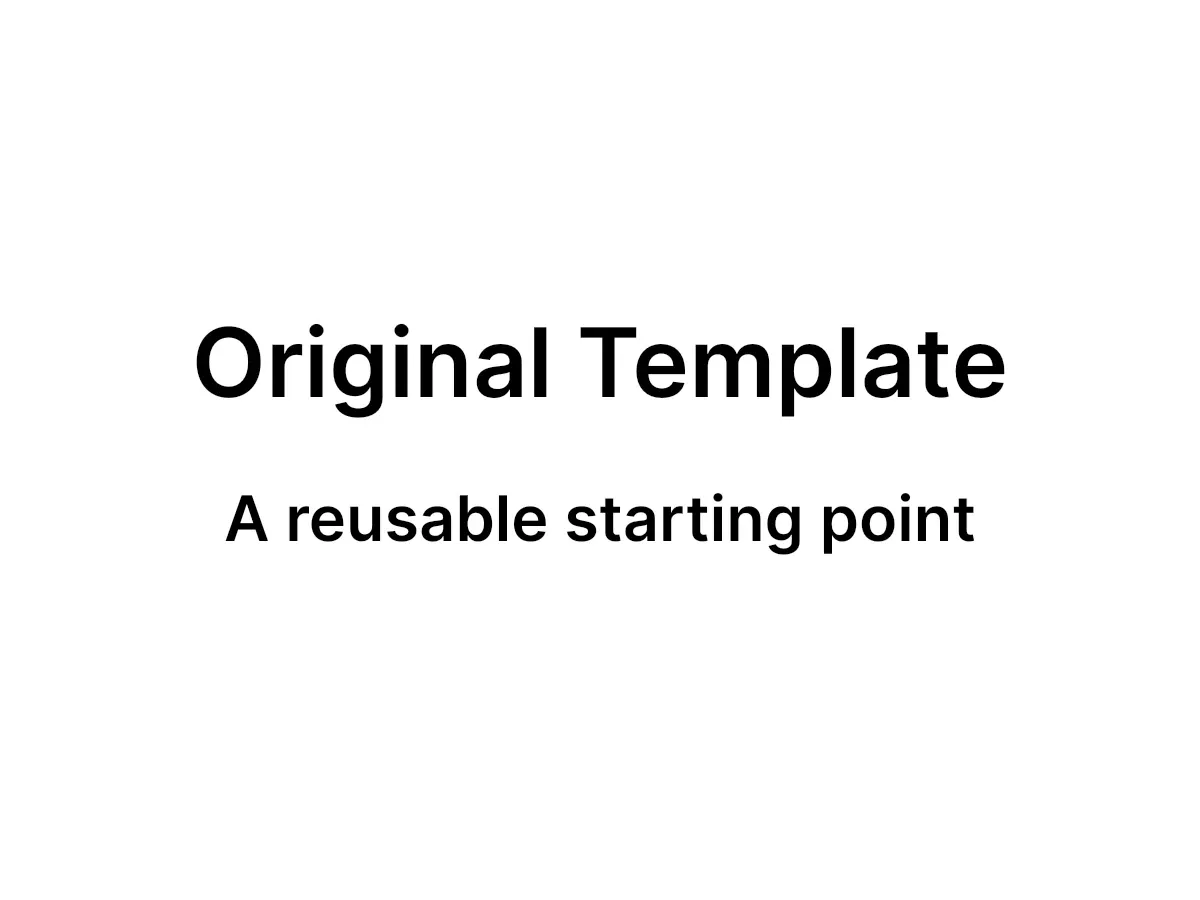
let titleBlock = try engine.block.create(.text)try engine.block.replaceText(titleBlock, text: "Original Template")try engine.block.setFloat(titleBlock, property: "text/fontSize", value: 64)try engine.block.setWidthMode(titleBlock, mode: .auto)try engine.block.setHeightMode(titleBlock, mode: .auto)try engine.block.appendChild(to: page, child: titleBlock)
let subtitleBlock = try engine.block.create(.text)try engine.block.replaceText(subtitleBlock, text: "A reusable starting point")try engine.block.setFloat(subtitleBlock, property: "text/fontSize", value: 42)try engine.block.setWidthMode(subtitleBlock, mode: .auto)try engine.block.setHeightMode(subtitleBlock, mode: .auto)try engine.block.appendChild(to: page, child: subtitleBlock)
Then save the template with saveToString() and add it to the asset source using addAsset(to:asset:). Each template needs a unique ID, a label, and metadata containing the template URI and thumbnail:
let originalContent = try await engine.scene.saveToString()try engine.asset.addAsset(to: "my-templates", asset: AssetDefinition( id: "template-original", meta: [ "uri": "data:application/octet-stream;base64,\(originalContent)", "thumbUri": try await templateThumbnail(engine: engine, page: page), ], label: ["en": "Original Template"],))The uri entry in the meta dictionary contains the template content as a data URI. The thumbUri entry provides the thumbnail the asset library displays. The example exports the rendered template to a small PNG with engine.block.export(_:mimeType:options:), so the thumbnail previews the actual content:
private func templateThumbnail(engine: Engine, page: DesignBlockID) async throws -> String { // `targetWidth` bounds the export so the thumbnail stays small. let data = try await engine.block.export(page, mimeType: .png, options: ExportOptions(targetWidth: 200)) return "data:image/png;base64,\(data.base64EncodedString())"}Editing Templates#
Modify template content using block APIs. The example updates the text blocks with replaceText(_:text:); the same pattern applies to any block property, such as image fills or positions.
try engine.block.replaceText(titleBlock, text: "Updated Template")try engine.block.replaceText(subtitleBlock, text: "This template was edited and saved")
let updatedContent = try await engine.scene.saveToString()try engine.asset.addAsset(to: "my-templates", asset: AssetDefinition(  id: "template-updated",  meta: [    "uri": "data:application/octet-stream;base64,\(updatedContent)",    "thumbUri": try await templateThumbnail(engine: engine, page: page),  ],  label: ["en": "Updated Template"],))
After editing, save the modified template as a new asset or update an existing one.
Removing Templates#
Remove templates from asset sources using removeAsset(from:assetID:). This permanently deletes the template entry from the source.
// Add a temporary template to demonstrate removal.try engine.asset.addAsset(to: "my-templates", asset: AssetDefinition(  id: "template-temporary",  meta: [    "uri": "data:application/octet-stream;base64,\(originalContent)",    "thumbUri": try await templateThumbnail(engine: engine, page: page),  ],  label: ["en": "Temporary Template"],))
try engine.asset.removeAsset(from: "my-templates", assetID: "template-temporary")Saving Updated Templates#
To update an existing template, first remove it using removeAsset(from:assetID:), then add the updated version with addAsset(to:asset:) using the same asset ID. Adding an asset whose ID already exists in the source throws an error, so the removal has to come first.
try engine.block.replaceText(subtitleBlock, text: "Updated again with new content")let reUpdatedContent = try await engine.scene.saveToString()
try engine.asset.removeAsset(from: "my-templates", assetID: "template-updated")try engine.asset.addAsset(to: "my-templates", asset: AssetDefinition(  id: "template-updated",  meta: [    "uri": "data:application/octet-stream;base64,\(reUpdatedContent)",    "thumbUri": try await templateThumbnail(engine: engine, page: page),  ],  label: ["en": "Updated Template"],))
Reusing the asset ID keeps existing references to the template valid while the content changes underneath.
Best Practices#
Versioning Strategies#
When managing template updates, consider these approaches:
- Replace in place: Reuse the same asset ID — remove the old entry, then add the update. Existing references to the template keep working.
- Version suffixes: Create new entries with version identifiers (e.g.,
template-v2). This preserves old versions while introducing new ones. - Archive old versions: Move deprecated templates to a separate source before removal. This maintains a history without cluttering the main library.
Change Notifications#
Each addAsset(to:asset:) and removeAsset(from:assetID:) call emits a contents-changed signal for its source, so observers of the source stay up to date without extra work. Call assetSourceContentsChanged(sourceID:) explicitly when template data changes through a path the engine can’t observe — for example, when the backing store of a custom asset source updates.
Template IDs#
Use descriptive, unique IDs that reflect the template’s purpose (e.g., marketing-banner-2024, social-post-square). Consistent naming conventions make templates easier to find and manage programmatically.
Thumbnails#
Generate meaningful thumbnails that accurately represent template content. Good thumbnails improve discoverability in the asset library and help users quickly identify the right template.
Memory Considerations#
Templates stored as base64 data URIs remain in memory. For production applications with many templates, consider storing template content externally and using URLs in the uri metadata entry instead of inline data URIs.
API Reference#
| Method | Description |
|---|---|
engine.asset.addLocalSource(sourceID:applyAsset:) |
Create a local asset source |
engine.asset.addAsset(to:asset:) |
Add a template to an asset source |
engine.asset.removeAsset(from:assetID:) |
Remove a template from an asset source |
engine.asset.assetSourceContentsChanged(sourceID:) |
Signal observers that a source’s contents changed |
engine.scene.saveToString() |
Save the scene as a base64 string |
engine.scene.load(from:) |
Load a scene from a base64 string |
engine.block.export(_:mimeType:options:) |
Render a block to image data (used for the thumbnail) |