Export your designs as PNG images with full transparency support and configurable compression.
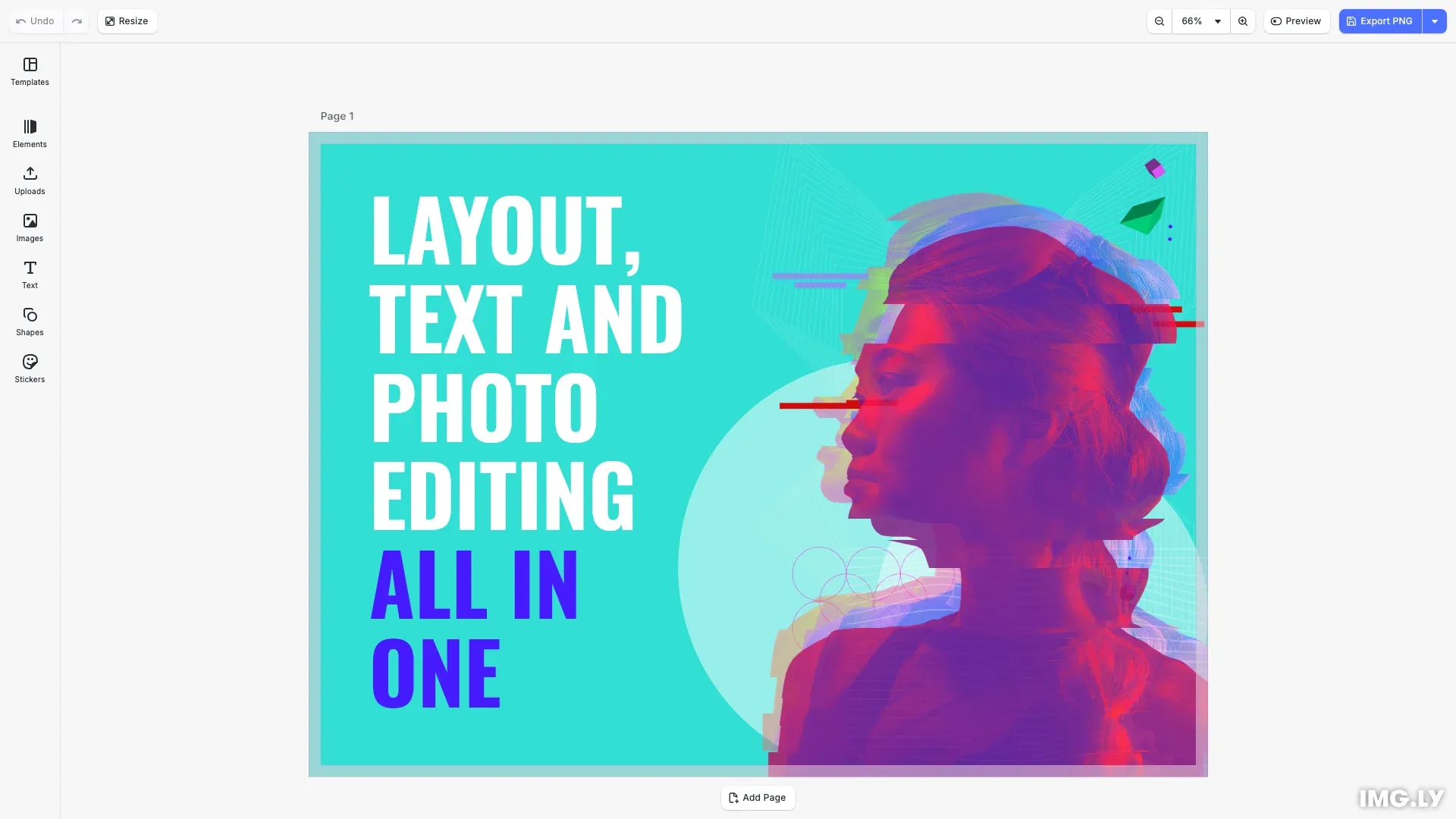
PNG (Portable Network Graphics) provides lossless compression with full alpha channel support. It’s ideal for web graphics, UI elements, and content requiring crisp edges or transparency.
This guide covers exporting designs to PNG, configuring compression, controlling output dimensions, and using built-in export actions.
Export to PNG#
Call engine.block.export() with mimeType: 'image/png' to export any block as a PNG image. The method returns a Blob containing the image data.
const blob = await engine.block.export(page, { mimeType: 'image/png'});Pass the page ID from engine.scene.getCurrentPage() or any block ID to export specific elements.
Export Options#
PNG export supports several configuration options for compression, dimensions, and text rendering.
Compression Level#
The pngCompressionLevel option (0-9) controls file size vs. encoding speed. Higher values produce smaller files but take longer to encode. PNG compression is lossless, so quality remains unchanged.
const compressedBlob = await engine.block.export(page, { mimeType: 'image/png', pngCompressionLevel: 9});- 0: No compression, fastest encoding
- 5: Balanced (default)
- 9: Maximum compression, slowest encoding
Target Dimensions#
Use targetWidth and targetHeight together to export at specific dimensions. The block renders large enough to fill the target size while maintaining aspect ratio.
const hdBlob = await engine.block.export(page, { mimeType: 'image/png', targetWidth: 1920, targetHeight: 1080});If the target aspect ratio differs from the block’s aspect ratio, the output extends beyond the target on one axis to preserve proportions.
All PNG Export Options#
| Option | Description |
|---|---|
mimeType | Output format. Defaults to 'image/png'. |
pngCompressionLevel | Compression level (0-9). Higher values produce smaller files but take longer to encode. Quality is unaffected. Defaults to 5. |
targetWidth | Target output width in pixels. Must be used with targetHeight. |
targetHeight | Target output height in pixels. Must be used with targetWidth. |
allowTextOverhang | When true, text blocks with glyphs extending beyond their frame export with full glyph bounds visible. Defaults to false. |
abortSignal | Signal to cancel the export operation. |
Built-in Export Action#
CE.SDK provides a built-in exportDesign action that handles export with a progress dialog and automatic download. Trigger it with cesdk.actions.run():
onClick: () => cesdk.actions.run('exportDesign')The built-in action exports the current page as PNG and prompts the user to download the result. Add an export button to the navigation bar to let users trigger this action from the UI.
API Reference#
| Method | Description |
|---|---|
engine.block.export(blockId, options) | Export a block as PNG with format and quality options |
cesdk.actions.run('exportDesign') | Run the built-in export action with progress dialog |
cesdk.utils.downloadFile(blob, mimeType) | Download a blob to the user’s device |
Next Steps#
- Export Overview - Compare all supported export formats
- Export Size Limits - Check device limits before exporting large designs
- Export with Color Mask - Remove specific colors and generate alpha masks
- Partial Export - Export specific blocks or regions