Export your video compositions as MP4 files with H.264 encoding, progress tracking, and configurable quality settings.
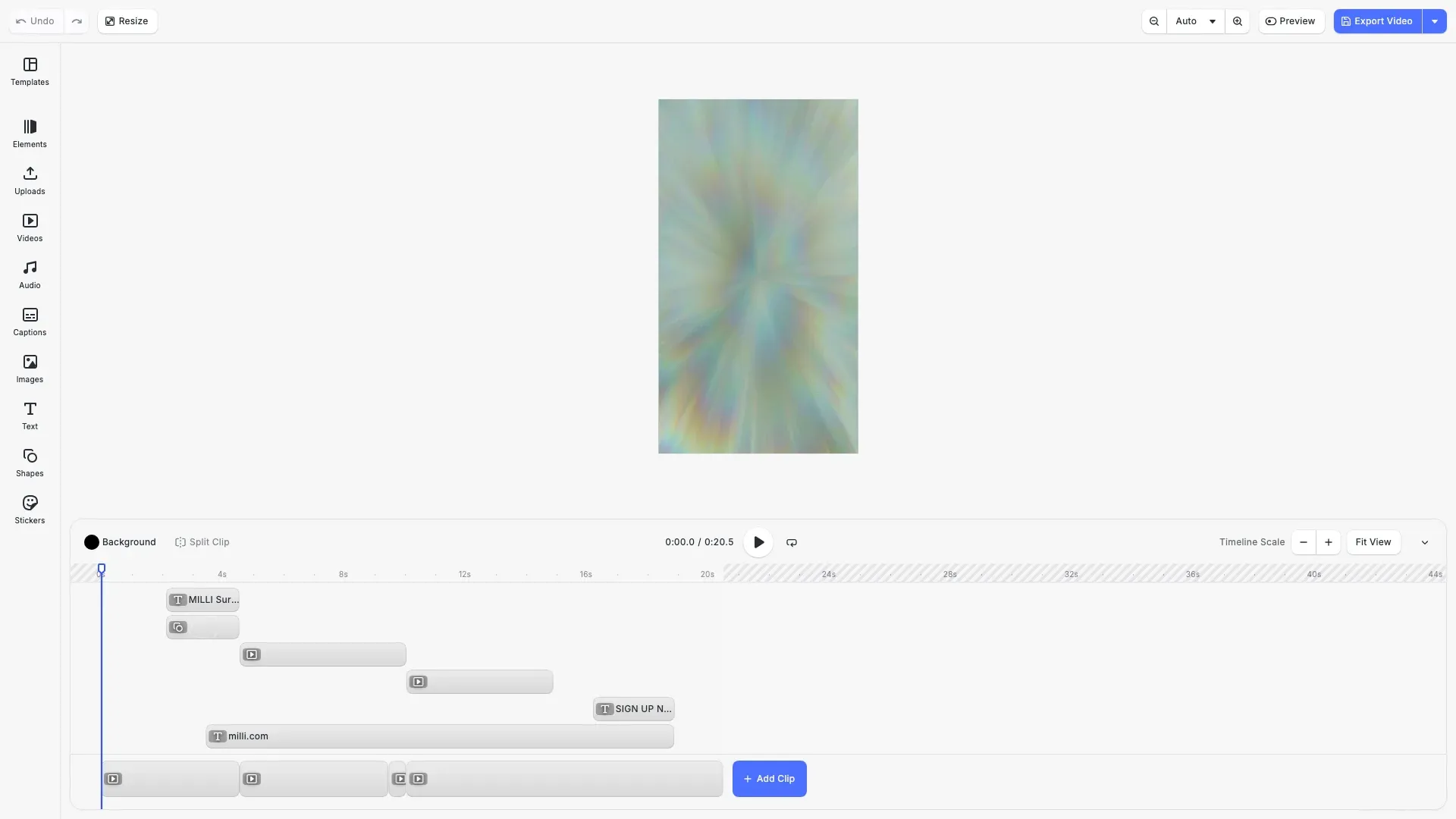
MP4 is the most widely supported video format, using H.264 encoding for efficient compression. CE.SDK handles frame rendering, encoding, and audio muxing entirely client-side, giving you control over quality and file size.
This guide covers exporting videos to MP4, tracking progress, configuring resolution and quality, and using built-in export actions.
Export to MP4#
Call engine.block.exportVideo() with a page block to export it as an MP4 video. The method returns a Blob containing the encoded video data.
const blob = await engine.block.exportVideo(page, { mimeType: 'video/mp4',Pass the page ID from engine.scene.getCurrentPage() to export the current video scene.
Export Options#
Video export supports configuration options for progress tracking, resolution, framerate, and encoding quality.
Progress Dialog#
Use cesdk.utils.showLoadingDialog() to display a progress dialog during export. The onProgress callback updates the dialog with rendering progress.
const dialog = cesdk.utils.showLoadingDialog({  title: 'Exporting Video',  message: 'Encoding MP4...',  progress: 0});
try {  const blob = await engine.block.exportVideo(page, {    onProgress: (_, encoded, total) => {      dialog.updateProgress({ value: encoded, max: total });    }  });
  dialog.showSuccess({ message: 'Export complete!' });  await cesdk.utils.downloadFile(blob, 'video/mp4');} catch (error) {  dialog.showError({ message: 'Export failed' });  throw error;}
The dialog provides updateProgress() to show a progress bar, showSuccess() for completion feedback, and showError() for failures. The onProgress callback receives rendered frames, encoded frames, and total frames.
Resolution and Framerate#
Use targetWidth, targetHeight, and framerate to control output dimensions and smoothness.
const blob = await engine.block.exportVideo(page, { targetWidth: 1920, targetHeight: 1080, framerate: 30,If only one dimension is specified, the other is calculated to maintain aspect ratio. Default framerate is 30 fps.
H.264 Profile and Quality#
The h264Profile option controls encoding quality and device compatibility:
- 66 (Baseline): Maximum compatibility, lower compression
- 77 (Main): Balanced quality and compatibility (default)
- 100 (High): Best compression, modern devices only
Set videoBitrate in bits per second to control file size.
const blob = await engine.block.exportVideo(page, { h264Profile: 100, videoBitrate: 8_000_000,All MP4 Export Options#
| Option | Description |
|---|---|
mimeType | Output format: 'video/mp4' or 'video/quicktime'. Defaults to 'video/mp4'. |
onProgress | Callback receiving (renderedFrames, encodedFrames, totalFrames) for progress tracking. |
targetWidth | Target output width in pixels. |
targetHeight | Target output height in pixels. |
framerate | Target framerate in Hz. Defaults to 30. |
h264Profile | H.264 profile: 66 (Baseline), 77 (Main), 100 (High). Defaults to 77. |
h264Level | H.264 level multiplied by 10 (e.g., 52 = level 5.2). Defaults to 52. |
videoBitrate | Video bitrate in bits/second. 0 enables automatic selection. |
audioBitrate | Audio bitrate in bits/second. 0 enables automatic selection. |
timeOffset | Start time in seconds for partial export. Defaults to 0. |
duration | Export duration in seconds. Defaults to scene duration. |
abortSignal | Signal to cancel the export operation. |
Built-in Export Action#
CE.SDK provides a built-in exportDesign action that handles export with a progress dialog and automatic download. Trigger it with cesdk.actions.run():
cesdk.actions.run('exportDesign', { mimeType: 'video/mp4' });The built-in action exports the current page as MP4 and prompts the user to download the result. It displays a progress dialog during encoding.
API Reference#
| Method | Description |
|---|---|
engine.block.exportVideo(blockId, options) | Export a page block as MP4 video with encoding options |
cesdk.actions.run('exportDesign', options) | Run the built-in export action with progress dialog |
cesdk.utils.showLoadingDialog(options) | Show a loading dialog with progress tracking |
cesdk.utils.downloadFile(blob, mimeType) | Download a blob to the user’s device |
Next Steps#
- Export Overview - Compare all supported export formats
- Export Size Limits - Check device limits before exporting large videos
- Export Audio - Export audio tracks separately
- Partial Export - Export specific blocks or timeline segments