Generate thumbnail preview images from CE.SDK scenes by exporting with target dimensions for galleries and design management.
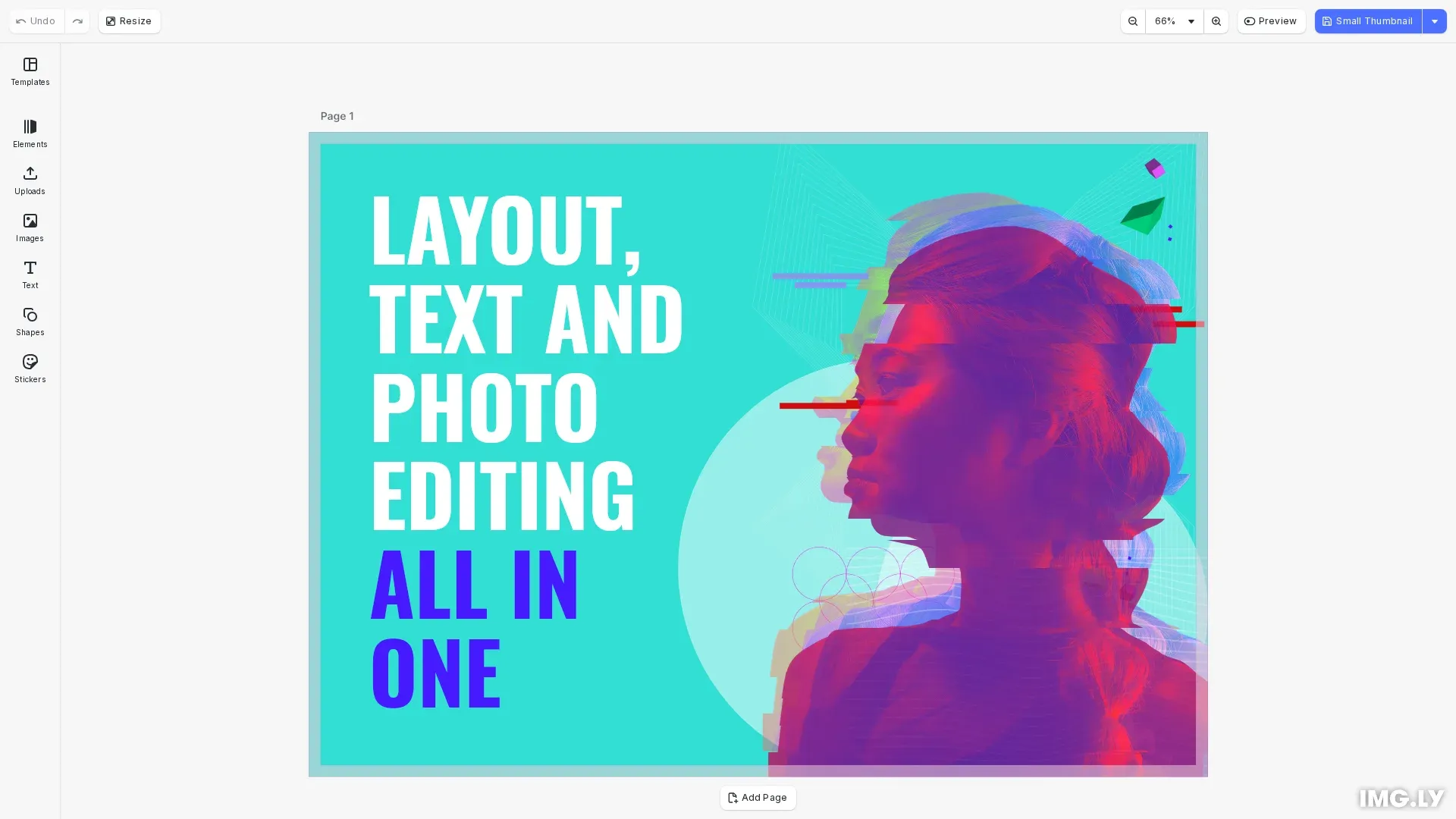
Thumbnails provide visual previews of designs without loading the full editor. Use engine.block.export() with targetWidth and targetHeight options to scale content while maintaining aspect ratio. Supported formats include PNG, JPEG, and WebP.
This guide covers exporting thumbnails at specific dimensions, choosing formats, optimizing quality and file size, and generating multiple thumbnail sizes.
Looking for timeline filmstrips, page storyboards, or audio waveforms? Those use a separate streaming API — see Thumbnail Previews.
Export a Thumbnail#
Call engine.block.export() with target dimensions to create a scaled thumbnail. Set targetWidth, targetHeight or both. With only one, the other follows from the block’s aspect ratio.
const blob = await engine.block.export(page, { mimeType: 'image/jpeg', targetWidth: 150, targetHeight: 150, jpegQuality: 0.8});The block renders large enough to fill the target size while maintaining aspect ratio. If aspect ratios differ, the output extends beyond the target on one axis.
Choose Thumbnail Format#
Select the format via the mimeType option based on your needs:
'image/jpeg'— Smaller files, good for photos, no transparency'image/png'— Lossless quality, supports transparency'image/webp'— Best compression, modern browsers only
JPEG Thumbnails#
JPEG works well for photographic content. Control file size with jpegQuality (0-1, default 0.9). Values between 0.75-0.85 balance quality and size for thumbnails.
const blob = await engine.block.export(page, { mimeType: 'image/jpeg', targetWidth: 400, targetHeight: 300, jpegQuality: 0.85});PNG Thumbnails#
PNG provides lossless quality with transparency support. Control encoding speed vs. file size with pngCompressionLevel (0-9, default 5).
const blob = await engine.block.export(page, { mimeType: 'image/png', targetWidth: 400, targetHeight: 300, pngCompressionLevel: 6});WebP Thumbnails#
WebP offers the best compression for modern browsers. Control quality with webpQuality (0-1, default 1.0 for lossless).
const blob = await engine.block.export(page, { mimeType: 'image/webp', targetWidth: 400, targetHeight: 300, webpQuality: 0.8});Show a Preview Without Counting an Export#
Every export counts toward your export usage. To show a design in your app, for example in a gallery, use engine.block.exportPreview() instead. A preview does not count as an export.
const blob = await engine.block.exportPreview(page);A preview has no options. It is always WebP at quality 0.8 and keeps the block’s aspect ratio. A block larger than 262,144 pixels (512 × 512) is scaled down to fit. Use engine.block.export() for a file that you deliver.
A preview is always a still image. For a video, it shows one frame. To show frames across a video, use engine.block.generateVideoThumbnailSequence(), which doesn’t count as an export either. See Thumbnail Previews.
A preview can fail while a video export runs, because the engine renders one export at a time. Wait until the video export finishes, then request the preview again.
Common Thumbnail Sizes#
Standard sizes for different use cases:
| Size | Dimensions | Use Case |
|---|---|---|
| Small | 150×150 | Grid galleries, file browsers |
| Medium | 400×300 | Preview panels, cards |
| Large | 800×600 | Full previews, detail views |
Optimize Thumbnail Quality#
Balance quality with file size using format-specific options:
| Format | Option | Range | Default | Notes |
|---|---|---|---|---|
| JPEG | jpegQuality |
0-1 | 0.9 | Lower = smaller files, visible artifacts |
| PNG | pngCompressionLevel |
0-9 | 5 | Higher = smaller files, slower encoding |
| WebP | webpQuality |
0-1 | 1.0 | 1.0 = lossless, lower = lossy compression |
For thumbnails, JPEG quality of 0.8 or WebP quality of 0.75-0.85 typically provides good results with small file sizes.
API Reference#
| Method | Description |
|---|---|
engine.block.export(blockId, options) |
Export a block as image with format and dimension options |
engine.block.exportPreview(blockId) |
Export a small WebP preview that does not count as an export |
engine.scene.getCurrentPage() |
Get the current page block ID |
cesdk.utils.downloadFile(blob, mimeType) |
Download a blob to the user’s device |