Export designs to PNG format with lossless quality and optional transparency support.
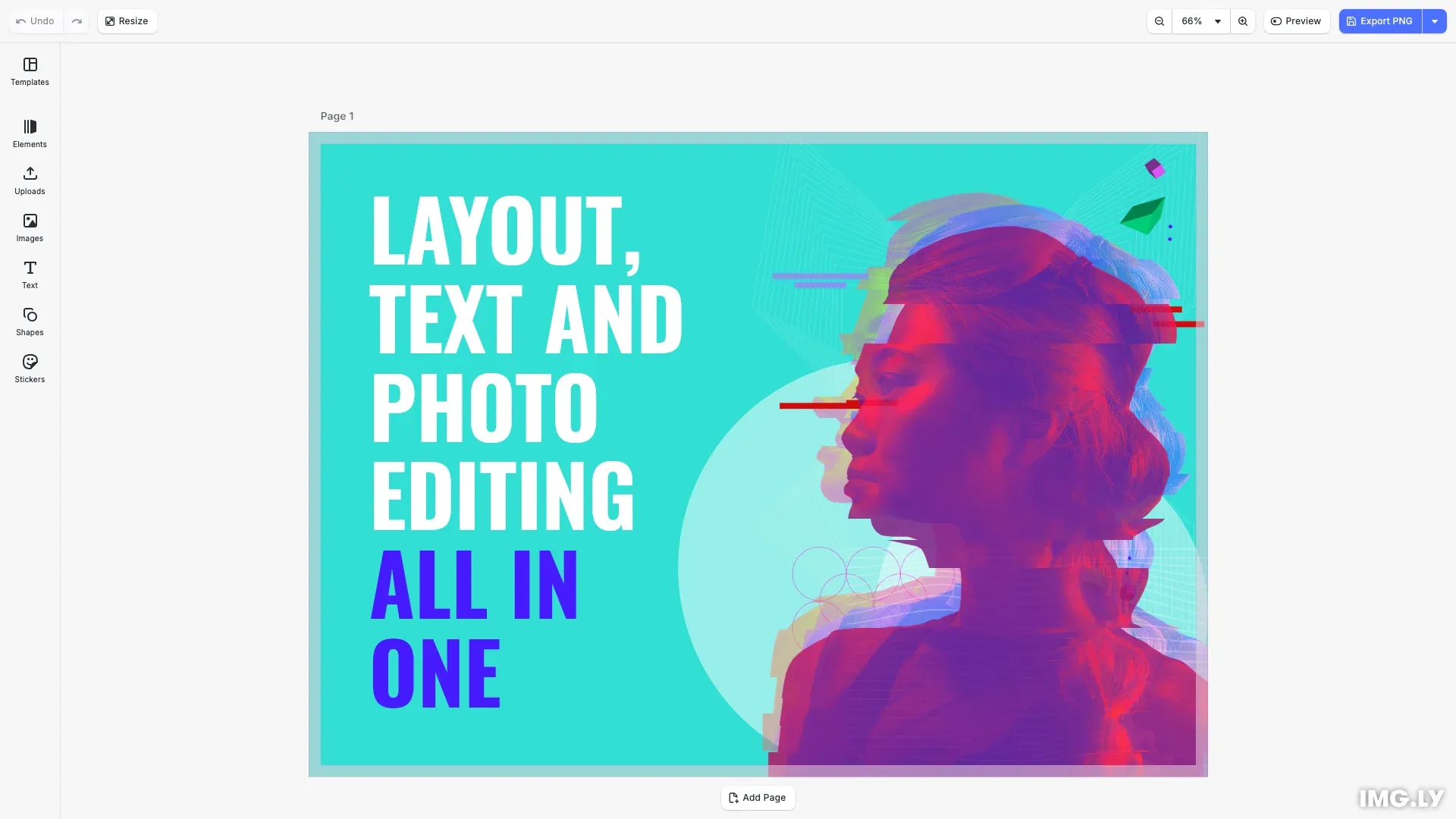
PNG is a lossless image format that preserves image quality and supports transparency. It’s ideal for designs requiring pixel-perfect fidelity, logos, graphics with transparent backgrounds, and any content where quality cannot be compromised.
This guide covers how to export designs to PNG, configure export options, and integrate with the built-in export action.
Export to PNG#
Use engine.block.export() to export a design block to PNG. The method returns a Blob containing the image data.
// Export programmatically using the engine APIconst exportProgrammatically = async () => { const blob = await engine.block.export(page, { mimeType: 'image/png' }); await cesdk.utils.downloadFile(blob, 'image/png');};Compression Level#
Control the file size versus export speed tradeoff using pngCompressionLevel. Valid values are 0-9, where higher values produce smaller files but take longer to export. Since PNG is lossless, image quality remains unchanged.
// Export with compression level (0-9)// Higher values produce smaller files but take longerconst exportWithCompression = async () => { const blob = await engine.block.export(page, { mimeType: 'image/png', pngCompressionLevel: 9 }); await cesdk.utils.downloadFile(blob, 'image/png');};The default compression level is 5, providing a good balance between file size and export speed.
Target Dimensions#
Resize the output by setting targetWidth and targetHeight. The block scales to fill the target dimensions while maintaining its aspect ratio.
// Export with target dimensions// The block scales to fill the target while maintaining aspect ratioconst exportWithDimensions = async () => { const blob = await engine.block.export(page, { mimeType: 'image/png', targetWidth: 1920, targetHeight: 1080 }); await cesdk.utils.downloadFile(blob, 'image/png');};Trigger the Export Action#
The built-in exportDesign action triggers the default export workflow with a loading dialog and automatically downloads the file.
// Trigger the built-in export actionconst triggerExportAction = async () => { await cesdk.actions.run('exportDesign', { mimeType: 'image/png' });};Override the Export Action#
Register a custom handler for the exportDesign action to customize behavior. This allows you to add custom logic such as uploading to a server or processing the exported file.
// Override the default export action to customize behaviorcesdk.actions.register('exportDesign', async (options) => {  // Use the utils API to export with a loading dialog  const { blobs, options: exportOptions } =    await cesdk.utils.export(options);
  // Custom logic: log the export details  console.log(    `Exported ${blobs.length} file(s) as ${exportOptions.mimeType}`  );
  // Download the exported file  await cesdk.utils.downloadFile(blobs[0], exportOptions.mimeType);});
The cesdk.utils.export() method handles the export with a loading dialog, while cesdk.utils.downloadFile() triggers the browser download.
API Reference#
| API | Description |
|---|---|
engine.block.export(block, options) | Exports a block to a Blob with the specified options |
cesdk.actions.run('exportDesign', options) | Triggers the default export workflow |
cesdk.actions.register('exportDesign', handler) | Overrides the default export action |
cesdk.utils.export(options) | Exports with a loading dialog, returns { blobs, options } |
cesdk.utils.downloadFile(blob, mimeType) | Downloads a Blob as a file |
Next Steps#
- Conversion Overview - Learn about other export formats
- Export Overview - Understand the full export workflow
- To PDF - Export designs to PDF format