A quick action is a one-tap button that edits the selected block immediately, with no panel in between. Surface the built-in actions, then add your own that run engine edits on tap.
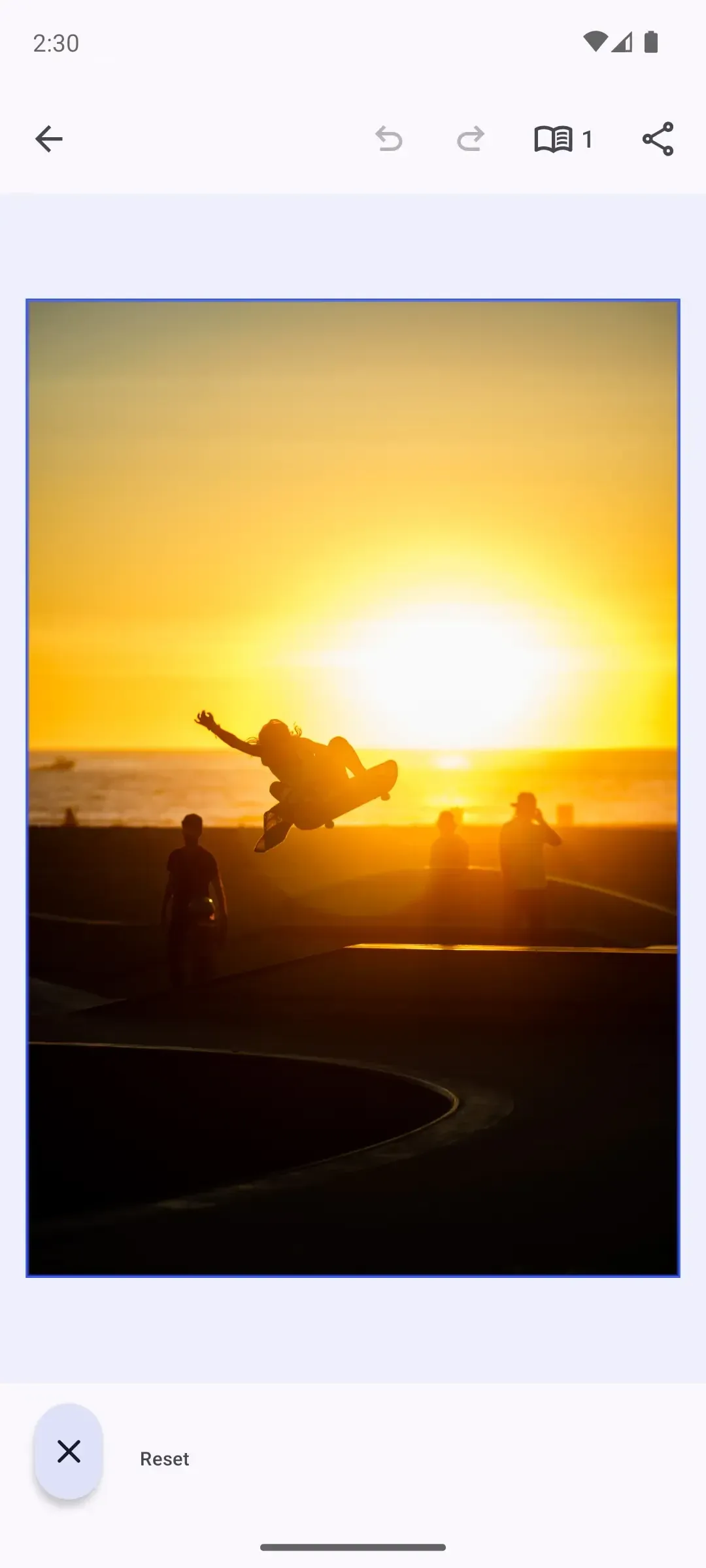
Overview#
Quick actions live where the user is already working: the canvas menu that floats next to a selected block, and the inspector bar that runs along the bottom of the editor. Each one is a button whose onClick handler reaches into the engine and edits the current selection on tap — duplicate, delete, flip, reset — without opening a sheet.
CE.SDK ships a set of predefined quick actions and lets you add your own. A custom quick action is a CanvasMenu.Button or InspectorBar.Button whose handler calls the engine; the difference from an ordinary button is that the handler performs the edit directly.
| Symbol | Purpose |
|---|---|
CanvasMenu.Button.rememberDuplicate() and siblings |
Predefined quick actions |
CanvasMenu.Button.remember { ... } |
A custom one-tap action |
editorContext.selection.designBlock |
The selected block the handler edits |
InspectorBar.Button.remember { ... } |
Reuse an action from a second surface |
The example creates and selects a graphic block during onCreate only so the quick actions are visible when the guide opens. That setup is demo scaffolding; the reusable lesson starts with the canvasMenu and inspectorBar builders.
Built-in Quick Actions#
CE.SDK ships factory functions for common selected-block edits. Each function returns a button with its default action, label, and visibility rules, so dropping it into the list is enough:
@Composableprivate fun rememberQuickActionsCanvasMenu() = CanvasMenu.remember { listBuilder = { CanvasMenu.ListBuilder.remember { add { CanvasMenu.Button.rememberDuplicate() } add { rememberFlipSelectionButton() } add { rememberResetOrientationButton() } add { CanvasMenu.Button.rememberDelete() } } }}The example keeps the predefined duplicate and delete actions, then inserts custom quick actions between them. Other predefined canvas menu actions include selection and layer-order operations such as bring forward, send backward, and select group.
A Custom One-Tap Action#
When the predefined buttons do not cover your edit, construct a button with a stable reverse-domain id, a label, and an onClick handler. This custom action mirrors the selected block horizontally:
@Composableprivate fun rememberFlipSelectionButton() = CanvasMenu.Button.remember { id = { EditorComponentId("ly.img.guide.quickActions.canvasMenu.flip") } visible = { remember(this) { val selectedBlock = editorContext.safeSelection?.designBlock selectedBlock != null && editorContext.engine.block.supportsFill(selectedBlock) && editorContext.engine.block.isAllowedByScope(selectedBlock, key = "layer/flip") } } textString = { "Flip" } contentDescription = { "Flip selected block horizontally" } onClick = { flipSelectedBlockHorizontally() }}The visible predicate gates the action to selected blocks where the operation applies. The onClick handler then edits the current editorContext.selection.designBlock.
Because the handler edits the engine directly, it records an undo step when it finishes. Built-in quick actions do this for you; custom engine edits should call engine.editor.addUndoStep() once their mutation is complete.
private fun CanvasMenu.ItemScope.flipSelectedBlockHorizontally() { val selectedBlock = editorContext.selection.designBlock val flipped = editorContext.engine.block.isFlipHorizontal(selectedBlock) editorContext.engine.block.setFlipHorizontal(block = selectedBlock, flip = !flipped) editorContext.engine.editor.addUndoStep()}Gate the Action to the Selection#
Use visible when an action should only appear for compatible selections, and enabled when it should stay visible but temporarily inactive. The sample checks the current block before showing the flip action, so the canvas menu does not offer an operation that the selection cannot perform.
A Compound Quick Action#
A single tap can run several engine calls. This action resets the block’s orientation by clearing its rotation and horizontal flip together:
@Composableprivate fun rememberResetOrientationButton() = CanvasMenu.Button.remember { id = { EditorComponentId("ly.img.guide.quickActions.canvasMenu.resetOrientation") } visible = { remember(this) { val selectedBlock = editorContext.safeSelection?.designBlock selectedBlock != null && editorContext.engine.block.isAllowedByScope(selectedBlock, key = "layer/rotate") && editorContext.engine.block.isAllowedByScope(selectedBlock, key = "layer/flip") } } textString = { "Reset" } contentDescription = { "Reset selected block orientation" } onClick = { val selectedBlock = editorContext.selection.designBlock editorContext.engine.block.setRotation(block = selectedBlock, radians = 0F) editorContext.engine.block.setFlipHorizontal(block = selectedBlock, flip = false) editorContext.engine.editor.addUndoStep() }}The single addUndoStep() after both edits collapses the operation into one history entry, so undo reverts the rotation and flip together.
Reuse the Action in the Inspector Bar#
A quick action is not tied to the canvas menu. The inspector bar exposes the same editor context, so the same engine-editing pattern works from a second surface:
@Composableprivate fun rememberQuickActionsInspectorBar() = InspectorBar.remember { listBuilder = { InspectorBar.ListBuilder.remember { add { InspectorBar.Button.rememberLayer() } add { InspectorBar.Button.remember { id = { EditorComponentId("ly.img.guide.quickActions.inspectorBar.flip") } visible = { remember(this) { val selectedBlock = editorContext.safeSelection?.designBlock selectedBlock != null && editorContext.engine.block.supportsFill(selectedBlock) && editorContext.engine.block.isAllowedByScope(selectedBlock, key = "layer/flip") } } textString = { "Flip" } contentDescription = { "Flip selected block horizontally" } onClick = { val selectedBlock = editorContext.selection.designBlock val flipped = editorContext.engine.block.isFlipHorizontal(selectedBlock) editorContext.engine.block.setFlipHorizontal(block = selectedBlock, flip = !flipped) editorContext.engine.editor.addUndoStep() } } } add { InspectorBar.Button.rememberDelete() } } }}Use the inspector bar for selected-block actions that should stay visible beside persistent controls such as layer and delete. Keep the behavior consistent across surfaces by sharing the same engine logic where possible.
Handling State and Feedback#
Quick actions should make their state clear before and after they run:
- Hide or disable actions when the selected block cannot support the operation.
- Keep the handler focused on one immediate edit or one atomic group of edits.
- Use a panel, sheet, or app-level message for workflows that need user input, progress, or async failure handling.
Troubleshooting#
Canvas menu button missing - Select a compatible block and check that the button is added to CanvasMenu.ListBuilder.
Inspector bar button missing - Select a compatible block and check that the button is added to InspectorBar.ListBuilder.
Action does not change the block - Check both the selection predicate and the engine API scope. The sample guards the flip action with engine.block.supportsFill(block) and engine.block.isAllowedByScope(block=_, key="layer/flip").
Action cannot be undone - If a custom handler edits the engine directly, call engine.editor.addUndoStep() after the mutation. Built-in quick actions already handle undo history.
API Reference#
| Method | Description |
|---|---|
EditorConfiguration.remember(builder=_) |
Creates the editor configuration where quick actions are wired |
CanvasMenu.remember(builder=_) |
Creates a canvas menu component for the selected block |
CanvasMenu.ListBuilder.remember(builder=_) |
Builds the ordered canvas menu item list |
CanvasMenu.ListBuilder.add(block=_) |
Adds a button or divider to the canvas menu list |
CanvasMenu.Button.remember(builder=_) |
Creates a custom canvas menu button |
CanvasMenu.Button.rememberDuplicate(builder=_) |
Creates the predefined duplicate button |
CanvasMenu.Button.rememberDelete(builder=_) |
Creates the predefined delete button |
InspectorBar.remember(builder=_) |
Creates an inspector bar component for the selected block |
InspectorBar.ListBuilder.remember(builder=_) |
Builds the ordered inspector bar item list |
InspectorBar.ListBuilder.add(block=_) |
Adds a button to the inspector bar list |
InspectorBar.Button.remember(builder=_) |
Creates a custom inspector bar button |
InspectorBar.Button.rememberLayer(builder=_) |
Creates the predefined layer inspector button |
InspectorBar.Button.rememberDelete(builder=_) |
Creates the predefined delete inspector button |
engine.block.supportsFill(block=_) |
Checks whether the selected block supports fill-related actions |
engine.block.isAllowedByScope(block=_, key=_) |
Checks whether a block allows a scoped operation |
engine.block.isFlipHorizontal(block=_) |
Reads the block’s current horizontal flip state |
engine.block.setFlipHorizontal(block=_, flip=_) |
Toggles the horizontal flip state |
engine.block.setRotation(block=_, radians=_) |
Sets the selected block’s rotation |
engine.editor.addUndoStep() |
Records a programmatic block change in the undo history |
Next Steps#
- Add a New Button - Add buttons to the Dock, Canvas Menu, Inspector Bar, and Navigation Bar.
- Canvas Menu - Configure the floating toolbar that hosts quick actions.
- Inspector Bar - Customize the inspector bar for editing properties like position, color, and size.
- Remove Background — Remove image backgrounds to isolate subjects or prepare assets for compositing and reuse.