Render app-controlled Compose UI above the CE.SDK editor to block interaction during loading, confirmation, or other transient flows.
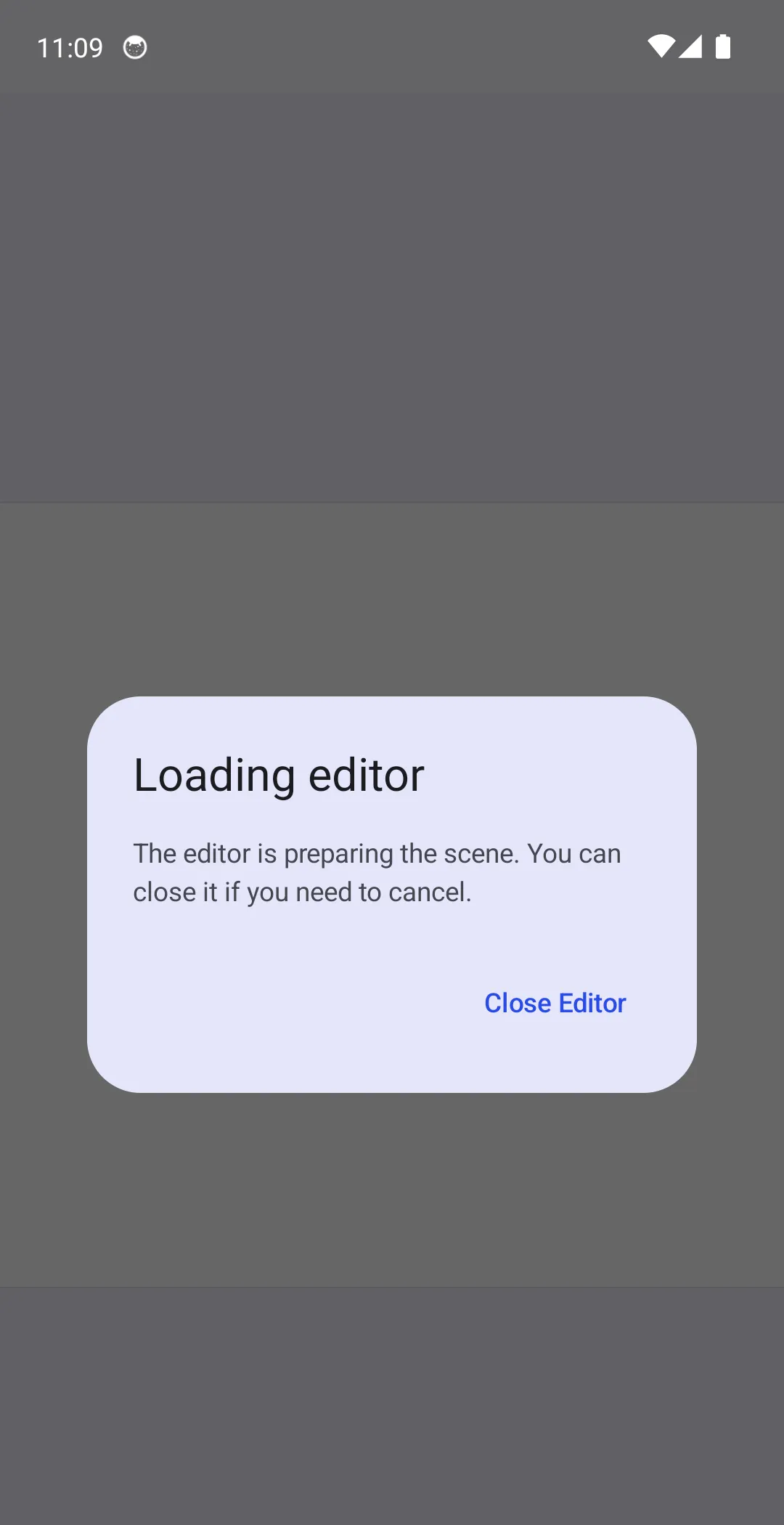
This guide uses a small Design Editor setup to show a loading dialog above the editor. The same EditorConfiguration.overlay hook applies to your CE.SDK editor UI, including the Design Editor Starter Kit.
Configuration#
Keep overlay visibility in Compose state so callbacks and overlay UI can update the same value.
var isLoading by remember { mutableStateOf(false) }In this example, onCreate intentionally owns scene creation. It enables the loading state before the sample scene is prepared and disables it after the startup work finishes.
onCreate = { isLoading = true try { val scene = editorContext.engine.scene.create() val page = editorContext.engine.block.create(DesignBlockType.Page) editorContext.engine.block.setWidth(block = page, value = 1080F) editorContext.engine.block.setHeight(block = page, value = 1080F) editorContext.engine.block.appendChild(parent = scene, child = page) // Replace this delay with the startup work that should block editor interaction. delay(3000) } finally { isLoading = false }}Assign overlay to an EditorComponent and render your Compose UI from its decoration block. The dialog below is non-dismissible while loading and sends EditorEvent.CloseEditor when the user cancels.
overlay = { EditorComponent.remember { decoration = { if (isLoading) { AlertDialog( onDismissRequest = { }, title = { Text(text = "Loading editor") }, text = { Text(text = "The editor is preparing the scene. You can close it if you need to cancel.") }, confirmButton = { TextButton( onClick = { editorContext.eventHandler.send(EditorEvent.CloseEditor()) }, ) { Text(text = "Close Editor") } }, properties = DialogProperties(dismissOnBackPress = false, dismissOnClickOutside = false), ) } } }}Complete Sample#
The linked Android sample creates a simple page, simulates startup work, and displays the overlay dialog while the loading state is active. Use it as the starting point for your own loading, confirmation, or export dialogs.