Control letter spacing, line height, and paragraph spacing in text blocks using the Block API.
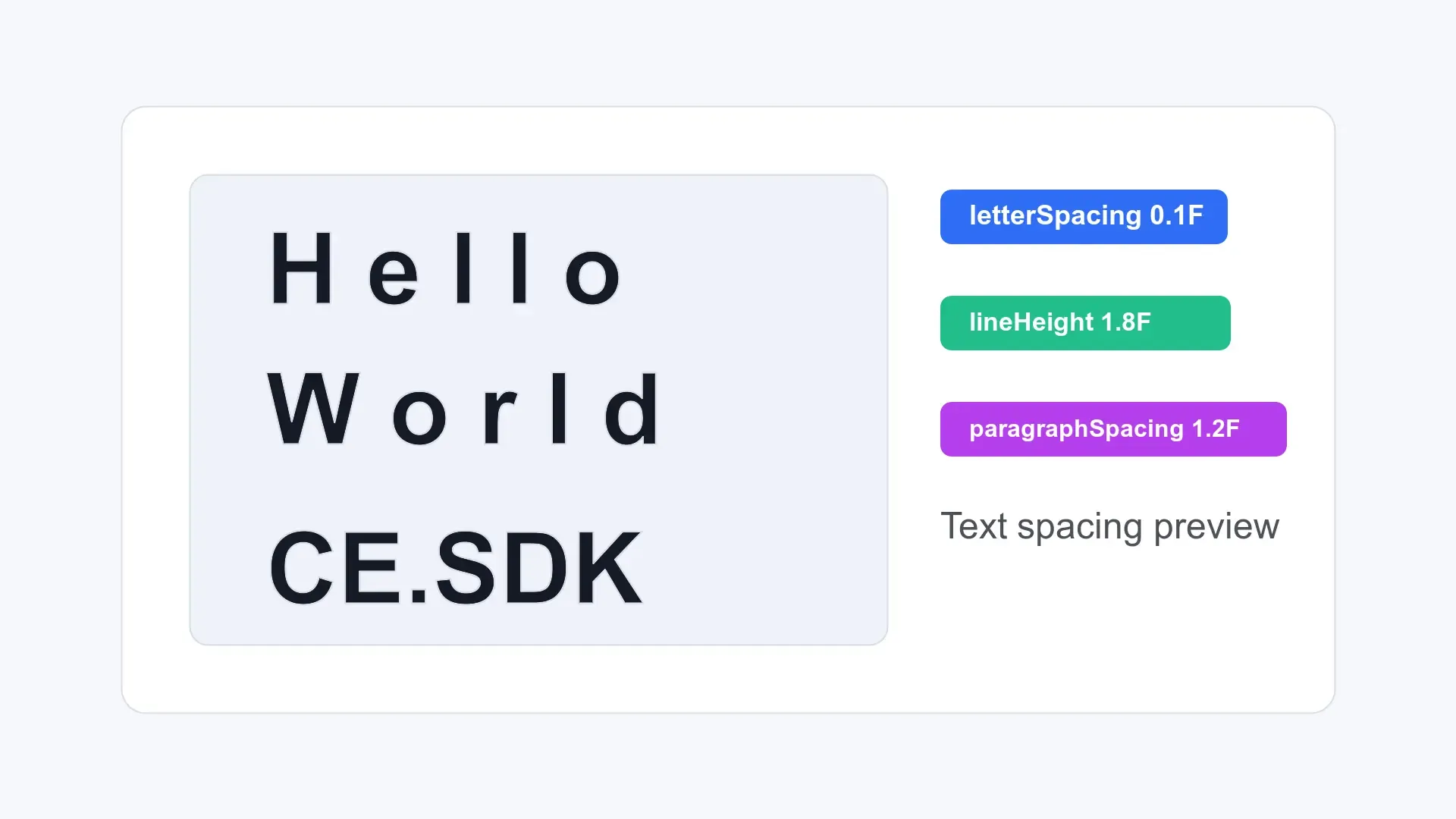
CE.SDK stores text spacing on text blocks. Use engine.block.setFloat() and engine.block.getFloat() for block-level letter spacing, line height, and paragraph spacing. Use engine.block.setTextLineHeight() and engine.block.getTextLineHeight() when individual paragraphs need their own line-height values.
This guide focuses on the programmatic Block API. The sample operates on an existing text block with enough characters, lines, and paragraph breaks to make each spacing change observable.
Letter Spacing#
Control the horizontal space between characters with the text/letterSpacing property. Positive values spread characters apart, while negative values tighten them.
engine.block.setFloat(text, property = "text/letterSpacing", value = 0.1F)val letterSpacing = engine.block.getFloat(text, property = "text/letterSpacing")Letter spacing, also called tracking, adjusts the density of a text block without changing the text content.
Line Height#
Control the vertical distance between lines with the text/lineHeight property. The value is a multiplier of the font size, so 1.5F renders lines at 150% of the font size.
engine.block.setFloat(text, property = "text/lineHeight", value = 1.5F)val lineHeight = engine.block.getFloat(text, property = "text/lineHeight")This block-level value applies to every paragraph unless a paragraph has its own override.
Per-Paragraph Line Height#
Override individual paragraphs with engine.block.setTextLineHeight() and a zero-based paragraphIndex. Passing null clears the paragraph override, and calling setTextLineHeight() without a paragraph index updates the block-level value while clearing all paragraph overrides.
engine.block.setTextLineHeight(text, lineHeight = 2.0F, paragraphIndex = 0)val paragraph0LineHeight = engine.block.getTextLineHeight(text, paragraphIndex = 0)val paragraph1LineHeight = engine.block.getTextLineHeight(text, paragraphIndex = 1)
engine.block.setTextLineHeight(text, lineHeight = null, paragraphIndex = 0)val resetParagraph0LineHeight = engine.block.getTextLineHeight(text, paragraphIndex = 0)
engine.block.setTextLineHeight(text, lineHeight = 1.8F)val resetBlockLineHeight = engine.block.getTextLineHeight(text, paragraphIndex = 1)paragraph0LineHeightreturns the paragraph-specific override.paragraph1LineHeightfalls back to the block-level value.resetParagraph0LineHeightreturns the block-level value after the override is cleared.resetBlockLineHeightreturns1.8FaftersetTextLineHeight(text, lineHeight = 1.8F)updates the block-level value and clears paragraph overrides.
Paragraph Spacing#
Add vertical space after paragraph breaks with the text/paragraphSpacing property. The value is an EM-based paragraph gap relative to the text’s font size, not an absolute pixel distance, and it only affects text that contains newline characters. Values typically range from 0.0F to 2.5F; larger values are accepted but produce very large gaps.
engine.block.setFloat(text, property = "text/paragraphSpacing", value = 1.2F)val paragraphSpacing = engine.block.getFloat(text, property = "text/paragraphSpacing")Single-paragraph text does not show a visible paragraph-spacing change because there is no paragraph break to separate.
API Reference#
| Method | Purpose |
|---|---|
engine.block.setFloat(block=_, property="text/letterSpacing", value=_) |
Set block-level letter spacing. |
engine.block.getFloat(block=_, property="text/letterSpacing") |
Read the current block-level letter spacing. |
engine.block.setFloat(block=_, property="text/lineHeight", value=_) |
Set the block-level line-height multiplier. |
engine.block.getFloat(block=_, property="text/lineHeight") |
Read the current block-level line-height multiplier. |
engine.block.setTextLineHeight(block=_, lineHeight=_, paragraphIndex=_) |
Set or clear a paragraph-specific line-height override. |
engine.block.setTextLineHeight(block=_, lineHeight=_) |
Set the block-level line-height multiplier and clear paragraph overrides. |
engine.block.getTextLineHeight(block=_, paragraphIndex=_) |
Read the effective line height for a paragraph. |
engine.block.setFloat(block=_, property="text/paragraphSpacing", value=_) |
Set the paragraph gap relative to font size. |
engine.block.getFloat(block=_, property="text/paragraphSpacing") |
Read the current paragraph-gap value. |
Properties Reference#
| Property | Type | Purpose |
|---|---|---|
text/letterSpacing |
Float | Space between characters. |
text/lineHeight |
Float | Block-level multiplier for vertical line distance. |
text/paragraphSpacing |
Float | EM-based gap added after paragraph breaks. |
Troubleshooting#
Spacing changes are not visible: Check that the text block contains the right kind of content: multiple characters for letter spacing, multiple lines for line height, and paragraph breaks for paragraph spacing.
Line height looks larger than expected: Line height is a multiplier, not an absolute pixel value. A value of 1.5F means 150% of the current font size.
Paragraph spacing has no effect: Verify that the text contains newline characters. Paragraph spacing is only visible between paragraphs. The value is relative to the text’s font size (typically 0.0F to 2.5F), not the text/lineHeight multiplier or a pixel distance.
Next Steps#
- Text Styling - Apply fonts, colors, alignment, and other styling options to customize text appearance.
- Add Text - Insert text blocks into your CE.SDK scene.
- Auto-Size - Configure text blocks to automatically adapt their dimensions or font size for dynamic content.