Video rotation is critical for Android video apps, especially when dealing with content from mobile cameras that may be recorded in different orientations. The CreativeEditor SDK provides smooth video rotation with both touch controls and precise Kotlin APIs, ensuring your users can easily correct orientation and create dynamic video compositions.
Video rotation features#
- Smooth video rotation with real-time preview
- Orientation correction for mobile-recorded content
- Precise angle control through Kotlin programming
- Multi-video rotation for synchronized editing
Rotating a Video Using the UI#
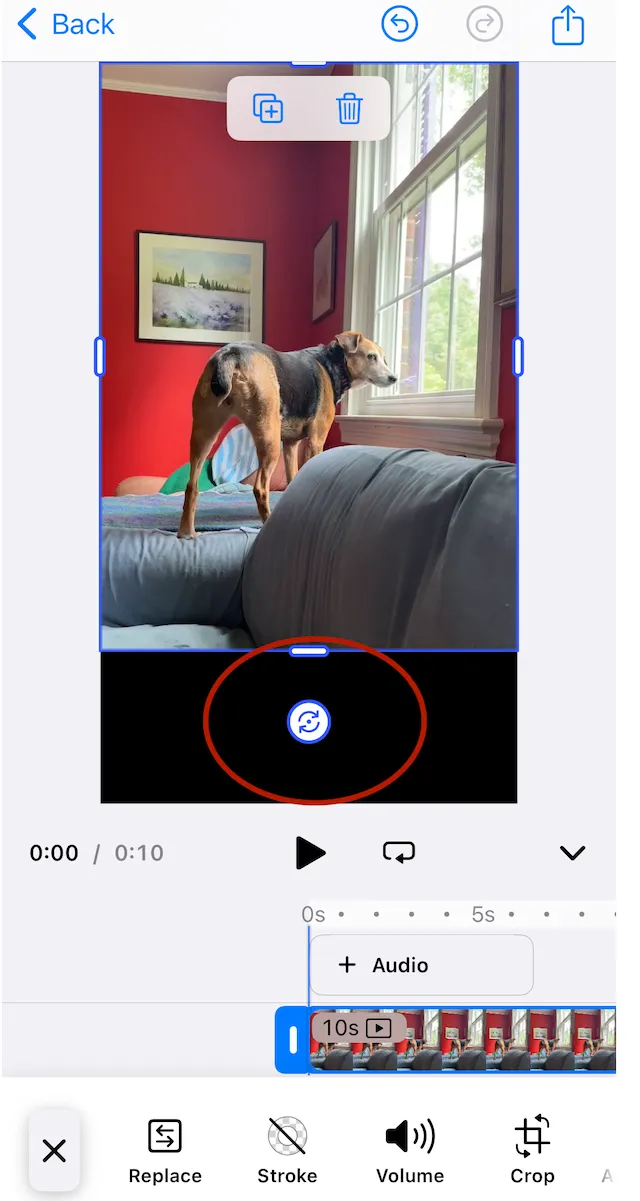
By default, selecting a block will show handles for resizing and rotating. You can freeform rotate a block by dragging the rotation handle.
Rotating a Video Using Code#
You can rotate a video block using the setRotation function. It takes the id of the block and a rotation amount in radians.
import kotlin.math.PI
engine.block.setRotation(videoBlock, (PI / 4).toFloat())
If you need to convert between radians and degrees, multiply the number in degrees by pi and divide by 180.
val angleInRadians: Float = (angleInDegrees * PI / 180).toFloat()
val angleInDegrees: Float = (angleInRadians * 180 / PI).toFloat()
You can discover the current rotation of a block using the getRotation function.
val rotationOfVideo = engine.block.getRotation(videoBlock)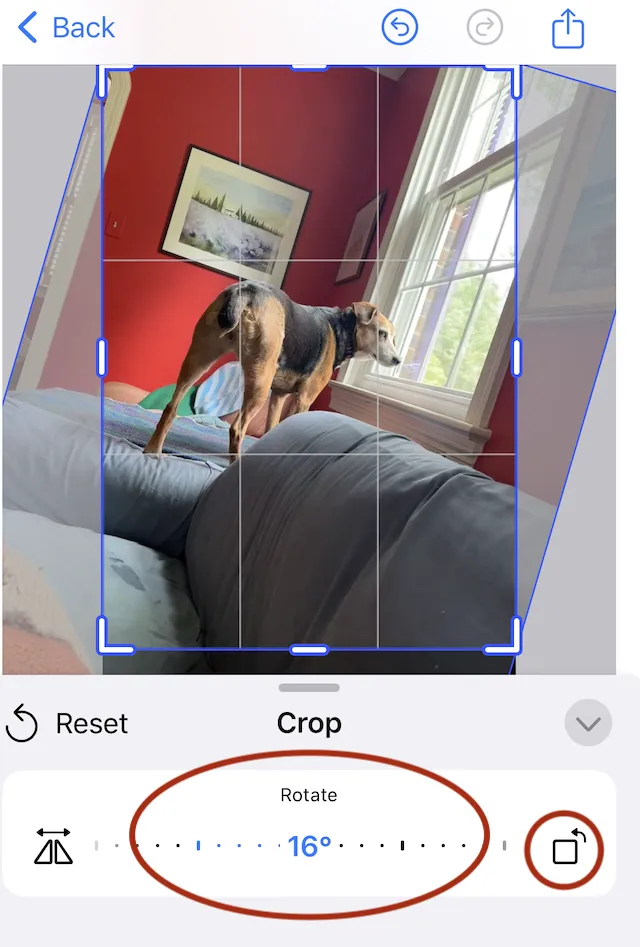
Locking Rotation#
You can remove the rotation handle from the UI by changing the setting for the engine. This will affect all blocks.
engine.editor.setSettingBoolean("controlGizmo/showRotateHandles", false)Though the handle is gone, the user can still use the two finger rotation gesture on a touch device. You can disable that gesture with the following setting.
engine.editor.setSettingBoolean("touch/rotateAction", false)When you want to lock only certain blocks, you can toggle the transform lock property. This will apply to all transformations for the block.
engine.block.setTransformLocked(videoBlock, true)Rotating As a Group#
To rotate multiple elements together, first add them to a group and then rotate the group.
import kotlin.math.PI
val groupId = engine.block.group(listOf(videoBlock, textBlock))engine.block.setRotation(groupId, (PI / 2).toFloat())Troubleshooting#
Troubleshooting
| Issue | Solution |
|---|---|
| Video appears offset after rotation | Make sure the pivot point is centered (default is center). |
| Rotation not applying | Confirm that the video block is inserted and rendered before applying rotation. |
| Rotation handle not visible | Check that interactive UI controls are enabled in the settings. |