Force trim lets you enforce minimum and maximum video durations in the timeline UI. The editor clamps export to the maximum duration and shows labels to communicate the limits.
Configure duration constraints#
We apply constraints in EngineConfiguration.onLoaded after the scene has loaded. Keep minimumVideoDuration and maximumVideoDuration in seconds and ensure the max is not smaller than the min.
editorContext.setVideoDurationConstraints( minimumVideoDuration = 10.seconds, maximumVideoDuration = 20.seconds,)Launch the video editor#
Use the default video scene and the standard video UI. You can call the setter again later to switch presets at runtime.
VideoEditor( engineConfiguration = engineConfiguration,) { navController.popBackStack()}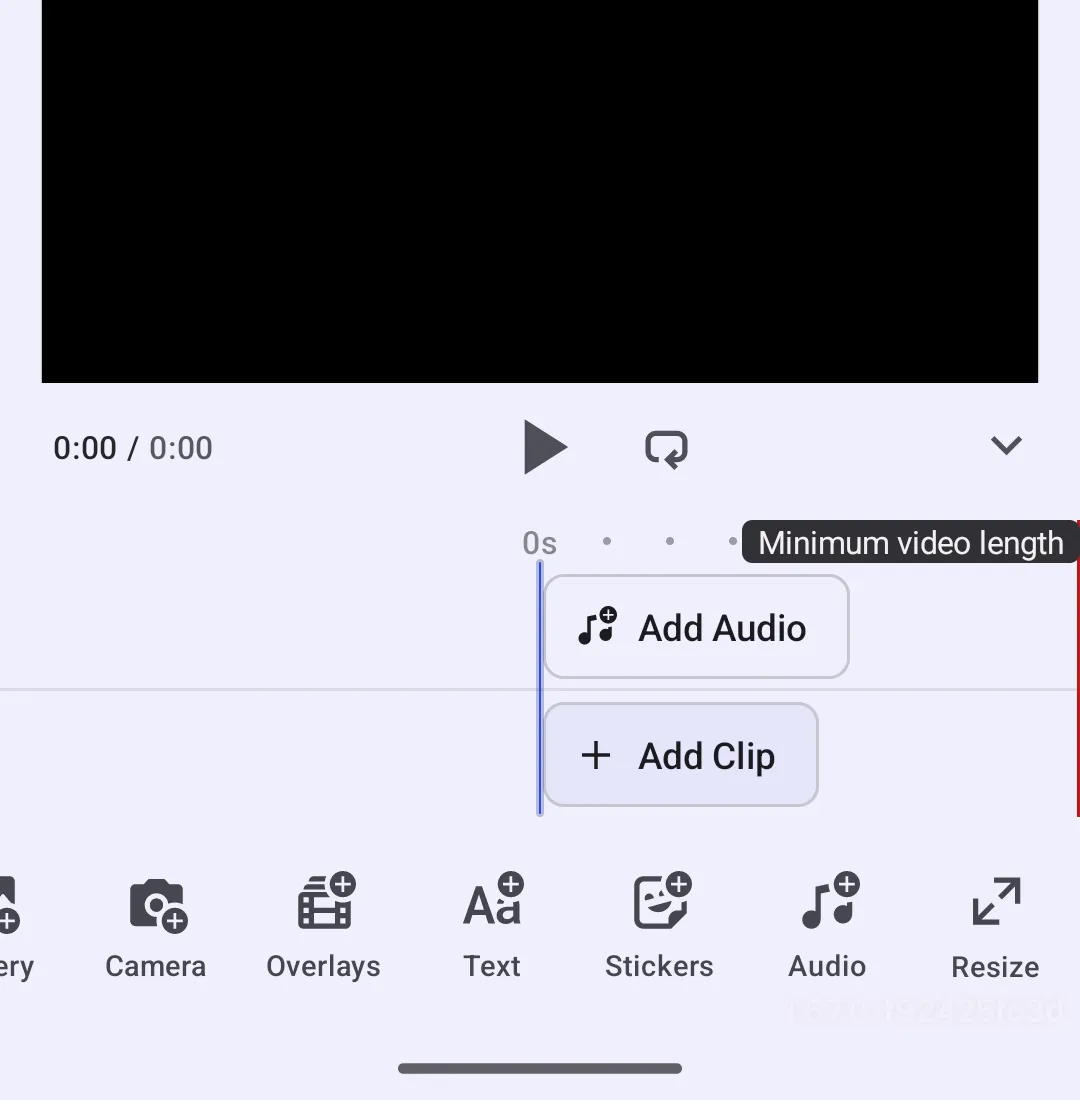
Timeline and export behavior#
When the scene duration is below the minimum, the min label stays visible and the editor blocks export with a dialog. When the duration exceeds the maximum, the playhead sticks to the max position and export is clamped to that duration.