Add motion to design elements by creating entrance, exit, and loop animations using CE.SDK’s animation system.
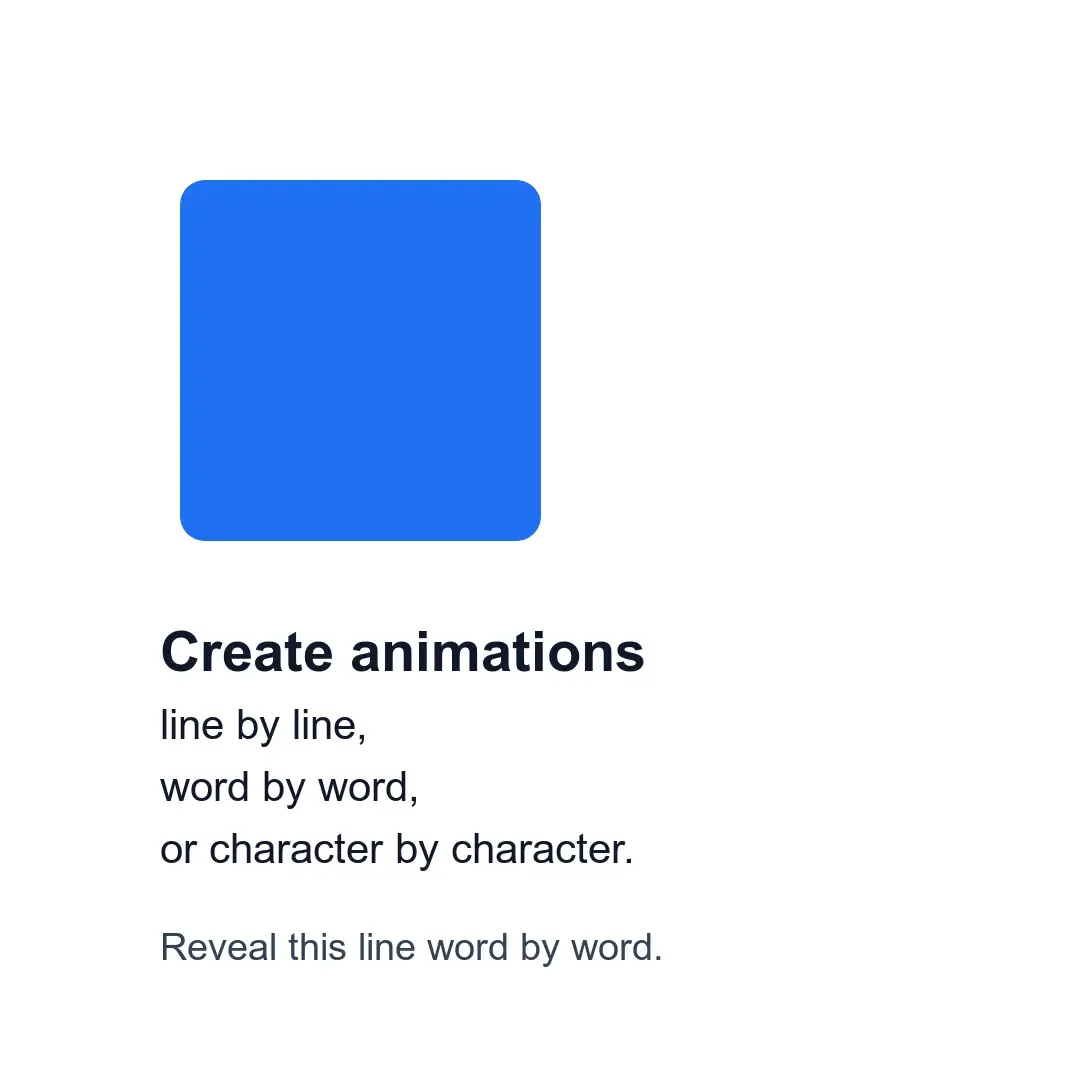
CE.SDK creates animations as separate block instances and attaches them to target blocks. You can apply entrance animations that play when a block appears, exit animations that play before it leaves, and loop animations that run while it stays visible. Text blocks also support writing-style controls for whole-block, line, word, or character reveals.
This guide covers how to create and configure animations programmatically on Android, including timing, easing, type-specific properties, text animation settings, and lifecycle cleanup.
Use this page as the complete end-to-end workflow. The focused guides linked below cover base, text, editing, and animation-type details separately.
Animation Fundamentals#
Verify that a block supports animations before creating animation blocks for it. Once support is confirmed, create an animation with createAnimation, attach it to the target block, and configure the animation duration.
val supportsGraphicAnimation = engine.block.supportsAnimation(block)if (!supportsGraphicAnimation) { error("Graphic block does not support animations.")}Animation support is available for common visible design blocks:
- Graphic blocks with image, video, color, or other fills
- Text blocks with additional writing-style options
- Shape-backed graphics whose graphic block uses a vector shape
CE.SDK exposes animation presets through AnimationType:
- Entrance and exit animations:
Slide,Pan,Fade,Blur,Grow,Zoom,Pop,Wipe,Baseline,CropZoom,Spin,KenBurns - Text-only animations:
TypewriterText,BlockSwipeText,SpreadText,MergeText - Loop animations:
SpinLoop,FadeLoop,BlurLoop,PulsatingLoop,BreathingLoop,JumpLoop,SqueezeLoop,SwayLoop,ScaleLoop
Entrance Animations#
Entrance animations define how blocks appear on screen. Create the animation, attach it with setInAnimation, and set its duration in seconds.
val slideIn = engine.block.createAnimation(AnimationType.Slide)engine.block.setInAnimation(block = block, animation = slideIn)engine.block.setDuration(block = slideIn, duration = 1.0)The animation duration controls how long the entrance effect runs after the target block becomes visible.
Exit Animations#
Exit animations define how blocks leave the scene. Attach them with setOutAnimation; CE.SDK coordinates entrance and exit timing against the block’s visible duration.
val fadeOut = engine.block.createAnimation(AnimationType.Fade)engine.block.setOutAnimation(block = block, animation = fadeOut)engine.block.setDuration(block = fadeOut, duration = 0.75)engine.block.setEnum( block = fadeOut, property = "animationEasing", value = AnimationEasingType.EASE_IN.key,)When a block has both entrance and exit animations, CE.SDK adjusts their durations against the block’s visible time range to prevent overlap.
Loop Animations#
Loop animations run while the block remains visible. Use a loop animation type, then attach it with setLoopAnimation.
val breathingLoop = engine.block.createAnimation(AnimationType.BreathingLoop)engine.block.setLoopAnimation(block = block, animation = breathingLoop)engine.block.setDuration(block = breathingLoop, duration = 2.0)The loop animation duration controls one cycle of the repeated motion. Loop animations can run at the same time as entrance and exit animations, which makes them useful for subtle continuous motion.
Animation Properties#
Animation blocks expose type-specific properties. Use findAllProperties before writing a property such as slide direction, and use getEnumValues to inspect enum-backed options like easing curves.
val slideProperties = engine.block.findAllProperties(slideIn)if ("animation/slide/direction" in slideProperties) {    engine.block.setFloat(        block = slideIn,        property = "animation/slide/direction",        value = 1.5F * Math.PI.toFloat(),    )}
val easingOptions = engine.block.getEnumValues(enumProperty = "animationEasing")check(AnimationEasingType.EASE_OUT.key in easingOptions)engine.block.setEnum(    block = slideIn,    property = "animationEasing",    value = AnimationEasingType.EASE_OUT.key,)
Common configurable properties include:
- Direction: Slide animations use radians as the motion direction (
0= slides right and enters from the left,0.5 * PI= slides down and enters from the top,PI= slides left and enters from the right,1.5 * PI= slides up and enters from the bottom). - Easing:
AnimationEasingTypeincludesLinear, the baseEaseIn,EaseOut, andEaseInOutcurves, and higher-orderQuart,Quint,Back, andSpringfamilies such asEaseOutQuint,EaseOutBack, andEaseInOutSpring. Callengine.block.getEnumValues(enumProperty="animationEasing")to enumerate the full list at runtime.
Text Animations#
Text blocks support text-only animation presets such as TypewriterText, BlockSwipeText, SpreadText, and MergeText. For text-capable entrance and exit animations, set textAnimationWritingStyle to Block, Line, Word, or Character to control how the animation is grouped, and set textAnimationOverlap to control how much consecutive segments overlap.
val typewriterText = engine.block.createAnimation(AnimationType.TypewriterText)engine.block.setInAnimation(block = textBlock, animation = typewriterText)engine.block.setDuration(block = typewriterText, duration = 2.0)
val wordReveal = engine.block.createAnimation(AnimationType.Baseline)engine.block.setInAnimation(block = groupedTextBlock, animation = wordReveal)engine.block.setEnum(    block = wordReveal,    property = "textAnimationWritingStyle",    value = "Word",)engine.block.setFloat(    block = wordReveal,    property = "textAnimationOverlap",    value = 0.4F,)
An overlap value of 0 keeps segments sequential. Values closer to 1 make more of the segment animations run at the same time.
Managing Animation Lifecycle#
Read current animations with getInAnimation, getOutAnimation, or getLoopAnimation before replacing them. After assigning a replacement, destroy the previously attached animation block so it does not remain in the scene graph unused.
val previousLoop = engine.block.getLoopAnimation(block)val spinLoop = engine.block.createAnimation(AnimationType.SpinLoop)engine.block.setLoopAnimation(block = block, animation = spinLoop)if (engine.block.isValid(previousLoop)) { engine.block.destroy(previousLoop)}Invalid handles mean that no animation is attached for that slot.
Troubleshooting#
Animation Not Playing#
Verify the target block with supportsAnimation. Also check that the block is visible during playback and that the animation duration fits inside the block’s visible duration.
Duration Issues#
Set the duration on the animation block, not on the target block. Attaching an entrance or exit animation first lets CE.SDK clamp its duration against the target block’s visible duration and the opposing animation.
Memory Leaks#
Destroy a replaced animation block after assigning its replacement. Replacing a block’s animation detaches the old animation instance but does not automatically destroy it.
Timing Conflicts#
Entrance and exit animations share the target block’s visible time range. If they seem to overlap incorrectly, CE.SDK automatically adjusts durations to prevent conflicts. Reduce individual animation durations if needed.
API Reference#
| Method | Purpose |
|---|---|
engine.block.supportsAnimation(block=_) |
Check whether a block can use animations. |
engine.block.createAnimation(type=_) |
Create an animation block for a supported AnimationType. |
engine.block.setInAnimation(block=_, animation=_) |
Attach an entrance animation. |
engine.block.setOutAnimation(block=_, animation=_) |
Attach an exit animation. |
engine.block.setLoopAnimation(block=_, animation=_) |
Attach a loop animation. |
engine.block.getInAnimation(block=_) |
Read the current entrance animation handle. |
engine.block.getOutAnimation(block=_) |
Read the current exit animation handle. |
engine.block.getLoopAnimation(block=_) |
Read the current loop animation handle. |
engine.block.setDuration(block=_, duration=_) |
Set an animation duration in seconds. |
engine.block.getDuration(block=_) |
Read an animation duration in seconds. |
engine.block.findAllProperties(block=_) |
Discover properties supported by a specific animation block. |
engine.block.getEnumValues(enumProperty="animationEasing") |
List allowed enum values for a property. |
engine.block.setEnum(block=_, property="animationEasing", value=_) |
Configure an enum animation property such as easing. |
engine.block.setEnum(block=_, property="textAnimationWritingStyle", value=_) |
Configure text animation grouping as Block, Line, Word, or Character. |
engine.block.setFloat(block=_, property="animation/slide/direction", value=_) |
Configure slide direction in radians. |
engine.block.setFloat(block=_, property="textAnimationOverlap", value=_) |
Configure overlap between text animation segments. |
engine.block.isValid(block=_) |
Check whether an animation handle still points to a valid block. |
engine.block.destroy(block=_) |
Destroy a detached or replaced animation block. |
Next Steps#
- Base Animations — Create and attach entrance, exit, and loop presets to non-text blocks.
- Text Animations — Configure text-specific presets, writing styles, and overlap.
- Edit Animations — Inspect, update, replace, or remove an attached animation.
- Supported Animation Types — Compare available presets and their properties.
- Animation Overview — Review the animation model and core concepts.