

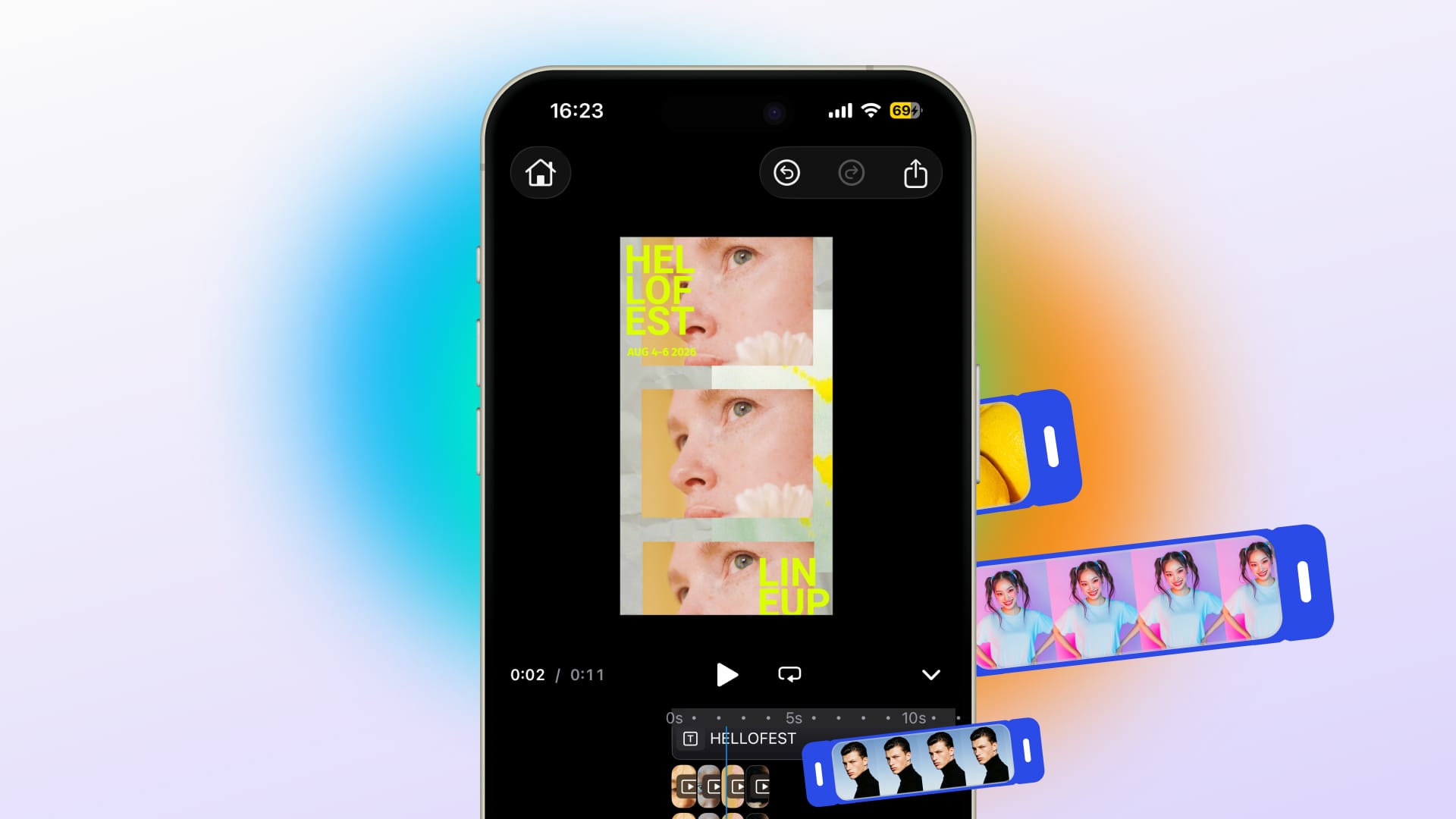
Build a photo book maker on any platform
Easily build any photo book UI & use case, create templates and layouts to jumpstart your customers’ designs.
Trusted by 100+ industry leaders














Integrating IMG.LY’s editor meant we didn’t have to build or maintain a complex editing layer ourselves. That kept our team focused on our core AI ad engine and saved us countless development hours — while still giving our customers the ability to polish and customize creatives at scale.
Hikari Senju
CEO, Omneky

With IMG.LY we built a central creative portal that now powers over 140 dealer campaigns across multiple automotive brands. Before this, asset creation was slow and inconsistent.
Martin Röhr
Product Owner, Digitas

By embedding IMG.LY’s editor we were able to hit key RFP requirements and deliver a template-based creative experience that now serves 1,000+ customers. It helped us win more deals and exceed enterprise expectations without needing to hire dedicated design teams.
Rob Driscoll
Director of PM, Optimizely

Since integrating IMG.LY’s editor, we now deliver 30,000+ ad creatives per month, dramatically shorten time-to-launch, and help our clients cut design spend by up to $10,000 per month.
Logan Welbaum
Founder, Plai

Our customers create over a million personalized postcards each year choosing from over hundreds of templates with IMG.LY’s SDK. It’s the only solution that allows us to build our own specialized, on-brand UI that integrates seamlessly with our platform.
Jeanine Zaalberg
Product Manager, SwissPost

From a developer’s perspective, the most powerful feature of the photo editor is the integration process. It was completely flawless, quick, and easy to integrate.
Stefano Fornari
CTO, Funambol
We compared IMG.LY SDK with other solutions and found that it would be the best fit for us since it provides all the features that are crucial for our use case.
Carem Pereira
SCRUM Manager, HP

Built for the way people actually create photo books
Remove the work that causes abandonment
Programmatic layout arranges photos across pages, handles portrait and landscape mixing, and sorts by date, so users finish what they start instead of putting it off.
Give users a book that already looks right
Theme-specific templates for travel, family, wedding, and event books give users layouts and a design language that fit the memories they are collecting.
Keep every page print-ready as users work
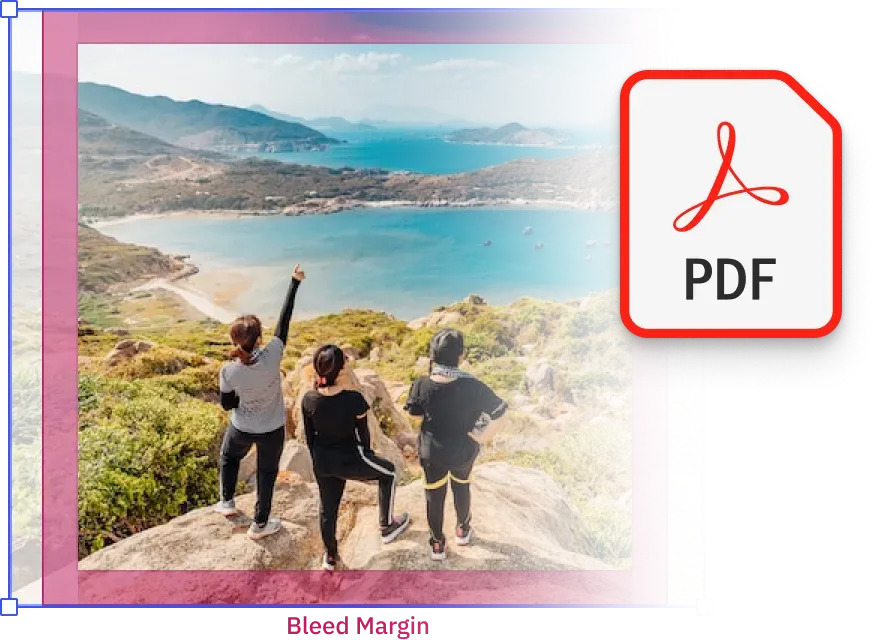
Bleed checks, resolution validation, and design rules run per page as users edit. Problems surface during the session, not after a 60-page order is placed.
Key capabilities
For your users
Edit each page without losing sight of the whole book.
Page-by-page editing with a full book overview keeps users oriented across long projects. Changes to one page do not disrupt the layout or photo placement of others.
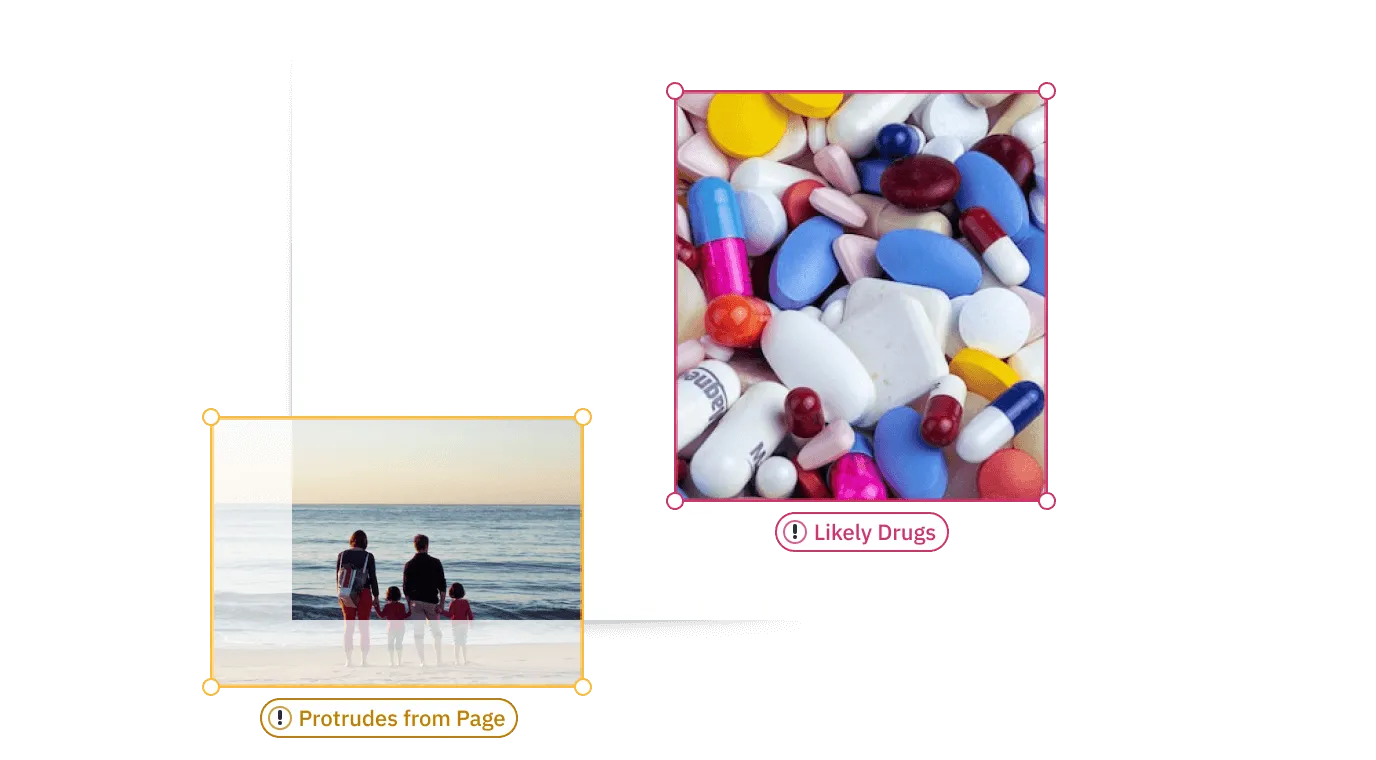
Know every page will print correctly before ordering.
Per-page resolution checks and bleed validation surface issues during editing. Users fix problems while they are still working on the book, not after submitting a 60-page order.
For your platform
Programmatic layout via the API.
Sort and arrange photos across pages server-side using any logic, date, event, custom tagging. Pre-populated books reduce the effort required from users at the start of the creation session.
Per-page validation and resolution thresholds.
Validation runs individually per page rather than as a pass-or-fail check at export. Resolution failures and layout issues are caught and surfaced to users while correction is still free.
Theme-specific template libraries.
Separate template sets for travel, family, wedding, event, and other book types, each with appropriate layout grids, image zones, and page structure. Configured independently without shared templates that compromise each theme.

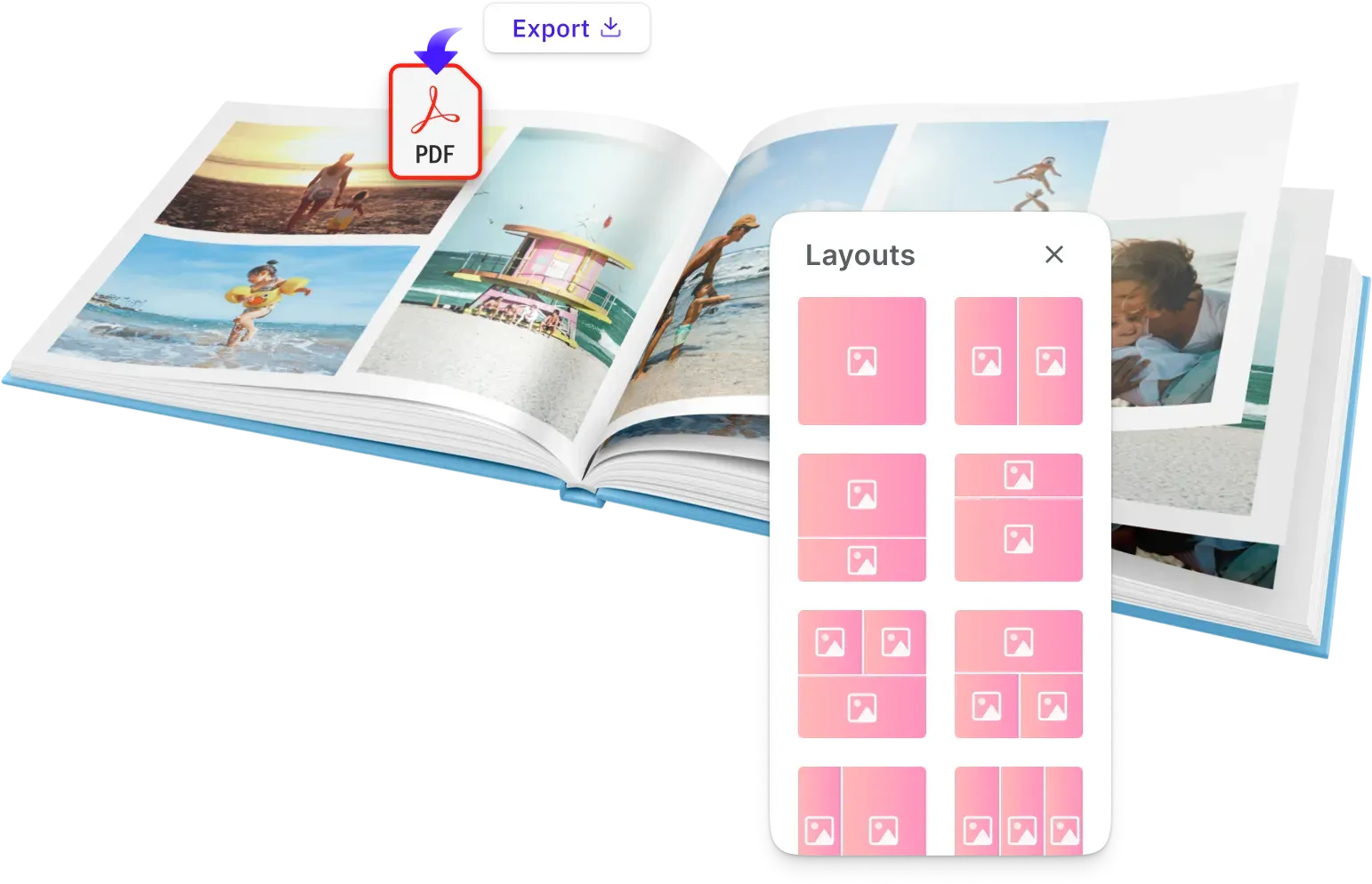
PDF export across any page count and format.
Print-ready PDF output for books of any page count, with bleed, trim, and colour settings applied consistently across every page. Connects cleanly to any print fulfilment backend.




How to integrate the photo book editor
Four steps from embedding the editor to print-ready PDFs.
Embed the editor
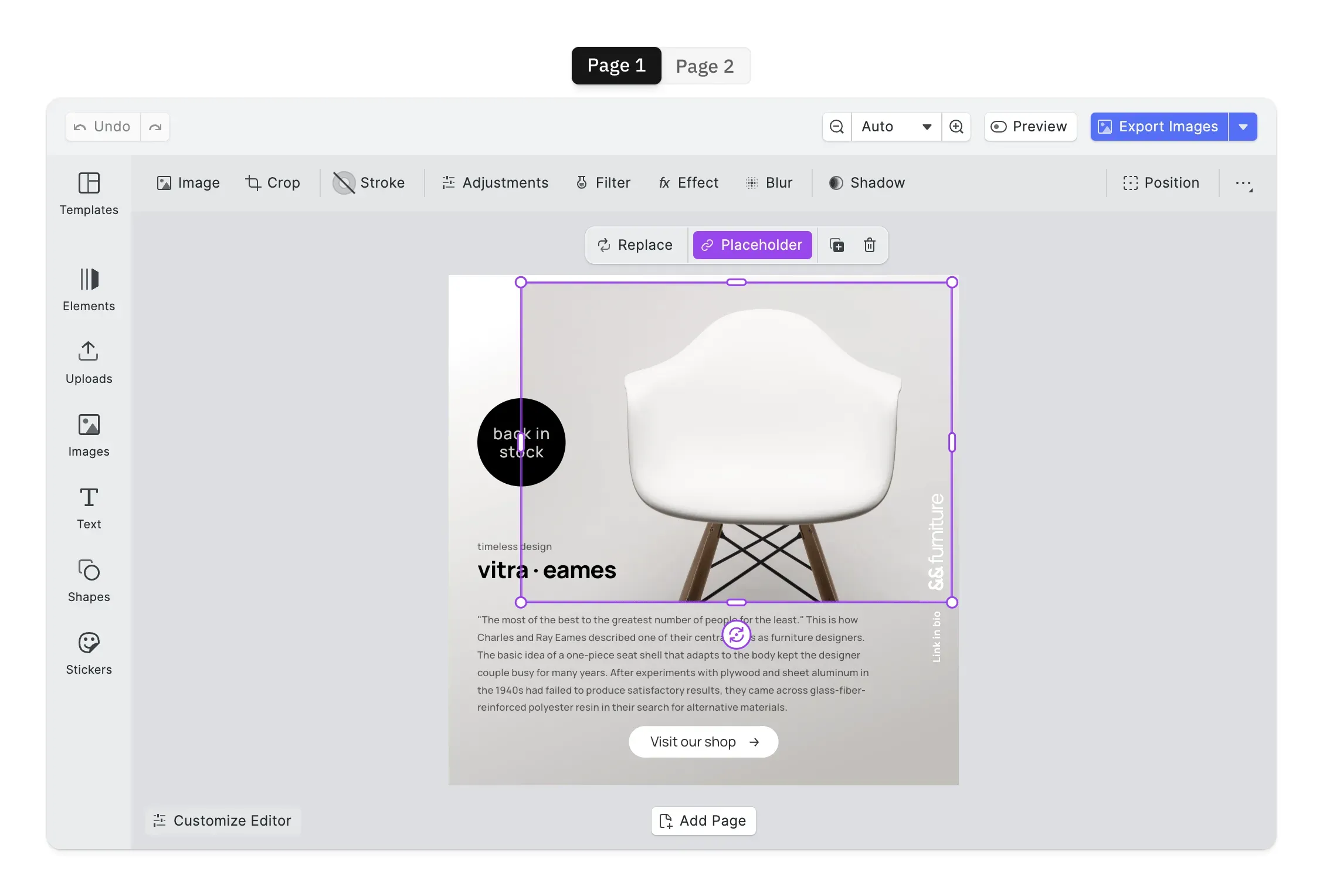
Drop CE.SDK into the photo book flow and configure it to match your product. Every panel, control, and interaction is exposed for customization, so the editor ends up looking like part of your app rather than a separate tool.
Open Theming Demo
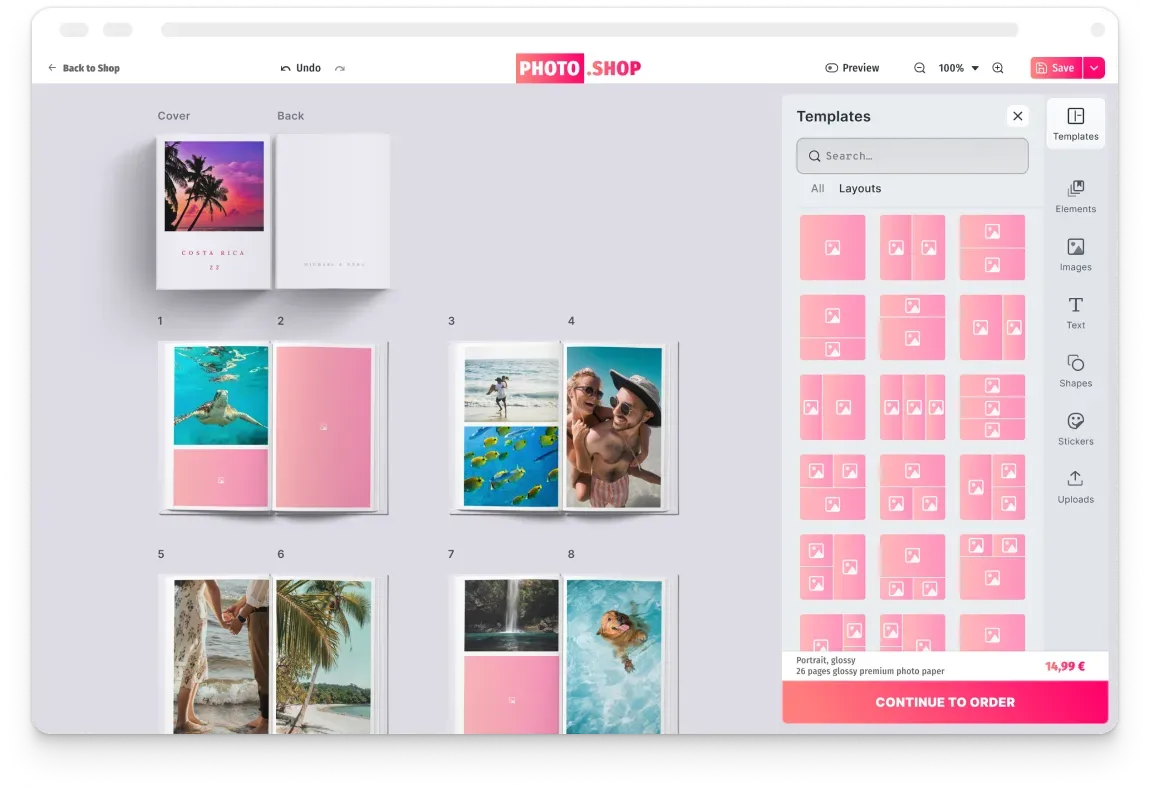
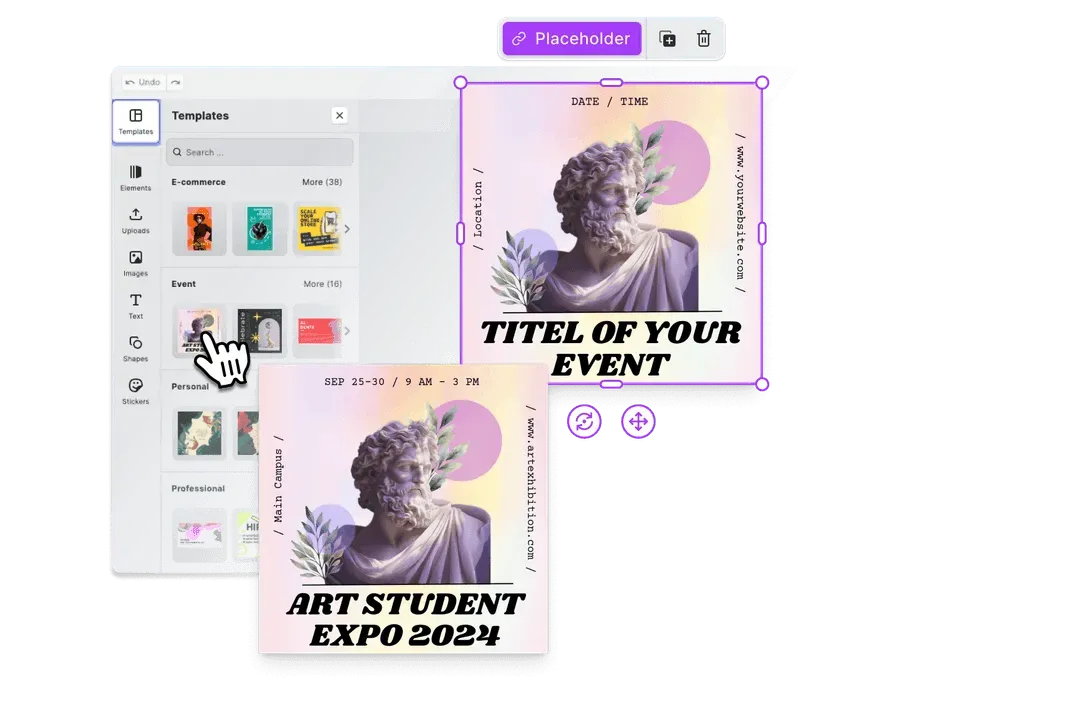
Smart templates with auto-fill placeholders
Design any number of photo book templates with image placeholder zones, locked brand elements, and configurable editing constraints. Users start with professionally designed layouts that match the book theme instead of a blank canvas.
Open Placeholder Demo
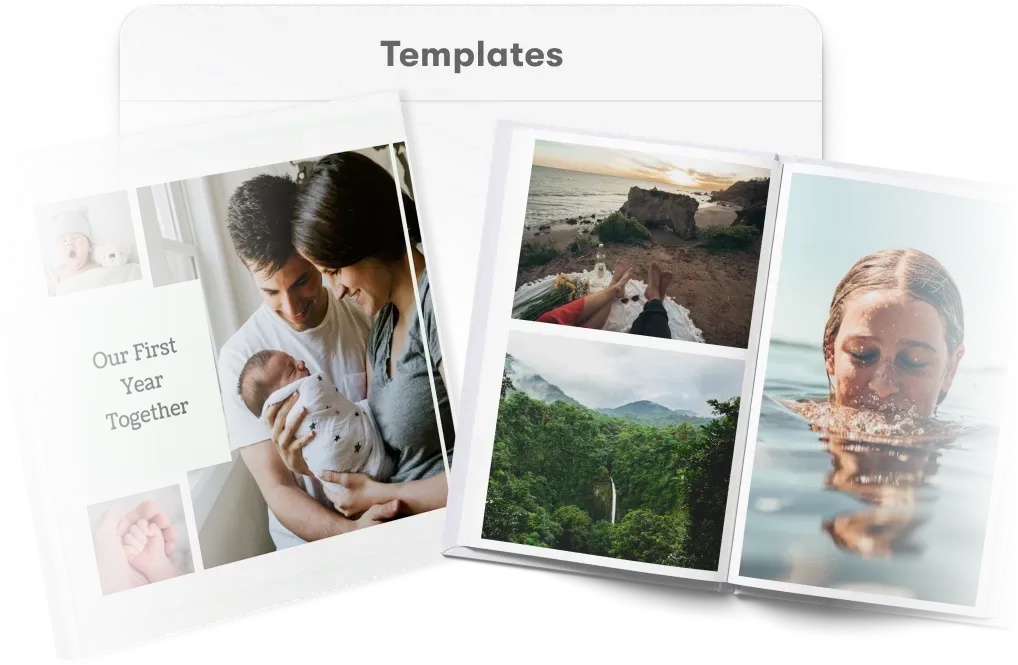
Auto-layout photos across spreads
Pass a photo collection to the layout API and arrange images across spreads automatically. Date ordering, portrait and landscape mixing, and per-page zone sizing are handled by the engine, so users open a pre-populated book ready to refine.
Open Layouts Demo
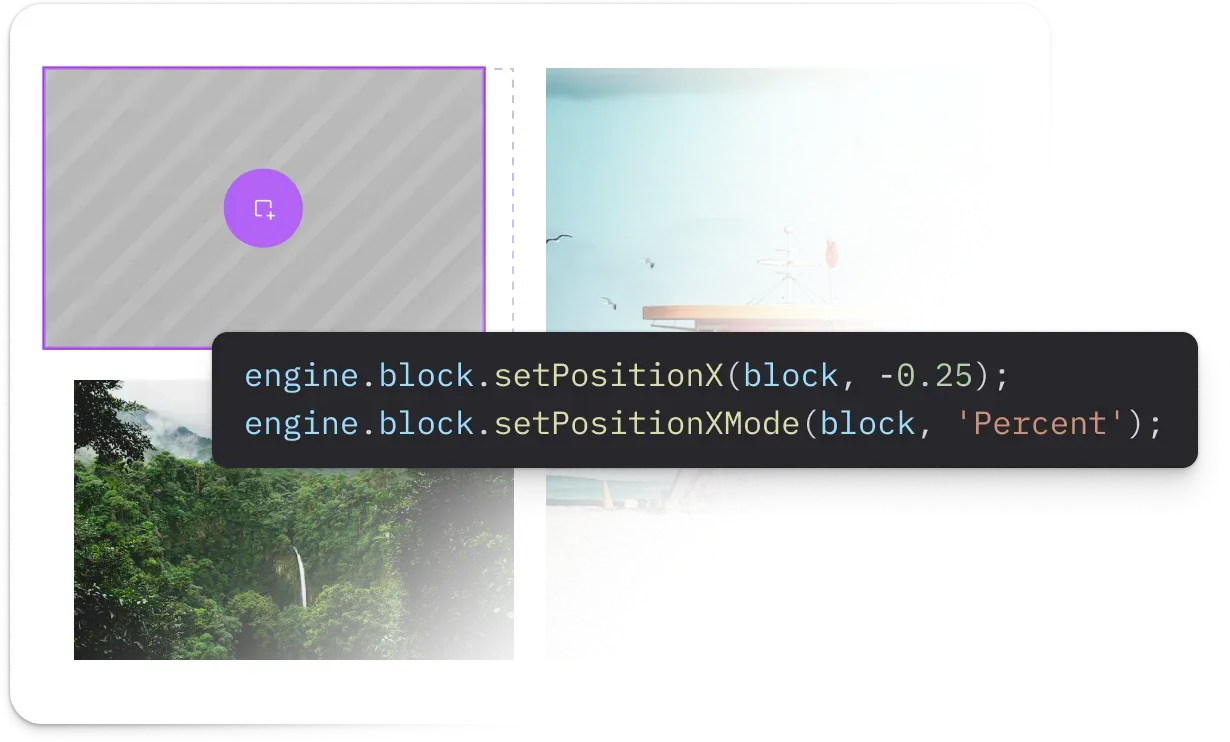
Export print-ready spreads
Design validation runs per page as customers edit, flagging bleed, resolution, and layout issues where they occur. Books export as PDF or PDF/X with bleed, trim, and CMYK colour profiles applied consistently across every spread.
Open Validation Demo
One engine across web, mobile, and server
Users start photo books on desktop and return to them on mobile. Platforms pre-populate books server-side before users open the editor. IMG.LY runs one shared creative engine across all of these contexts, so page layouts, photo placements, and print constraints stay consistent from the first page to the final export.

Projects carry across devices without losing work
A book started on desktop resumes correctly on mobile. Page layouts, photo placements, and editing choices are preserved across sessions and devices.
Programmatic layout runs on the same engine as the editor
Photos sorted and placed server-side via the Node.js renderer produce pages that users open ready to refine, not ready to rebuild. The layout logic is identical in both contexts.
Print constraints apply page by page, across every platform
Bleed margins, resolution thresholds, and PDF export settings are configured once and enforced per page on web, iOS, Android, and server-generated output alike.
How PostBuddy Launched Personalized Direct Mail for E-Commerce Without Building a Custom Editor
4×
difference in A/B-tested campaign performance
3
Nordic markets reached (DK, SE, NO)
0
custom editor maintenance — embedded SDK instead
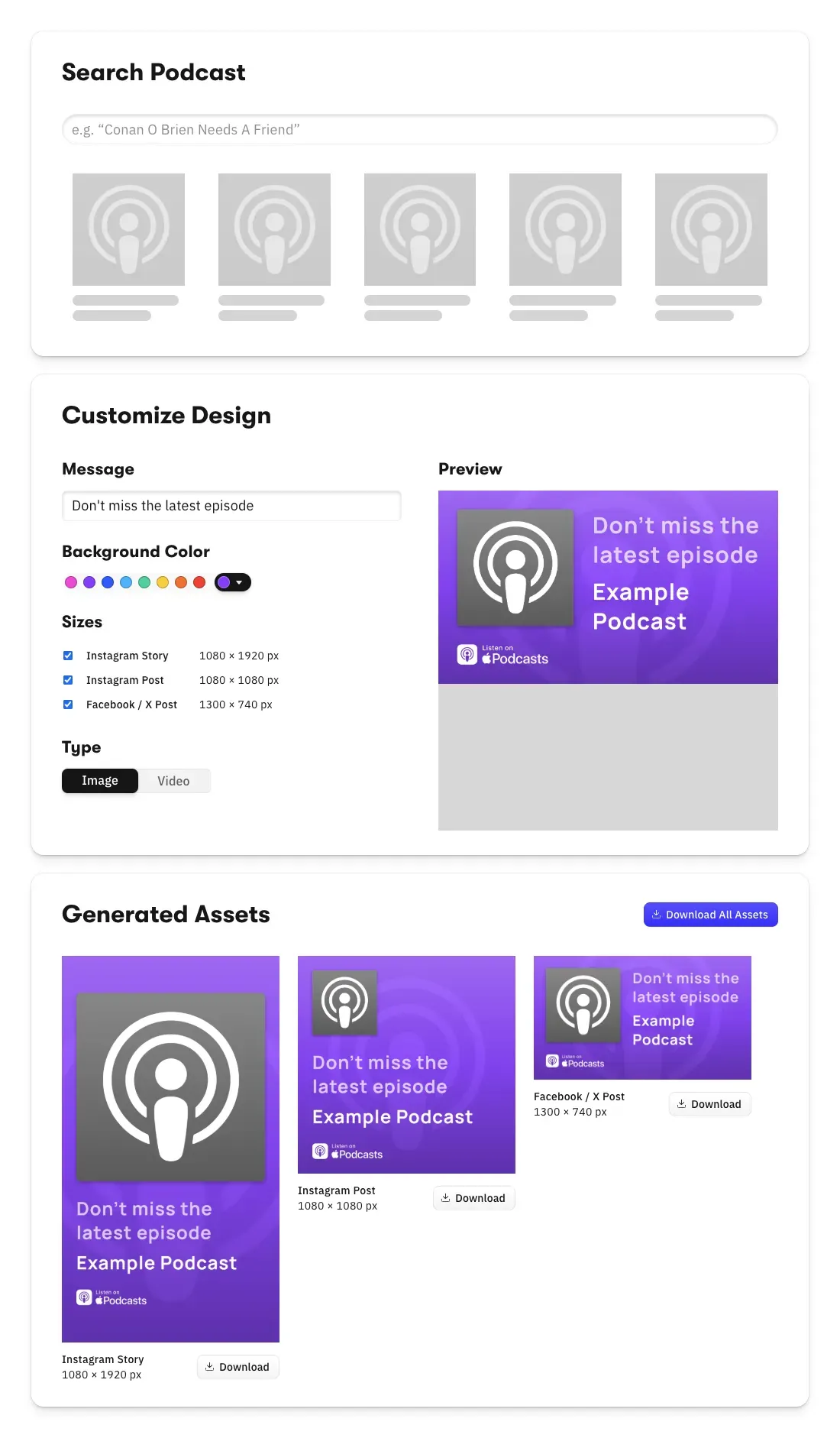
PostBuddy is a Denmark-based startup modernizing direct mail marketing — enabling e-commerce brands to create, personalize, and automate postcard campaigns integrated with their online workflows.
It’s hard to imagine we could have launched PostBuddy without a design editor SDK. Customers want an integrated experience, and we needed to channel our limited resources into our core mission, not a custom editor.
PostBuddy

Challenge
PostBuddy needed an embedded design editor that lets non-technical e-commerce users create print-ready postcards with personalization and variable data — without burning early-stage engineering on a custom editor.
Solution
Integrated CE.SDK to deliver an in-app design experience with mail merge, custom branding, and template guidance for streamlined postcard creation.
- 4× performance gap between A/B-tested designs proved design variation matters.
- Expanded reach into Sweden and Norway on top of the Danish home market.
- Engineering stayed focused on PostBuddy’s core direct-mail automation.
Why photo book platforms trust IMG.LY
Built around the multi-page creation challenge
Page-by-page editing, programmatic layout, per-page validation, and portrait and landscape orientation handling are first-class features built for the specific demands of photo book creation, not adapted from a single-page design tool.
Automation that removes the work users avoid
Programmatic photo arrangement eliminates the manual page-filling that causes abandonment. Users arrive at a book with structure already in place and spend their time on the parts that matter to them.
Per-page quality control, not batch preflight
Validation runs as users edit each page individually. Problems surface while the book is still open, not after a multi-page order has been submitted and the correction window has closed.
Projects that survive across devices and sessions
A book started on desktop resumes identically on mobile. Photo placements, page layouts, and editing choices are preserved across sessions, so long projects do not require users to start over when they switch devices.
More from IMG.LY
Photo book platforms are judged by whether users finish what they start
The gap between opening the editor and placing the order is where most photo books are abandoned. IMG.LY helps you close that gap with programmatic layout, page-by-page editing, per-page validation, and one engine across web, mobile, and server.
Photo Book FAQs
The API accepts a set of photos and a layout template and arranges images across pages automatically. Sort logic, date ordering, event grouping, or custom tagging, is configured by the platform. The result is a pre-populated book that users open ready to refine, rather than a blank canvas to fill from scratch.
Page layout templates include image zones with configurable aspect ratio and crop behaviour. Portrait and landscape photos are placed into appropriate zones automatically. Users can adjust crop and placement per image within the defined zone constraints.
Validation runs per page individually as users edit, not as a batch check at export. Resolution failures, bleed violations, and out-of-bounds elements are flagged on the specific page where they occur while the book is still open. Users fix issues in context rather than receiving a list of errors at submission.
Yes. The same creative engine runs on web, iOS, and Android. Page layouts, photo placements, and editing choices are preserved across devices and sessions. Users resume exactly where they left off, regardless of which platform they switch to.
Photo books export as PDF with bleed, trim, and colour profile settings applied consistently across every page. Page count and format are configurable. The export connects directly to any print fulfilment pipeline without manual preflight.
The SDK runs on web (React, Angular, Vue, Next.js, Svelte), iOS, Android, and server via Node.js. The same templates, layout logic, and print constraints apply across all of them.
Yes. IMG.LY's solutions team provides different levels of support based on your licence type. Contact the team to discuss your specific photo book use case and product range.