Get started with CE.SDK. Choose a starter kit below to see it in action, then follow the integration guide.
Starter Kits#
Get started with the one that fits your use case.
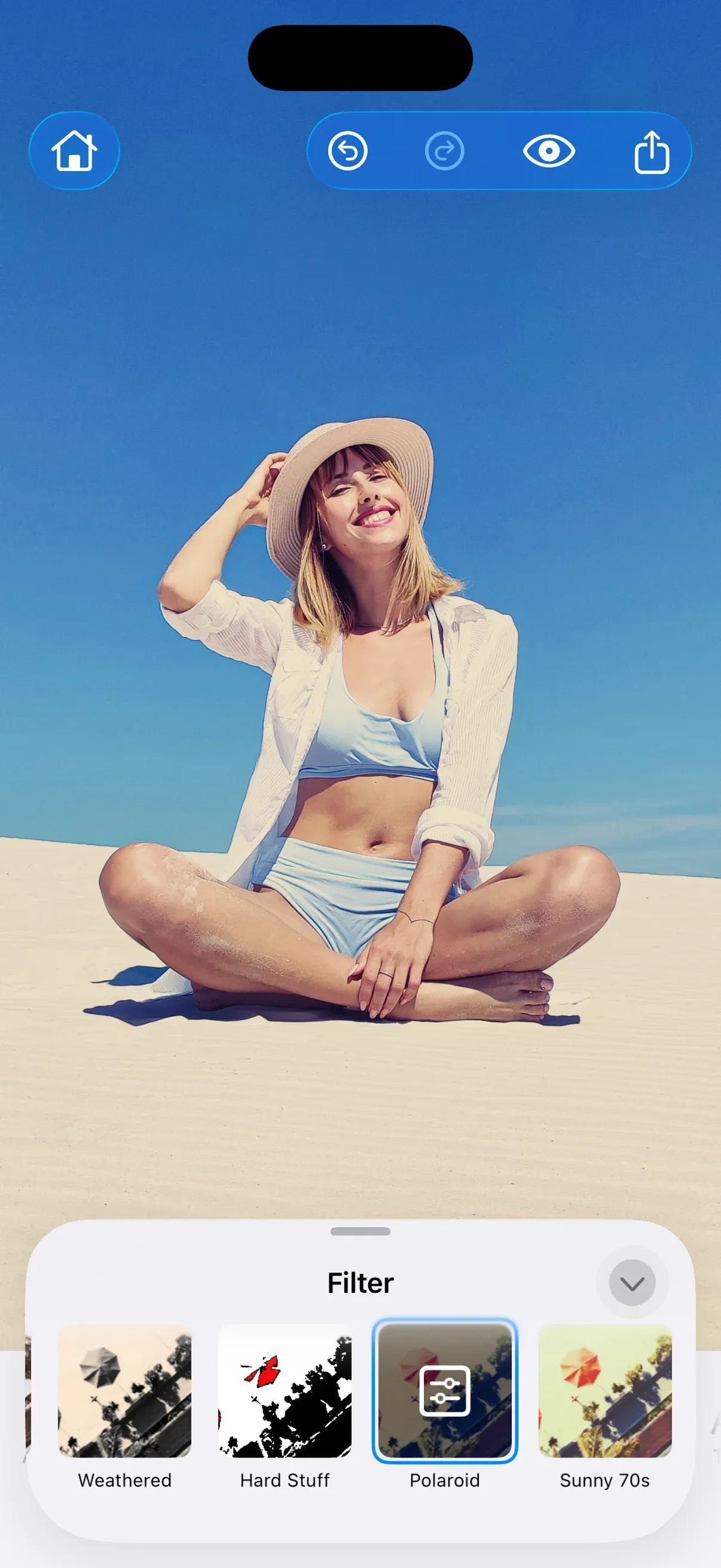
Professional photo editing for your iOS app—crop, filter, adjust, and remove backgrounds. Runs entirely on the mobile device with no server dependencies.
Get Started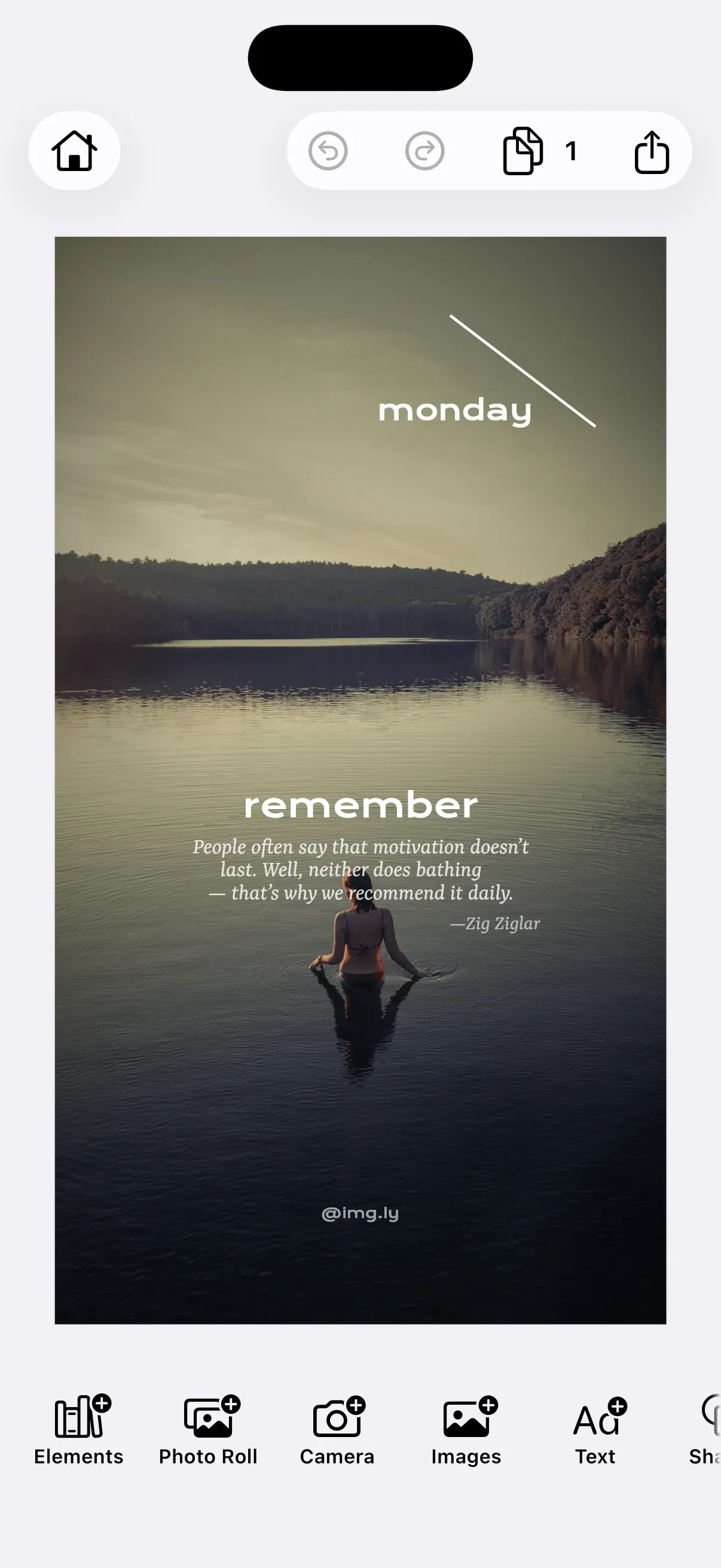
Embed a ready-to-use design editor that lets users personalize templates while respecting layout constraints. Runs entirely on the mobile device with no server dependencies.
Get Started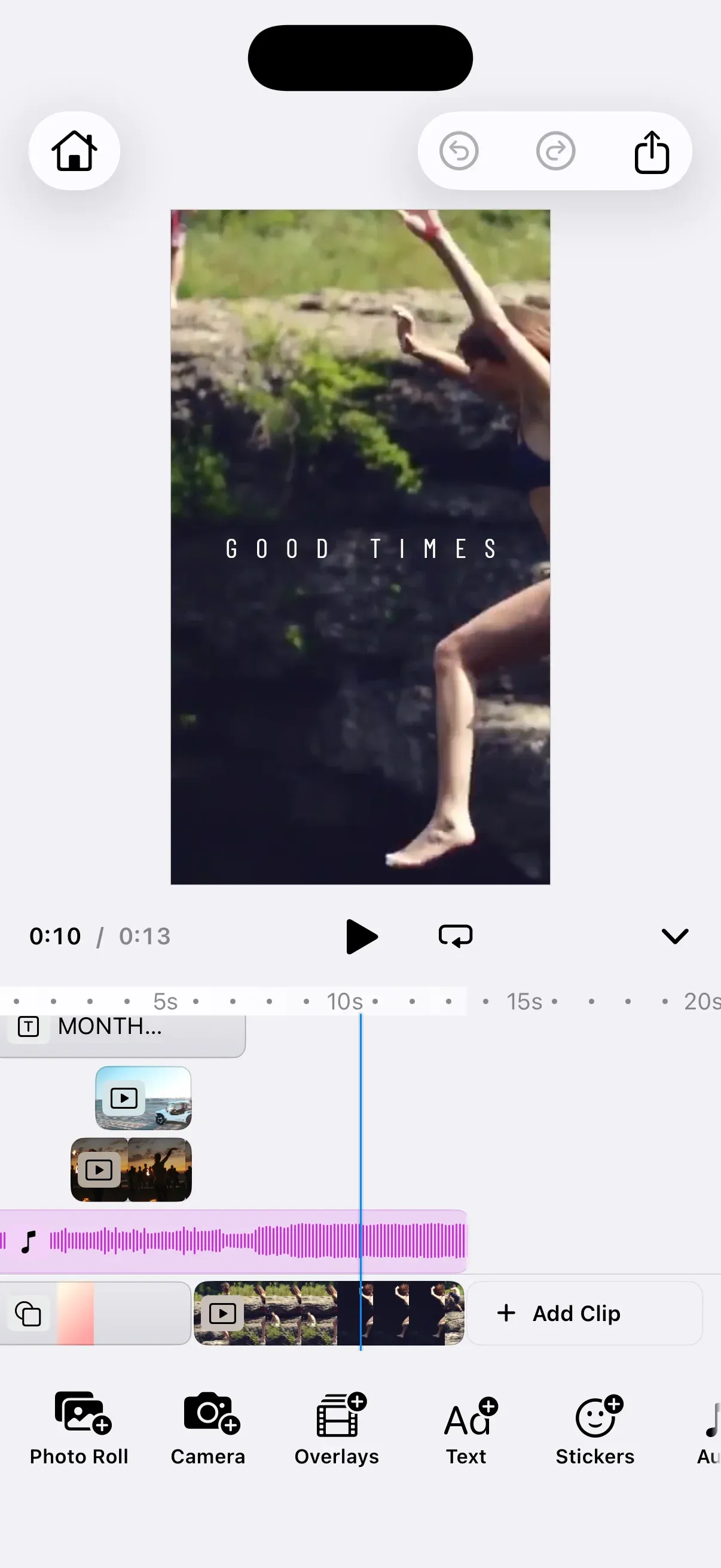
Professional video editing for your iOS app—edit clips, add effects, trim footage, and export to MP4. Runs entirely on the mobile device with no server dependencies.
Get Started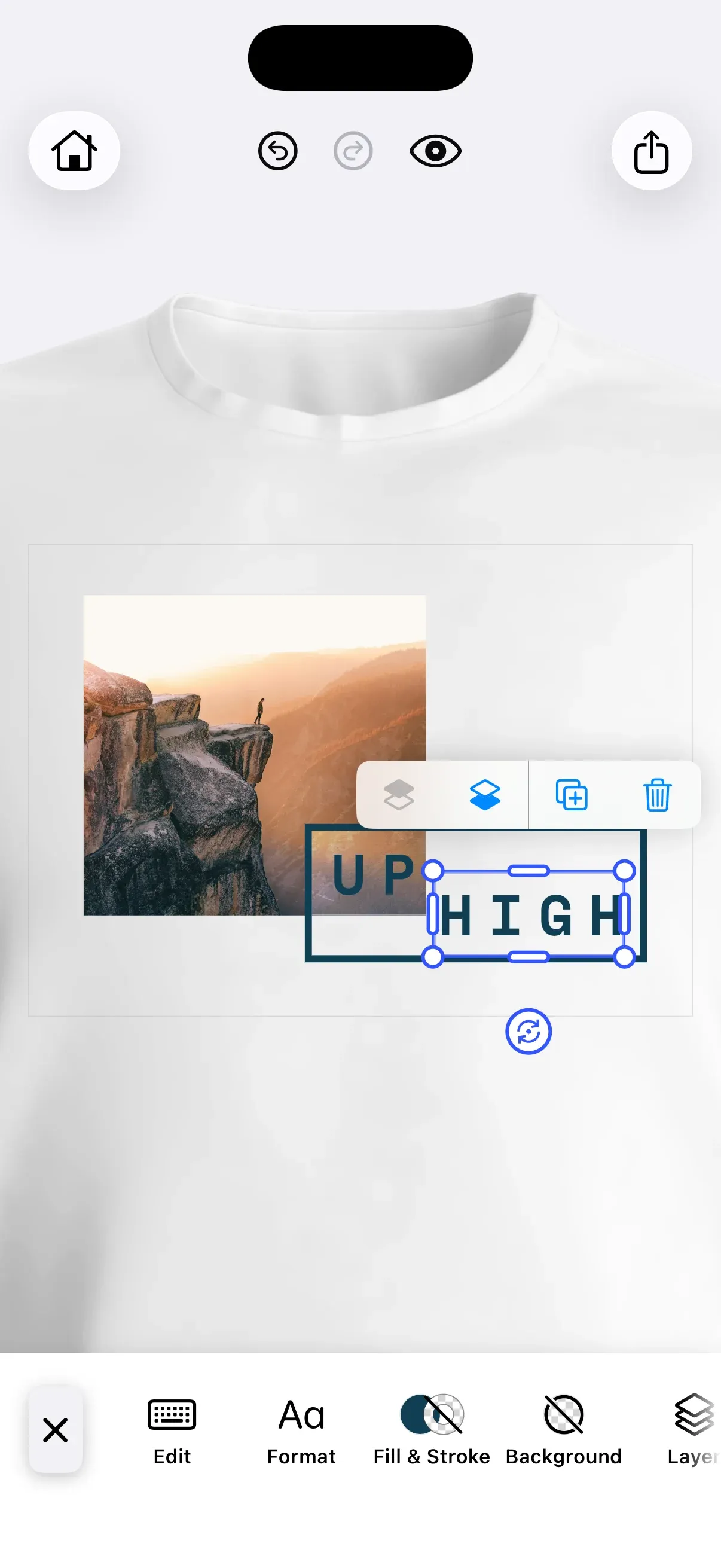
Build print-ready t-shirt designs for your iOS app with a focused mobile UI. Runs entirely on the mobile device with no server dependencies.
Get Started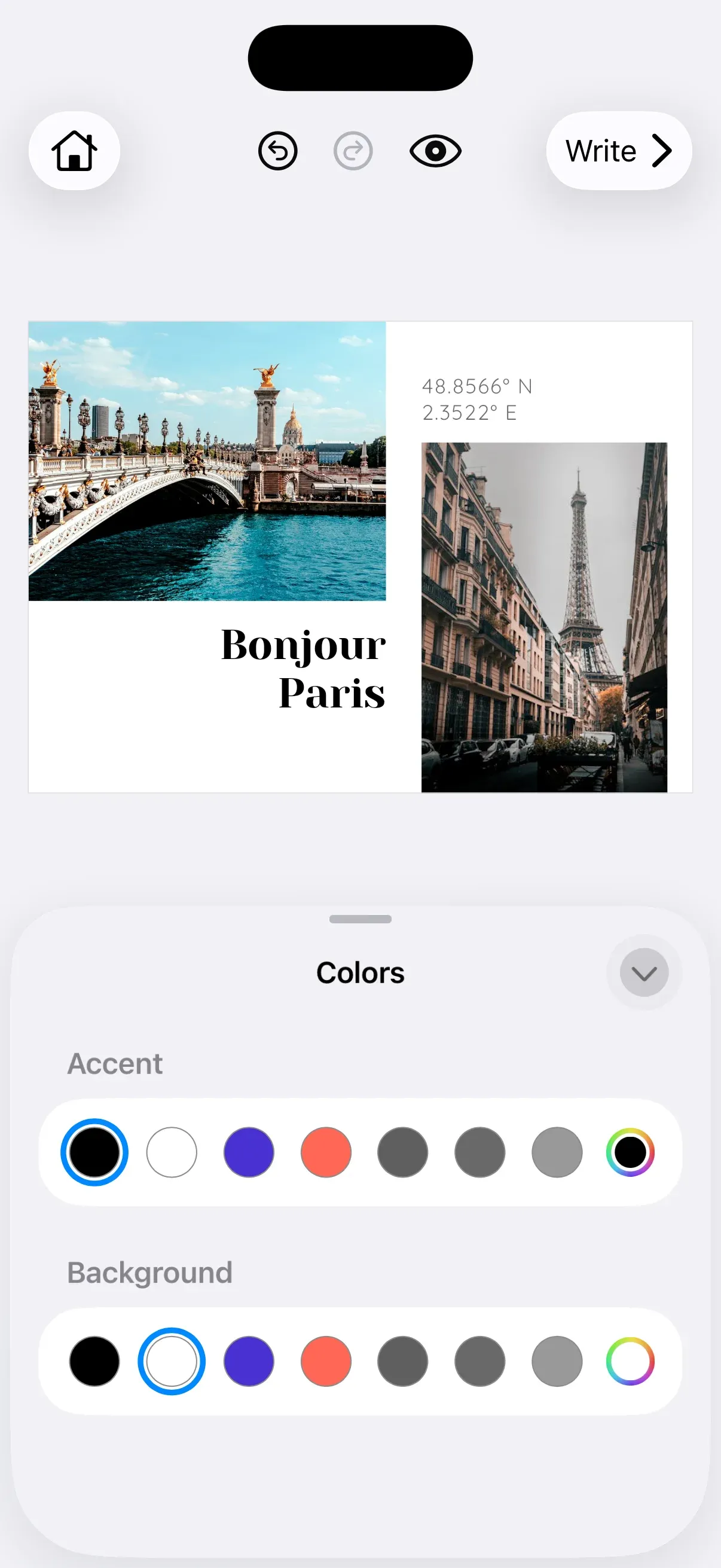
Let users personalize postcards with templates, style presets, and print-ready exports. Runs entirely on the mobile device with no server dependencies.
Get StartedTroubleshooting#
These are the issues you are most likely to hit while wiring CE.SDK into an Xcode project. For anything else, visit our support page.
Xcode does not recognize EngineSettings or Editor#
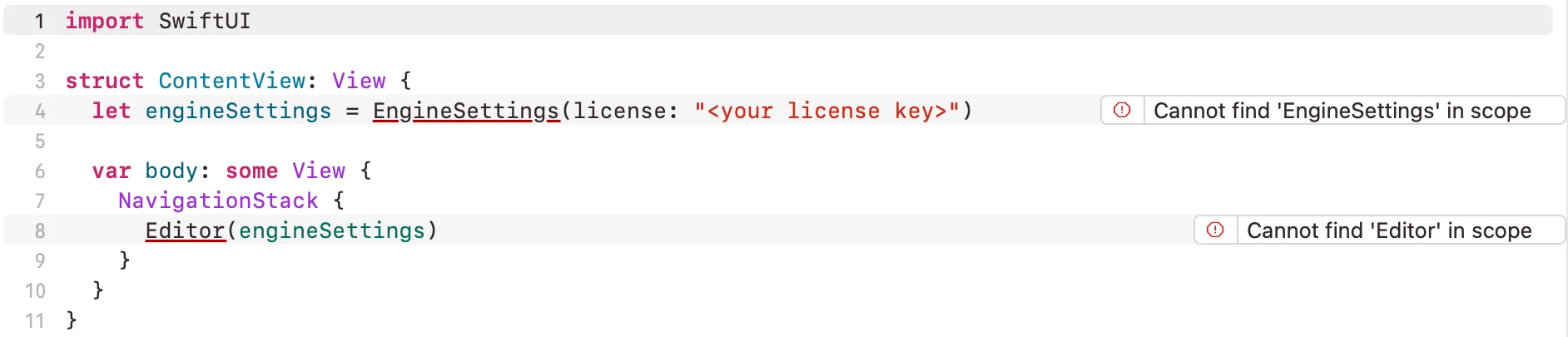
Every Swift file that touches the editor needs its own import IMGLYEditor.
Build errors about missing modules#
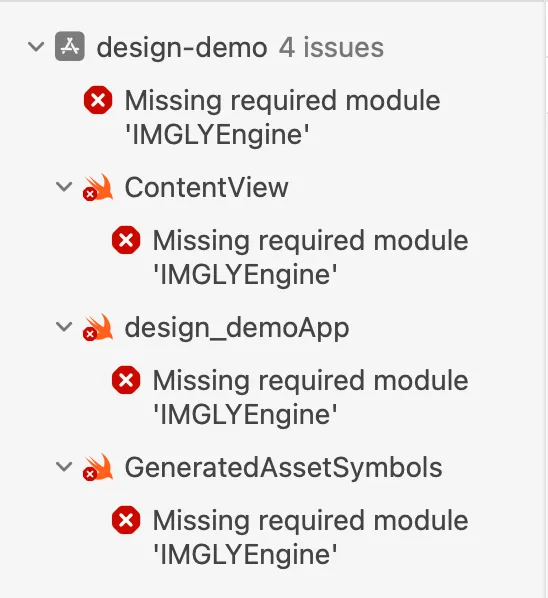
You picked the wrong target when you added the package. Open the target’s General tab and check that IMGLYEditor is in the frameworks and libraries list.
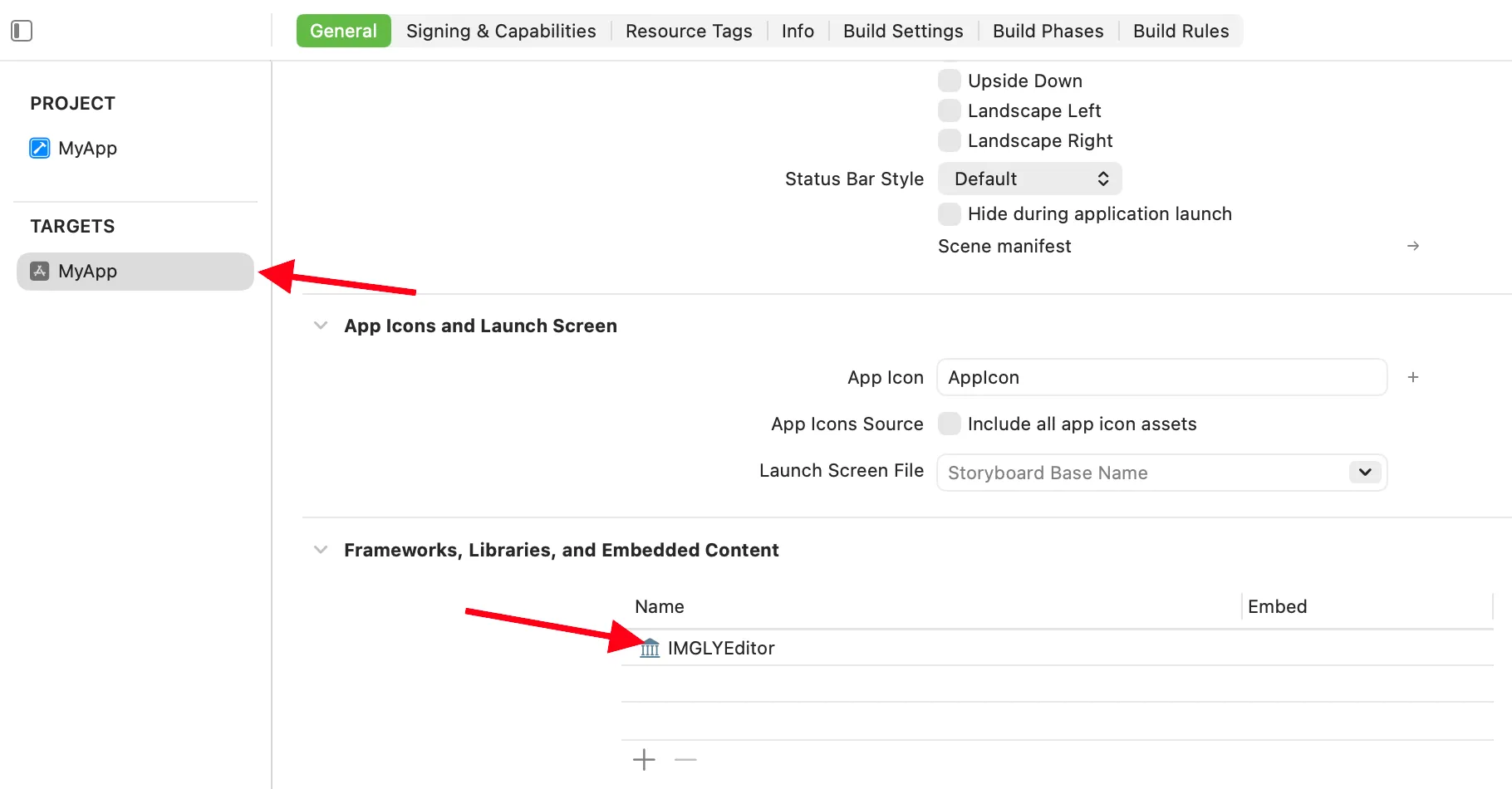
If it is missing, add it with the + button at the bottom of that list.
License key error at runtime#
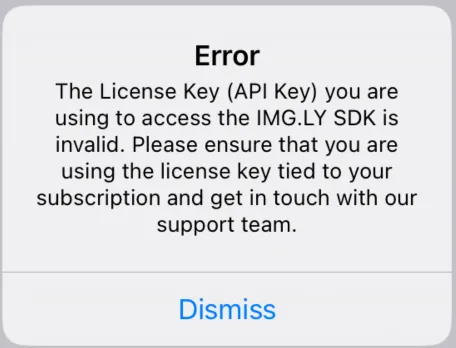
An invalid license key shows this alert. Check that EngineSettings carries the exact key, including capitalization. To run in evaluation mode with a watermark, pass nil instead of a key. Contact sales if you do not have a key yet.
Blank top bar or missing controls#
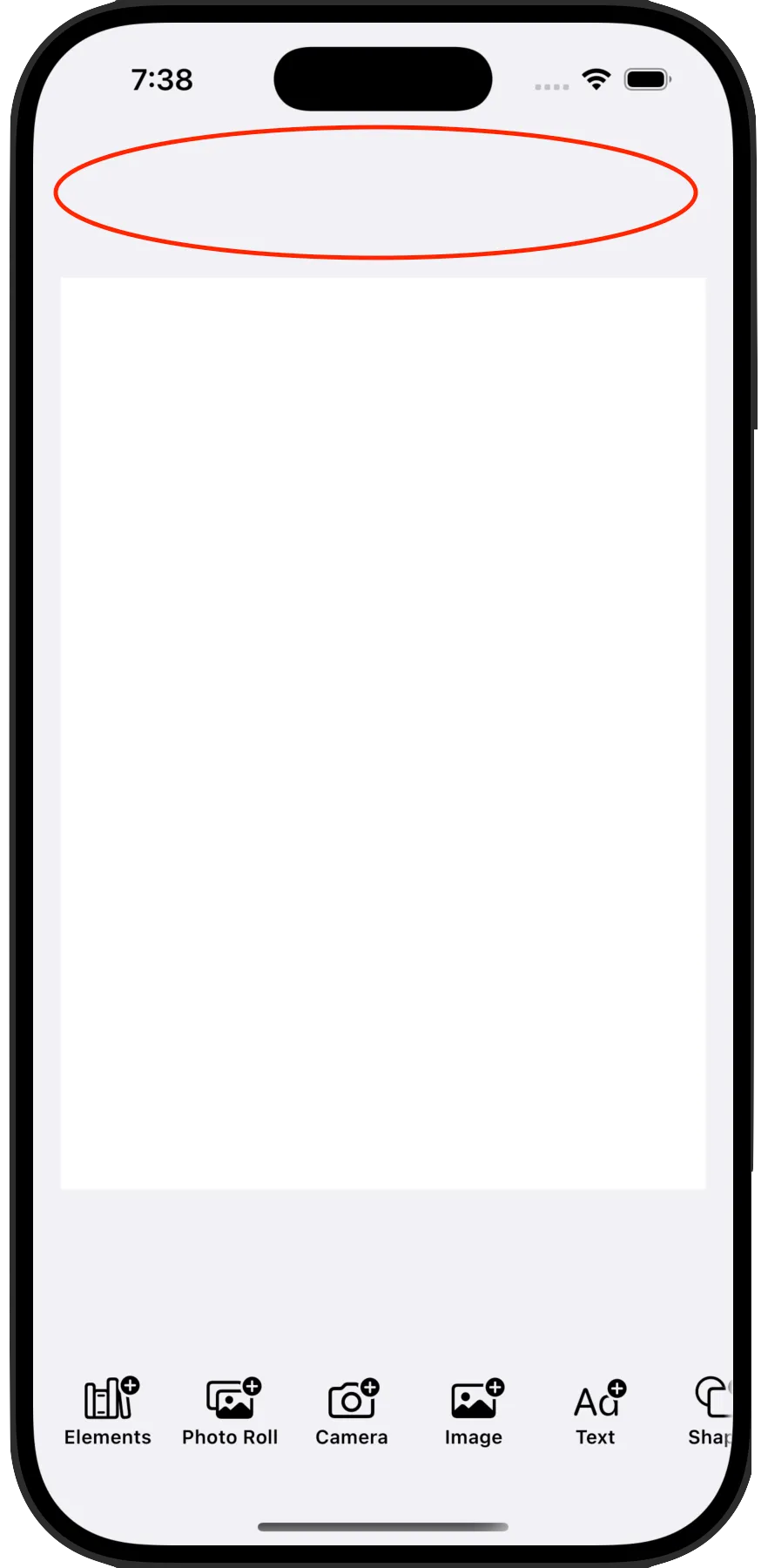
The Editor shows its toolbars only inside a navigation container. Wrap it in a NavigationStack, as the starter kits do. Pass the configuration class of your starter kit, for example DesignEditorConfiguration from the Design Editor kit:
struct EditorNavigationContainerSwiftUI: View {  let engineSettings = EngineSettings(    license: secrets.licenseKey, // pass nil for evaluation mode with watermark    userID: "<your unique user id>",  )
  var body: some View {    NavigationStack {      Editor(engineSettings)        .imgly.configuration { DesignEditorConfiguration() }    }  }}
If the editor already sits inside a NavigationStack higher up in your view hierarchy, you do not need a second one. A VStack, ZStack or ScrollView as the direct parent is not a navigation container, so the toolbars stay hidden.
In UIKit, wrap the editor before you hand it to a UIHostingController, then present it full screen:
func presentEditor() { let editor = NavigationStack { Editor(engineSettings) .imgly.configuration { DesignEditorConfiguration() } } let editorVC = UIHostingController(rootView: editor) editorVC.modalPresentationStyle = .fullScreen present(editorVC, animated: true)}