
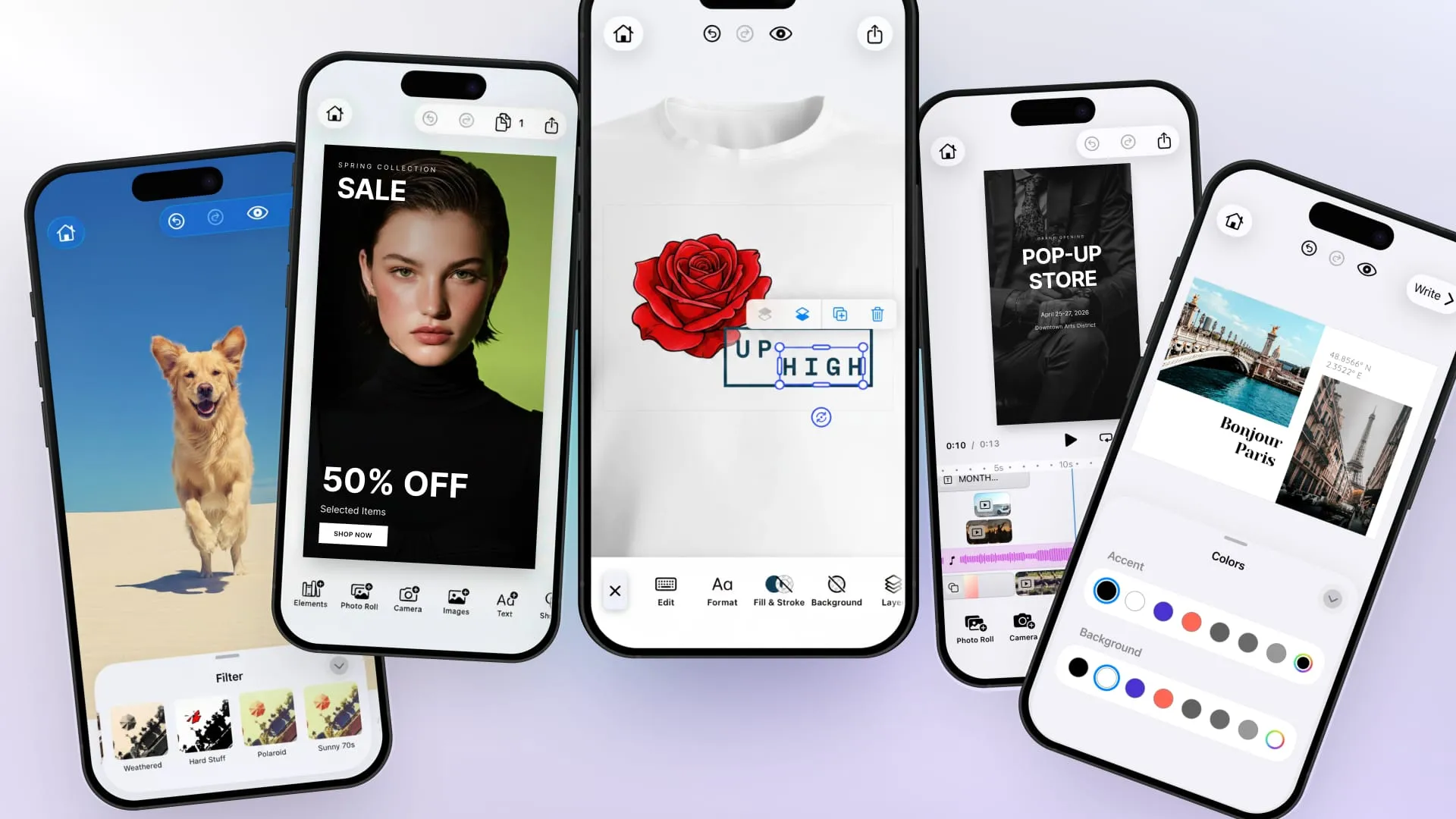
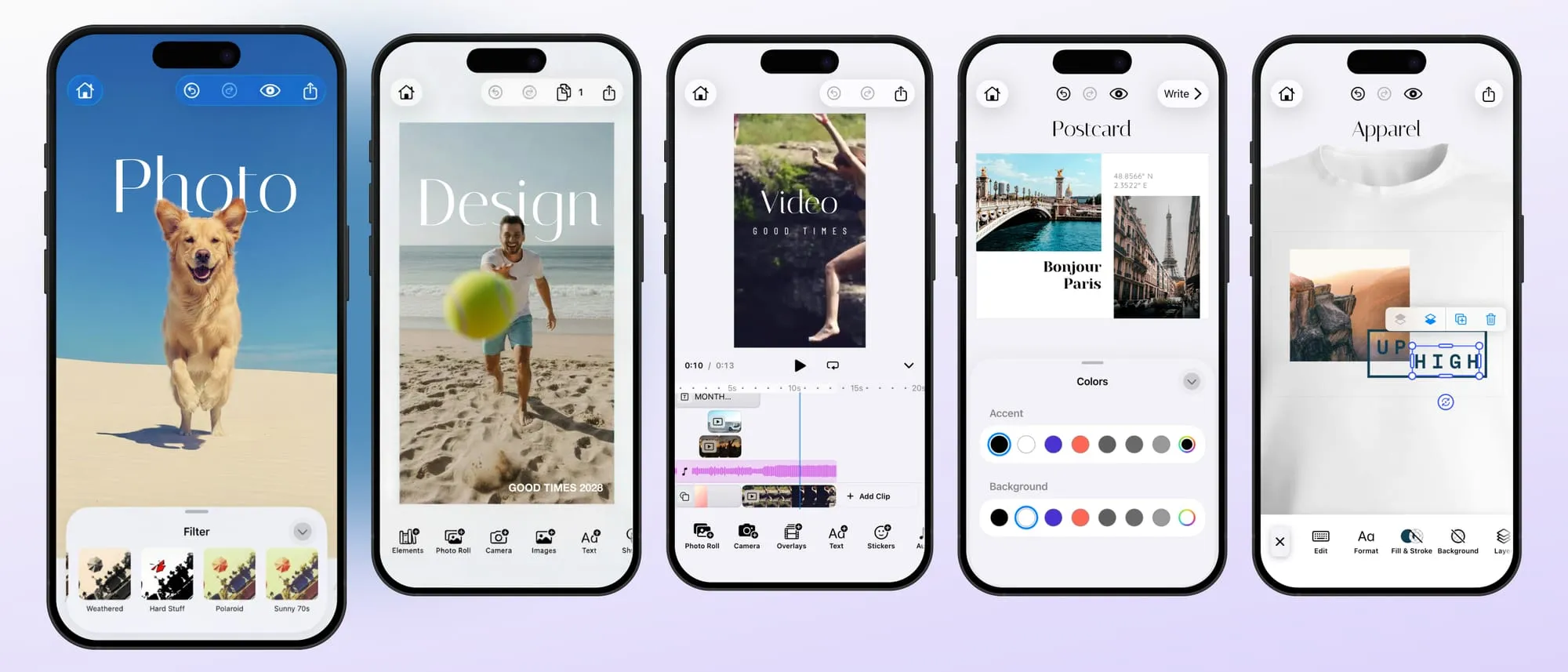
When we built the first version of CE.SDK’s mobile editors, we optimized for speed and ease of integration. We designed a set of ready-made solution editors: Photo, Design, Video, Postcard, and Apparel Editor. Each is built around the use cases we believed would meet the needs of most of our customers. With one component and a license key, you had a full creative editor running in your app. That approach got products to market fast, and for many teams it was exactly the right starting point.
But products evolve, and so do the needs around it.
As integrations matured, teams needed deeper configuration, more granular control, and the ability to shape the editor into something uniquely theirs. What starts as “give us a working photo editor” becomes “give us our photo editor.”
That’s why, starting with CE.SDK v1.73 on iOS and Android, CE.SDK evolves from a set of preconfigured solution editors into a single, flexible Editor foundation paired with Starter Kits: complete, working editor projects that you own, customize, and control entirely.
Here’s what that means and why it’s worth it.
What changed
Previously, you integrated CE.SDK by dropping in a solution-specific component: PhotoEditor, DesignEditor, VideoEditor, ApparelEditor and PostacardEditor. Each came with built-in UI, default behaviors, and preconfigured toolbars. You could adjust some of it through configuration APIs, but the foundation was managed internally by our SDK.
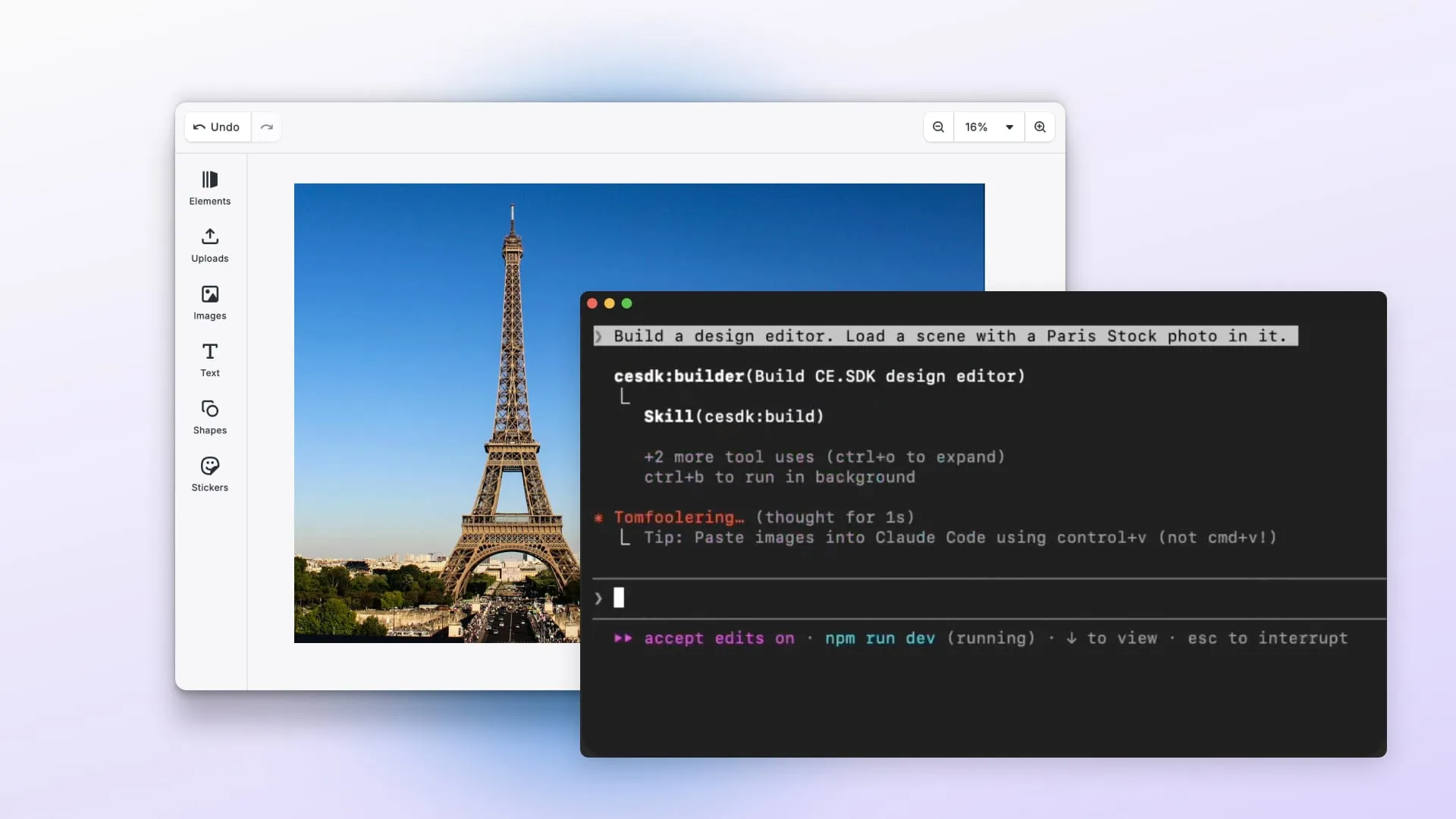
With v1.73, those components are replaced by a single Editor entry point that starts minimal without any configuration and a set of Starter Kits that provide the full experience you’re used to.
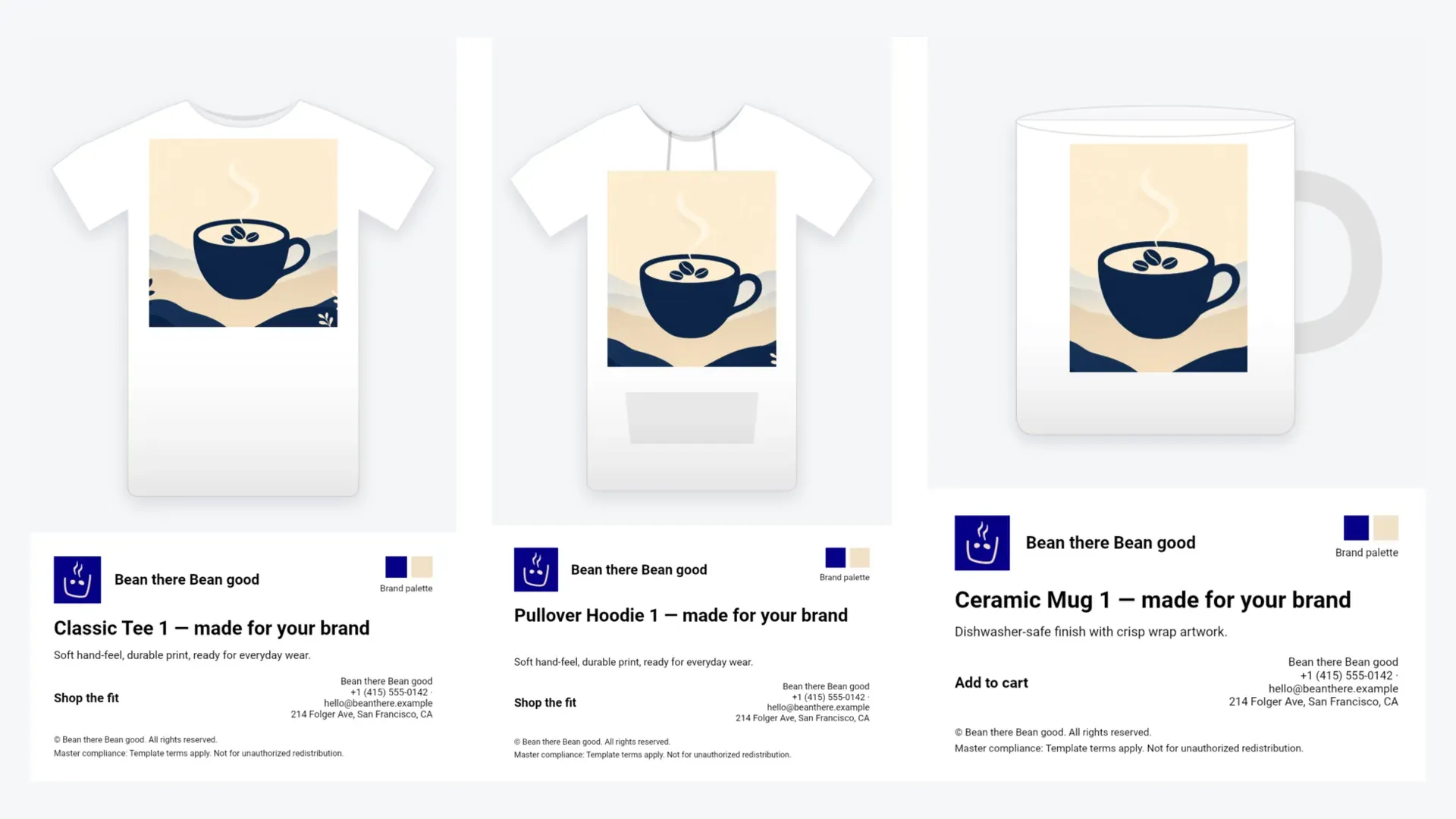
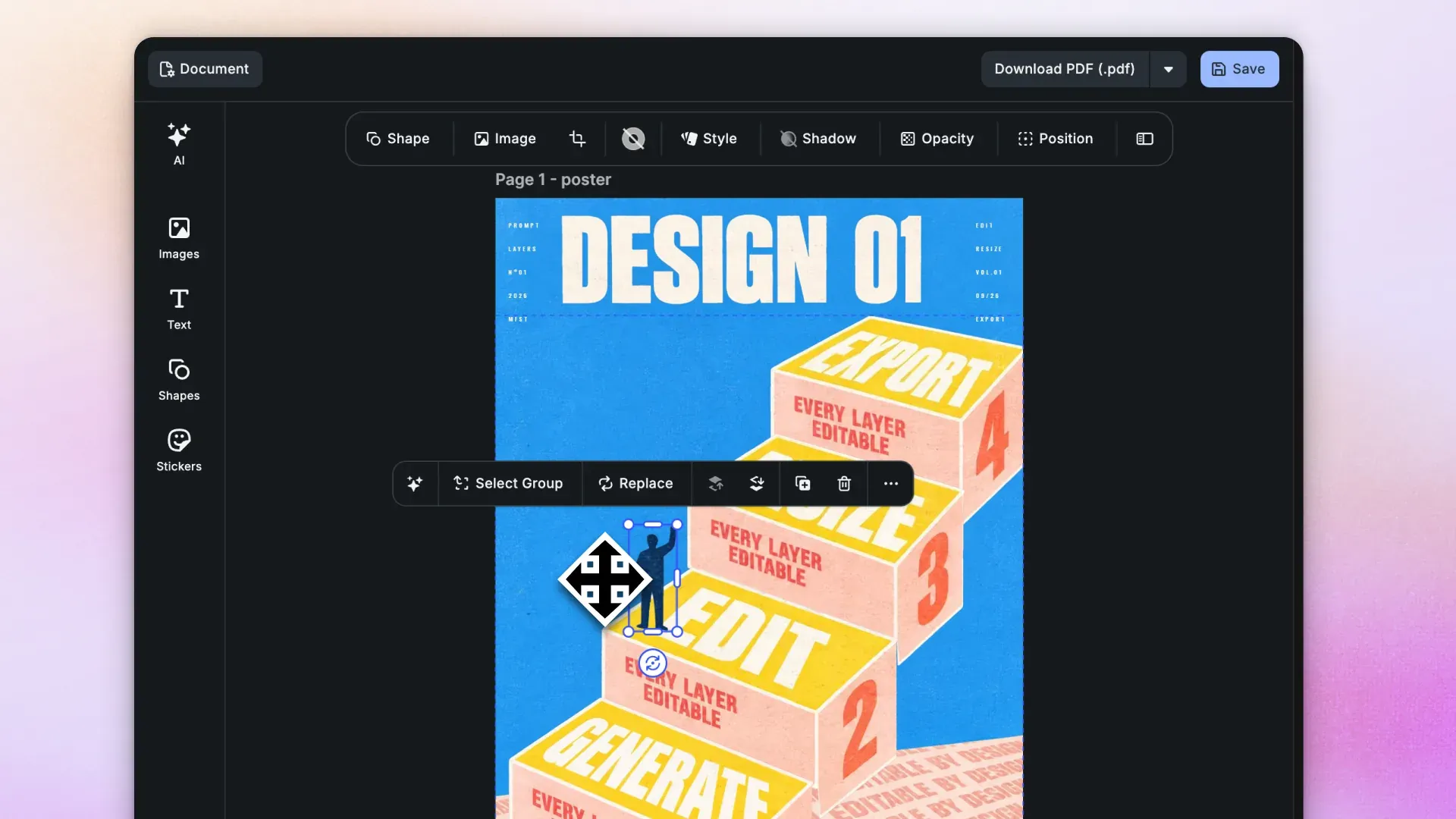
Each Starter Kit matches a previous solution: Photo, Design, Video, Postcard, and Apparel. You download it, drop it into your project, and you have the same editor as before.
With Starter Kits, the setup becomes explicit and lives in your own codebase. Instead of relying on built-in defaults inside a prebuilt solution, you start from a ready-made configuration structure that you can inspect, own, and change directly.
And if none of the starter kits match your needs, you can build your own editor from scratch using our configuration directly.
Before, you were always starting from one of the predefined solutions and trying to bend it to fit your use case, which was limited and often frustrating. Now, the building blocks are there for you to assemble however you want.
What are the benefits?
The full picture in one place
Configuration used to be spread across multiple APIs and documentation pages. It wasn’t always clear what you could customize, where to find the right setting, or whether a particular behavior was even exposed for modification.
With a starter kit, the configuration is the documentation. Open the configuration file, and you see every callback, every toolbar item, every setting, the complete scope of what the editor does.
This also makes production behavior safer. Critical parts of the editor setup are now explicit in your code rather than implied by SDK defaults. Your team can see exactly what is configured, why, and review changes through your normal development process.
More control and capability over your editor
Starter kits unlock customizations that were simply not possible before: restructure how the editor initializes; inject custom logic between loading phases; defines layouts from the ground up; build workflows that are unique to your product; and more.
The old configuration APIs drew a line between “customizable” and “not customizable.” Starter kits erase that line. If you can see it in the code, you can change it.
In simple terms, you can now adapt the editor to your product, instead of adapting your product to the editor, and this was one of our main drivers.
Opt in, never opt out
Until now, an SDK update could introduce visible changes to your editor, like a new toolbar button, a different menu option, a changed default, without you asking for it. Your release process had to account for UI changes that came from a dependency, not from your team.
With CE.SDK v1.73, that dynamic is reversed. SDK updates bring new features, engine improvements, performance gains, and bug fixes. But your editor UI stays exactly as you left it. New features and components become building blocks you adopt on your own schedule, documented, with examples, and ready when your implicit decide to add them. Nothing shows up in your product unless you put it there.
Two paths, your choice
Start from a Starter Kit
Download the one that matches your use case, run it, and customize from there. Each kit is a proven, production-ready structure that handles the complexity of editor setup so you don’t have to figure it out from scratch. Most teams will take this path.
Build from scratch
If you have very specific requirements or prefer to architect everything yourself, the Editor view accepts raw configuration directly. The starter kits serve as comprehensive, living reference implementations. Even if you never use them directly, they show you exactly how every piece fits together.
The engine you rely on hasn’t changed
It’s worth saying clearly: the core of CE.SDK, the rendering engine, export pipeline, asset handling, performance characteristics, and everything that powers the creative experience is unchanged. We improved how you configure and integrate the editor, not what powers it.
The Tradeoff
The old one-component integration was genuinely convenient for getting started. With starter kits, you have a small module in your project, a handful of well-organized files that you own and maintain.
We believe this is the right tradeoff for any team building a real product. The moment you need to customize anything you’ll be able to clearly structured and to modify without limits.
At its core, this change is about moving from implicit behavior to explicit control, and we believe that is the better long-term contract with our customers. Your editor should not change in meaningful ways unless you decide it should. Your upgrade path should be predictable. And your team should be able to understand the integration by reading its own code.
Getting Started
We’ve written detailed migration guides that walk through every change with before-and-after examples. Each guide also links to the starter kit repositories for your platform:
| iOS | Android | |
|---|---|---|
| Migration Guide | Upgrading to v1.73 | Upgrading to v1.73 |
| Photo Editor | GitHub | GitHub |
| Design Editor | GitHub | GitHub |
| Video Editor | GitHub | GitHub |
| Postcard Editor | GitHub | GitHub |
| Apparel Editor | GitHub | GitHub |
We’re here to help with the transition. If you have questions, reach out to our support team or open an issue on the starter kit repositories.