You have your files, hooks, Google Ads data but still can't actually launch a campaign because you have to go to a designer for the final assets.
That gap is exactly where campaign momentum dies. Not at the strategy stage or in copy but at the last mile, when everything is ready except the thing people will actually see.
Luckily, it no longer has to.
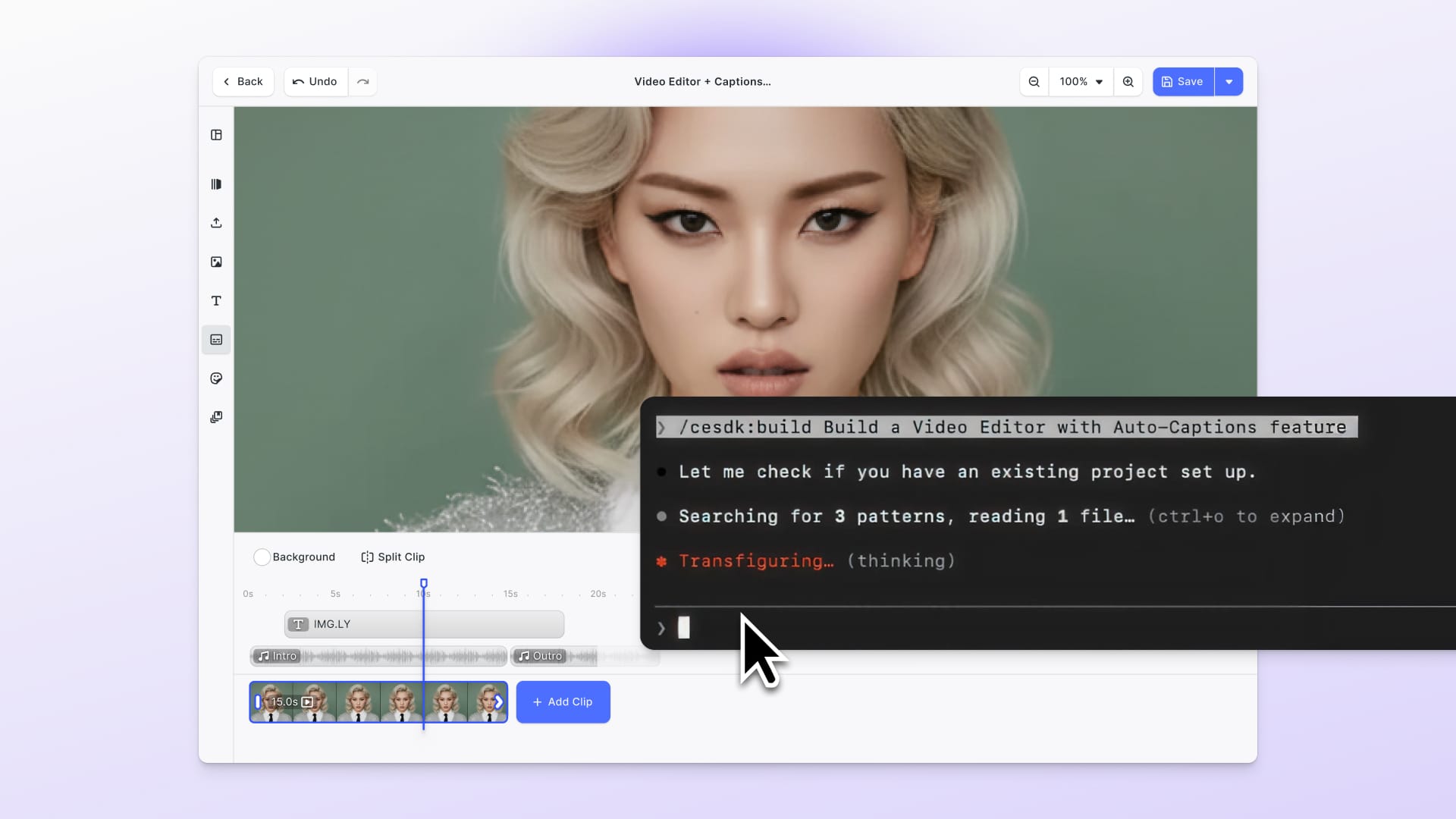
Demo showcasing how IMG.LY CoDesign can speed-up creation of marketing campaigns
The AI Marketing Stack Has a Design-Shaped Hole in It
Most marketing workflows have been quietly transformed over the last two years. Copy generation, audience segmentation, keyword research, performance analysis - all of it runs faster now, with less manual input. A solo marketer can do what used to require a team. Except for one part.
Design hasn't moved. The workflow is still: write a brief, hand it to a designer, wait, review, revise, wait again. Then do the same thing in three more formats because the 1:1 you approved doesn't fit Stories, Display, or LinkedIn. That loop can take days. And it doesn't matter how good your AI-generated copy is if it's sitting in a doc waiting for someone to have bandwidth.
This isn't a resourcing problem. Hiring more designers doesn't fix the structural issue; it just adds capacity to a fundamentally slow process. The problem is that the tools built for design weren't designed for the workflow a modern marketer actually runs. They expect a designer at the keyboard. They don't expect a marketer with a campaign brief and a conversation window.
The result: campaigns that are otherwise fully automated still stall before they ship. The bottleneck moved from copy to creative. And most teams haven't noticed yet, because design delays feel normal. They've always been there.
What an AI Design Agent Actually Changes
An AI design agent is an autonomous AI system, not a prompt-response tool. It plans, reasons, and executes design tasks independently. Given a goal, it breaks that goal into steps, uses the tools available to it, retains context across the session, and can self-correct when the output isn't right. That's the category: a system that drives the workflow rather than waiting for instruction at each step.
Most design agents deliver speed. The handoff that used to take days can happen in minutes. But the output is still a deliverable: a file you receive, use as-is, or move somewhere else. Most operate inside existing tools or generate assets you work with elsewhere. The speed is real, the editability usually isn't. If something needs to change, you're back to prompting from scratch.
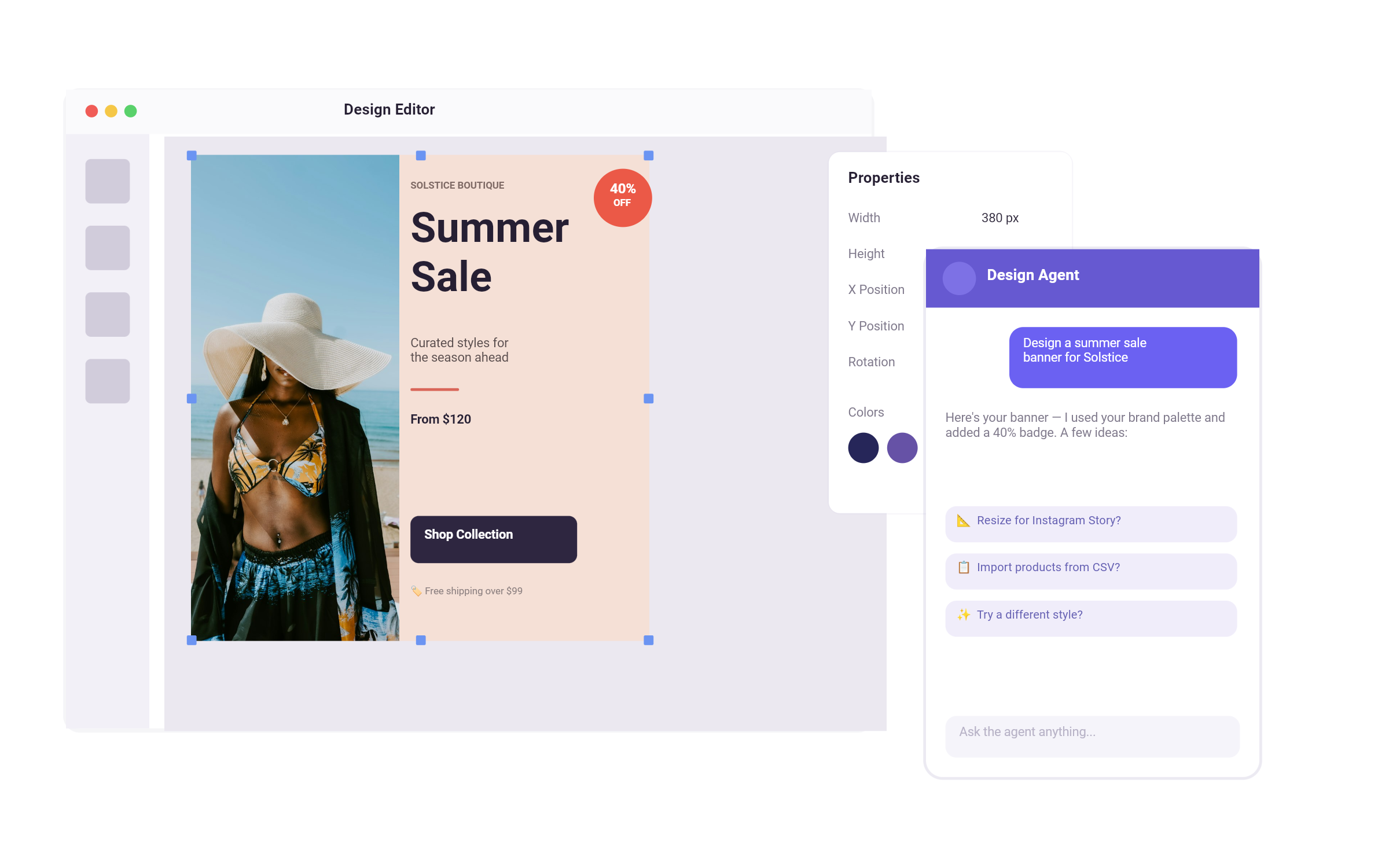
CoDesign sits differently. It doesn't hand you a finished asset. It gives you a working starting point on a real canvas. Layers, text boxes, placeholders - real assets you can continue to work with, in the same conversation, without leaving the session.
Brand consistency gets handled at the foundation. Load your brand kit once, including colors, fonts, logo, and layout rules, and every output that session respects those constraints. You're not eyeballing hex codes or hoping the font looks right. The rules are applied from the start, not checked at the end.
Multi-format adaptation is where the time savings become concrete. A campaign that runs across Instagram, Google Display, LinkedIn, and print doesn't produce four separate briefs and four separate rounds of designer revisions. You describe the formats you need, and the agent adapts the work. The campaign stays consistent across all of them.
The biggest shift isn't speed, though that's real. It's that you stay in creative control throughout. There's no handoff moment where you lose the thread and have to re-explain the brief to someone else. The context lives in the conversation.
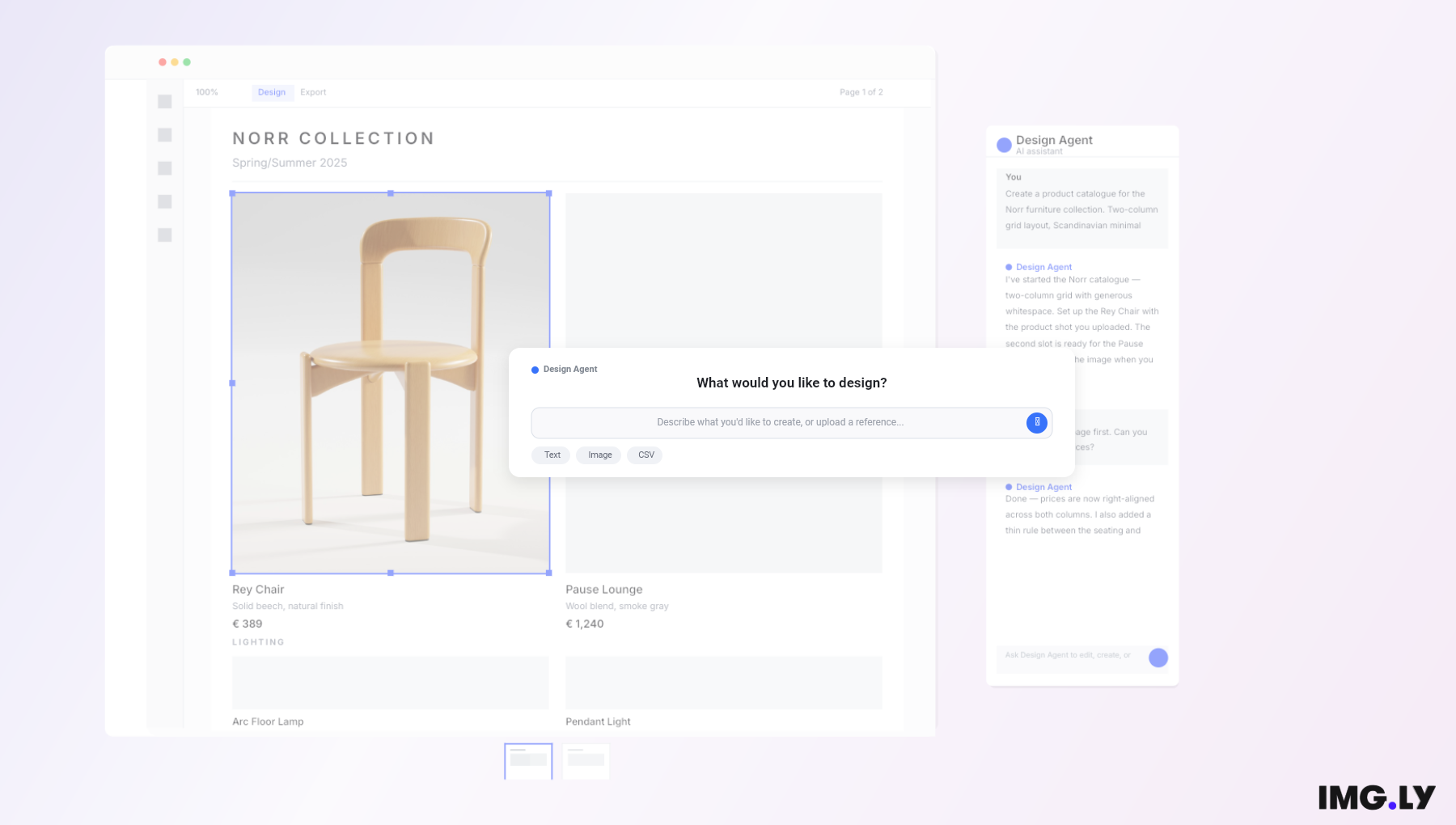
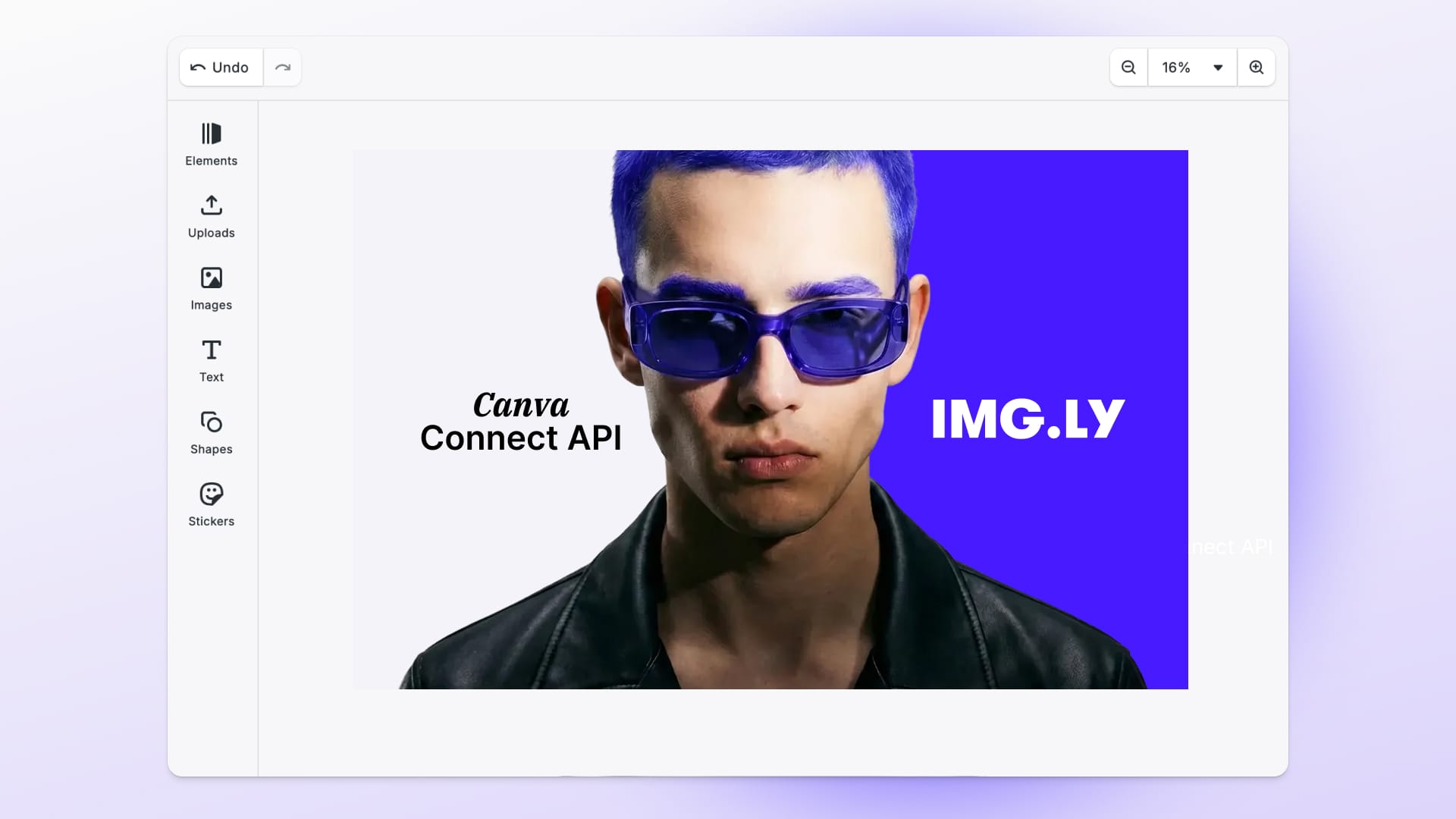
Building product catalogue with IMG.LY CoDesign
How to Run a Campaign Production Session with CoDesign
This is the actual sequence. Walk through it once and the workflow becomes repeatable.
1.Start with the brief. Open CoDesign and describe the campaign in plain language. Audience, objective, platform, tone, any constraints. The more specific you are here, the less iteration you'll need later. Treat it like briefing a senior designer who hasn't worked with your brand before.
2.Generate copy variations before you open the canvas. Use whichever AI writing tool you already work with — ChatGPT, Claude, or whatever is in your stack — to produce multiple copy directions: headline hooks, body copy, CTAs. Get four or five versions per element. Copy and design are separate steps that feed into each other. Having real options ready before you start the design session means CoDesign has something specific to work with, not a blank brief waiting to be interpreted.
3.Feed the brief to the AI design companion. With copy variations ready, ask CoDesign to generate initial ad designs. Describe the format, the hierarchy you want, any layout preferences. You'll get structured, editable designs on the canvas. Not a rendered image, but a working starting point with real layers.
4.Apply your brand kit. If you haven't already, load your brand assets: logo, color palette, type system, approved imagery. The agent applies these rules to the designs. Every output from this point respects your brand standards automatically.
5.Adapt across formats. Tell the agent which formats you need. The social variant, the display variant, the vertical for Stories, the square for feed. Watch the layouts adapt to each context, maintaining the campaign idea and brand consistency across dimensions. If the hierarchy needs adjusting for a specific format, describe what's not working and the agent fixes it in conversation.
6.Refine in conversation. This is where the canvas-based approach earns its value. You're not generating new versions from scratch. You're iterating on what's already there, in the same session. "Move the logo to the bottom right. Try the headline in the lighter weight. Swap this layout for something with more white space." Each exchange builds on the last, so the conversation stays grounded in what's on the canvas rather than starting over from a new prompt.
7.Export and ship. When the designs are approved, export in the formats your media plan requires. The session context lives with the file, so if something needs to change post-launch, you're not starting from zero.
One honest note: the quality of the output is proportional to the quality of the brief. Vague prompts produce generic starting points. Teams that invest two minutes in a specific, structured brief consistently get more usable first outputs than teams that describe the campaign in one sentence and expect the agent to fill in the gaps.
This Is What Closing the Loop Actually Looks Like
Design agents don't replace designers. They remove the bottleneck that sits between strategy and execution.
The marketer who used to wait three days for ad assets can now produce a full campaign set in a single session. The designer who spent half their week on format resizes and small-copy tweaks can spend that time on the work that genuinely requires their judgment. That means brand-defining creative, campaign concepts, and anything where taste and experience are the actual input.
It was never about willingness to collaborate. The tools just didn't allow for anything else. Every design change, no matter how small, had to go through a handoff. A headline adjustment on a banner resize does not need a creative director. A resize from 1:1 to 9:16 does not need a brief, a Slack message, and a 48-hour turnaround.
Thanks to design agents conversation shifts. It moves from "can you make this" to "how should this look." And that's a way more interesting conversation.
Interested in trying IMG.LY CoDesign? Reach out to our team.