Stay Flexible with iOS 26

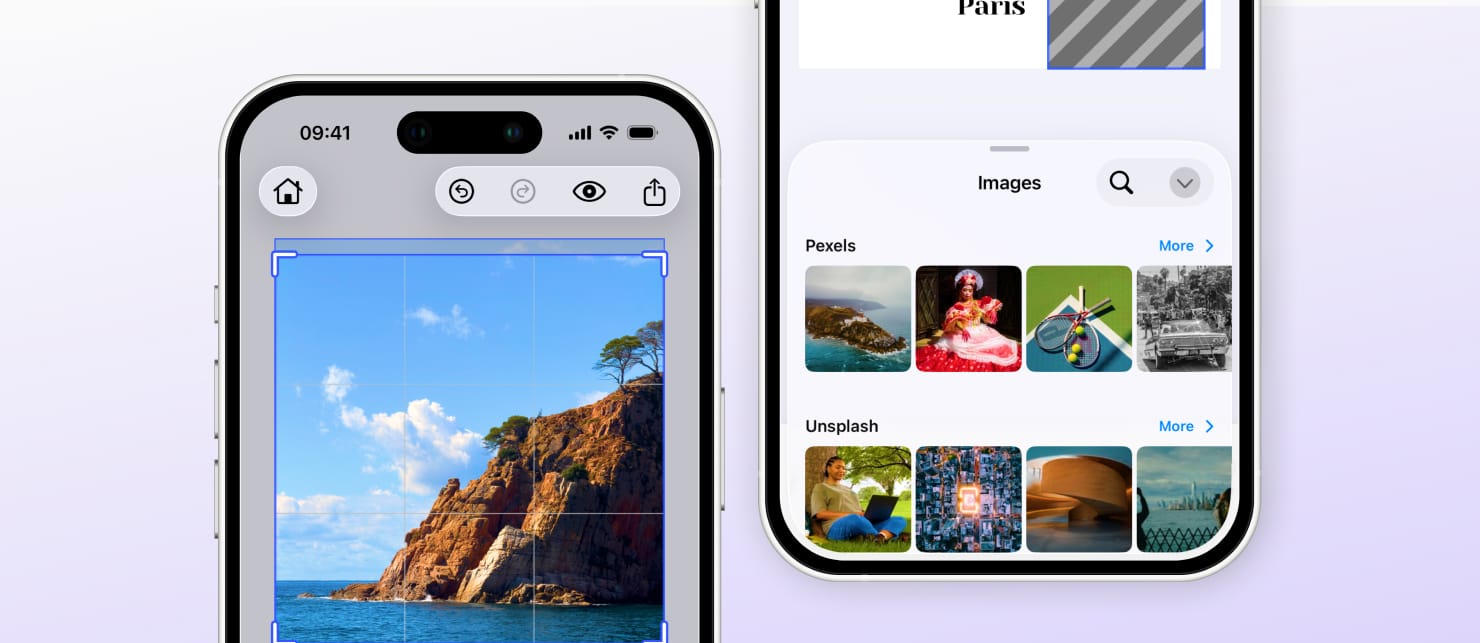
Apple’s new Liquid Glass design system in iOS 26 changes safe-area handling, toolbar sizing, and system banners. CE.SDK v1.60 prepares you for this shift: choose whether to embrace the new look or preserve your current layout.
By default, when you build against the iOS 26 SDK, our editor automatically uses the new system visuals and behaviors for seamless alignment with Apple’s latest design language.
If you continue building with a pre–iOS 26 SDK, nothing changes: your app continues to look and behave as before, and our SDK maintains the previous experience.
If you want to build with the iOS 26 SDK but temporarily keep the classic UI, Apple provides an Info.plist switch: UIDesignRequiresCompatibility to enable UI compatibility mode.
When this is present, your app won’t adopt Liquid Glass, and our SDK will mirror that choice to remain consistent with the rest of your app.
Note: Apple hasn’t published a deprecation date for this compatibility key; plan your migration accordingly.
Resources:
→ Apple Documentation - Liquid Glass Introduction
→ Apple Documentation - Adopting Liquid Glass