


Apparel Editor UI
Apparel Editor for creating print-ready design.
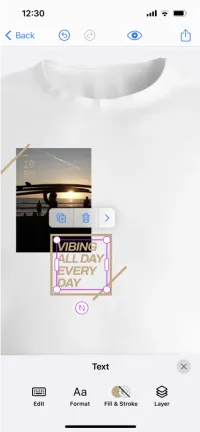
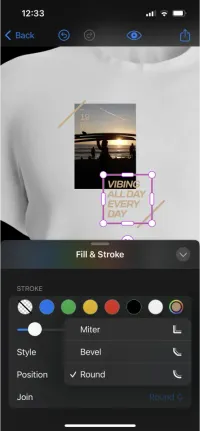
Configure the editor for apparel design.
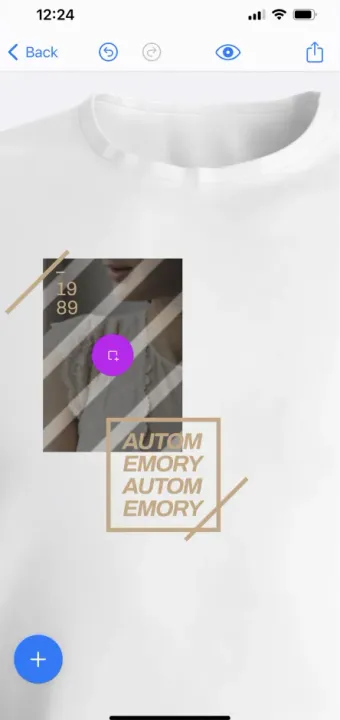
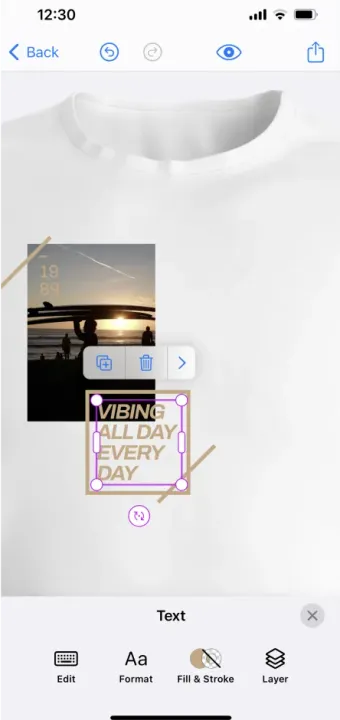
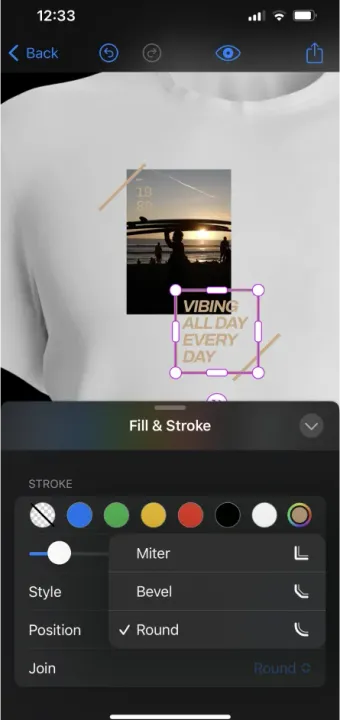
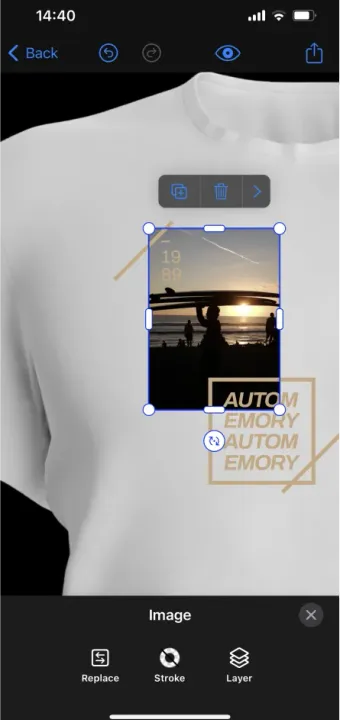
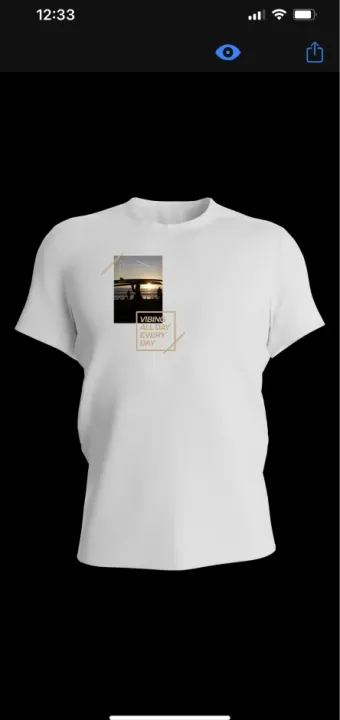
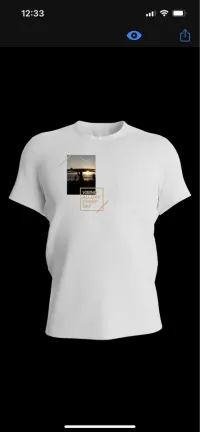
This instance of CE.SDK is configured to streamline the process of apparel design, specifically focusing on t-shirts. It features a t-shirt backdrop that serves a dual purpose: it assists users in accurately placing their designs and provides a realistic visualization of the final product. This backdrop is added to the initial scene programmatically using the editor API.
Another notable feature is the rigorous enforcement of page boundaries. Any element that extends beyond the t-shirt template’s limits is automatically clipped. This ensures a precise representation of the area that will be printed on.
In order to fit optimally with most print workflows the default export format is set to pdf.
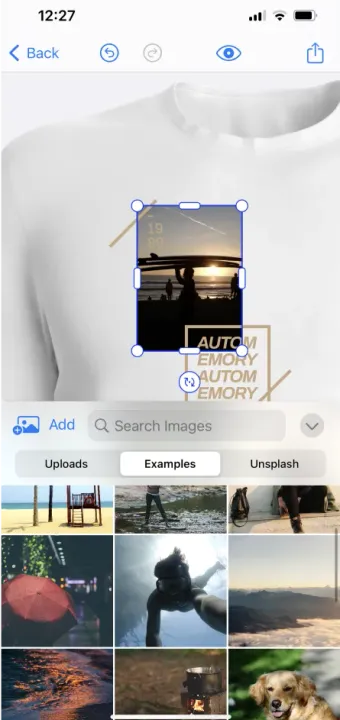
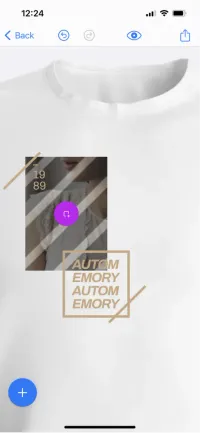
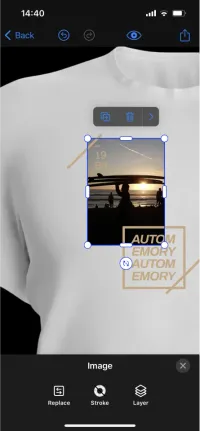
As with other use cases the use of templates can significantly enhance your users’ experience. Here, we are working with a placeholder image as variable part of the template.
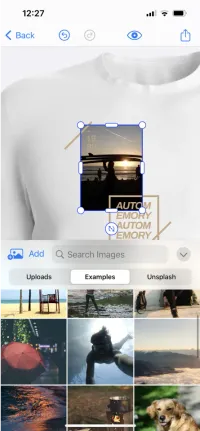
Users in “Adopter” mode can easily swap out the image. You can toggle from “Adopter” to “Creator” mode by clicking on “Customize Editor” in order to define the behavior of placeholders, i.e. what a user in the “Adopter” is permitted to change.
Configure the editor for apparel design.
This instance of CE.SDK is configured to streamline the process of apparel design, specifically focusing on t-shirts. It features a t-shirt backdrop that serves a dual purpose: it assists users in accurately placing their designs and provides a realistic visualization of the final product. This backdrop is added to the initial scene programmatically using the editor API.
Another notable feature is the rigorous enforcement of page boundaries. Any element that extends beyond the t-shirt template’s limits is automatically clipped. This ensures a precise representation of the area that will be printed on.
In order to fit optimally with most print workflows the default export format is set to pdf.
As with other use cases the use of templates can significantly enhance your users’ experience. Here, we are working with a placeholder image as variable part of the template.
Users in “Adopter” mode can easily swap out the image. You can toggle from “Adopter” to “Creator” mode by clicking on “Customize Editor” in order to define the behavior of placeholders, i.e. what a user in the “Adopter” is permitted to change.
Download

Related Demos
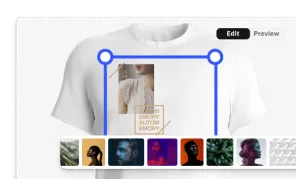
Custom Apparel UI
Custom, mobile apparel UI for creating print-ready design.
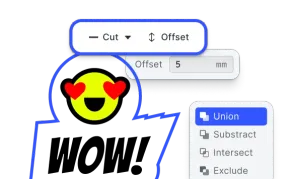
Cutout Lines Plugin
CE.SDK's cutout plugin enables effortless creation and customization of cutout shapes for web-to-print users.
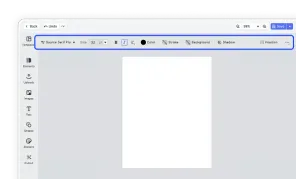
Design Editor UI
Our easy to use editor variant focused on layout, text, and images is ideal for adapting existing templates.