The phrase "design agent" is being used in two completely different ways right now, and the confusion is worth clearing up before either meaning becomes the default. Search for it today and you'll mostly find AI design agencies - services firms that use AI in their process. That's a reasonable business, but it has nothing to do with what this article is about.
The second meaning, a design agent as a category of AI tool, is the one that matters for product builders, developers, and creative teams trying to understand where AI-assisted design is actually going. That's what we're defining here: what it is, how it works, how it differs from tools you already know, and why the distinction matters if you're building or evaluating creative software in 2026.
First, What a Design Agent Is Not
An AI design agency. This is a services firm that uses AI tools in its creative process. It's a completely different category - a service, not a tool - and it's the most common result you'll find when you search "design agent" right now.
An AI image generator. Midjourney, DALL-E, and similar tools produce images from text prompts. They generate a single output from a single instruction.
An AI feature inside a design tool. Figma's AI suggestions, auto-layout assistance, and background removal are AI features. They augment a manual workflow making specific tasks faster.
A design automation pipeline. Server-side systems that batch-generate assets from templates are automation, not agency. They're fast and scalable, but they don't converse, can't interpret an ambiguous brief, and don't refine their output in response to feedback. The confusion here is understandable: modern automation systems use AI models internally and can produce polished, varied-looking results that are easy to mistake for something more intelligent. But give one an ambiguous brief and it either fails or produces something technically correct that misses the point entirely. Give a design agent the same brief and it asks a question. That distinction - executing a fixed process versus reasoning about intent - is what separates the two categories.
The distinction matters because "design agent" is becoming a meaningful category term, and what it actually describes is different enough from all of the above that collapsing the distinctions creates real confusion, both for people evaluating tools and for people building products.
Design Agent - a Working Definition
There is no settled definition of a design agent yet, the term is still early. Based on what we see in the tools that genuinely deliver on the promise, three properties distinguish a real design agent from something that merely resembles one:
1. Autonomy. The agent takes multi-step actions without requiring a human instruction at each step. Given "create a five-page product catalog in a Scandinavian minimal style," it works out the layout, typography, and image placement independently and produces the result.
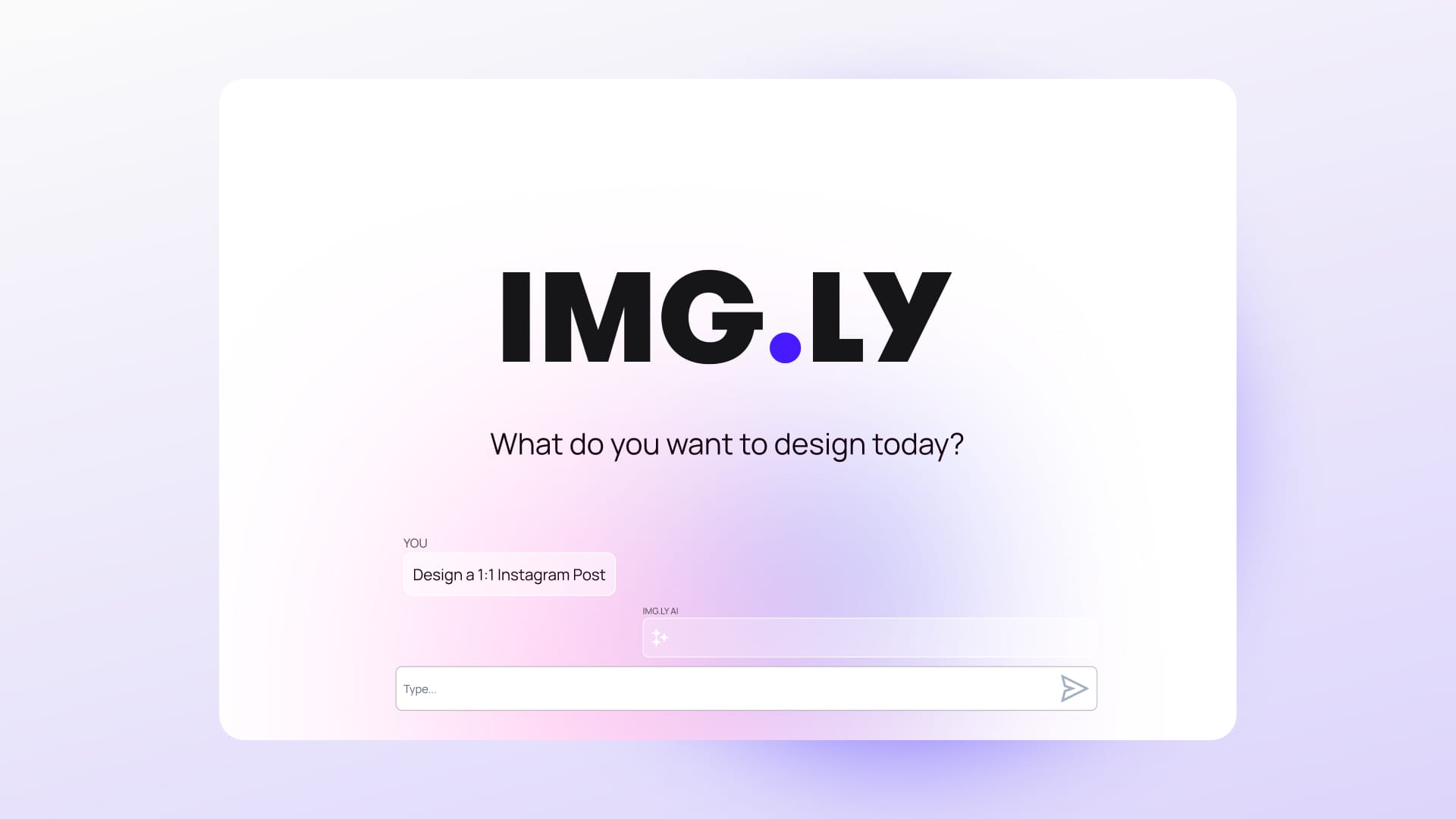
2. Conversational interface. The agent communicates in natural language. It can ask clarifying questions, explain what it's done, and accept follow-up instructions. The interaction feels like briefing a designer, not operating software.
3. Refinement loop. The agent takes feedback across multiple conversation turns: "make the typography lighter," "apply the brand's warm color palette", and updates the design accordingly. This iterative loop is what separates a design agent from a one-shot generation tool.
A tool that has all three of these properties is a design agent. A tool that has one or two is something else; probably useful, but in a different category.
How a Design Agent Works in Practice
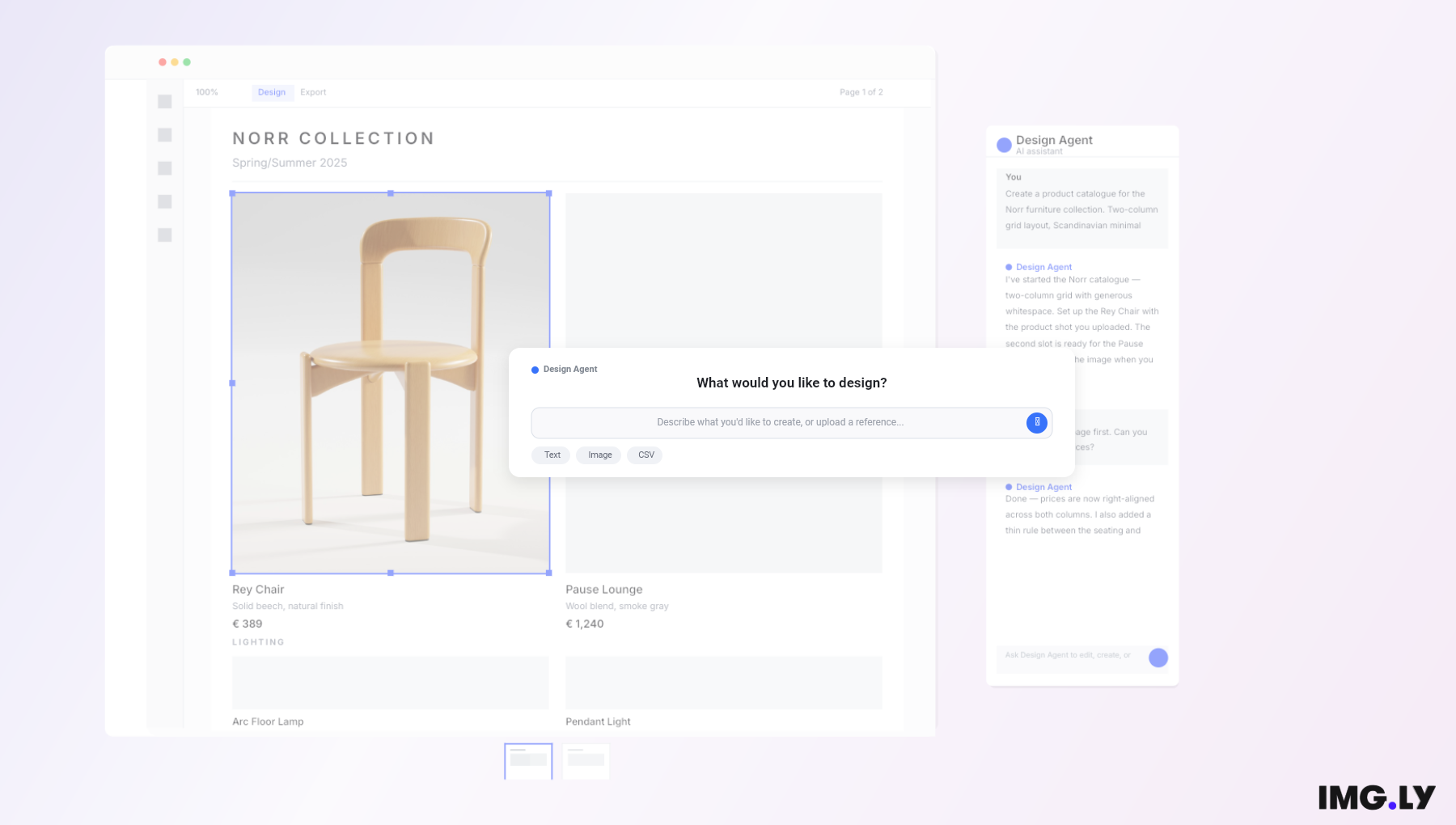
Building product catalogue with IMG.LY Codesign
An abstract definition only takes you so far. Here's what a fully implemented design agent workflow actually looks like, drawn from a real demo of IMG.LY CoDesign.
Step 1. The user opens CoDesign. The agent interface - a chat panel - sits alongside the canvas. They're in the same window.
Step 2. The user types a brief: "Here's a CSV of five products from our furniture brand. Generate one landscape catalog page per product — two-column grid, full-bleed photo left, typography-led layout right. Clean, minimal. Think Hay, Muuto, Frama."
Step 3. The agent processes the brief, the data, and any brand context it has access to. It generates a five-page catalog in the editor: product names, descriptions, prices, photo placeholders, layout structure consistent across all five pages.
Step 4. The user reviews the output and follows up in the chat: "Nice. Pre-fill the photo placeholders with black-and-white product photography, soft contrast."
Step 5. The agent updates the design. The user manually adjusts one headline, corrects a price, and exports.
The full workflow, from brief to print-ready output, took minutes rather than hours. The user never left the tool. The agent handled all structural and stylistic decisions. The human handled final judgment and small corrections.
But generating layouts from a brief is only part of what a design agent can do. In the same chat interface, the agent can build functional decision-making tools directly inside the editor. Ask it to create a Color Themes panel, and it produces a working component: five named presets, each one applying a complete color theme across the entire design in a single click. The user doesn't switch to a settings screen or manually update individual elements. The agent has built the control they need, right where they need it, as part of the same conversation. That's a meaningfully different capability: not just producing a designed output, but constructing the tools that let the user make better decisions about that output as they finalize it.
Design Agents vs. Related Tools
This table is meant as a fair comparison, each column represents how these tool categories actually behave today:
| Capability | AI Image Generator | AI Design Features | Design Agent |
|---|---|---|---|
| Takes a brief | Prompt only | No | Yes |
| Produces editable layouts | No | Partial | Depends on a tool |
| Multi-step autonomy | No | No | Yes |
| Conversational refinement | No | Limited | Yes |
| Brand / context awareness | No | Partial | Yes |
| Iterative across a session | No | No | Yes |
The pattern here isn't that design agents are better at everything - it's that they operate at a different level of the workflow. Image generators and AI design features are task-level tools. A design agent is a workflow-level tool.
The Autonomy Slider: Why Human Control Still Matters
One of the most important design decisions when building or evaluating a design agent is how much autonomy the AI exercises by default.
Full autonomy is fast. The agent makes all decisions and presents a finished output. But it can produce results that don't match the user's actual intent, especially when the brief is ambiguous or the stakes are high.
Minimal autonomy is safe. The agent only suggests, the human decides everything. But at that point, you've lost much of the value of having an agent in the first place.
The best implementations give users what you might call an autonomy slider: the ability to let the agent run with full independence on some tasks, take targeted direction on others, and step aside entirely when the user wants to edit manually. The right level of autonomy depends on the task and the user's confidence, not a fixed setting applied uniformly across every interaction.
For any design agent, this means the interface needs to let the user reach in and adjust manually, mid-workflow, without losing what the agent has already done. The agent and the editor have to exist in the same environment. Separate windows with an export step between them break the loop entirely.
Where Design Agents Create the Most Value
Not every creative workflow benefits equally from an AI agent. The scenarios where design agents consistently create the most value tend to fall into three categories:
High-volume, high-variation creative production. Marketing teams producing dozens of ad variants, e-commerce teams generating product imagery at scale, publishers creating template-based content in bulk. A team can brief the agent once: brand colors, copy, format specs, and get 40 properly formatted variants back in the time it would have taken to manually produce three, each one consistent with the last.
Non-designer users who need professional results. Not everyone who needs to produce a designed output is a designer. Marketers, retailers, operations teams, small business owners - they know what they want but don't have the tools or time to build it manually. A design agent gives them a way in that doesn't require either.
Expert designers who want to explore faster. Experienced designers using the agent to generate starting points, explore multiple directions quickly, or offload the time-consuming production work while retaining full control over the final result. A designer can spend 20 minutes reviewing six distinct layout directions the agent generated from a single brief, rather than a full afternoon building each one from scratch.
These aren't exhaustive categories, but they represent the use cases where the workflow-level shift actually changes what's possible, not just what's faster.
A Different Kind of Design Tool
A design agent makes creative work faster and more accessible. For designers who want to explore more directions in less time, and for non-designers who have always known what they wanted but lacked the tools to build it.
That's what IMG.LY Codesign is built around. It's in early access now, inside a fully featured design editor - get in touch for early access.