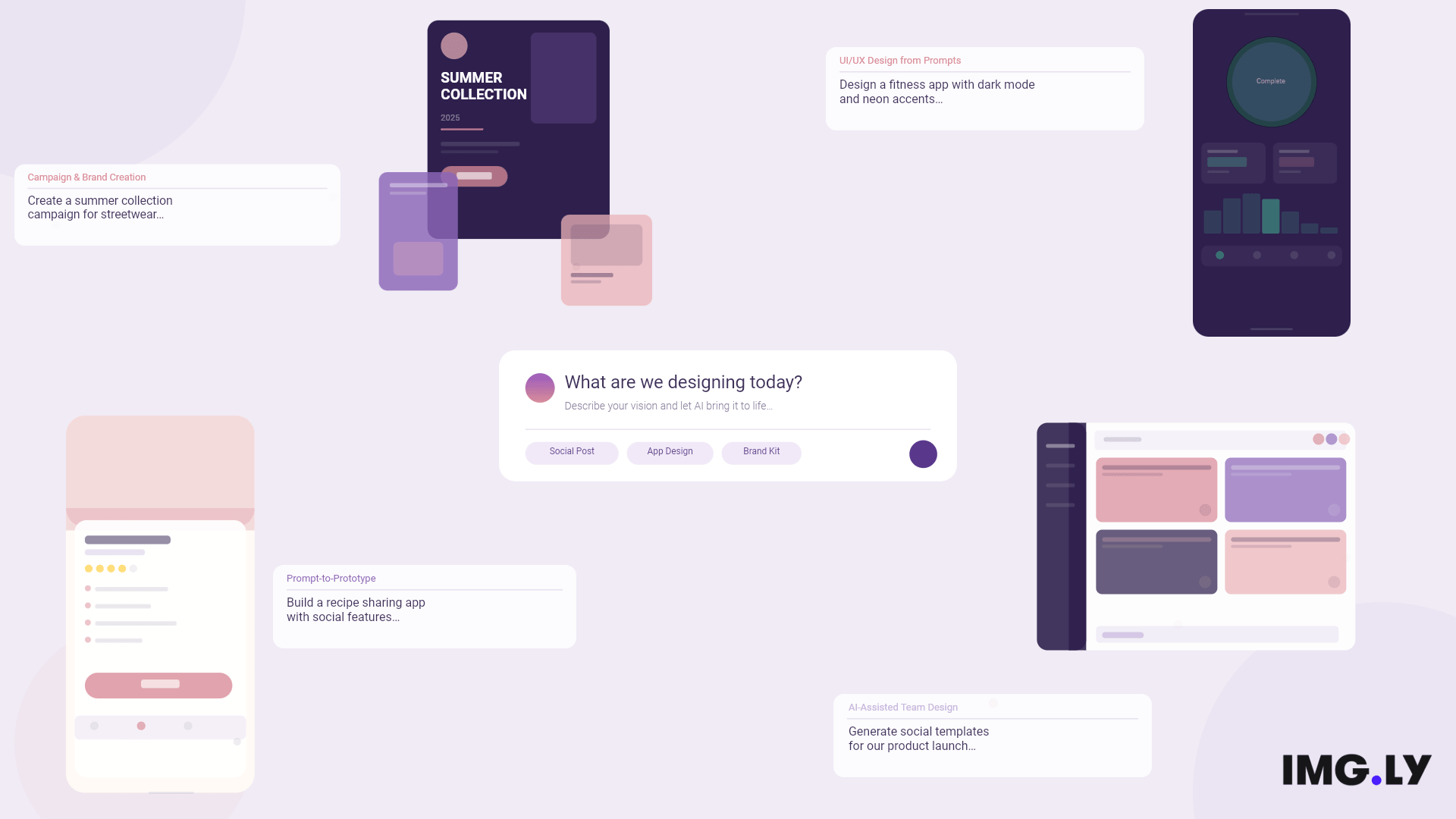
Vibe coding gave non-technical people the ability to build software by describing what they wanted. The same shift is now happening with vibe design. For the first time, a marketer, a retailer, or a small business owner can create a professional design exactly to their specification just by explaining it to an AI. No design skills required. No external tool. No waiting for a designer to become available.
This article compares four tools leading that shift - what they do well, where they differ, and how to choose between them.
Tools Built for Creators
These tools represent the current state of standalone vibe design software. Each is genuinely good at what it does. The differences come down to what kind of work they're built for.
Google Stitch
Google Stitch is an AI-native design canvas from Google Labs, launched for public beta in early 2026. It accepts text, voice, images, and code as input and produces high-fidelity UI designs and interactive prototypes on an infinite canvas. Its design agent can reason across an entire project rather than just the current frame - a meaningful step beyond tools that only operate on one screen at a time.
Stitch introduces a DESIGN.md file format for exporting and importing design rules across tools, and it connects to Cursor, Claude Code, and Gemini CLI via an MCP server. It's available free during beta with monthly generation limits, and it's clearly aimed at UI/UX designers and developers building product interfaces - not marketing or graphic design work.
Figma Make
Figma Make takes natural language prompts or existing Figma designs and produces working prototypes and web apps - functional code, not just mockups, with optional Supabase backend integration. Because it lives inside Figma, it has access to your existing design libraries, component systems, and tokens from the start.
It's best understood as a rapid ideation and prototyping tool. It generates interactive, working outputs fast, but the code benefits from developer review before going to production. It's distinct from Figma Sites, which handles actual publishing. AI credits are required for usage.
Lovart
Lovart is a standalone AI design agent founded by a former ByteDance senior product director. Its scope goes well beyond graphic asset creation: from a single prompt, it can generate brand identity systems, UI mockups, video content, packaging designs, and full marketing campaigns. It uses a proprietary MCoT (Mind Chain of Thought) reasoning engine designed to mimic how a creative director thinks - analyzing business context, target audience, and brand requirements, not just aesthetic style.
Its infinite canvas continuously analyzes all assets present to maintain visual consistency across an entire project, and outputs are compatible with Figma, Photoshop, and After Effects. Lovart is positioned for marketing creatives, solo designers, and small creative teams who need to produce full campaigns without a large agency.
IMG.LY CoDesign
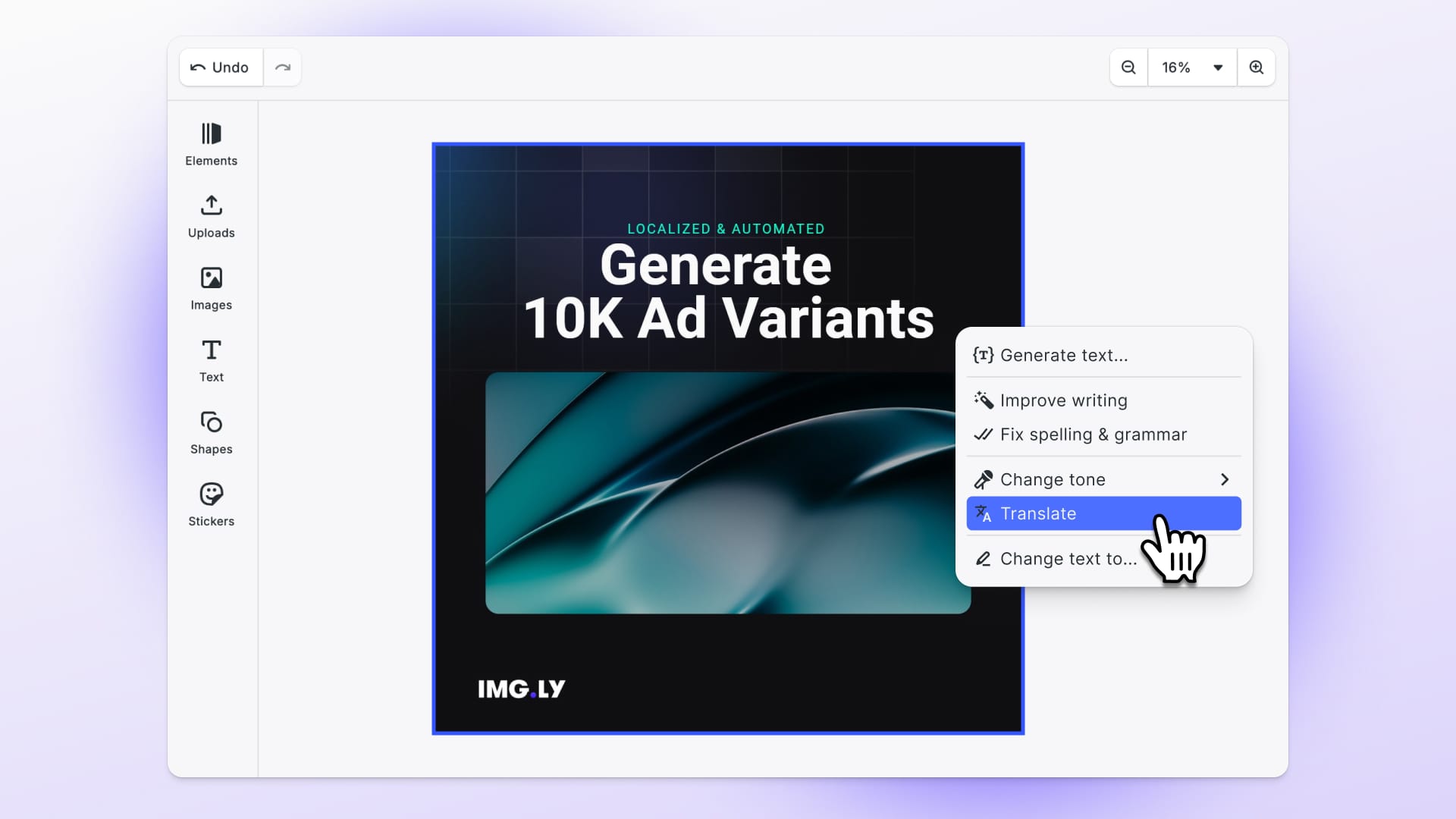
IMG.LY CoDesign is AI-powered design companion built for creators and teams producing marketing materials, branded content, social assets, and multi-format campaigns. What sets it apart from other standalone tools is how it treats AI output: every element CoDesign generates is a structured, editable design object on the canvas - not a flat image to export and rebuild elsewhere. Move a headline, swap a font, resize a block, change a color - directly in the same tool that generated it.
The agent and the editor aren't two modes. They're the same tool. You can prompt a direction, refine it in conversation, and take over the canvas directly at any point - without switching tools, exporting, or starting over. CoDesign also goes beyond the canvas: ask it to build a brand panel, a form-based template, or a custom configurator, and it builds that too - directly inside the editor, from the same prompt interface.
Here is a quick demo to showcase what IMG.LY CoDesign can do.
Demo showcasing how IMG.LY Codesign can speed-up creation of marketing campaigns
Vibe Design Tools at a Glance
| Google Stitch | Figma Make | Lovart | IMG.LY CoDesign | |
|---|---|---|---|---|
| Primary use | UI/UX design from prompts | Prompt-to-prototype / app | Full campaign and brand creation | AI-assisted design for creators and teams |
| Where it lives | Inside Figma | Lovart | IMG.LY | |
| Input types | Text, voice, images, code | Text, existing Figma designs | Text, images, brand briefs | Text, images, CSV, brand kits |
| Output type | UI designs and prototypes | Interactive prototypes and web apps | Brand assets, campaigns, video, packaging | Editable multi-page designs, videos, animations |
| Output format | Flat / exportable | Code / exportable | Flat / exportable | Structured editable objects on canvas |
| Brand context | Manual per session | Via Figma design system | Canvas-aware within session | Loaded at session start |
| In-chat UI generation | No | No | No | Yes |
| Best for | Product designers, developers | Product teams in Figma ecosystem | Marketing creatives, solo designers | Creators and teams needing editable AI-generated design |
How to Choose
The criteria here aren't about feature counts. They're about the kind of work you're doing.
Choose Google Stitch if you're a product designer or developer building UI and want an AI agent that reasons across your whole project, not just individual screens. It's the most technically connected of the four - MCP server, code input, DESIGN.md export - and it's clearly built for product interface work.
Choose Figma Make if you're already in the Figma ecosystem and want to go from prompt to working prototype fast. It inherits your design system automatically, which removes a lot of setup friction, and it outputs functional code rather than static designs.
Choose Lovart if you need to produce full creative campaigns - brand identity, packaging, video, marketing assets - from a single prompt. Its MCoT reasoning engine and canvas-level consistency analysis make it particularly strong for high-volume marketing creative work.
Choose CoDesign if you need AI-generated output you can actually edit. Every element lands on the canvas as a structured design object - headline, image block, color field - not a flat export. That matters when the brief changes, the brand needs adjusting, or the output needs to become ten variations rather than one. For creators and teams producing branded content at scale, that editability is the difference between a starting point and a finished asset.
CoDesign is in early access. Be among the first to prompt a direction and walk away with a design you can actually use. Talk to our team to learn more.