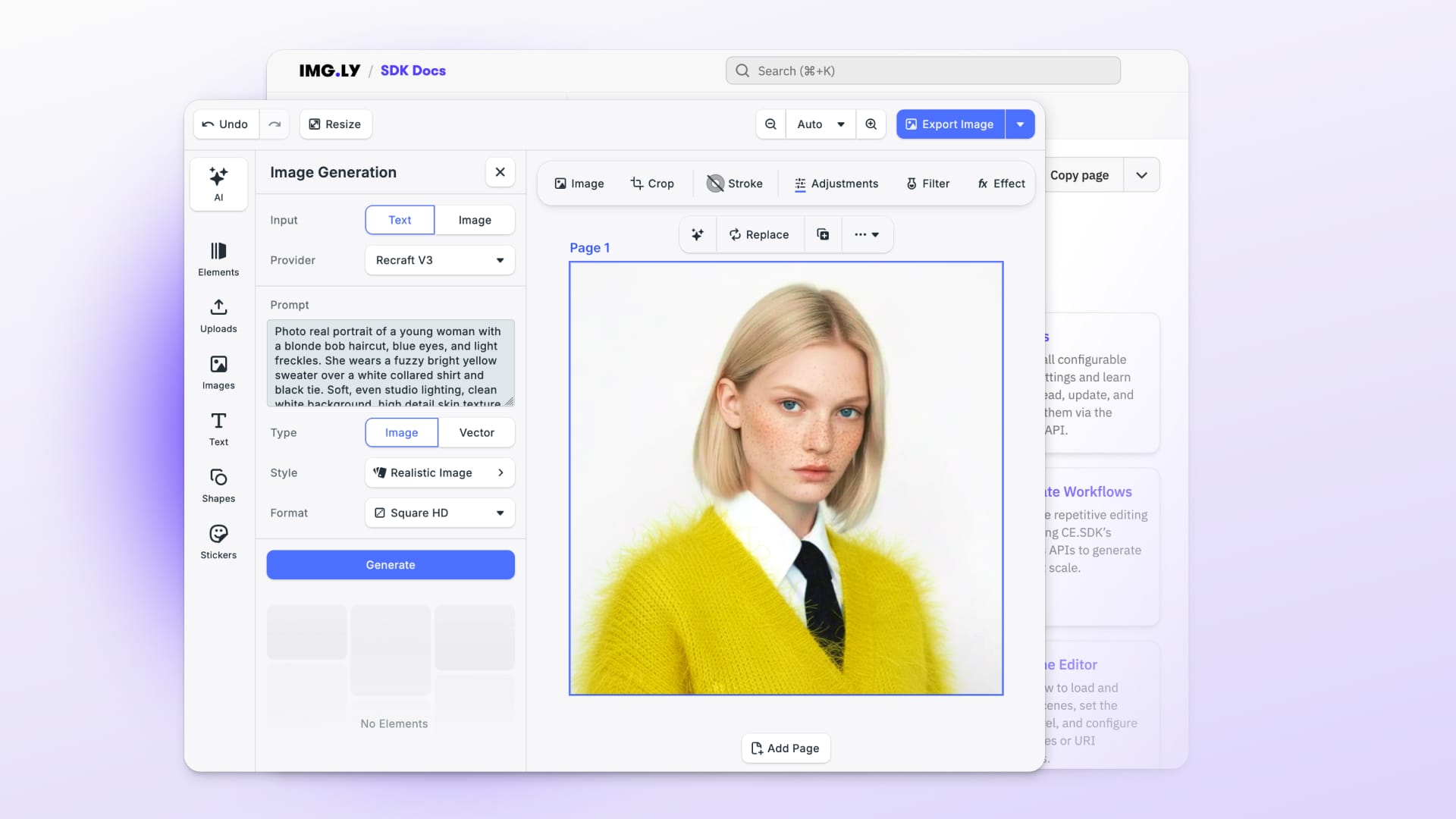
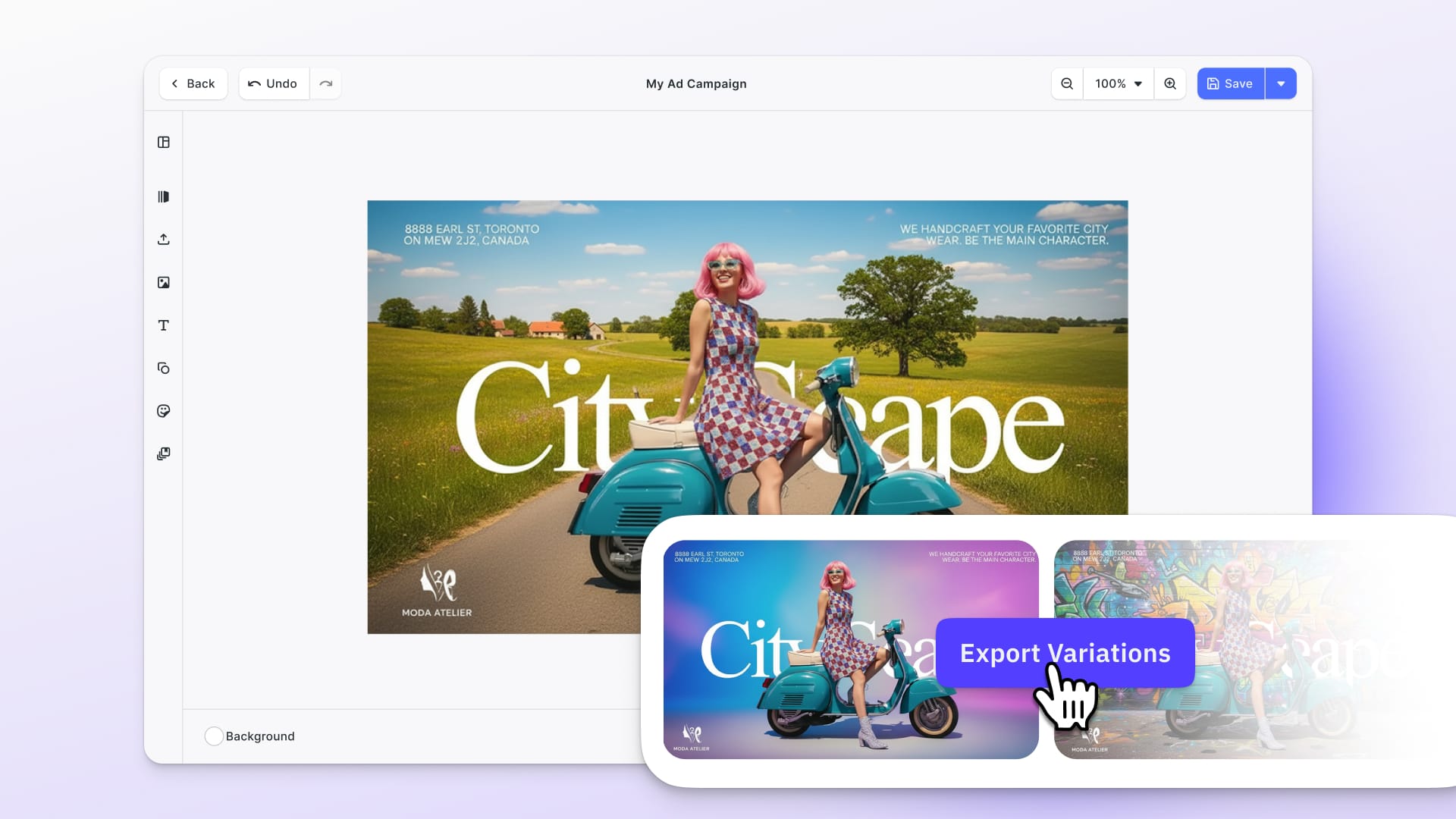
This release brings powerful new automation capabilities with CE.SDK Renderer, letting you export media at scale on your backend. Your users also gain more creative control with video speed editing.
Let’s dive in!
Scale Your Exports with CE.SDK Renderer
We are excited to introduce a new platform: CE.SDK Renderer brings production grade exporting to your backend, allowing you to turn CE.SDK templates into finished media with the speed, consistency, and scale required for modern creative automation.
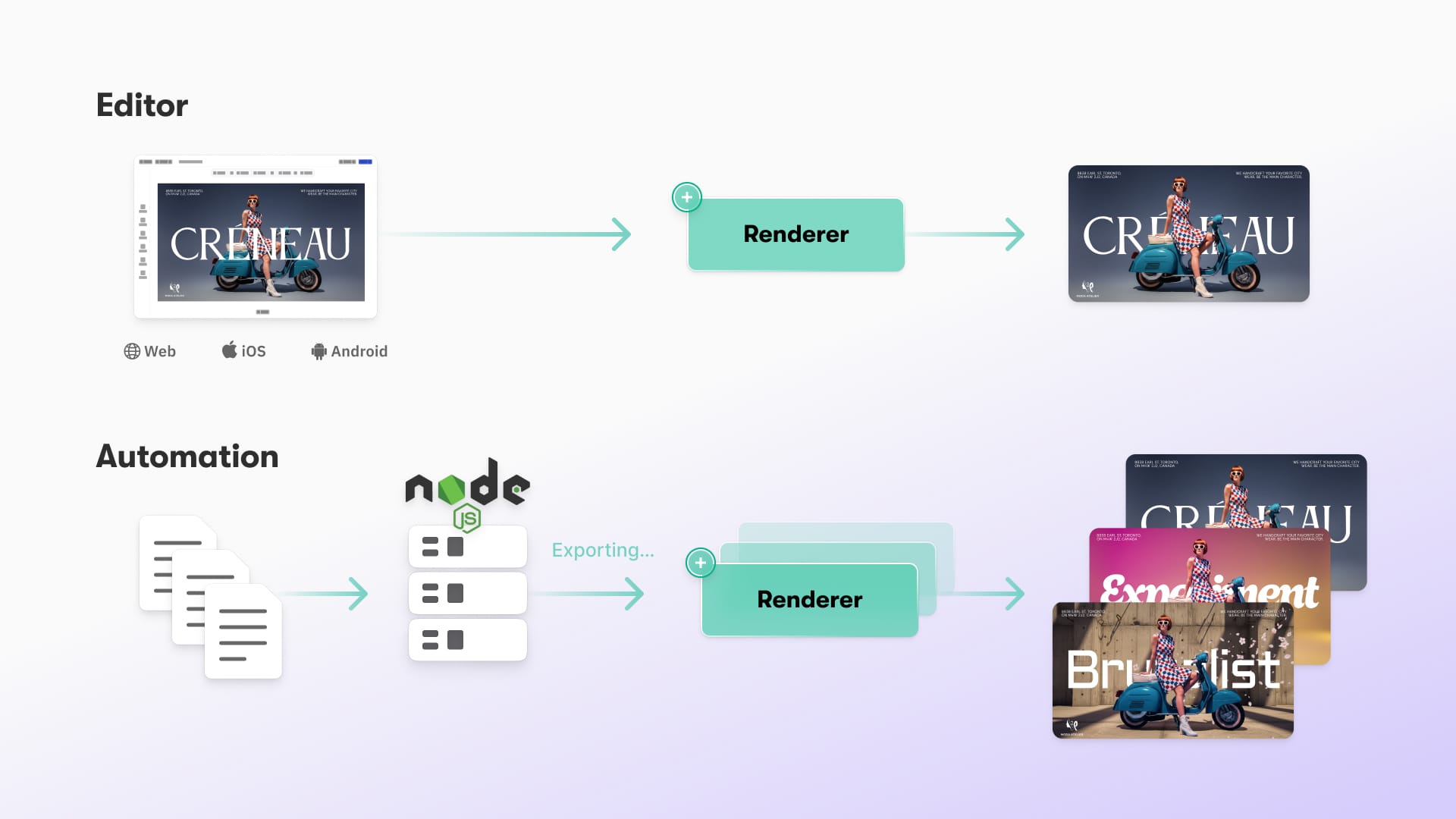
Running the CE.SDK engine natively on your server, the Renderer delivers fast and reliable export of images, PDFs, and fully compliant H.264 and H.265 videos. It removes the limitations of browser and Node based exporting and enables automated, personalized, and high volume content workflows.
Packaged as a ready-to-run Docker container, CE.SDK Renderer supports GPU acceleration, batch processing, and predictable output fidelity for enterprise production needs.
Perfect For Your Use Case
CE.SDK Renderer is ideal for dynamic ad creation, personalized video variations, template driven print assets such as postcards or brochures, and large scale automated content generation across marketing, e-commerce, and creative automation platforms.
→ Explore deep-dive into CE.SDK Renderer
→ View CE.SDK Renderer Documentation
Change Video Speed for Fun Video Editing
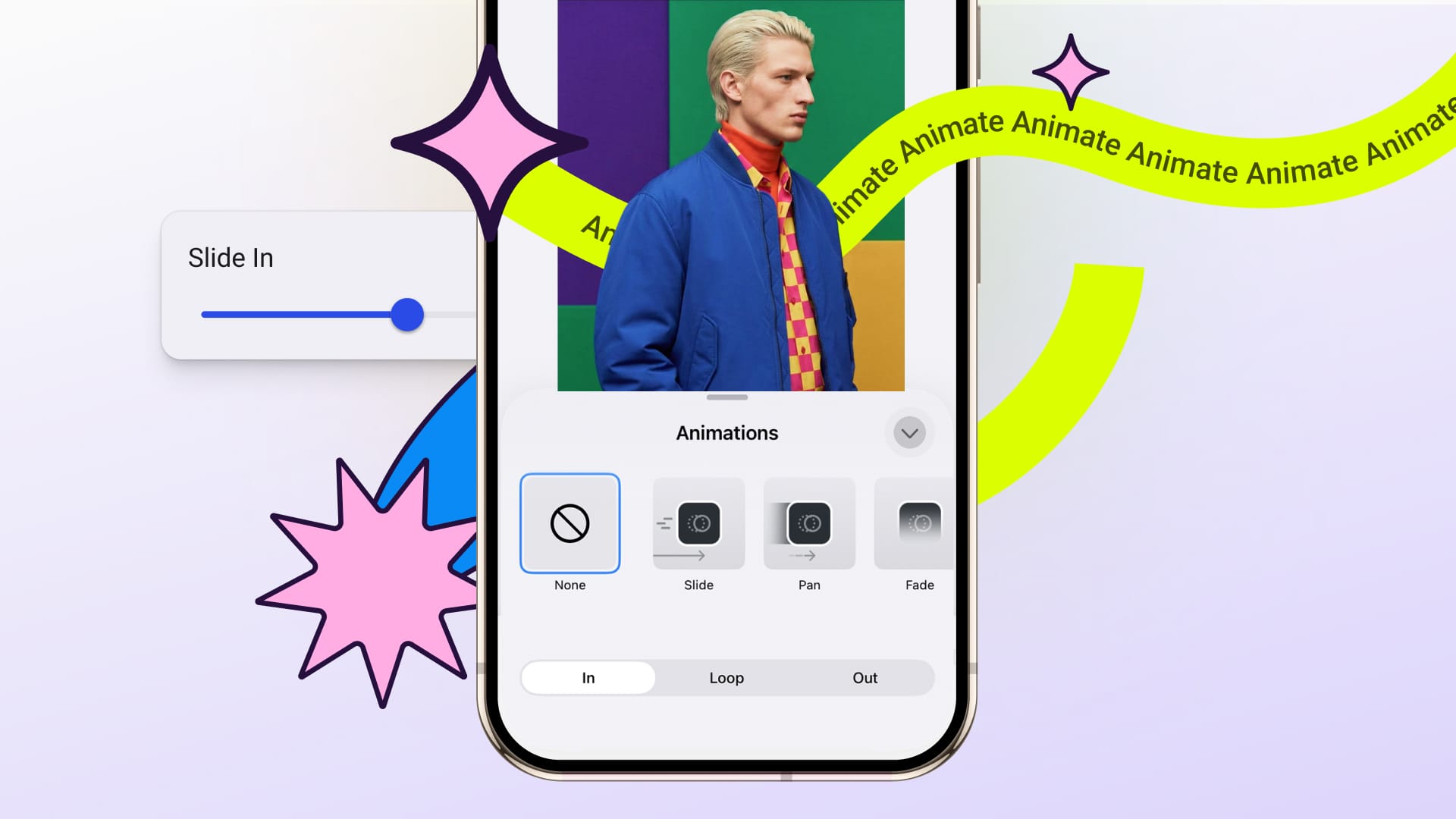
Your users can now change video speed right in the web editor. Slow clips down to spotlight important moments, or speed them up to keep content tight and engaging.
This removes the need for external editing apps and keeps more creation inside your product.
→ View Payback Speed Documentation
Enforce Image Ratios on Mobile
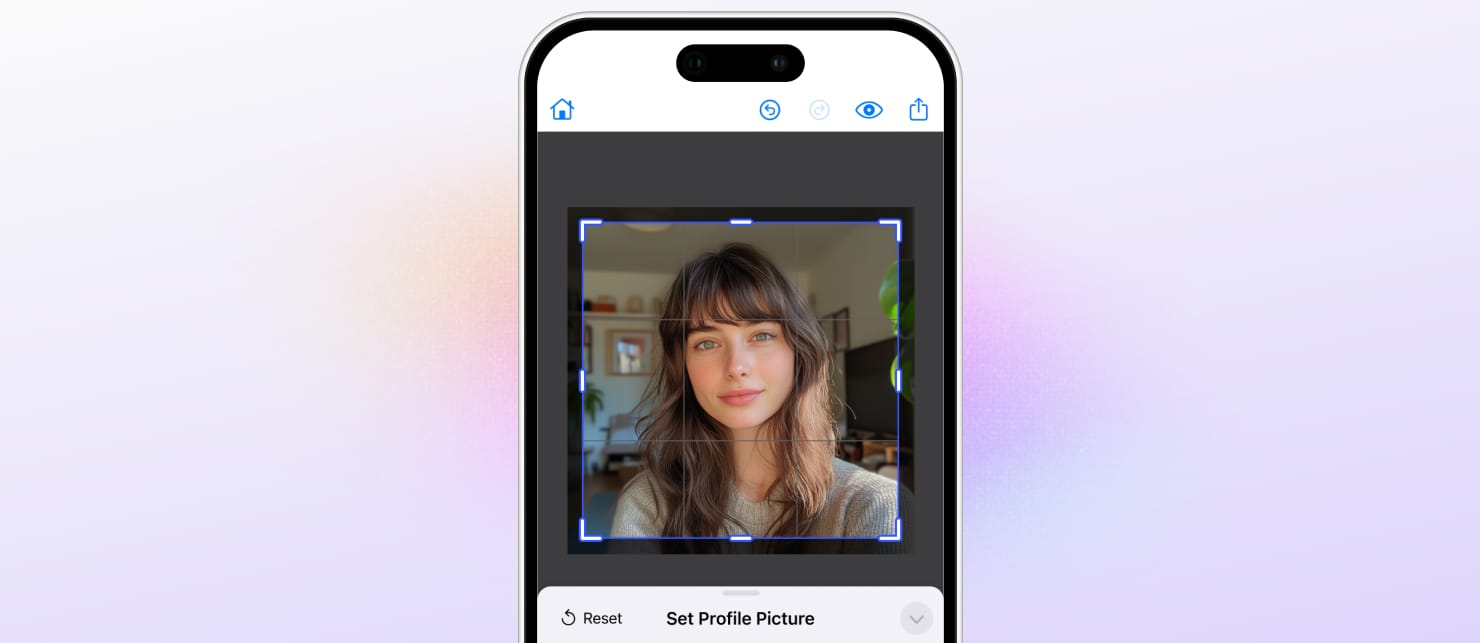
Force Crop is now available for Mobile, as seen for the Web editor: Force Crop ensures that images and videos always follow the aspect ratio your template requires.
If a user uploads media that does not fit the intended layout, the editor automatically crops or guides them through cropping, so the final design looks exactly as intended.
It is especially valuable for social stories, ads, marketplace listings, and any workflow where the output size must be precise.
Force Crop supports three modes so you can choose how much control you give users:
- silent
Applies the crop automatically without showing the crop UI. - always
Applies the preset and always opens crop mode, so users can review and adjust. - ifNeeded
Only opens the crop UI when the media does not match the required ratio.
→ View Android Force Crop Documentation
→ View iOS Force Crop Documentation
Customize Your Canvas Menu
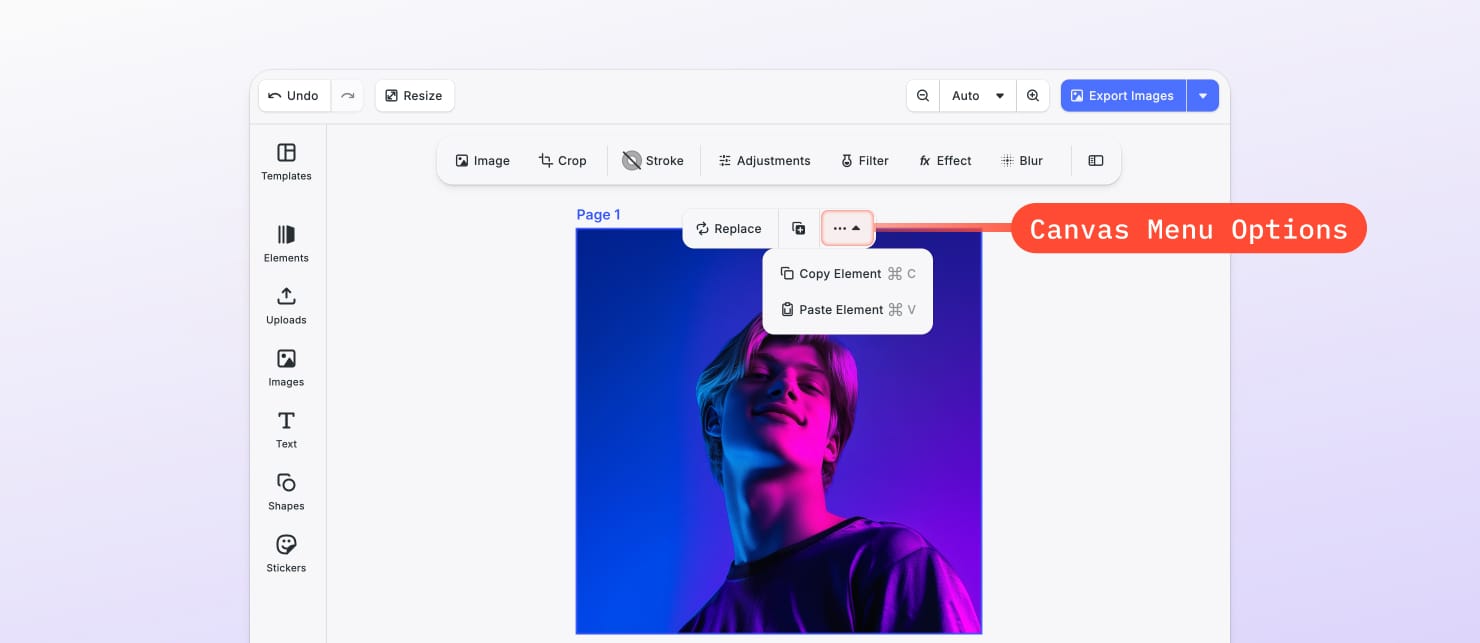
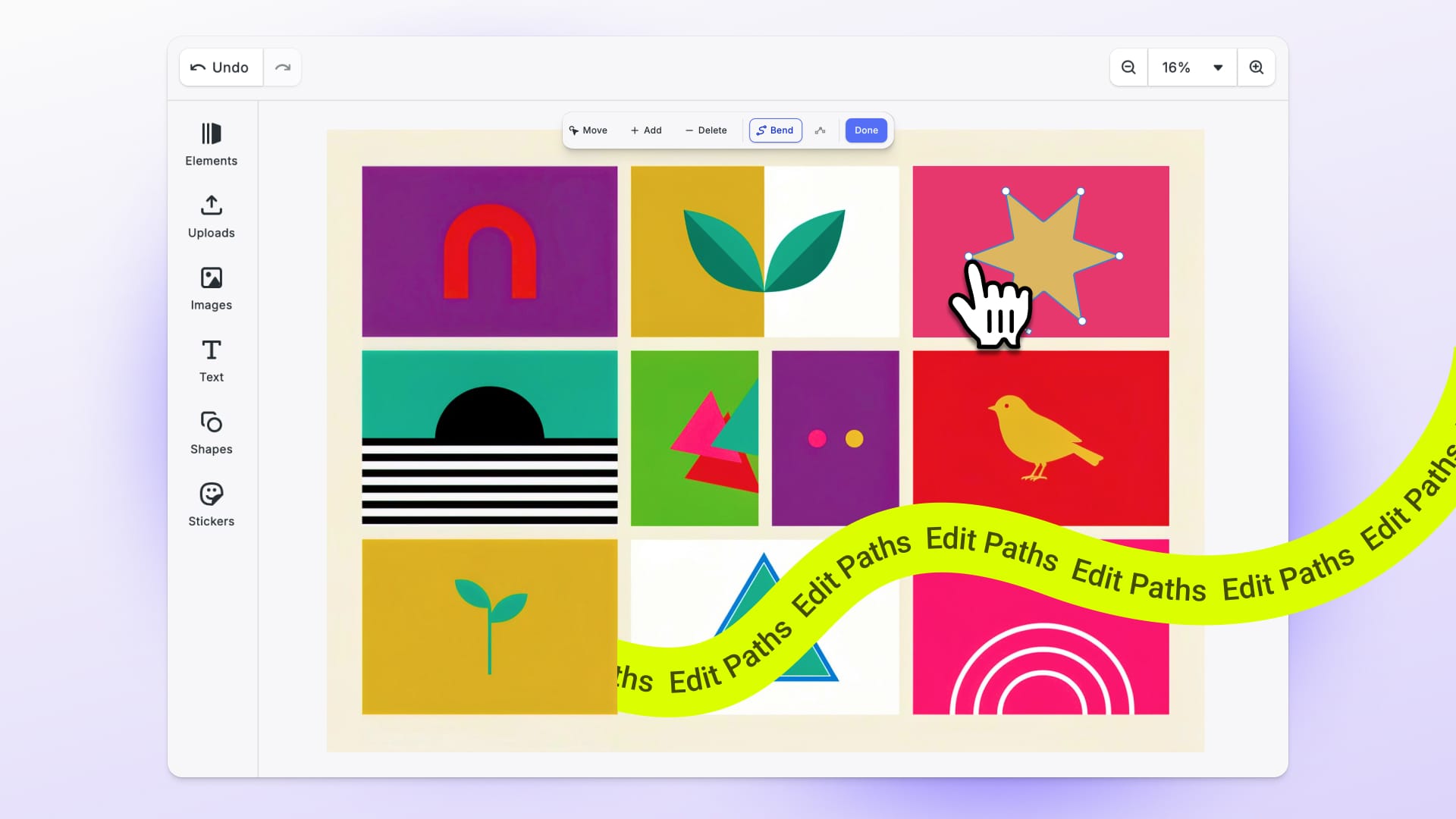
When selecting any element, the canvas menu appears and contains a “more options” drown-down section. It is now fully customizable using the builder API.
You can add, remove, or reorder menu items and include individual actions (flip, copy, paste, etc.).
Get more control over the editor UI, and tailor tools and workflows to your users’ needs.
→ Change Canvas Menu Order Documentation
→ Explore Canvas Menu Documentation
Enhanced Developer Experience
Evaluate CE.SDK Without A License
CE.SDK now allows a null license value, enabling developers to run the editor in evaluation mode more easily.
This simplifies your demo setups, prototyping, and onboarding new developers. No license token is needed during early development stages.
Applies to: Web, iOS, Android, Flutter, React Native. Includes a watermark.
Improvements
Confirm Edits with Enter
Number and text fields in the Web editor now update only when users press Enter or click away. This helps prevent little mistakes and makes editing feel calmer and more intentional.
Full Changelog
See all technical details, including breaking changes, in the v1.64 Changelog.
Thank you for growing with IMG.LY.
Join 3,000+ creative professionals who get early access to new features and updates—subscribe.