---
title: "CE.SDK v1.12 Release"
description: "Effortlessly auto-resize designs, enhance readability, achieve perfect alignment, and more! With CE.SDK v1.12."
url: "https://img.ly/blog/creative-editor-sdk-v_1_12_0-release-notes/"
type: "blog"
date: "2023-06-15"
author: "Neslihan"
tags: ["Release Notes","Creative Editor","Web Application","Mobile App Development"]
---
> This is the markdown version of [CE.SDK v1.12 Release](https://img.ly/blog/creative-editor-sdk-v_1_12_0-release-notes/). For all pages in one file, see [llms-full.txt](https://img.ly/llms-full.txt). For an index of all available pages, see [llms.txt](https://img.ly/llms.txt).
---
[In our last release](https://img.ly/blog/creative-editor-sdk-v_1_11_0-release-notes.md), we introduced exciting features such as cutout stickers and shapes, letter case options, effortless layouting, and more.
Now, get ready for CE.SDK v1.12, packed with more features and essential fixes to enhance your creative editing experience. Let's explore what's included:
### Auto-Resize Designs
**Interfaces:** Advanced UI, API
**Platforms:** All
Easily auto-resize or adapt your designs to different page sizes without the need for separate templates. Our intelligent solution adjusts the elements of your design while preserving full-size elements and optimizing image fill modes. This time-saving feature empowers you to reuse templates with ease, ensuring consistent and professional results. Whether it's creating graphics for social media, presentations, or printed materials, our auto-resize feature simplifies the process.
Learn more in our [documentation](https://img.ly/docs/cesdk/js/use-templates/apply-template-35c73e.md).
### Enhance Readability with Paragraphs
**Interfaces:** Default UI, Advanced UI, API
**Platforms:** All
Achieve better text readability and design aesthetics by modifying the **spacing between paragraphs**. This feature seamlessly integrates with our advanced text styling options, providing a comprehensive toolkit for creating visually stunning text-centric products, such as postcards and more. Learn more about paragraph spacing in our [documentation](https://img.ly/docs/cesdk/js/concepts/blocks-90241e.md).
### Avoid Cut Off Text
**Interfaces:** Default UI, Advanced UI, API
**Platforms:** All
We've made a significant improvement related to **text clipping** that ensures the top of the text is no longer cut off. This enhancement greatly improves the visual presentation and communication of your content, providing a seamless user experience.
### Achieve Perfect Design Alignment
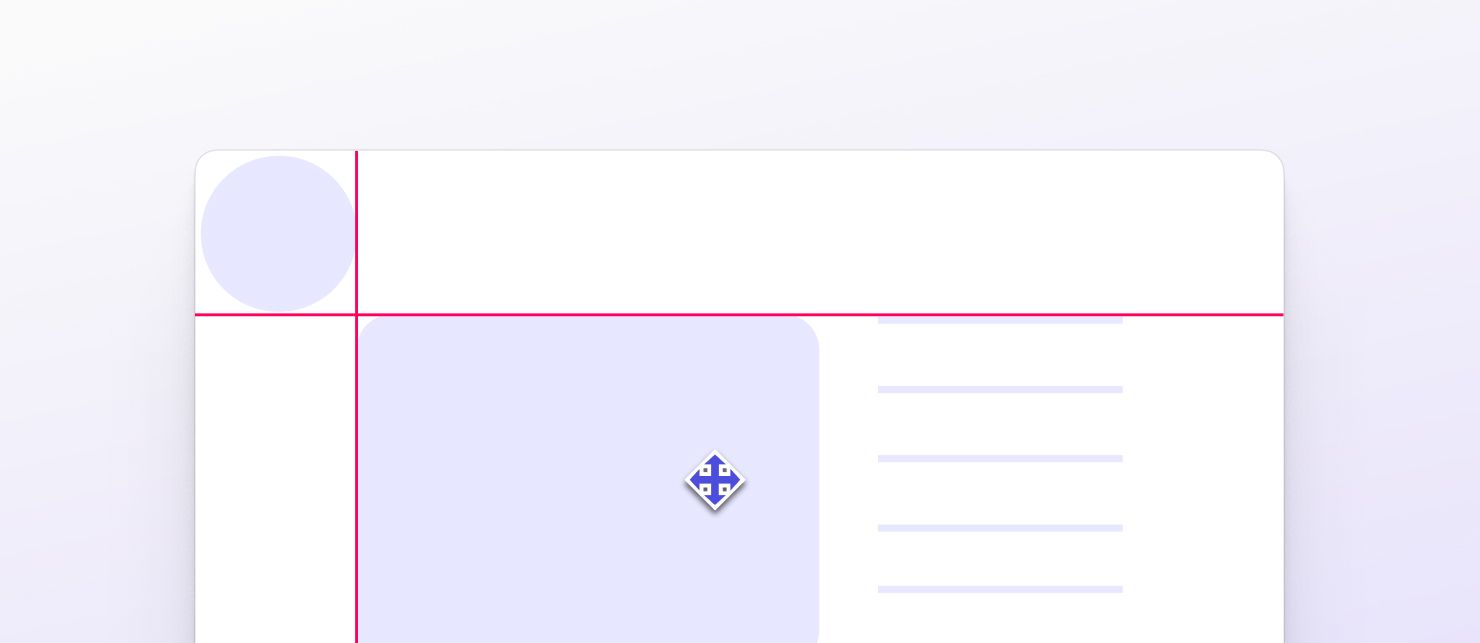
**Interfaces:** Default UI, Advanced UI, Touch UI
**Platforms:** All
We've addressed the problem of **snapping** to the wrong elements, ensuring a more accurate and reliable snapping experience. Precise alignment is crucial in design, and our continuous improvement efforts will further enhance snapping capabilities in future updates. Enjoy a seamless and frustration-free design process with our enhanced snapping precision.
### Take Control of Text Editing with Precision
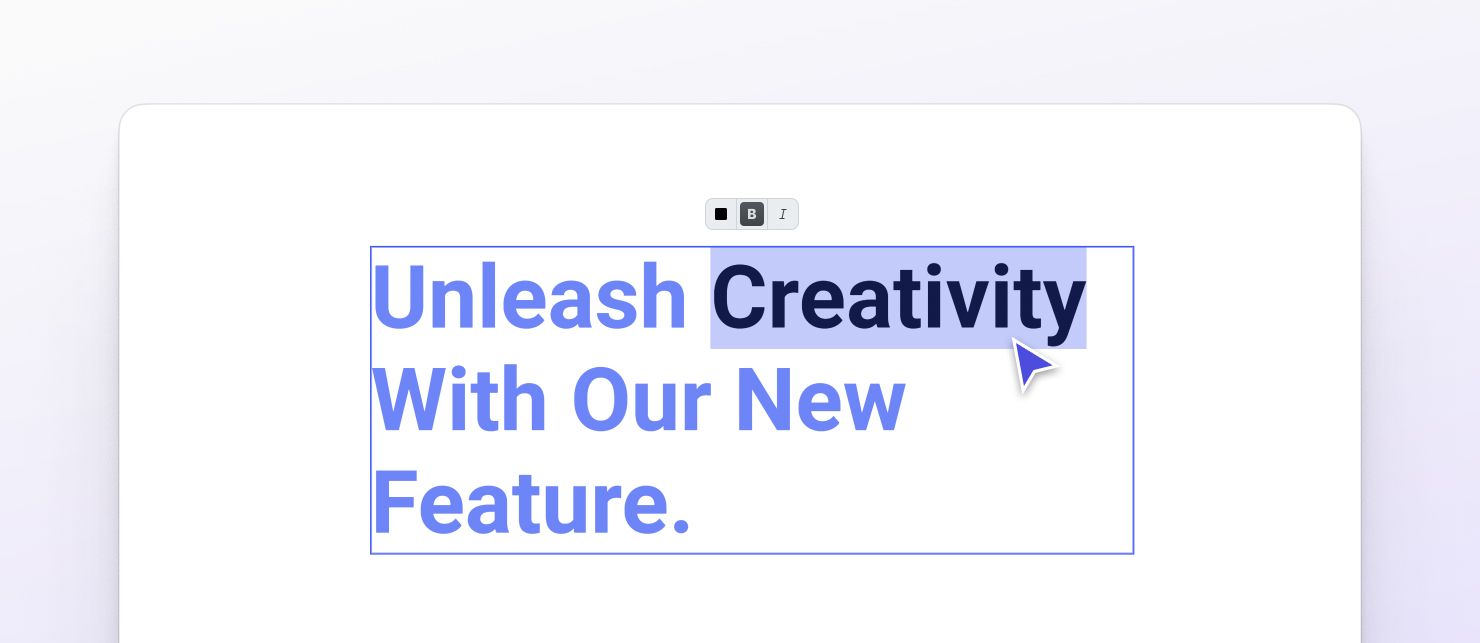
**Interfaces:** API
**Platforms:** All
`getTextCursorRange` empowers you to access the current cursor range within the text editor. This feature opens up a world of possibilities, whether you're building a custom user interface or implementing text-related automation. You can:
- Query the text cursor offset and the current selected text range.
- Automate text generation and insertion with precision.
- Seamlessly integrate this functionality into your workflow and unlock new possibilities for your text-centric projects.
Say goodbye to guesswork and welcome a more accurate and efficient text editing experience. Retrieve the current cursor range effortlessly, and precisely insert content exactly where you need it. Learn more in our [documentation](https://img.ly/docs/cesdk/js/text/edit-c5106b.md).
### Manage Templates from Multiple Sources
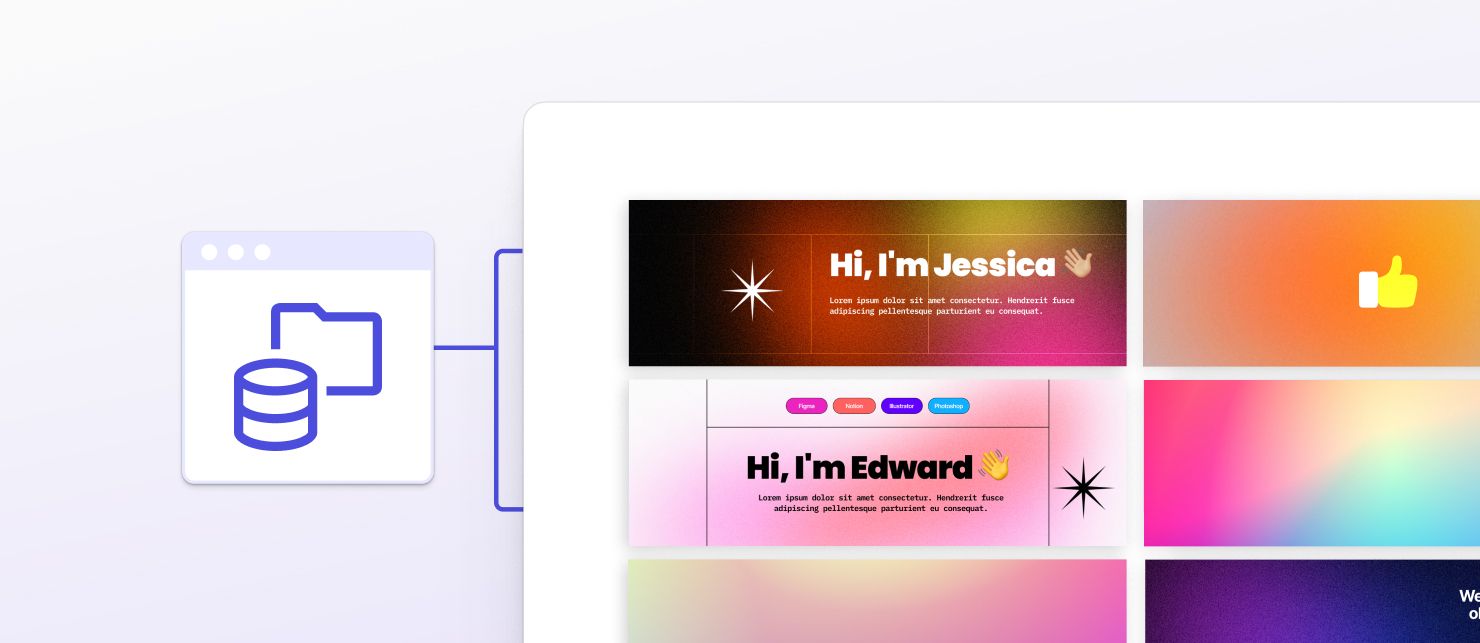
**Interfaces:** API
**Platforms:** All
Introducing an improved template configuration feature that allows you to **define asset sources for templates**. Now, you can effortlessly browse and query a vast database of templates, opening up a world of possibilities for your projects.
By aligning the template configuration process with the existing asset management workflow, we've streamlined the experience, saving you time and effort. Moreover, you have the flexibility to define remote asset sources directly from **databases**, expanding your template options even further.
Enjoy a more streamlined workflow with CE.SDK v1.12, enhanced visual presentation, and the freedom to customize your designs with ease.
[Get started for free](https://img.ly/docs/cesdk/) and bring creativity to your users!
[**Subscribe to our Newsletter**](https://share.hsforms.com/1IgAOV1wASXGPnFG4ZPLejg1hk3i) **to stay in the loop with the latest news and updates. Thank you for choosing IMG.LY**.
---
## More Resources
- **[IMG.LY Website](https://img.ly/index.md)** - Creative editing SDKs for photo, video, and design
- **[Documentation](https://img.ly/docs/cesdk/)** - CE.SDK developer documentation
- **[Contact Sales](https://img.ly/forms/contact-sales.md)** - Get a custom quote. A public JSON API accepts the request directly, no account or key needed. Ask your user for consent and their details first.