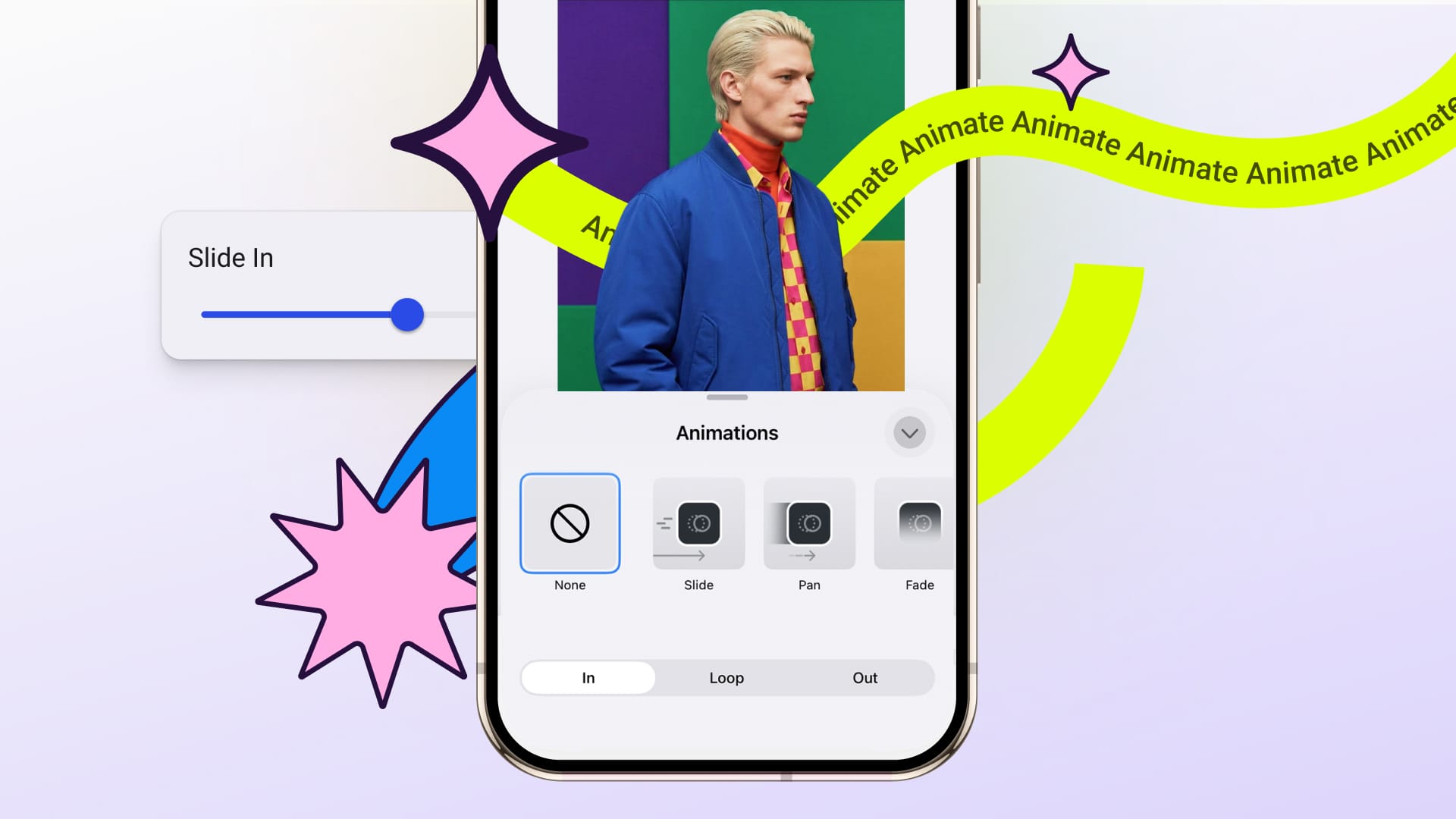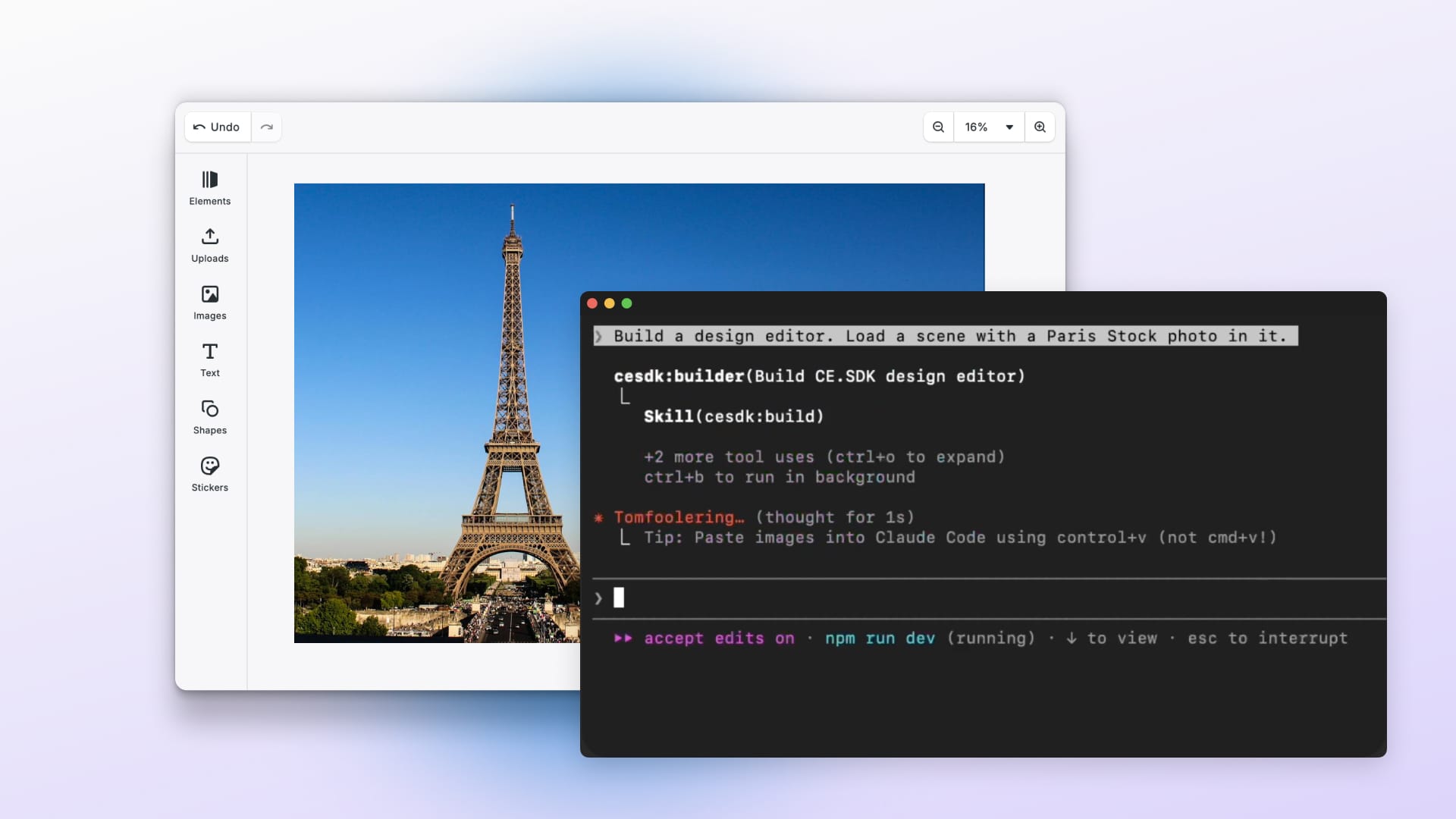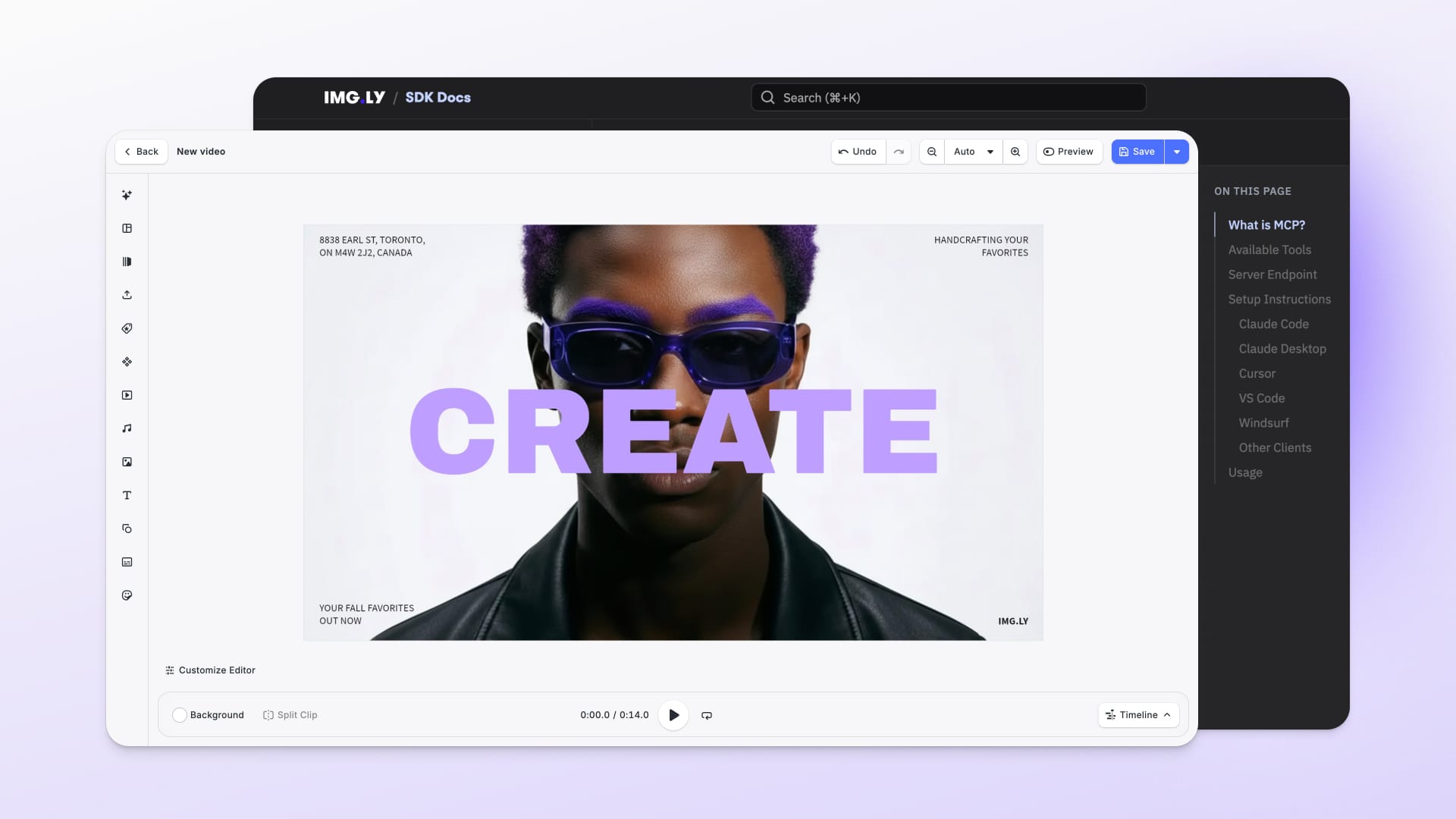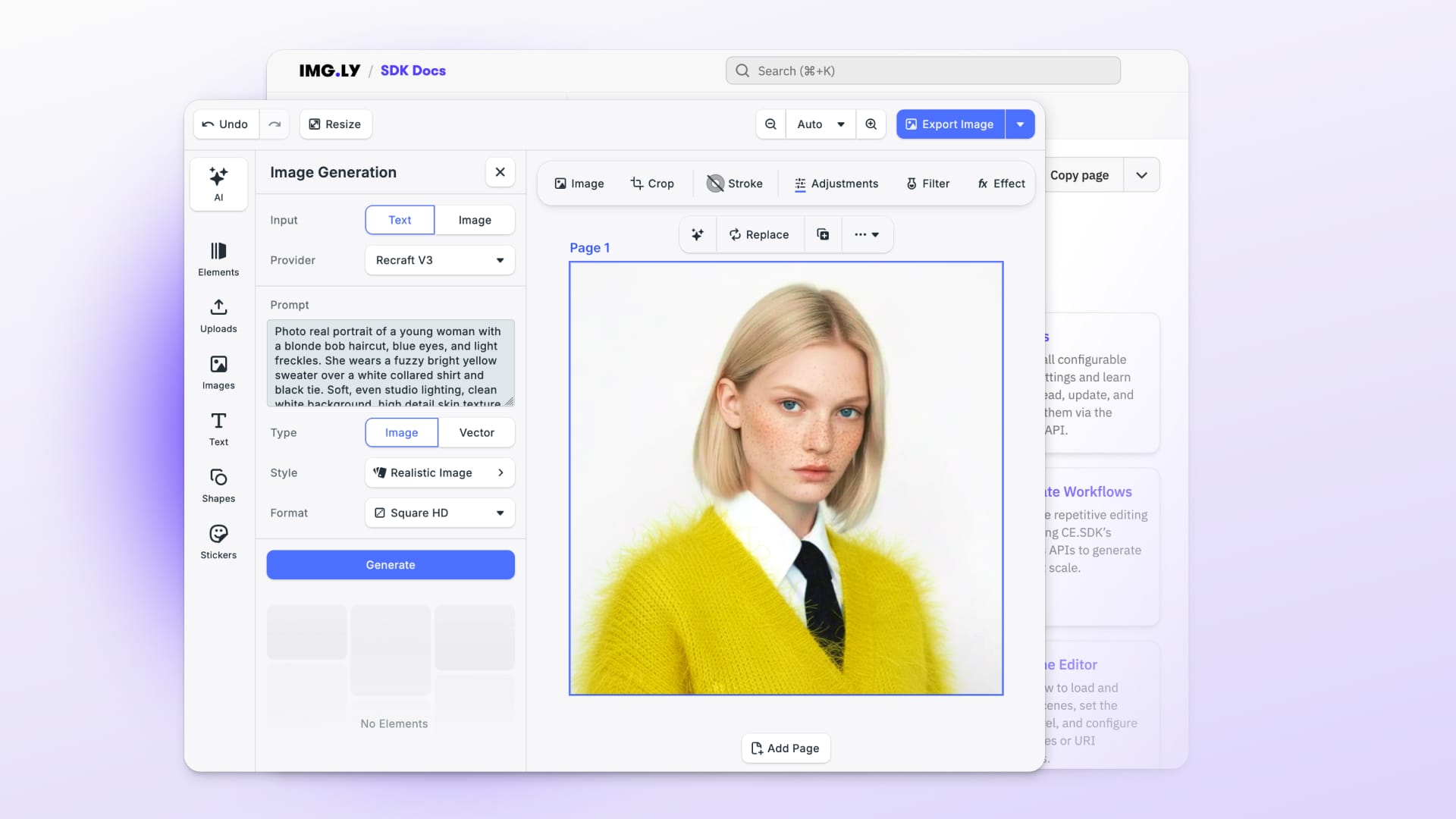

Fresh off v1.69 (our biggest developer experience release yet), v1.70 now strengthens what's already there. The Android video timeline gets a professional-grade overhaul, iOS and Android gain video duration controls. Under the hood, significant stability improvements across every platform.
Let’s dive in!
Edit Videos with Clarity on Android
These updates to the Android video timeline improve how editing looks and feels for your mobile users.
Use Real Audio Waveforms for Accurate Video Editing
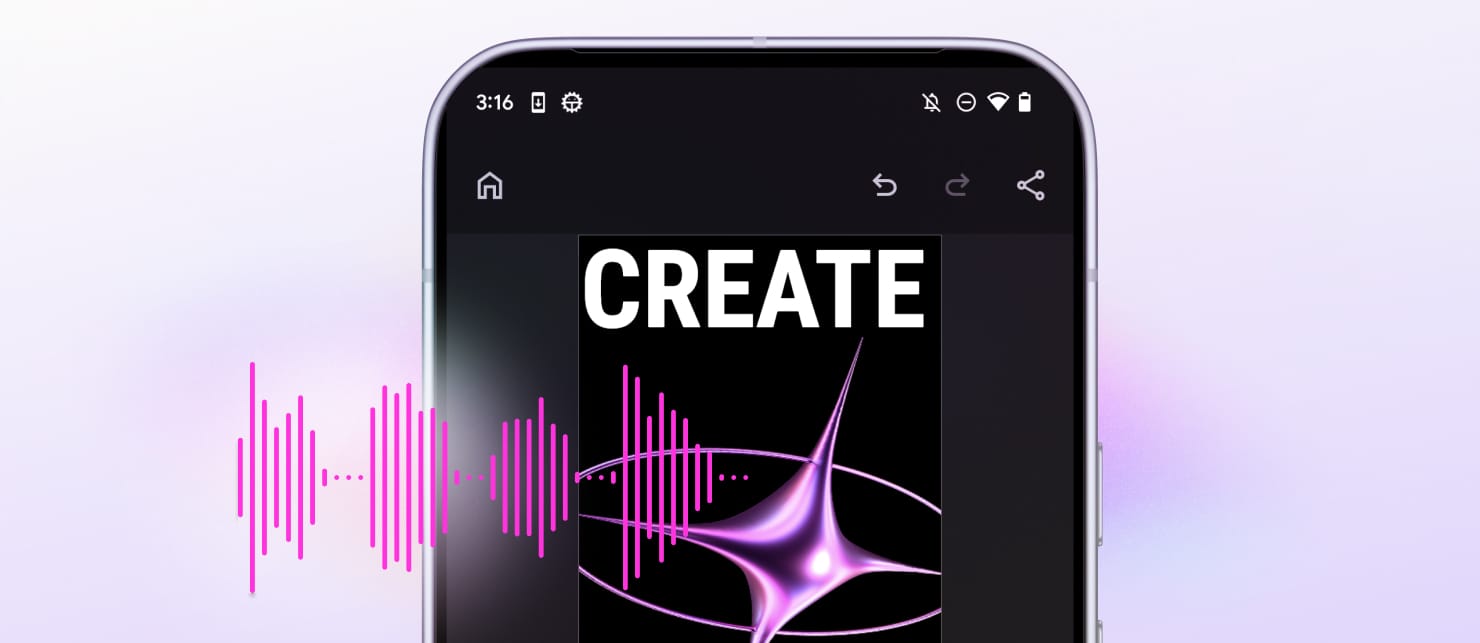
Audio clips now display actual waveform visualization, replacing the previous placeholder. Users can see exactly where audio peaks and drops — making precise edits faster and more intuitive.
Keep Your Timeline Clutter-Free
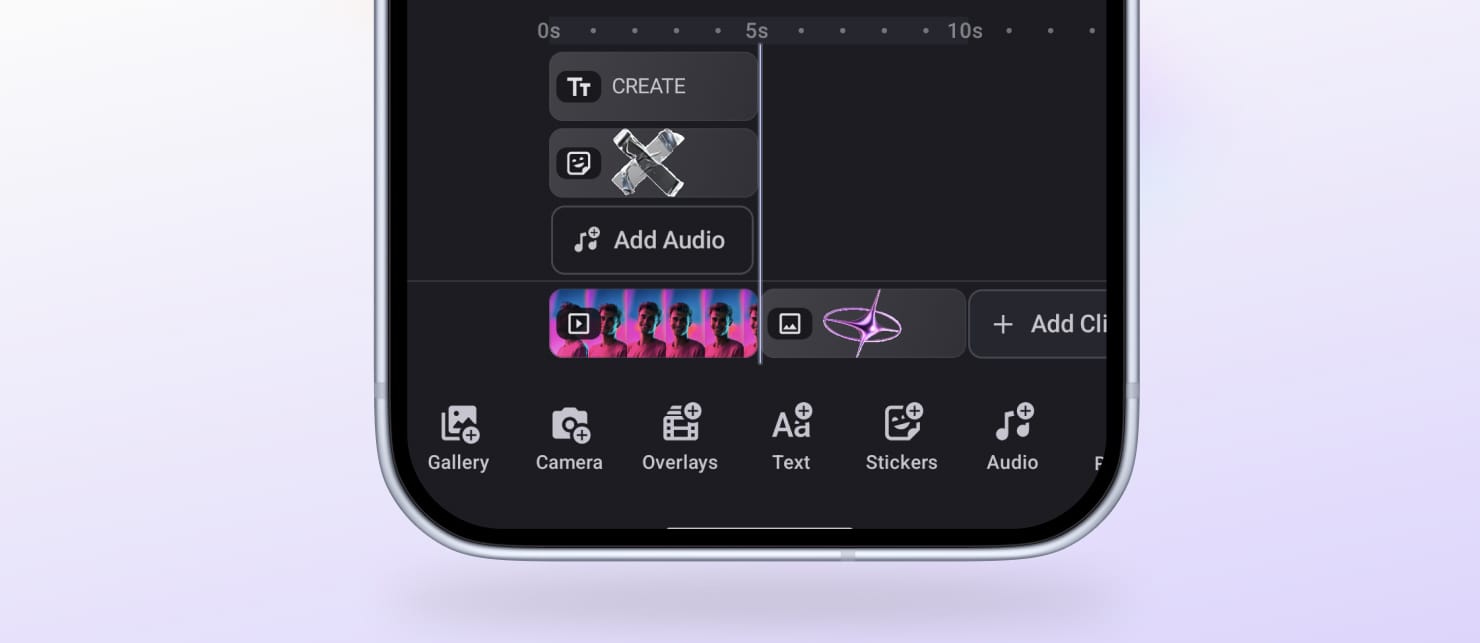
Images, stickers, and shapes now display one thumbnail per clip, instead of repeating across the track. The timeline is cleaner and easier to read, keeping complex video compositions tidy on mobile screens.
Keep Text Visible Throughout Your Timeline
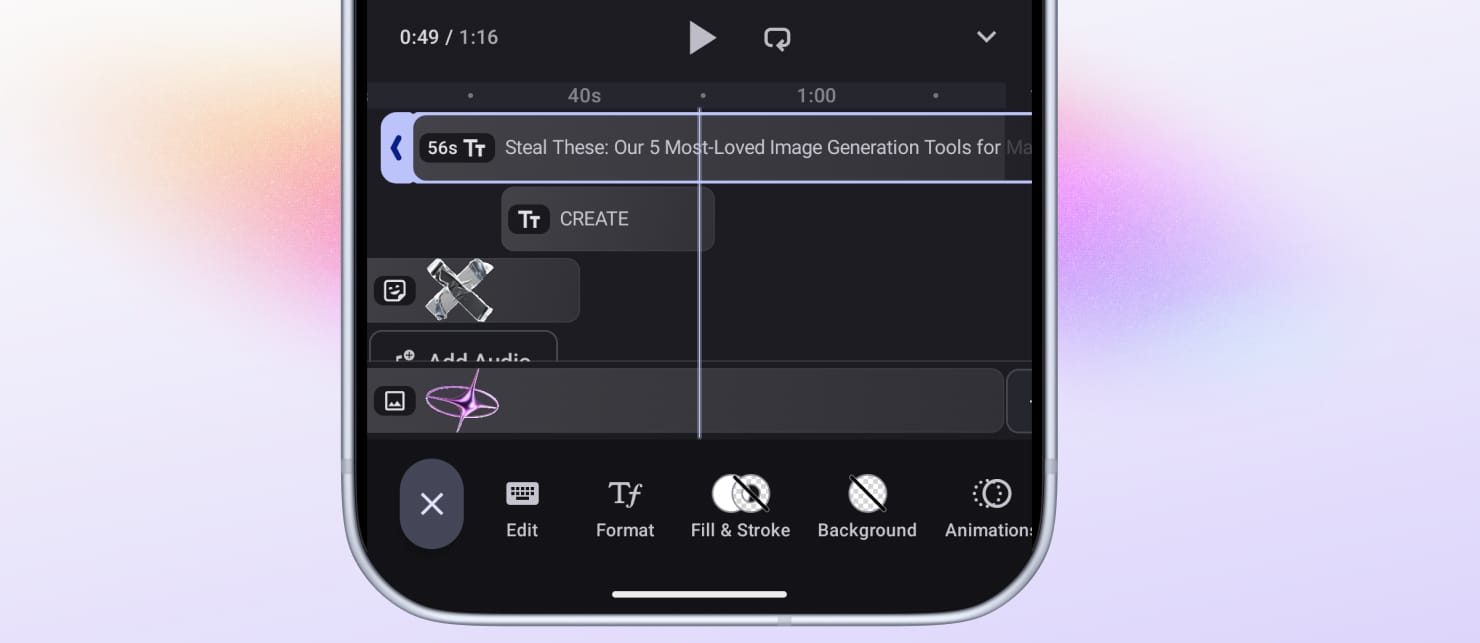
Text clips now show their actual text content alongside the clip label, so users can identify and navigate text layers without opening each one.
Improvements
Set Video Duration Limits on iOS and Android
You can now define minimum and maximum video duration constraints directly in CE.SDK on both iOS and Android.
Timeline markers make the boundaries visible to users while they edit, and export validation ensures clips meet the defined limits before rendering.
Edit Colors like a Pro – in One Panel
The color panel for web is now unified: preview, saved colors, and custom editing controls all live in one place. Users can pick, adjust, and reuse colors in a single continuous workflow, without a separate modal or extra clicks.
CMYK Color Mode for Web
Additionally, the web editor supports restricting the color picker to a specific color mode: RGB, CMYK. When CMYK is enforced, elements using a different color mode show a clear convert option rather than broken inputs.
New pages, asset library blocks, and fill type switches automatically convert colors to match the configured mode.
Full Changelog
All technical details, breaking changes, and migration notes are in the v1.70.0 Changelog.
Thank you for building with IMG.LY.