---
title: "CE.SDK v1.23 Release Notes"
description: "Record videos on iOS with a dual camera, and edit on a timeline. Add editors to mobile apps quickly with UI Packages, and improved Video Editor for Web."
url: "https://img.ly/blog/creative-editor-sdk-v-1-23-0-release-notes/"
type: "blog"
date: "2024-03-28"
author: "Neslihan"
tags: ["Release Notes","CE.SDK","Video Editing","iOS App Development"]
---
> This is the markdown version of [CE.SDK v1.23 Release Notes](https://img.ly/blog/creative-editor-sdk-v-1-23-0-release-notes/). For all pages in one file, see [llms-full.txt](https://img.ly/llms-full.txt). For an index of all available pages, see [llms.txt](https://img.ly/llms.txt).
---
Since our [last release](https://img.ly/blog/creative-editor-sdk-v-1-21-0-release-notes.md), we've been crafting new features to empower your users’ creative journey. In the past month, we have received valuable insight from you in our exclusive Beta testing. Now we are excited to announce CE.SDK v1.23!
## Record and Edit Short-Form Video Content on iOS
Video Content Creation is here! Your users can record videos, blend them with audio, text, and graphics on a timeline. This includes features like countdown timer, and the popular split screen modes for reactions and duets. You may recognize these from Instagram **Reels** or **TikTok**. Making adjustments is straightforward using filters, effects, and adjustment settings.
### Record with a New Camera
Record a video and utilize the **Dual Camera** feature. This allows you to record simultaneously with your front and back camera, producing a split-screen video. Determine when the recording begins using a countdown **timer**.
### Edit on a Timeline
Users can reorder, arrange and split clips on a timeline, and use filters, visual effects, along with other adjustments to modify the **appearance** of clips and images. Add **audio** tracks, image or video **overlays**, format text, integrate stickers, and use tools for cropping, filtering, blurring, and adjusting images and videos. Try recording and editing Video Content with our [Demo App](https://apps.apple.com/de/app/img-ly-design-editor/id1672991141) for iOS.
Get started with our [documentation](https://img.ly/docs/cesdk/ios/starterkits/video-editor-e1nlor.md).
## Quickly Add Editors to Mobile Apps with UI Packages
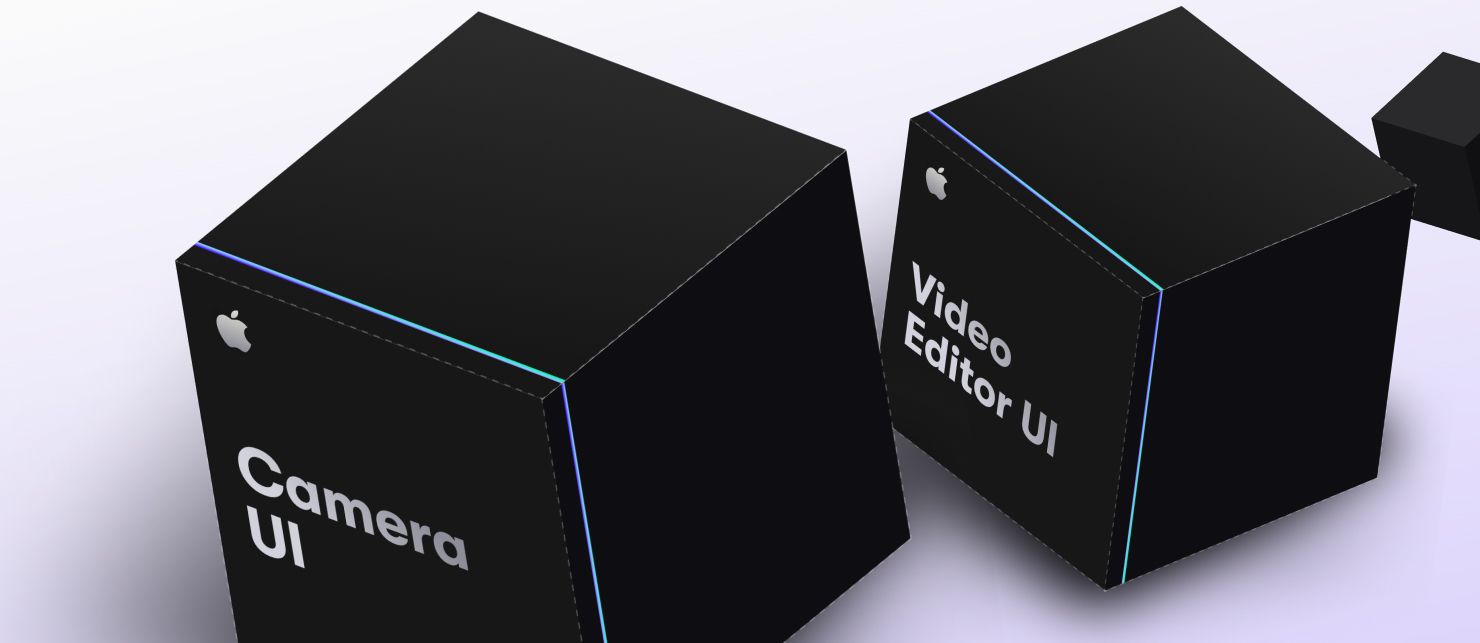
In the past, integrating our editors into your app required developers to manually collect code from our showcases and piece together the UI. This not only demanded effort but also necessitated frequent updates to ensure compatibility with each of our new releases.
To free your time and resources, we are now introducing ready-to-use **UI packages** for **iOS** and **Android**, that bring advanced editors directly to your app. This eliminates the previous labor-intensive process. These packages include a wide range of options, from a fully equipped Video Editor (iOS) and Camera UI (iOS) to specialized examples like an Apparel Editor or Postcard Editor.
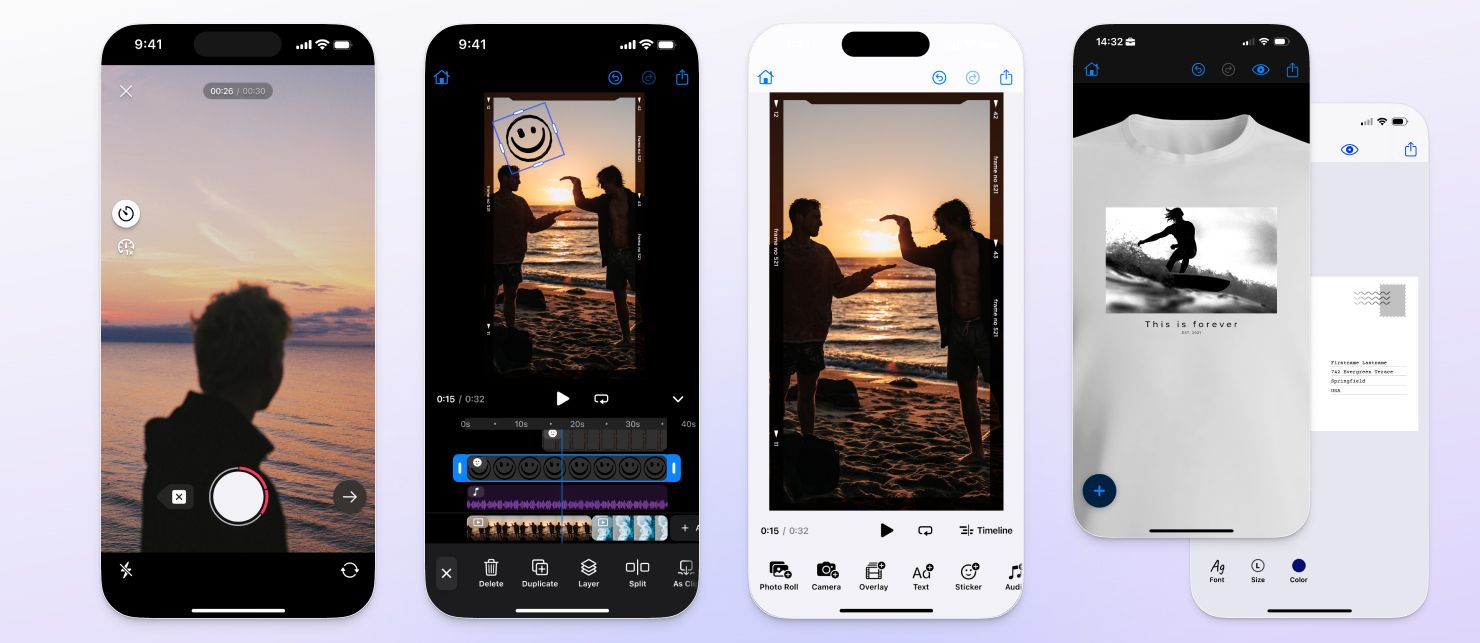
We maintain UI packages for you, ensuring compatibility across devices and development environments. Now, you can immediately start with fully featured editors, staying up-to-date with just a click, and without manual intervention. Get started with our [documentation](https://img.ly/docs/cesdk/ios/get-started/overview-e18f40.md).
## Integrate a User-Friendly Editor
We've made enhancements for a more user-friendly editor setup of CE.SDK.
To enhance **legibility** and perception of our UI elements, we have reworked our **UI colors**, making sure they meet the minimal contrast requirements for an improved experience. Additionally, the active state of settings is now more apparent than it was previously.
Next, libraries and all inspectors open on the same side of our default editor now, instead of on both sides. This reduces mouse travel, saves space, and **streamlines workflows**.
Additionally, you can now **resize** images more easily by dragging from any side, not just using the handles. This same feature is also applicable when cropping your image.
Lastly, elements **stay selected** after grouping or ungrouping. In the past, changing group settings would deselect your elements.
## Integrate A Smooth Video Editor into your App
We recently launched our Video Editor for the Web. Since the release, we significantly **improved the playback performance**, leading to smoother editing and playback.
The **timeline** lets you arrange and edit videos, photos, text, audio, shapes, and stickers. Enhance projects with filters or adjustments, and add a personal touch with customizable audio. Precisely split, trim, and replace elements. Add audio files to make your project stand out. Try editing yourself with our [Showcase for Sales Outreach Videos](https://img.ly/demos/video-ui.md).
_Please note that these release notes also include improvements from v1.22._
**Thanks for reading. Join over 3000 specialists with powerful apps, and** [**subscribe**](https://share.hsforms.com/1IgAOV1wASXGPnFG4ZPLejg1hk3i) **to our newsletter. We keep you in the loop with brand-new features, early access, and updates.**
---
## More Resources
- **[IMG.LY Website](https://img.ly/index.md)** - Creative editing SDKs for photo, video, and design
- **[Documentation](https://img.ly/docs/cesdk/)** - CE.SDK developer documentation
- **[Contact Sales](https://img.ly/forms/contact-sales.md)** - Get a custom quote. A public JSON API accepts the request directly, no account or key needed. Ask your user for consent and their details first.